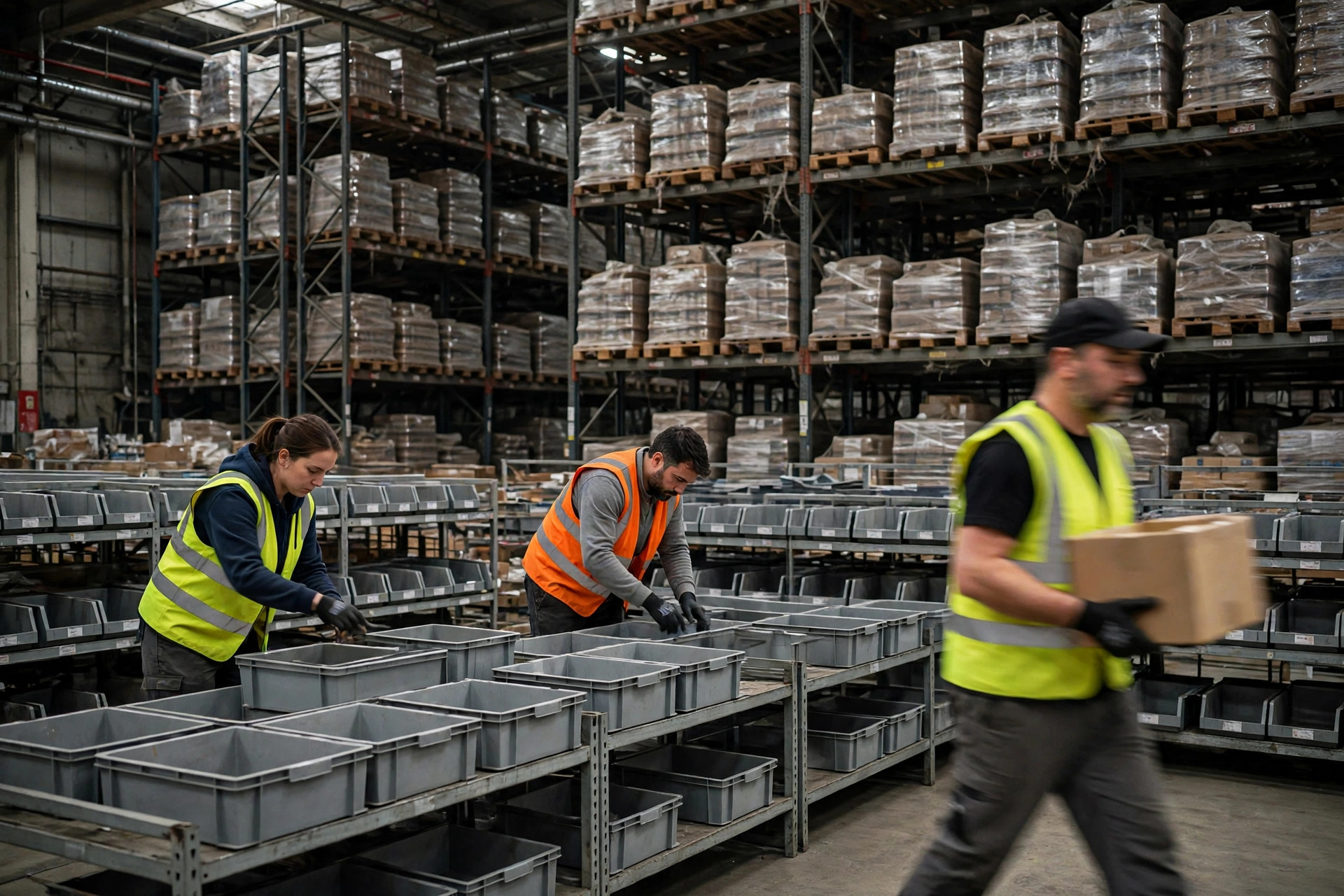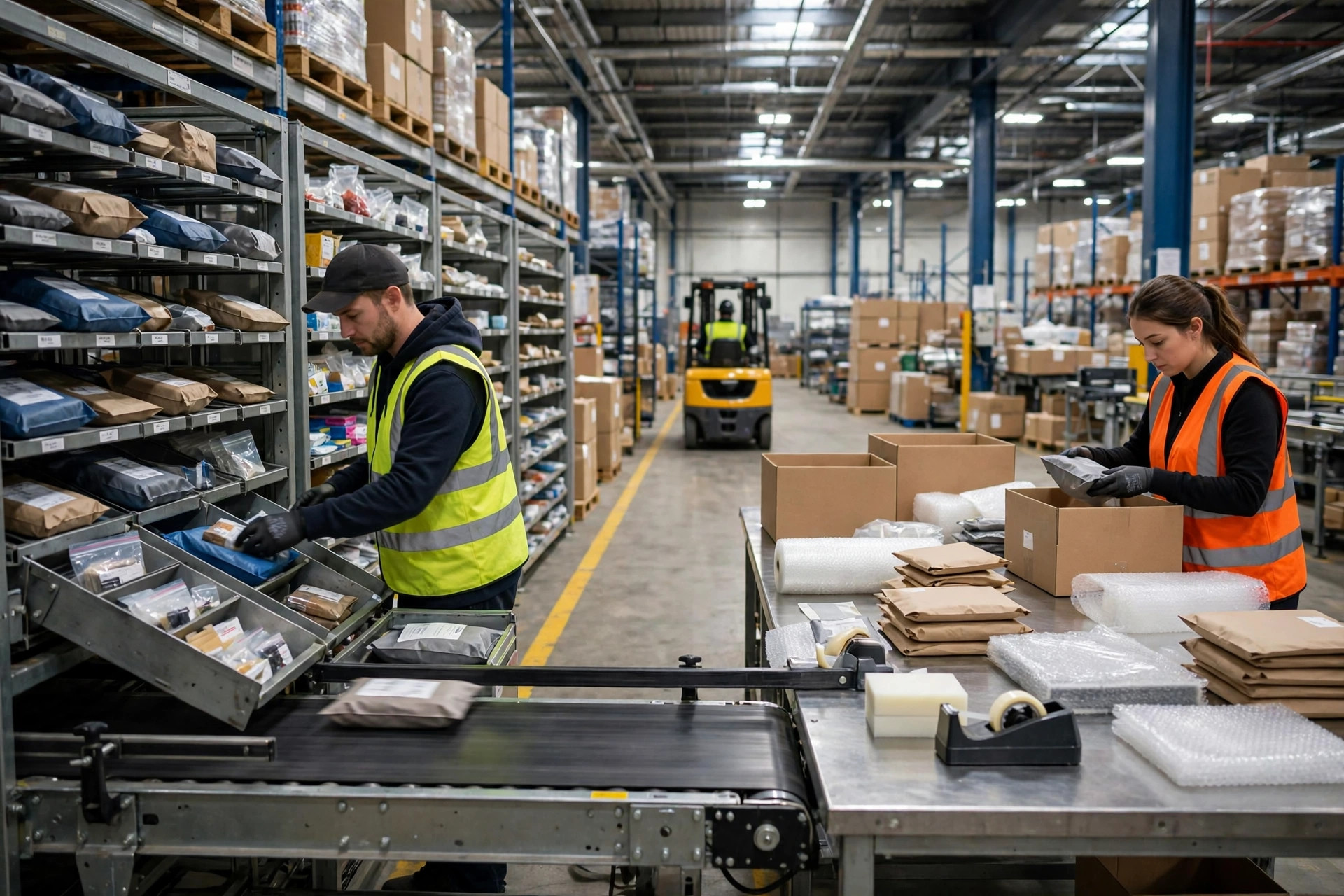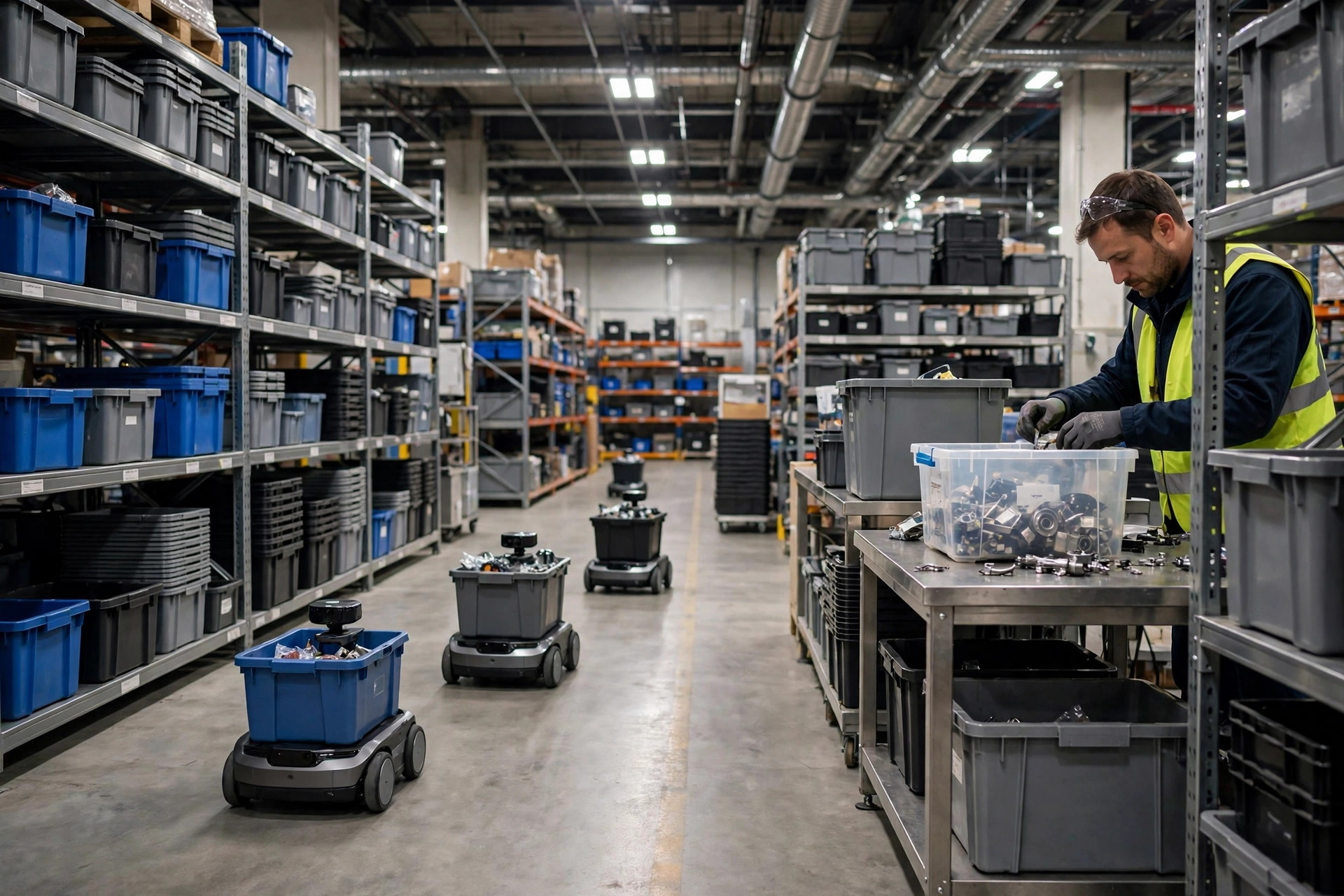
Bottom line up front: when picking feels chaotic, the problem is rarely the pickers. Warehouse order profiling was skipped, so the layout was built on instinct instead of order structure. In November 2024 I walked a 3PL warehouse in Shenzhen during a pre-go-live inspection, and pickers were crisscrossing the floor all day. The site manager blamed headcount and bad travel paths. I asked him to hold off moving any racking and pull the last 90 days of orders first. The picture changed immediately: out of roughly 2,400 orders a day averaging 1.8 lines each, more than 40 SKUs sitting deep in the pick face shipped barely once a week, while the 60 genuinely high-frequency SKUs were scattered across three aisles. Nobody needed to walk faster. The fast movers needed to live closer together.
Why slotting keeps drifting
Most slotting decisions start from a reasonable-sounding idea: put best sellers near the door. That idea works for one SKU and fails for a whole building. An order is not a single product. It has a line count, units per line, weight and cube per unit, and a set of products that tend to appear together. Until those structures are pulled apart, every slotting change is a local patch.
The second trap is confusing sales volume with pick frequency. A SKU can post strong monthly sales from a handful of large orders and still be picked only a few times. Give it a prime pick location and you have handed your best real estate to a low-frequency item. Profiling measures how often a SKU is actually touched, and who it travels with, not just how much of it sold.
What warehouse order profiling pulls from your systems
Start with order-line detail from the WMS and OMS, covering at least 90 days so one full cycle of fluctuation is in the data. Check each field off before any analysis begins, because a missing field leaves a hole in the profile:
- Order number, order date, and channel, so you can split the data by period and channel mix.
- Line number, SKU, and quantity, which give you lines per order, units per line, and pick frequency per SKU.
- Weight and cube per unit, which decide flow rack versus shelving versus floor stack, and how many orders one picker can carry.
- SKUs that appear on the same order, which is the first evidence for placing products next to each other.
- Exception flags: split orders, stockouts, and substitutions marked separately, because mixing them into normal orders distorts the profile.
Clean the data before you trust it. Strip out test orders, internal requisitions, and cancelled orders. I once watched a warehouse count promotional test orders in its frequency ranking, which pushed slow test items to the front of the pick face. The first live day after go-live was spent undoing that mistake.
From segments to slotting choices
A profile is not a report. It is a segmentation, and each segment earns a different slotting decision. Work through these four steps in order, with a concrete output at each step:
- Split by lines per order: single-line orders, small multi-line orders of two to five lines, and large multi-line orders of six lines or more. These three groups are picked differently, so they should never share one slotting logic.
- Rank SKUs by pick frequency inside each group, counting touches over 90 days rather than units sold. Top-ranked SKUs move into the pick face; the rest stay in reserve storage.
- Map co-occurrence: SKUs that regularly appear on the same order form a group and sit in the same aisle or on adjacent racks, cutting cross-zone trips.
- Layer weight and cube on top: heavy items at waist height or below, bulky items in floor locations or wide aisles, light small items in flow racks or divided bins.
The mapping from segment to decision looks like this:
| Order segment | Typical shape | Slotting decision | Picking method |
|---|---|---|---|
| Single-line small orders | Few lines, few units | High-frequency SKUs clustered near the dispatch end | Pick whole order into one tote |
| Small multi-line orders | Moderate lines, clear co-occurrence | Co-occurring SKUs stored as adjacent groups | Pick by order or by group |
| Large multi-line orders | Many lines, wide weight range | Zoned by weight, heavy low and light high | Zone pick, then consolidate |
| Long-tail sporadic orders | Low frequency, irregular lines | Kept in reserve, replenished to the pick face on trigger | Trigger-based replenishment, then pick |
Use that table as a decision test. Before any relocation, ask which segment it serves. If nobody can answer, the racking stays where it is until the profile says otherwise.
How often warehouse order profiling should refresh, and the mistakes that waste it
A profile expires, and how fast depends on how quickly your assortment changes. My rule is a full refresh every month, plus a weekly check of whether the top 50 SKUs by frequency have changed places. Run a separate refresh before a seasonal change, a promotion, or a new category launch. In March 2025, an e-commerce warehouse in Hangzhou launched 120 new SKUs without refreshing its profile. The new range went into deep reserve under the old rules, and pickers walked two extra aisles a day until a review caught that the profile was a year out of date.
Refresh with a full 90-day window every time, not by patching the old result with new weeks. A window that is too short gets dragged around by one promotion; a window that is too long hides a real structural shift. Ninety days is the compromise that holds up in most warehouses I have worked in.
This is the third version of the same three mistakes I keep meeting on projects. The first is profiling without execution: a polished report and an approved relocation list, but the team puts stock back where habit says it belongs. A profile only counts when it becomes a relocation task list with location numbers, verified line by line after the move. The second is profiling at category level instead of SKU level. A report that says "household goods are fast-moving" is useless when only 30 of 200 household SKUs are genuinely frequent; coarse profiles push slow and fast movers to the front door together. The third is confusing this work with pick-path optimization. Path optimization answers how to walk the shortest route through locations that already exist. Profiling decides where stock should live in the first place. Get the locations wrong and the cleverest route only saves distance on a bad layout. The order of work is fixed: profile first, slot second, optimize paths last. When the profile is right, picking stops feeling random, because the building finally matches the orders it actually receives.
By Lin Xiao, WMS Implementation Consultant