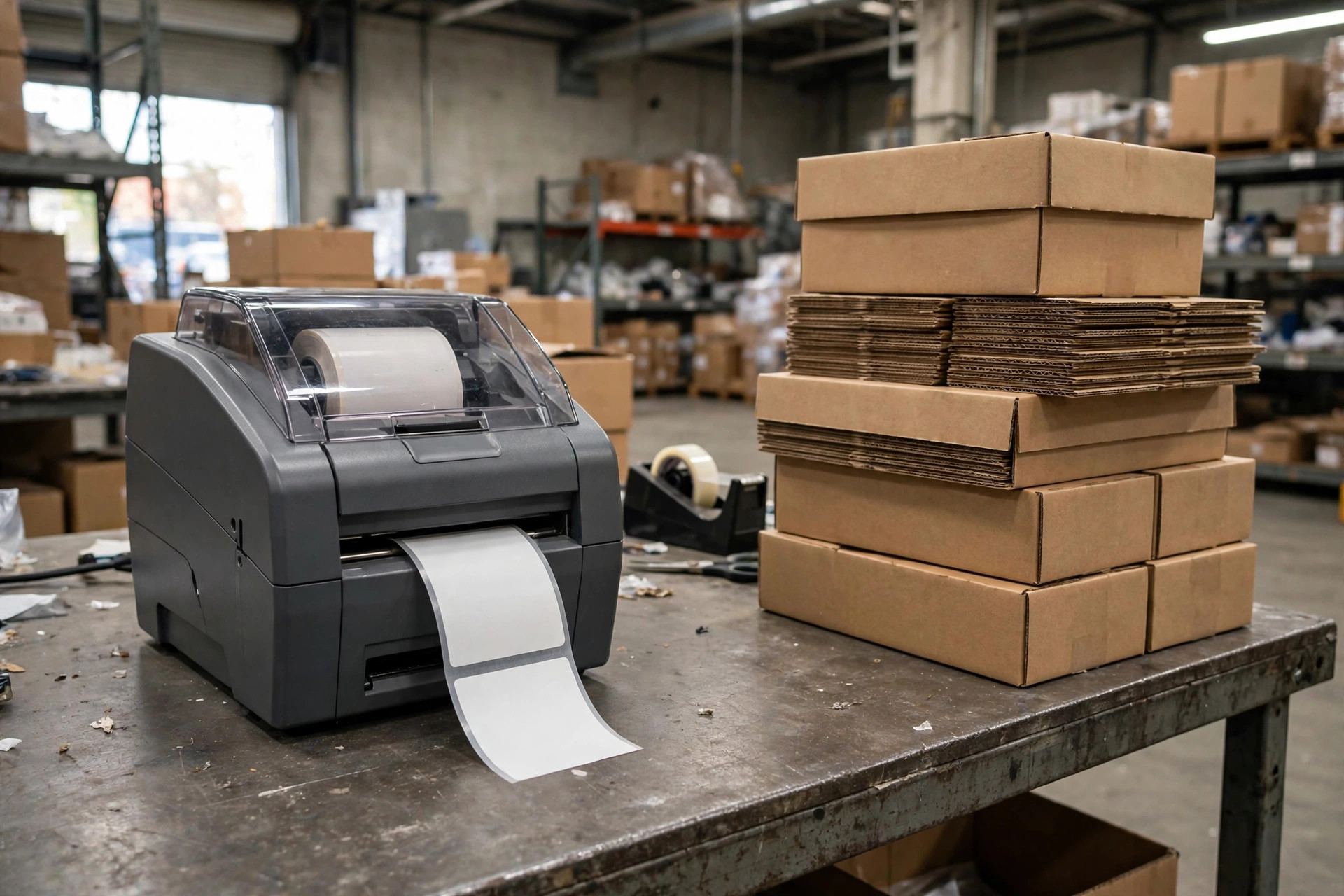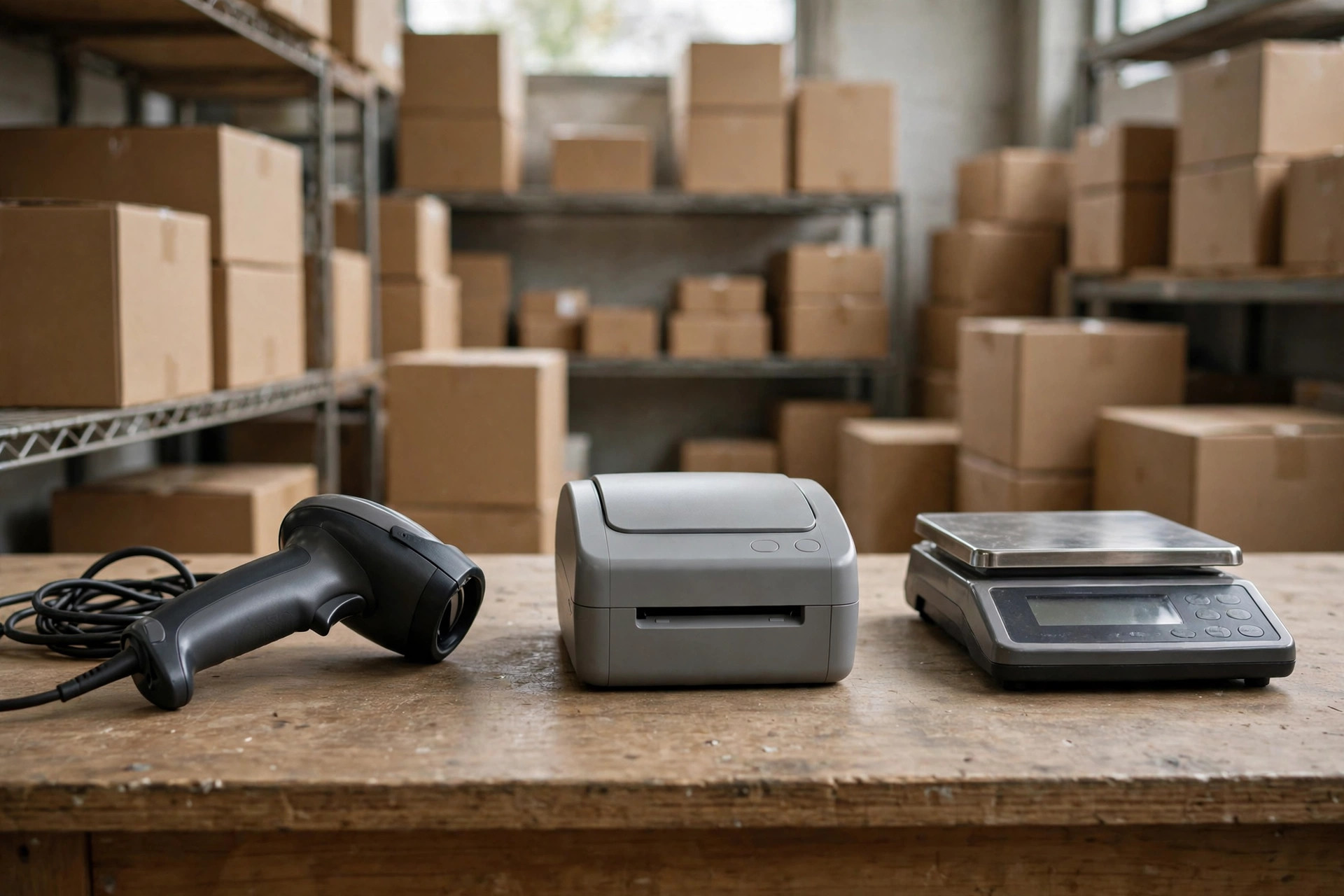
Our warehouse runs on a "holy trinity" of hardware: scanners, a label printer, a floor scale. Before the WMS, they lived in peace. The day the WMS went live, all three went on strike at once — a textbook small-warehouse hardware integration meltdown: the scanner beeped but nothing appeared in the system, labels came out smeared and crooked, and the scale's numbers simply refused to travel. For a while I started each morning paying respects to these three ancestors, checking which one was in a good mood.
Here's the part nobody tells small warehouses: we can't afford an integration vendor. During the sales demo, the rep clicked around and every device connected instantly — smooth as a commercial. The moment we signed, he smiled: "Hardware integration? You'll need a systems integrator for that." The quote nearly knocked me off my chair — five figures. There's no way a warehouse our size can burn that kind of money.
So we went DIY. Below is every pit we've stepped in over two years — symptoms and redneck fixes, one by one. The big-company playbook is out of our league, but these scrappy workarounds saved us real money.
Pitfall #1: The Scanner That Won't Talk to Your WMS
September 2024, right after our WMS go-live. We bought six scanners; the seller promised "driver-free, plug and play." Plugged one into the PC, pointed it at a barcode inside the WMS scan field — nothing. Scanned again — still nothing. The scanner beeped happily, the LED turned green, but not a single character appeared in the system.
We burned a whole afternoon before the almost-funny root cause surfaced: the scanner shipped in "serial emulation mode," while our WMS only understood "keyboard mode" — a scan acting like typed text plus Enter. The data was landing in a virtual serial port nobody listened to. Of course the system saw nothing.
The redneck fix: flip to the manual's last pages, find the "configuration barcodes," and scan "restore factory defaults" then "USB keyboard mode" with the scanner itself. Five minutes per scanner. We did all six in half an hour.
Here's the counterintuitive judgment: nine times out of ten, a hardware integration problem is not a hardware problem — it's a language problem. Scanner speaks keyboard mode, the system needs a cursor waiting in an input box; scanner speaks serial mode, the WMS needs a serial listener. Two sides talking past each other, and even the priciest scanner is useless. Our house rule: before you blame the device, ask — are these two even speaking the same language?
Pitfall #2: The Label Printer Producing Modern Art
March 2025, our label printer started acting possessed. Same batch of labels: fine in the morning, then prints drifted — barcodes sliding off the edge, text overlapping, sometimes a blank label. Our warehouse guy was stomping: "Is this printer dying?"
Not quite. The WMS template said 100mm x 150mm, the roll said 100mm x 150mm — sounds fine, right? Except the roll was bargain-bin stock, and the gap between labels was about 1mm wider than standard. The printer locates each label with a gap sensor; one millimeter off per label means five centimeters off by label fifty. No wonder the print flew off the edge.
Three redneck fixes, cheapest first:
Fix one: most printers have an "auto calibration" button on the panel. Hold it for a few seconds and the machine feeds a few labels to learn the gap positions itself. Free. Try this first.
Fix two: change the paper. Stop buying the cheapest rolls — uneven gaps will drive you insane. We settled on two reliable suppliers, roughly ten percent pricier, and the rework hours saved were worth far more.
Fix three: in the WMS template, turn off "backfeed after print" or nudge the top offset. We rescued a whole cheap roll with a 2mm top offset. Crude, but it worked.
One more mini-pitfall: the driver. A generic Windows driver versus the manufacturer's own can be night and day. We learned the hard way: under the generic driver, barcodes came out fuzzy, the carrier hub couldn't scan them, and over thirty packages bounced back. Reinstalled the OEM driver — peace. Remember: with printers, the driver matters more than the machine.
Pitfall #3: The Scale Whose Numbers Never Arrive
This one nearly broke us. June 2025, we wanted automatic weight capture — parcel on the scale, weight flows into the WMS, no typing. The old serial-port scale supposedly "supported data output."
Result? The WMS never got a single number. A friend who knows serial ports opened a debugging tool, glanced once, and laughed: "The scale is talking. You're just not listening — baud rate mismatch." Scale defaulted to 9600; the WMS side was set to 4800. Different frequencies. Of course nothing got through.
Serial integration has four parameters, and both sides must match on all of them: baud rate, data bits, parity, stop bits. Our redneck debugging: dig out the manual, find "communication parameters" (always near the back), note the factory defaults; then set the same four numbers in the WMS hardware config. The moment we saved, numbers flowed in.
Advanced pitfall: some scales "continuously send" readings several times a second; others are "press to send." If your WMS expects press-to-send and you connect a continuous-send scale, the system drowns and the weight digits dance. We added a "stable value" rule in the WMS: three identical consecutive readings count as one valid weighing. Simple logic — but nobody tells you, so you hit the wall yourself.
The Full Hardware Integration Pitfall List: Tape This to the Warehouse Wall
Here's the consolidated checklist from everything above plus a few extra bruises:
| Symptom | Most likely cause | Redneck fix |
|---|---|---|
| Scanner beeps, WMS shows nothing | Scanner in serial mode, system expecting keyboard input | Scan the "USB keyboard mode" config barcode in the manual |
| Cursor jumps or wrong line break after scan | Scanner suffix setting (Enter/newline/none) wrong | Scan the "add Enter suffix" config code, or change it in WMS |
| Bluetooth scanner drops constantly | 2.4GHz interference, or sleep timer too short | Change channel / move big RF equipment away; lengthen sleep via config code |
| Labels drift further with each print | Uneven label gaps / never calibrated | Hold auto-calibrate; switch to reliable label stock |
| Barcodes fuzzy, unscannable | Generic driver in use | Install the printer manufacturer's own driver |
| Occasional blank labels | Template size vs. actual stock off by 1-2mm | Nudge the offset in the template |
| Scale numbers never reach WMS | Baud rate and friends mismatched | Match the four serial parameters to the manual |
| Weight digits dancing wildly | Continuous-send scale, no stability check | Add "three identical readings = valid" logic |
| USB-to-serial cable doesn't see the scale | Cheap adapter with flaky chipset | Buy a cable with a proper chipset, not the cheapest one |
This table was paid for with real rework money. When something breaks, run down the list — eight times out of ten you'll find your match.
Bluetooth Dropouts: The Most Haunted Pitfall of All
Bluetooth dropouts once had us half-convinced the warehouse was haunted. Late 2024: scanners kept disconnecting mid-shift. Re-pair, fine, drop again in half an hour. Swapped scanners, swapped PCs — no change.
The detective work that cracked it: dropouts only happened in the afternoon — packing rush, when the next workstation fired up a beefy box sealer next to a 2.4GHz wireless camera. Bluetooth fights those devices for the same band. Heavy interference, dropped connections.
Redneck fixes: one, switch to 433MHz models or scanners with their own USB dongle, escaping the 2.4GHz rush hour. Two, lengthen the scanner's sleep timer to cut re-pairing. We spent a few hundred bucks on two dedicated-wireless scanners, and dropouts vanished for good — the packing hours we'd been losing already cost more than that.
Straight Talk for Fellow Small Warehouses
First, before buying any device, ask your WMS vendor for a hardware compatibility list. A vendor with no list will almost certainly leave hardware integration on your shoulders. Get this clear before you sign — not after, like we did.
Second, don't throw away the manuals. More than half our problems were solved by the configuration barcodes and communication parameters in the last pages. The manual beats tech support — support just tells you to reboot.
Third, keep one spare of everything. A broken device isn't the scary part; the scary part is peak season with no device, orders piling up, and the phone ringing off the hook. We now keep one spare per device type. Lesson learned in blood.
Fourth, don't worship the price tag. Our priciest multifunction scale took a month to integrate; the five-year-old basic scale in the corner, with its dead-simple serial protocol, was talking to the WMS in half an hour. Simpler protocol, easier life.
There's no magic here — just the grunt work of getting both sides to speak the same language. Big companies have integrators. We don't. But we have time, patience, and stubbornness. Step in every pit once, and the road gets smooth.
Small warehouses have their own way of surviving.

By Xiao Ma, Small Warehouse Owner