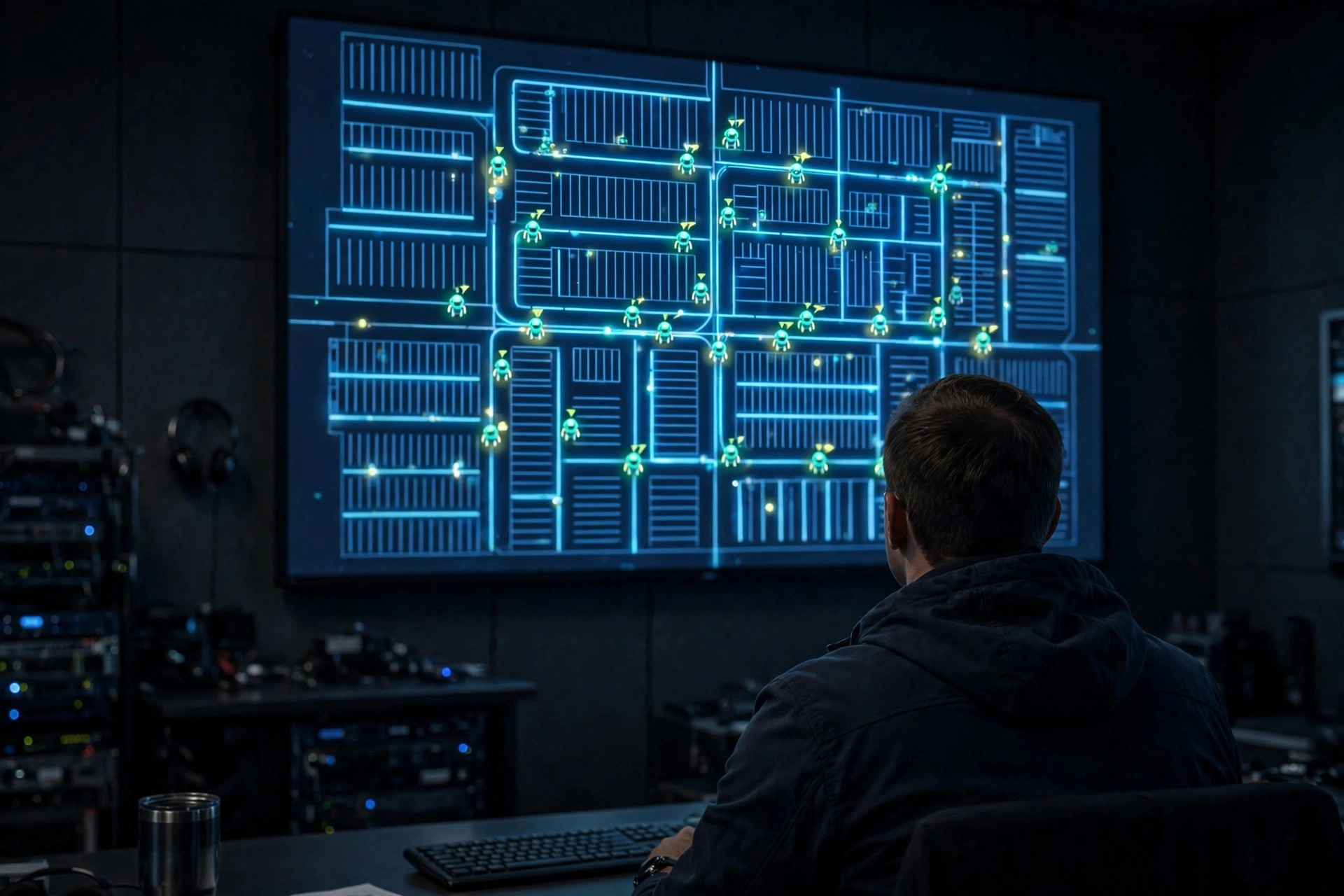
Ask any AMR vendor what happens when the network drops, and watch the room go quiet. The demo always shows the happy path: robots gliding, tasks dispatching, the dashboard glowing green. Nobody demos the 2 a.m. phone call. But I've taken that call, and the difference between a bad night and a disaster was never the robots — it was three settings nobody had thought to configure.
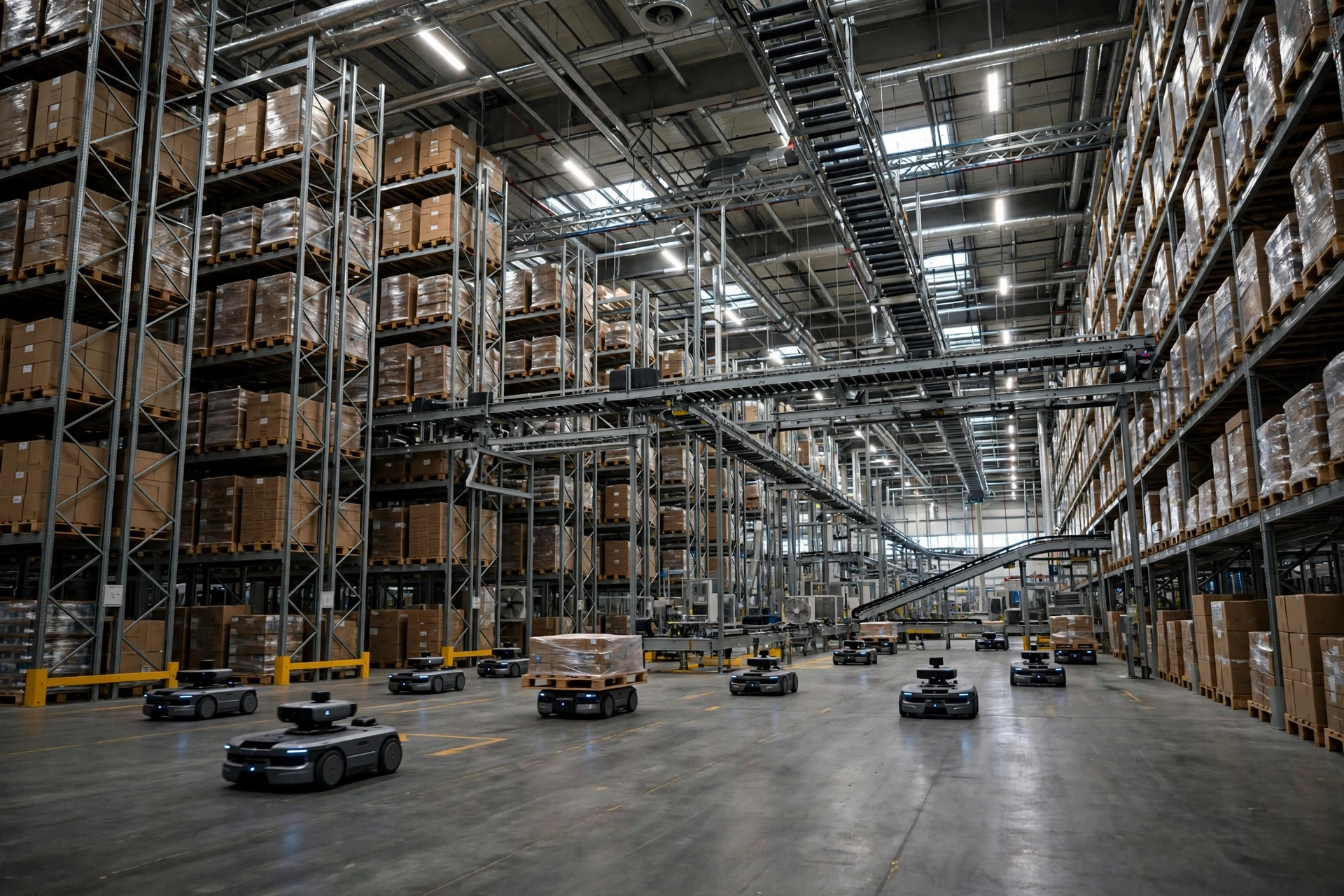
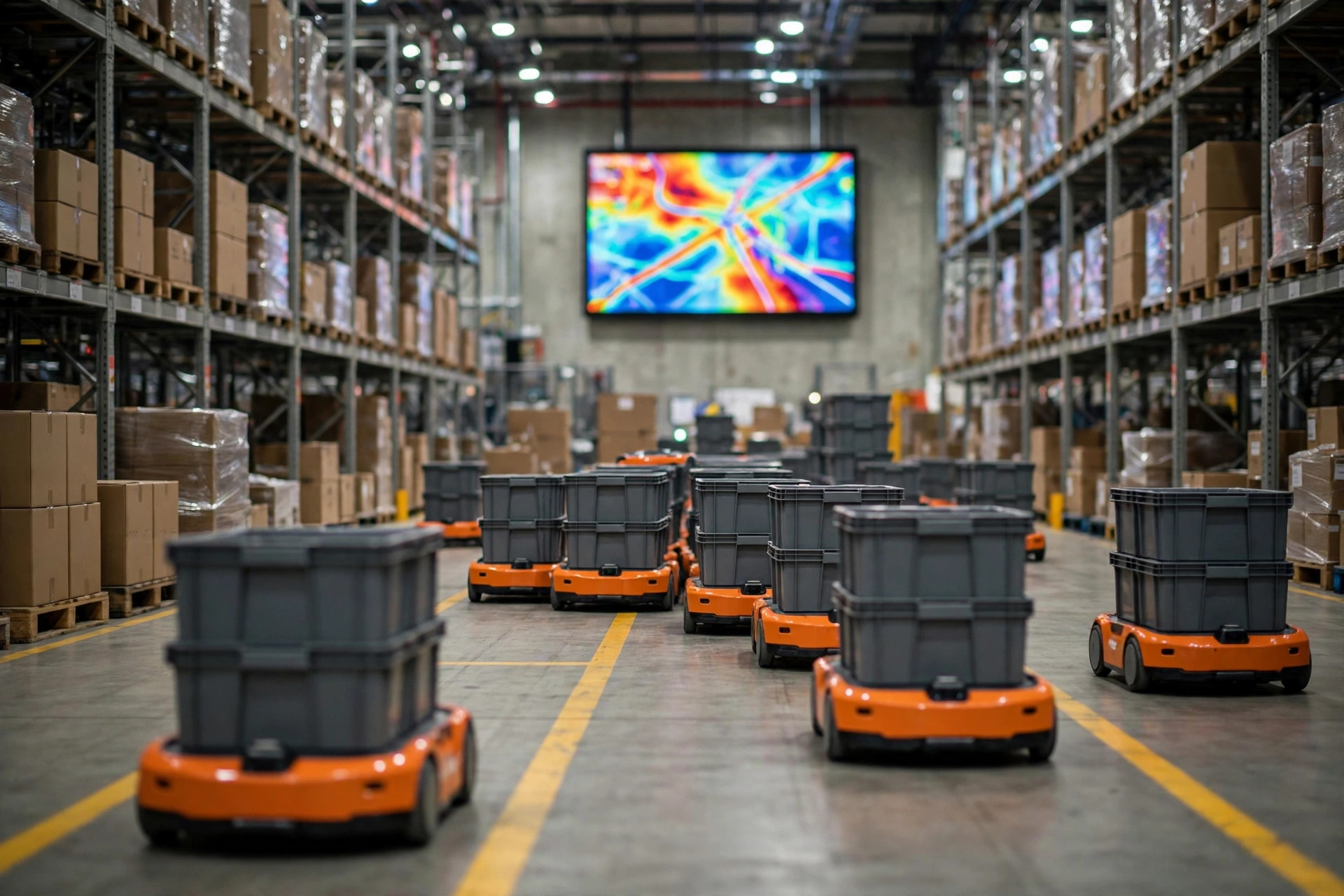
Last winter, a distribution center outside Chicago lost its RCS for about fifteen minutes during a routine switch reboot. Twenty-odd robots froze mid-aisle. The night crew did what untrained people do: they started rebooting robots one by one, which only scrambled the task states further. By the time the network came back, half the fleet showed "offline" and the other half showed "task exception," and it took the better part of two hours to untangle. The robots were fine. The plan was missing.
Here's the uncomfortable truth: the robot-to-RCS link is the brain-to-body link, and every vendor ships different defaults for what the body does when the brain goes silent. If those defaults aren't in your contract, you're buying a surprise.
Nobody Tests the Network Until It Dies
The first setting is loss-of-link behavior: how long without a heartbeat before the robot declares the network dead, and what it does next. Set the timeout too short and every Wi-Fi hiccup triggers a full-floor emergency stop. Set it too long and a genuinely dead network leaves robots driving on stale instructions.
After the timeout, vendors generally offer two philosophies. The conservative one: stop where you are and wait. That fits buildings with mixed human-robot traffic and complex aisles. The aggressive one: switch to local mode, finish the current task from the onboard map cache, then park somewhere out of the way. That sounds smarter, but it has a catch — the local map has to be current. If the RCS had just issued a temporary no-go zone and the robot hadn't synced it before the drop, local mode will drive it straight into a blocked aisle.
My take: mixed-traffic buildings should stop in place; closed, fixed-route production lines can consider local continuation. Either way, degraded speed is non-negotiable — a robot running blind must run slower than usual. Put that in your acceptance criteria, in writing.
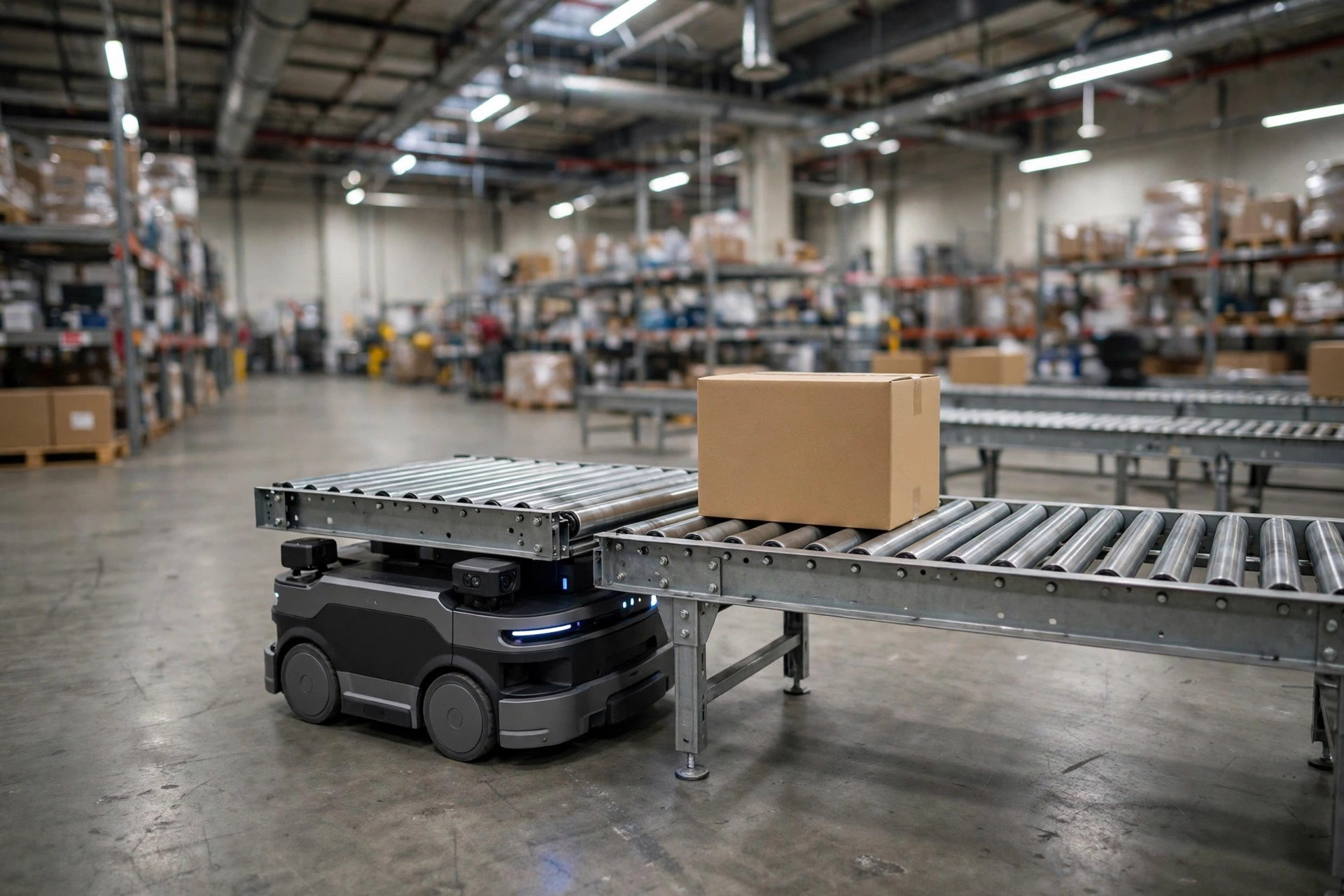
And a word on the network itself: most "outages" aren't dead networks, they're dead spots. A robot roaming between two access points fails the handover, the heartbeat gaps for a few seconds, and the RCS declares it lost. Wire the RCS servers — don't make them fight the robots for Wi-Fi. Build redundancy into AP coverage, and check the corners and the backs of tall racks. Before go-live, drive the fleet around the whole building for a roaming test and fix the weak spots first. That beats tuning timeouts afterward by a mile.
The Three Settings Buried in Your Contract
The second setting is the task queue: what the robot remembers, and who wins the argument when the network returns. Onboard, a robot typically caches its current task plus one or two queued tasks — cache depth varies by vendor. Shallow cache means a drop longer than a few minutes wipes the task list, and the RCS has to re-dispatch everything after recovery. Deep cache means the robot keeps working from memory a while longer.
The real trap is the reunion moment. The RCS wakes up remembering the world as it was before the drop; the robots hold the work they did during the drop. Some systems reconcile robot-side — the robot reports, the RCS accepts, tasks resume where they stopped. Others reconcile RCS-side — everything from the outage window is voided and re-dispatched. In that second design, the pallet a robot already delivered to the line shows up as "not delivered," and the system sends another one. Double delivery, two pallets at the line, and an argument about whose fault it is.
So before you sign: when the network recovers, whose task state wins, and how are duplicate executions deduplicated? Get both answers into a contract appendix. During selection, don't just watch the happy-path demo — ask the vendor to demo a five-minute network drop and recovery, and watch whether the reconciliation logic holds together. Hesitation at that demo tells you everything.
The third setting is manual takeover: who is allowed to switch a robot to manual, how, and what happens after. When the outage drags on, someone on the floor will always think "I'll just drive it myself." Without a rule, you get three shifts doing three different things — pushing robots, power-cycling them, yanking batteries. I watched exactly that once: after recovery, nobody could tell which robots were mid-task and which were just lost, because humans had touched half the fleet.
The fix is boring and essential: name one outage commander per shift, usually the shift lead. Nobody else touches a robot — no manual moves, no power cycles. After recovery, the commander walks a checklist, confirms each robot's state, and only then issues the resume command. Write it into the operating manual and teach it in onboarding. And keep the privilege tight: manual-mode authority goes to leads, not everyone. Operators need visibility into status, not the keys.
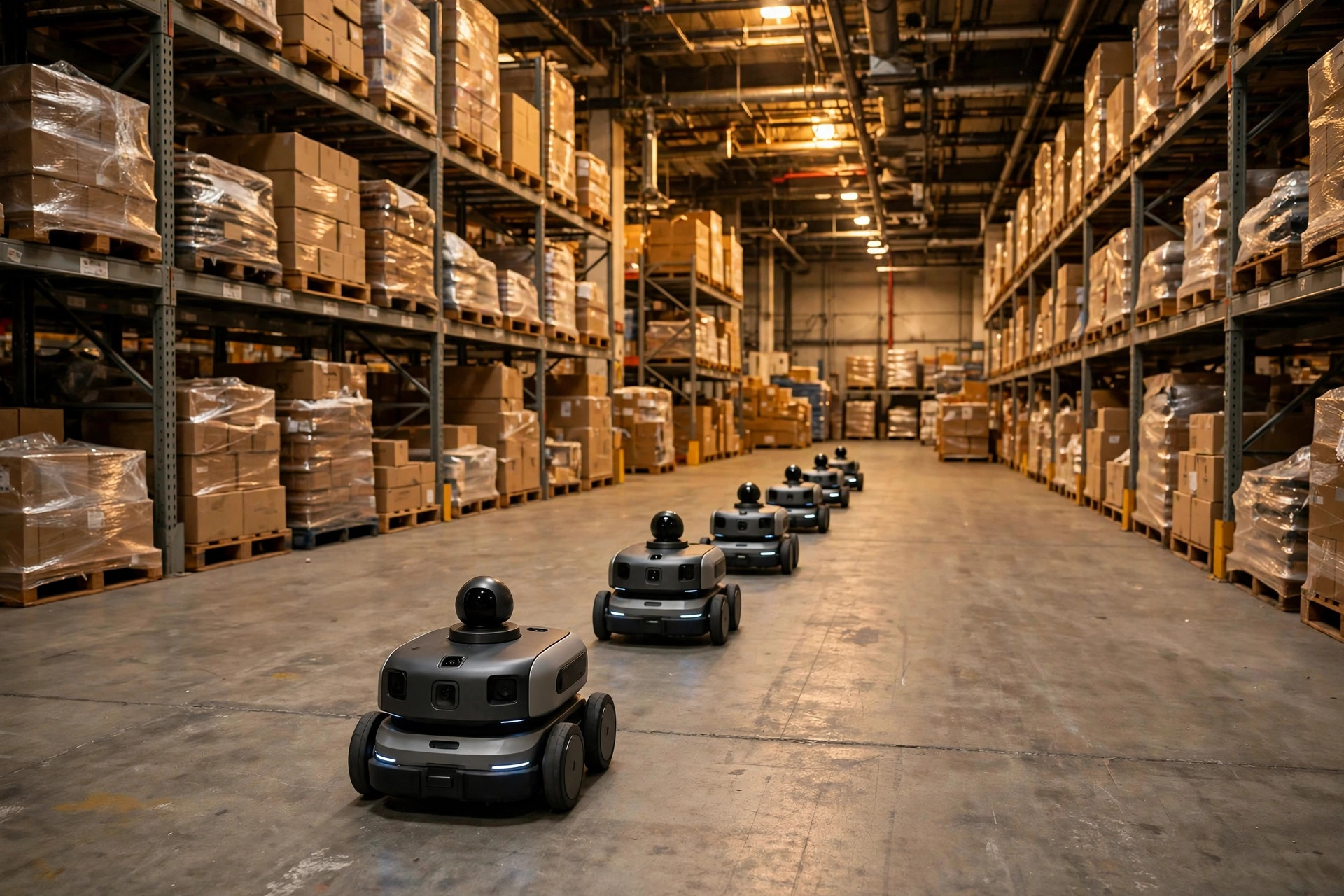
Which brings me to the acceptance test that matters most. On go-live week, pull the plug for real — not a slide deck, not a lab demo, but the actual network cable, in your actual building, during actual production. Watch every robot: how many seconds to declare the loss, stop or continue, how far it goes, whether tasks reconcile on recovery, whether anything gets double-dispatched. Write it all down. That document is the first draft of your outage playbook.
Then do it quarterly, like a fire drill. Network gear ages, the RCS gets upgraded, robot firmware changes — any of them can silently flip a default. Pick a low-production window, pull the cable for ten minutes, and confirm the playbook still works.
An outage isn't the disaster. Discovering your failover plan for the first time during peak season is. Rehearse it before you need it, and the 2 a.m. calls get a lot shorter.