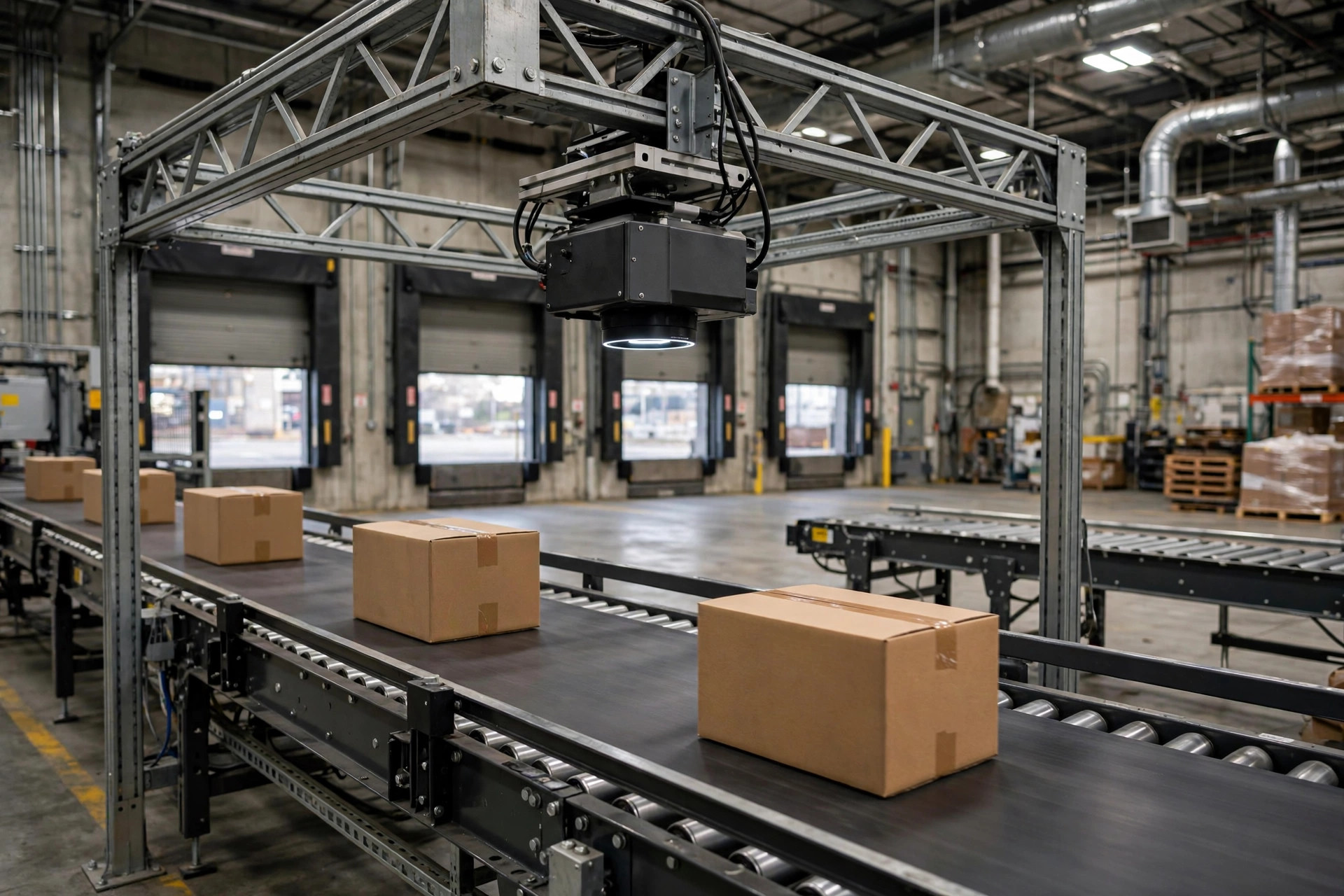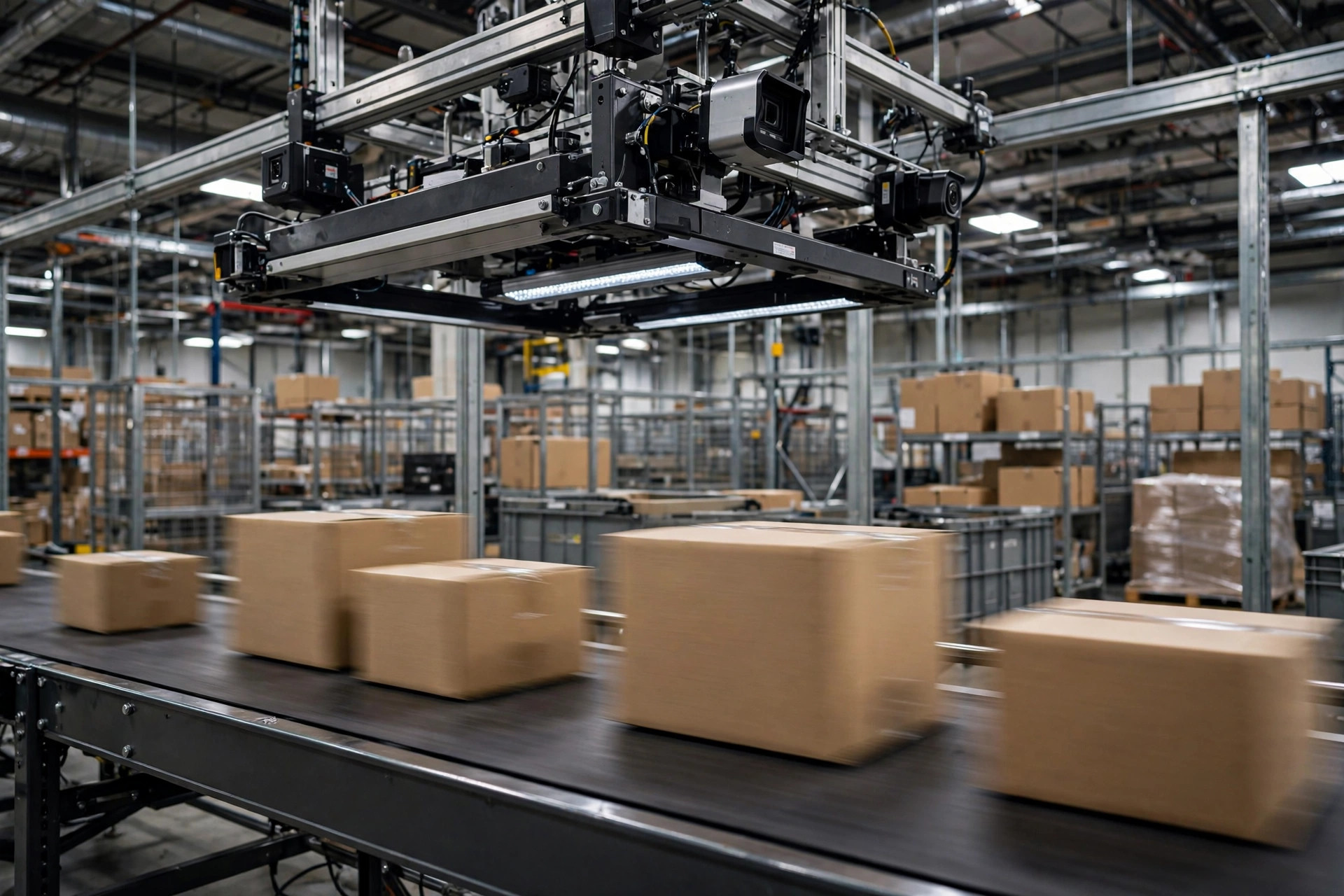
Let's start with the money.
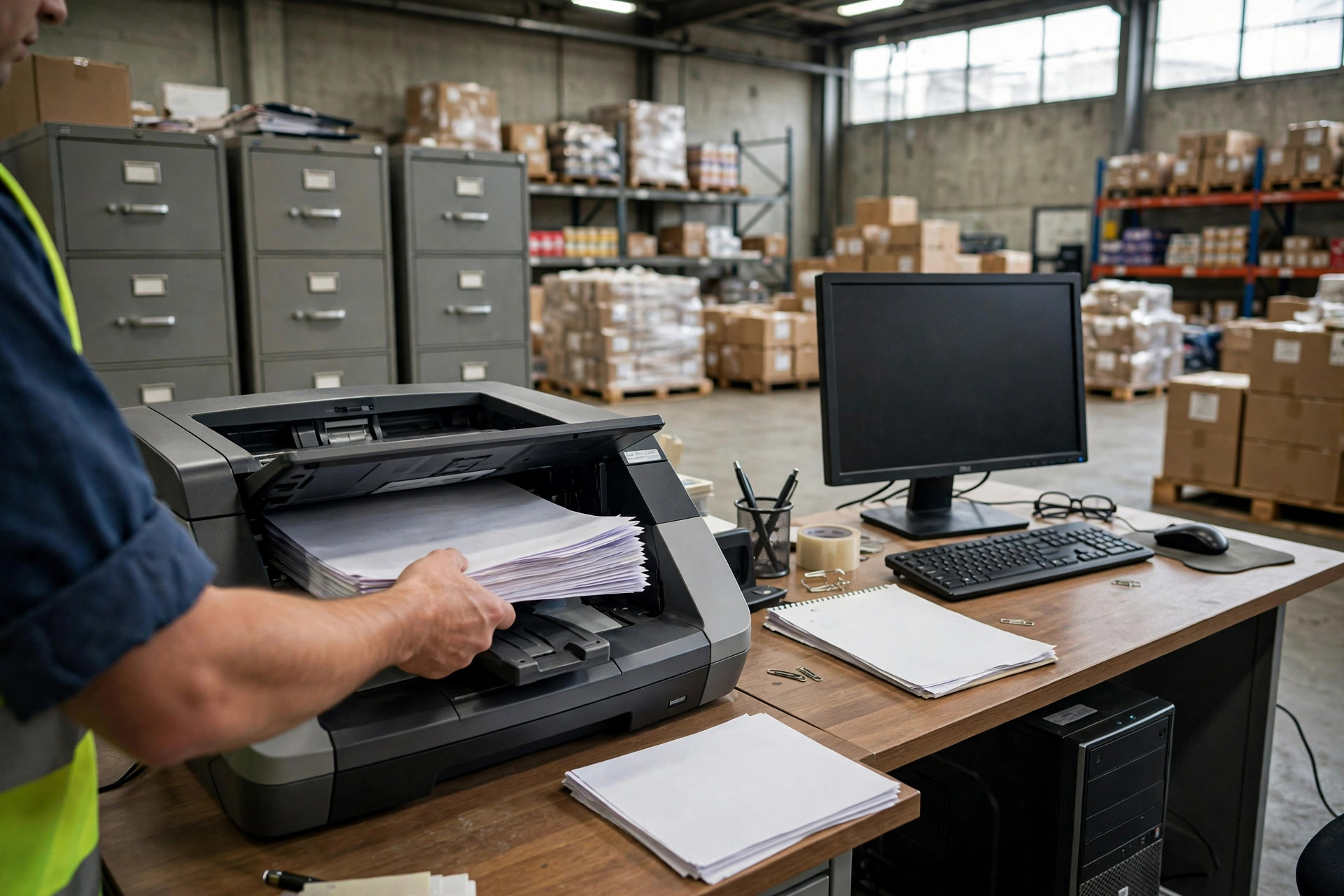
Say you run a mid-sized import warehouse processing about 400 document sets a month. Every bill of lading, every packing list, every commercial invoice — Two clerks do nothing but key the data in. In the Inland Empire, that role was hiring at roughly $20 to $24 an hour through 2025 and into 2026. Two clerks, loaded cost, run you something like $90,000 to $110,000 a year. That excludes overtime in peak season, turnover, training — and the amendment fees and demurrage when someone keys in the wrong container number.
Then a vendor tells you: AI document capture, 95 to 99% ocr bill of lading accuracy, a few thousand dollars a year in subscription, and you can cut one clerk. Tempting. But don't sign yet. This piece is about the question everyone is really searching: how accurate is OCR on bills of lading — and more importantly, whether the money is worth it.
Where the 95-99% number comes from
I went through the public materials of several AI document-capture vendors (no names — this isn't sponsored content). Their pitch is nearly identical: 95 to 99% field-extraction accuracy on bills of lading, versus about 80% for legacy OCR.
Here's my verdict: both numbers are probably true, and neither one applies to you.
Because "accuracy" in this business is a definable metric. Which fields were measured? The big printed vessel name, or the tiny container and seal numbers? Was the test set clean PDF e-bills, or paper scans with a driver's handwritten weight corrections? The vendor's 95 to 99% was measured on the former. Your warehouse deals with the latter every day.
In 2024 I helped a friend who runs a cross-border trucking operation evaluate one of these systems. Clean original bills of lading? Beautiful — nearly every field correct. Then three things broke it: a driver handwriting a quantity change on the bill, a packing list exported from Excel to PDF with shifted table lines, an invoice with thousand-separator commas in the amounts. Sales said 98% accuracy. In his test, about six in ten documents went straight into the system untouched. The other four still needed a human.
So rule one: never pay for the vendor's accuracy number. Pay for the accuracy number measured on your own documents. Take your ugliest 100 document sets from the last three months and test on those. Then talk price. It's the cheapest move in the whole procurement process — free — and nine out of ten buyers skip it.
The real cost comparison: three options side by side
A warehouse really has three options for document digitization. Here's the cost structure for 400 sets a month:
| Cost item | Manual entry | Legacy OCR + human review | AI capture + low-confidence review |
|---|---|---|---|
| Labor | ~2 clerks | ~1.5 clerks | ~0.5-1 clerk |
| Software/subscription | $0 | A few hundred $/month | ~$1,000-3,000/month (public vendor pricing ranges, approx.) |
| Time per set | ~10-15 min | ~5-8 min | ~2-4 min (review only) |
| Amendment/demurrage from errors | Baseline | Slightly lower | Depends on review process |
| Hidden costs | Turnover, training | Template maintenance (layout changes break everything) | Vendor lock-in, data security review |
See it? AI capture's real competitor isn't "manual labor" — it's the middle option, legacy OCR plus human review. Going from manual to AI saves one clerk, roughly $50,000 a year, minus $12,000 to $36,000 in subscription: net savings of $14,000 to $38,000. Decent ROI. But if you're already on legacy OCR, the incremental gain is only half a clerk to one — and one price hike wipes out the math.
That's why I made you do the labor math first: the ROI formula's numerator is always your current labor cost. It has nothing to do with the vendor's accuracy number. Under 200 document sets a month? Keep typing them in by hand and don't touch any of this.
What actually kills bill of lading OCR accuracy
The accuracy number has a second problem: it never tells you where it fails.
A misread vessel name costs you ten seconds of manual correction. A misread container number, weight, or HS code costs you amendment fees, customs holds, or a container sitting at the port. Error costs in document capture are wildly asymmetric: one mistake in a critical field wipes out everything you saved.
And the killers cluster exactly on the critical fields. Three categories:
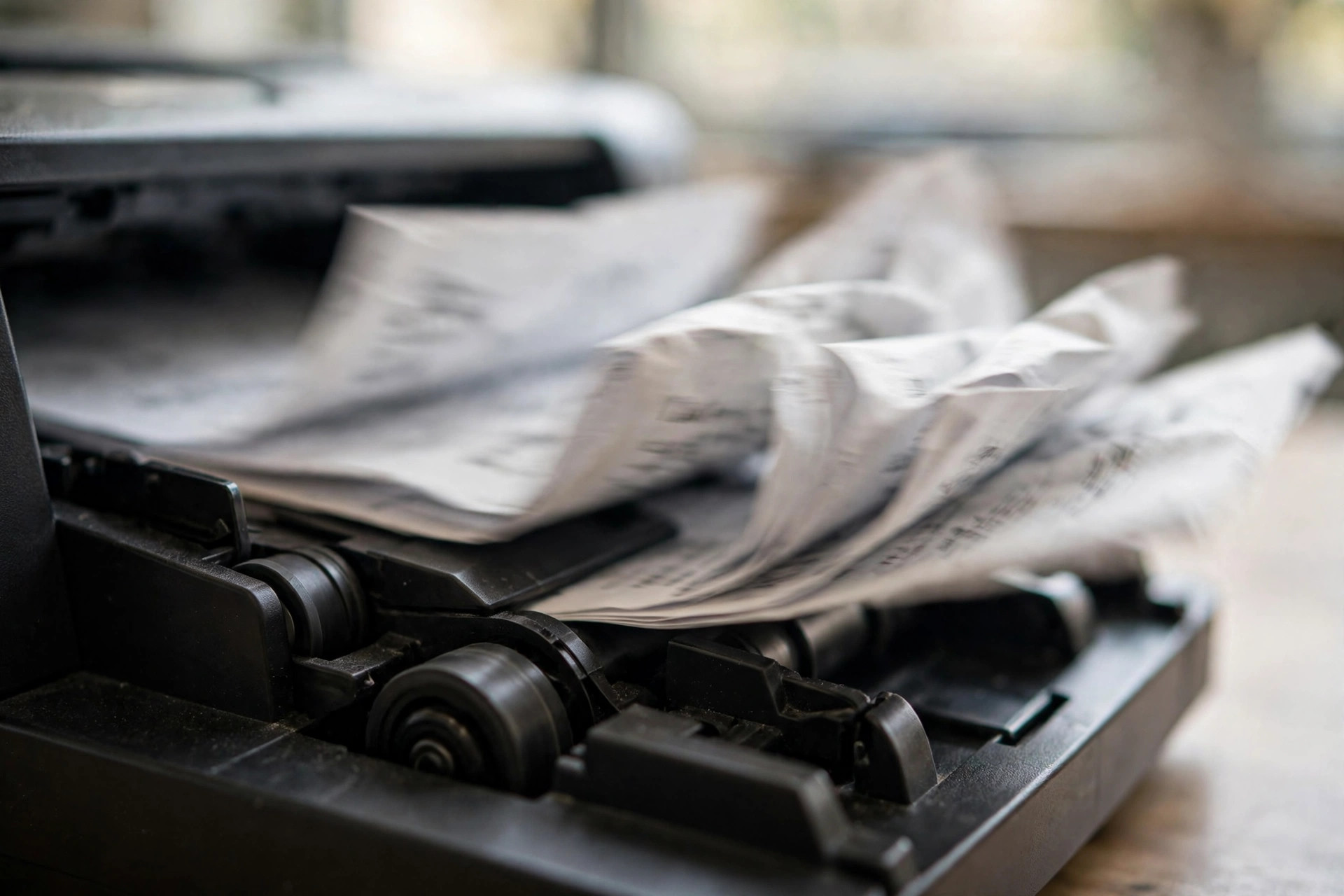
First, handwriting. Driver notes scribbled on the bill, handwritten quantity corrections at receiving, a ballpoint-pen strike-through on the weight field — vendors won't even put these fields in their marketing pages. Standard practice is to flag them all as low-confidence and route to a human, which means the documents that hurt you most are precisely the ones the AI doesn't help with.
Second, the "almost right" fields. A 0 that looks like an O, a B that looks like an 8 in a container number. If the check digit fails, the system rejects it — fine. The dangerous case is when the misread is format-valid and slips into the system, discovered only downstream when nothing reconciles. In the legacy OCR era, full human review caught these. In the AI era, too many buyers hear "higher accuracy" and relax the review — the most expensive way to save money I've ever seen: paying for AI, then paying again for its mistakes.
Third, layout drift. Same steamship line, new bill format this year, last year's tuned template breaks. Legacy OCR lives and dies by templates; every layout change is maintenance cost with no ceiling. AI capture claims template-free robustness against layout changes — one of the few genuine advantages over legacy OCR. I'll give it that.
The real leverage: not recognition, but review design
Here's the counterintuitive verdict: whether a document-capture project saves money is 70% review-process design and 30% recognition accuracy.
No vendor promises 100%. At 99% accuracy, one field in a hundred is wrong. Your process has to answer one question: when that wrong one lands on a critical field, who catches it?
The money-saving process looks like this — it's what I give every client:
- Test and negotiate by document type, separately. Bills of lading, packing lists, and invoices are three different documents — different field criticality, different layout complexity, different error costs. A blended "97% overall accuracy" is meaningless. Make the vendor quote accuracy and price per document type. If packing-list accuracy is weak, don't pay premium pricing for it.
- Set your own confidence thresholds; don't use vendor defaults. Critical fields (container number, weight, quantity, HS code) get high thresholds — route more to humans. Non-critical fields (vessel name, port of loading) get low thresholds; a mistake there costs seconds to fix.
- Review means verify, not retype. The reviewer's KPI is interception rate, not throughput. Confirm every low-confidence field; spot-check 5 to 10% of high-confidence ones. You can taper the spot-check rate after consecutive clean weeks — that's the only lever that actually drives labor cost down.
- Review the errors monthly. Log every field the AI got wrong, batch them up, and take them back to the vendor for fixes — or raise the thresholds on those fields. Data in your hands is negotiating leverage in your hands.
Run this process well, and half a clerk can handle 400 sets a month. Run it badly, and one full clerk still can't keep up — the AI was money down the drain.
The arithmetic you can take home
Don't listen to vendor stories. Do your own math. Take a sheet of paper and fill in:
Monthly document sets × minutes per set × clerk cost per minute × 12 = your current annual entry cost.
If the AI subscription is under 40% of that number, and you're willing to spend two weeks on testing and process redesign, talk. Over 60%, walk away — no discussion. Between 40 and 60%, it depends on how "dirty" your documents are: the more handwritten corrections, the less it's worth.
One last repeat: the accuracy number belongs to the vendor; the documents belong to you. Test on your ugliest 100 sets, then sign. How much that sentence is worth depends on what numbers you almost paid for.
By Lao Zhou, Logistics Cost Analyst