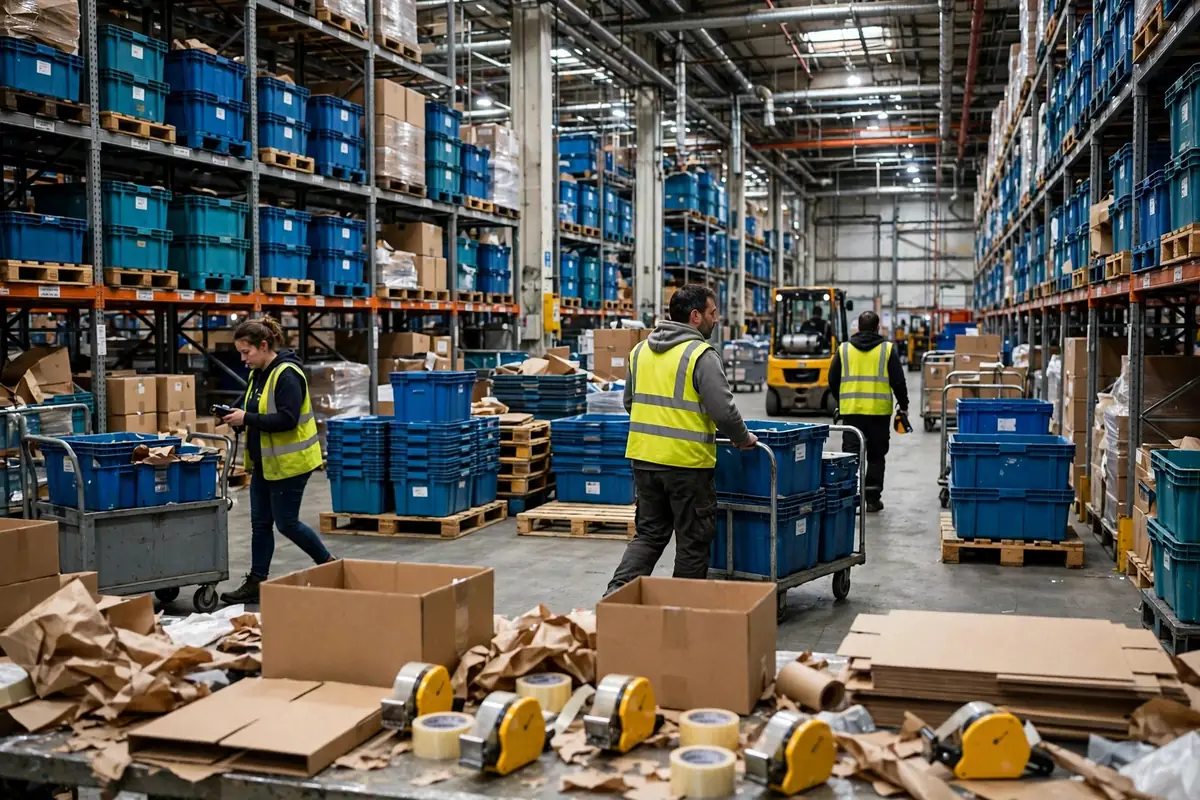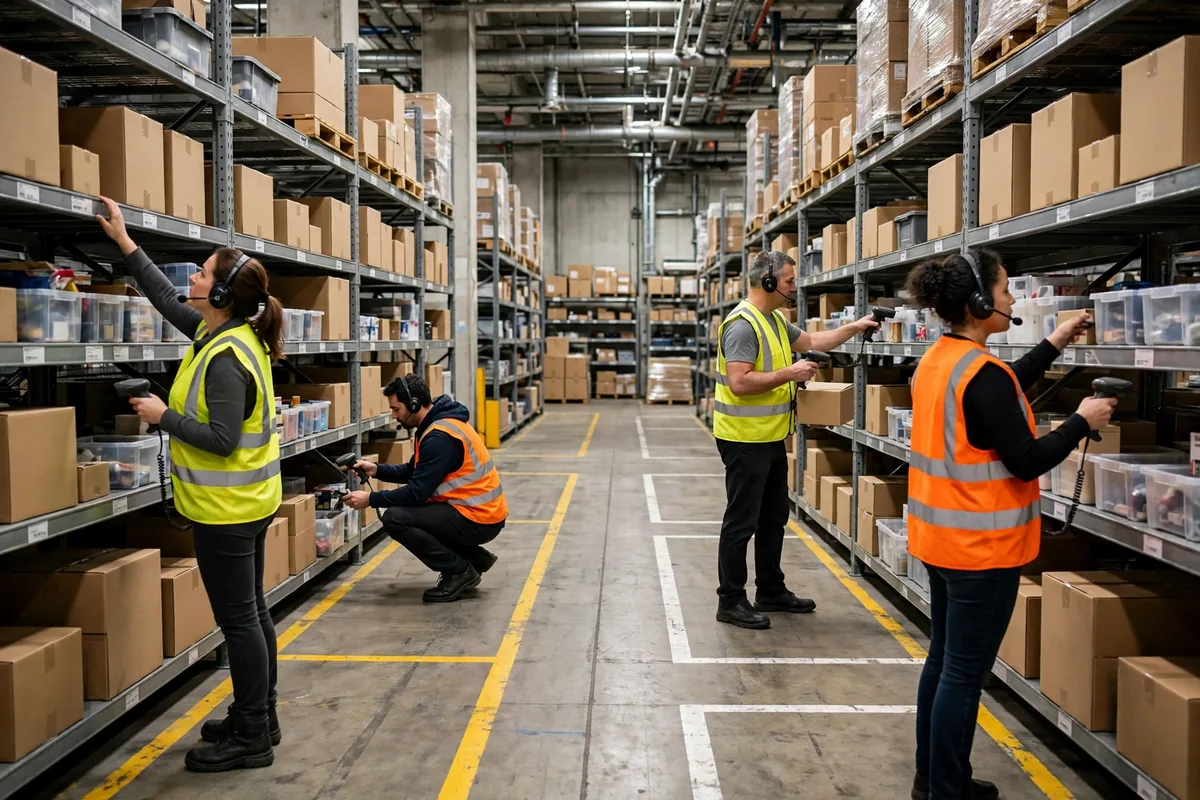
Let me paint you a morning in multi-picker zone picking. Last peak season, 7:50 a.m., I stood at the entrance to the pick area and watched 12 pickers push their carts in at the same time. By 8:10, aisle 3 was jammed with four carts, and two pickers were arguing over the same bin, one saying "I got here first," the other saying "my order is urgent." By 8:30, more than 60 totes were piled at the check station with nobody able to tell whose was whose, because three zones' goods had been mixed together. We shipped more than 900 orders that day and mis-shipped 17. Here's the honest truth: the problem was not the people. It was the zones. Twelve people working on a floor with no boundaries will collide. That is not bad luck. That is geometry.
Multi-picker zone picking does not fail on speed. It fails on mess. One picker working alone can be slow and you just pay overtime. Twelve pickers working together with overlapping zones will jam the aisles, fight at the check station, and push your error rate up. This is how we run it in our warehouse now: draw the lines first, then send people in.
Multi Picker Zone Picking Starts With the Orders, Not the Ruler
Do not divide the warehouse into equal-sized slices with a ruler. Equal area does not mean equal work. Our method has three steps.
Step one, look at the orders. Pull a month of outbound orders and rank every SKU by lines and units. Which aisles hold the fast movers? How many zones does an average order touch? When we ran our numbers, 70 percent of order lines fell in just four aisles, and the other 30 percent were scattered everywhere. Cut by area and the hot zone works itself to death while the cold zone stands around.
Step two, look at the goods. Move fast movers away from zone boundaries. Never leave a hot SKU sitting on the line between two zones, because that is where the fights start: two pickers need it at the same time, so who takes it? Our rule is simple. A hot SKU belongs to exactly one zone. If the other zone needs it, that goes through a transfer order, not a grab.
Step three, look at the people. Staff each zone by its share of order lines, not its share of floor space. We run four zones. Zone A carries 40 percent of the lines, so it gets five people. Zone D carries 10 percent, so it gets one. Every morning we check the wave forecast and adjust headcount before the shift starts. Fixed zone lines, flexible staffing. It took us three months of trying to settle on that rule.
Once the lines are drawn, there is one hard rule: a picker stays in their own zone. Cross-zone picking needs a transfer order in the system. No verbal deals. Verbal deals sound flexible. In practice, they are where every dispute starts.
Multi Picker Zone Picking Needs One-Way Flow: No Head-On Traffic
Zones drawn, next job is traffic flow. The worst jams in multi-picker zone picking are not at the bins. They are at the aisle mouths. Two pickers pushing carts toward each other, neither one yielding, and you lose five minutes.
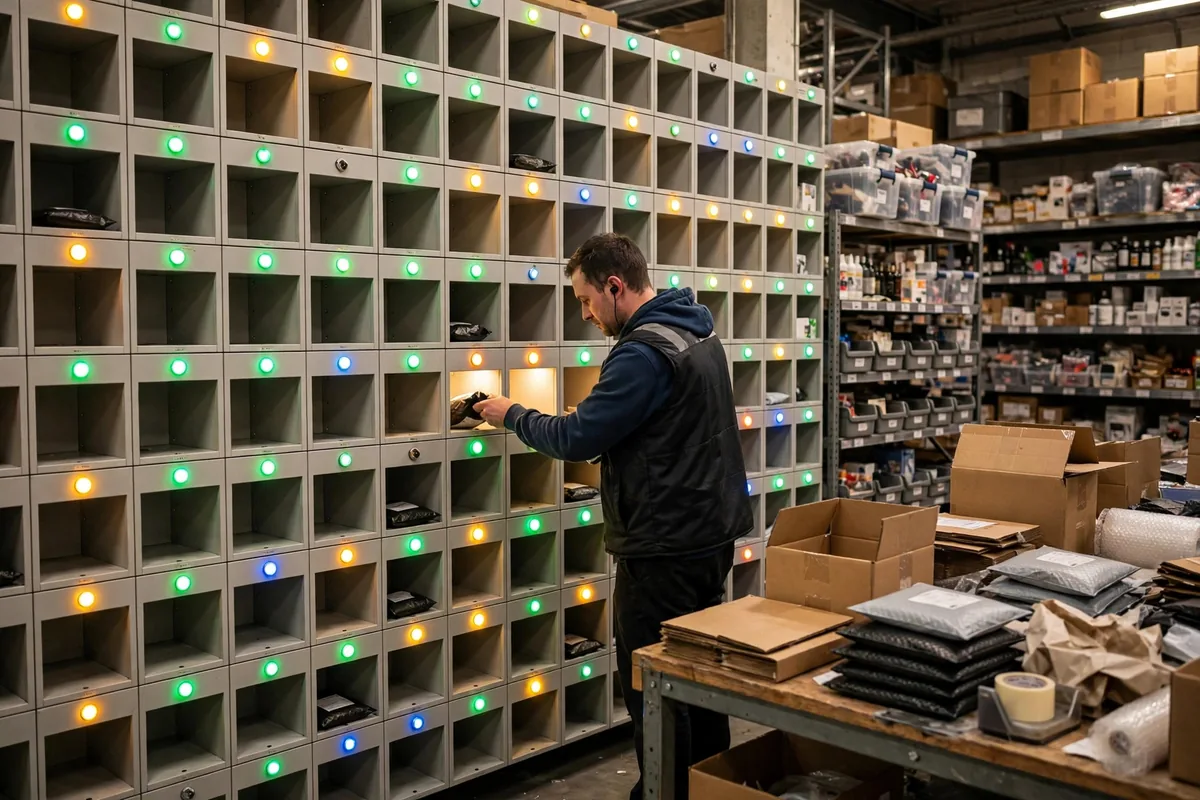
This is how we run it in our warehouse now: every pick aisle is one-way. In from the east end, out from the west end. No turning around, no going back against the flow. It sounds rigid. In practice, the jams basically disappeared. One more detail: tote handoff points sit on the zone boundary line, never inside an aisle. The Zone A picker drops the tote on the boundary rack and walks away. The Zone B picker comes and takes it. The two never have to meet. Every slot on the rack is labelled with an order number, so a tote in the wrong slot is obvious at a glance.
Check stations follow the zones too. We used to run one big check station where every zone's totes piled up, and a 20-minute queue at peak was normal. Now each zone has a small check station of its own: check and pack inside the zone, then send finished parcels to dispatch. Since we split the check stations, the mis-ship rate came down from that peak-season day, and the queue is basically gone.
Here's the honest truth: when we rolled out one-way flow, the veterans complained for a week about the extra walking. Then the numbers came in. The extra steps around the loop are nothing next to five minutes stuck in a jammed aisle. After a week, nobody mentioned it again.
Do the Math: Is Zone Picking Worth It?
Before the math, one industry number: a picker spends roughly 45 percent of the day walking, and zone picking can cut that walking by about a third, which reclaims around 15 percent of total labor time (hypothetical example, illustrative scenario). That is the standard estimating rule people use when they model zone picking, not a number I made up.
Now our warehouse's own math. Say a warehouse ships 1,000 orders a day with 12 pickers, each picking six hours a day (hypothetical example, illustrative scenario). Before zoning, each picker averaged 25 lines an hour. After zoning plus one-way flow, 30 lines an hour, up 20 percent. Over a day, the same 12 people pick 360 more lines, which is roughly two extra people's work. Or flip it around: the same order volume can be done with 10 people, freeing two to help packing and dispatch.
There is also a published number worth knowing. When DHL rebuilt its order-grouping logic with a simulation tool, productivity rose 14 percent and cart congestion fell 35 percent. That was a team with a simulation group behind it, and a small warehouse cannot copy that setup. But the logic is the same: every minute you save from congestion is productivity.
Here is the counterintuitive part: finer zones are not better zones. Plenty of managers think 12 pickers means 12 zones, one person per zone, perfectly clean. Wrong. The finer you cut, the more zones each order crosses. An order split across six zones needs six people in relay, and every handoff adds waiting time. We tried eight zones, we tried four, and we settled on four: each zone is big enough that a picker can work 40 straight minutes without waiting on anyone, and an average order crosses only two zones, so one handoff finishes it. With zones, the balance point matters more than the fineness.
One more trap: drawing the zones and then forgetting them for three months. SKU heat moves. Peak season arrives, the fast movers change completely, and the old zones go out of balance overnight. We review zones once a month now: pull last month's orders, see which zone ran the most overtime and which one sat idle, and shift the boundaries. The boundary is tape on the floor. Peeling it up and re-sticking it takes half an hour. Do not treat it like a wall.
One last reminder for anyone running a crew: with multi-picker zone picking, do not rush to buy a system or new equipment. Lay tape on the floor, mark the zones, stick the one-way arrows up, and run it for a week to see where the jams are. Once the tape version runs clean, then you harden it in the system. If it does not work on the floor, it will not work in the software.
By Chen Feng, Warehouse Operations Manager