"Lao Mi, we bumped our batch from 30 orders to 50. Productivity went up — and our error rate doubled, from 0.3% to 0.9%. Customer service is drowning in returns."
That is a picking supervisor at an auto-parts warehouse in Fresno, talking to me last year. Batch picking sounds like pure upside: one trip through the aisles, dozens of orders at once, travel time amortized across all of them, lines picked per hour climbing fast. But batch size is a dial, and past a certain point every minute of walking you save gets eaten by rework — with a worse customer experience on top.
Twenty orders per batch, or fifty? There is no universal answer. But there is a method to find yours.
What Bigger Batches Actually Buy You — and What They Cost
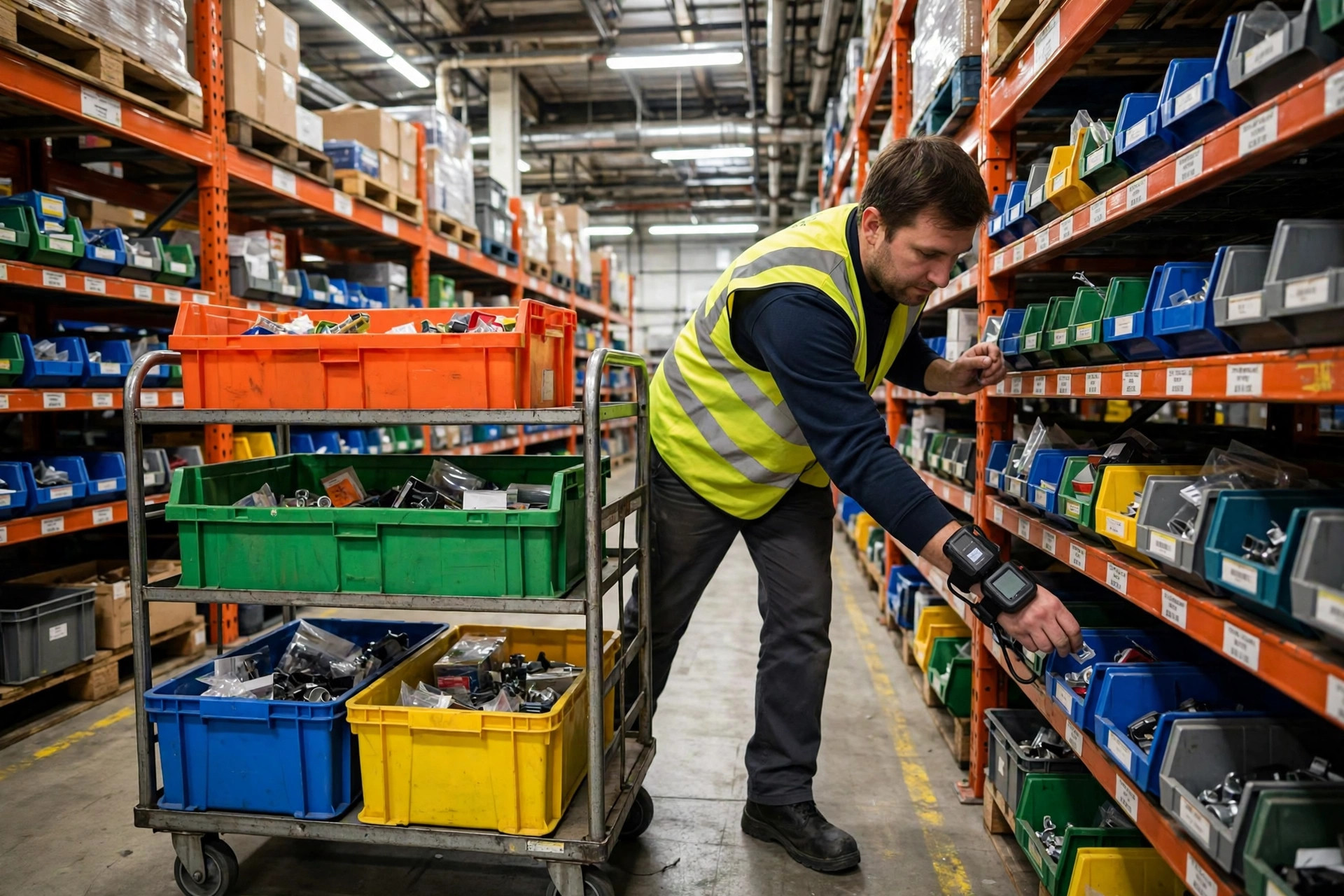
The logic is simple: visit a slot once, grab units for every order that needs that SKU. Bigger batches mean more order overlap per slot visit, so travel time per order drops. Moving from single-order discrete picking to 20-order batches routinely lifts productivity 40–60%. That part of the math is real. In the buildings I have measured, walking eats 60% or more of a discrete picker's time; batch picking pushes that share down to 30–40%. That is the entire source of the productivity gain — and exactly why everyone wants to crank the batch dial higher.
The costs hide in three places.
Sortation errors. Fifty orders mixed on one cart means the picker has to drop each SKU into the right cubby. More cubbies, more chances to mis-sort — and the error probability climbs faster than the batch grows. One mis-sort triggers a chain reaction: catch it at pack-out, or pay for it in customer service calls and returns.
Pack-out becomes the bottleneck. You pick faster, but if quality check and packing cannot absorb the flow, freight just queues at the pack stations and your dock time dies anyway. I have seen buildings celebrate a picking productivity record while trailers left half-empty.
And problem orders drag the whole batch. One stock-out, one oversized item, one order needing special packaging — the bigger the batch, the more likely it contains a troublemaker that breaks the rhythm for everything else.
Batch size is a balance between travel efficiency and error cost. Bigger is not better. Right-sized is better.
One hybrid worth knowing: pick in large batches, then sort at a put wall. It moves the sortation errors out of the aisle and onto the wall, where lighting and scanning catch them. The trade is an extra touch and real equipment spend — it only pencils out above roughly 20,000 orders a day. Smaller buildings should not copy it.
Four Variables Set Your Ceiling
Order profile. A parcel warehouse averaging one to two lines per order plays a different game than an auto-parts or B2B operation averaging eight to ten lines. Small orders mean fewer cubbies occupied and simpler pick motions — batches can run large. High line counts mean hundreds of pick actions per batch, and human attention does not scale that far. Categories with look-alike SKUs — apparel in multiple sizes and colors, auto parts with overlapping fitments — deserve extra caution. Similar-looking items are the easiest to mis-sort into the wrong cubby. Either run smaller batches for those categories or enforce scan verification. Pick one.
Slotting density and travel distance. The tighter your forward-pick area, the more batch picking pays. If your fast movers are scattered across three aisles, bigger batches will not save much walking — do your ABC analysis and slotting optimization first, then talk batch size.
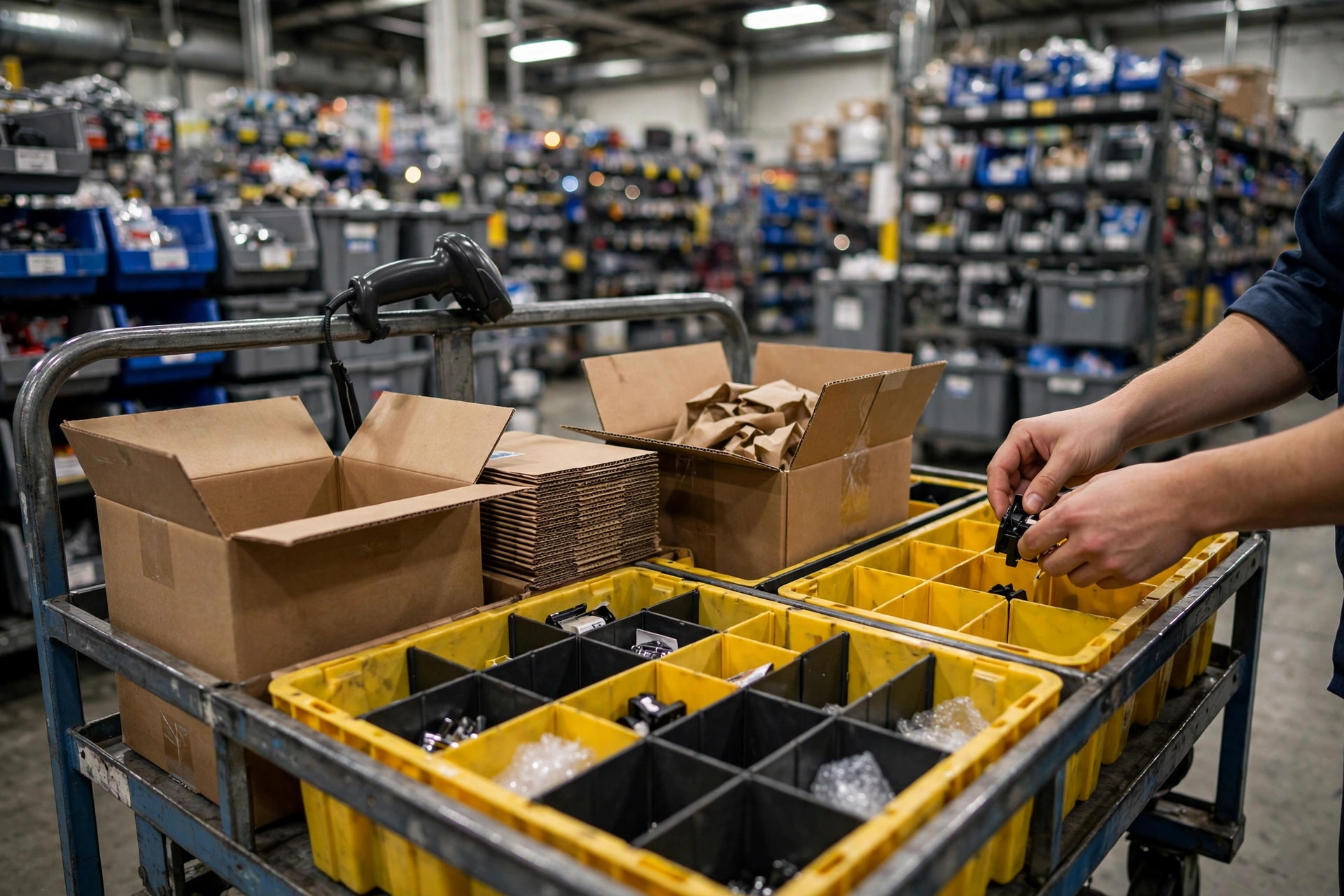
Cart cubby count. This is a hard constraint. A 24-cubby cart tops out at 24 orders if each order gets its own cubby. Want 50? You need a bigger cart, or you share cubbies across orders and sort it out at pack-out — which sends your error rate through the roof. Equipment first, numbers second.
Pack-out capacity. Your quality-check stations' hourly throughput caps what picking can produce per hour. Picking and pack-out have to be sized as a pair, or you will pick brilliantly into a pile.
A Two-Week Test to Find Your Number
Do not guess between 30 and 50. Run a two-week test and let the data decide.
Week one: baseline. Log your current batch size, lines picked per labor hour, error rate — counting both pack-out intercepts and customer returns — and pack-station queue time. No baseline, no conclusions.
Week two: run the experiment. Keep one shift or one zone at the old batch size, move another to the larger size — say 30 to 45. Watch three numbers only: productivity change, error-rate change, queue-time change.
Then do the total math. Every 0.1% of error rate converts to rework hours and return costs — your finance team knows the numbers. Compare the labor saved by higher productivity against the money burned by higher errors. Whichever side is bigger wins, and that is your answer.
Starting points I would suggest: parcel e-commerce at one to three lines per order, begin testing at 20–30 orders per batch. Multi-line operations like auto parts or apparel, start at 12–20. If the error rate does not budge, step up. The moment it starts climbing, step back one notch. That is your sweet spot.
If your error rate is stuck and you do not want to shrink batches yet, look at tooling first: enforced scan verification, put-to-light on the cart, voice-directed picking. Those can cut errors nearly in half — effectively raising your batch ceiling a notch. Tooling money is usually cheaper than headcount.
One last thing: batch size is not set-and-forget. Peak season changes your order profile — fewer lines per order, hot SKUs concentrating — and the off-season changes it back. Revisit the number at least quarterly, and let it follow the business.
Something you can do tomorrow: stand at the pack-out station for half an hour and count how many intercepted errors are mis-sorts into the wrong cubby. If it is more than half, your batch dial is already past the sweet spot — dial it back 20% and re-test.