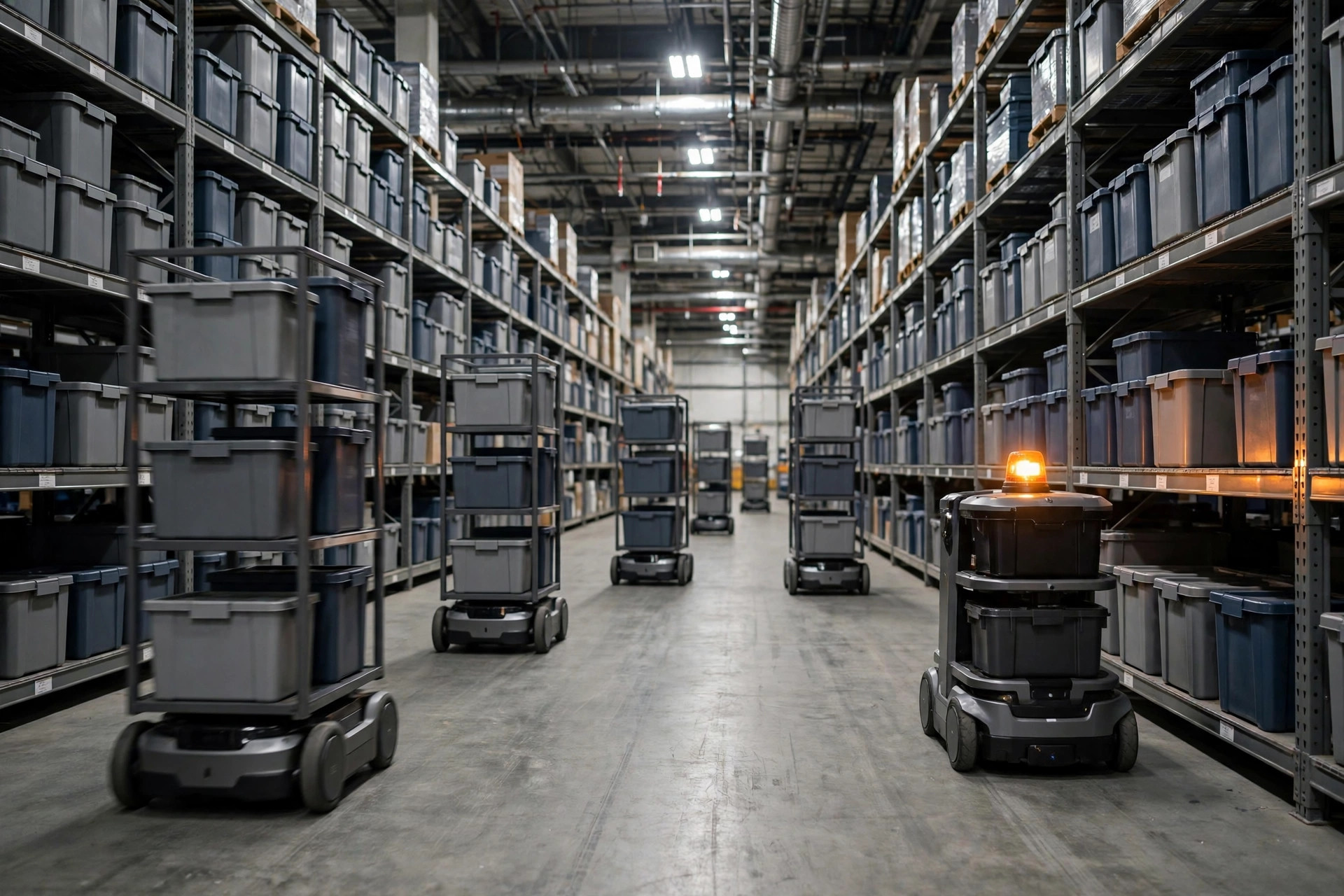
Last August I was doing a follow-up visit at a 3C e-commerce warehouse in eastern China — forty shelf-carrying AMRs humming along. At 10 a.m. the server-room AC died and the fleet management server overheated into a reboot — a textbook single-point failure. Fifteen minutes with zero commands issued: every robot triggered its protective stop and froze. The morning wave slipped by nearly two hours.
The post-mortem was humbling: the server was fine, a reboot fixed it. But those fifteen minutes exposed the truth — in this "intelligent" system, the single point of failure was hiding in the most boring place. This article breaks AMR single-point failures into three layers — where each hides, how to harden it, where to draw the line — plus how to deliberately break the system at acceptance. Disclosure: unsourced numbers below are my post-project estimates; right order of magnitude, don't copy them into a tender.
Where AMR Single-Point Failures Actually Hide
Think of it like city traffic. The AMR fleet is the flow of cars, the fleet management system (FMS) is the traffic-signal control center, and the Wi-Fi network is the radio in every driver's hand. What paralyzes a city is never one broken-down car — it's one of these three failing:
Layer one: the individual vehicle. One robot goes down — over-discharged battery, dirty lidar, debris in a drive wheel. Most common, least dangerous: one robot down is 2.5% of throughput in a 40-robot fleet.
Layer two: the dispatcher. The FMS server crashes, the scheduling software hits a bug, the database deadlocks. One server hiccups and the entire fleet goes deaf — that fifteen-minute outage was this layer. The true single-point failure: one machine commanding everything.
Layer three: the network. An access point dies, roaming fails, a dead zone appears. Robots lose contact with dispatch and execute their "lost-link" policy — stop in place, frequently in the middle of a main aisle.
Of the three layers, 90% of projects pour money into layer one — fancier robots, more sensors — while layers two and three get leftovers. That's why every incident becomes a full-floor shutdown: the money went to the wrong layer.
The Three Layers of Redundancy: Where the Money Should Go
Principles first, dividing lines second. More backup isn't automatically better — it's about spending on the right layer.
Vehicle backup means spare robots, not spare parts. The right approach is N+1: in a 40-robot fleet, buy one or two extra units as hot spares. A dead robot gets dragged out, a spare takes over, throughput doesn't dip. The dividing line: two shifts around the clock → N+1 is mandatory. Single day shift → share a spare pool across sites, or skip it; a robot that dies at noon gets fixed by evening.
Now I have to call out a pseudo-requirement. Some vendors pitch "dual lidar, dual battery" and jack the robot price up 30%. That's a donation to the vendor, not engineering. Mainstream industrial AMRs carry vendor-claimed MTBF figures above 5,000 hours. Spending a 30% premium to cut single-unit failures from a few times a year to once or twice is pointless when one dispatcher hiccup kills the whole fleet anyway. Save that money for layer two.
Dispatcher backup — active-standby servers — is the money that keeps you alive. Two FMS servers — one active, one standby — with heartbeat monitoring and automatic failover. Think twin-engine aircraft — lose one engine and you still fly. The dividing line is failover time: it must beat the robots' "lost-link protective stop" threshold, commonly 5–10 seconds depending on vendor (field experience — demand this number and write it into the technical agreement). Failover within 30 seconds counts as passing. Over a minute is the same as having no backup at all — the robots will have stopped themselves, and your standby server inherits a floor of corpses needing manual recovery, one by one.
Network backup means overlapping AP coverage. Every zone must sit inside the footprint of at least two access points, so when one AP dies its neighbor catches the load. The dividing line: with a single AP down, neighbors must cover at least 90% of that zone, with roaming handoff under one second. A "dual-AP design" that can't hit these numbers is decoration.
Three tiers costed for a typical 40-robot fleet (percentages are my experienced ranges):
| Tier | Extra cost (% of project) | Complexity | Typical recovery time | Who it's for |
|---|---|---|---|---|
| Basic: single FMS + single AP + no spare robot | +0% | Low | Manual recovery, 30 min – 2 hrs | Single-shift small warehouse that can afford to stop |
| Standard: FMS active-standby + overlapping AP coverage + 1 spare robot | +8%–12% | Medium | Failover within 30 sec, single-robot failure covered in 10 min | Most 24-hour warehouses |
| High-availability: FMS active-active + dual-band network + 10% spare pool | +20%–30% | High | Second-level failover, throughput barely dips | Pharma, automotive — where a stopped line means penalties |
See the shape of it? Basic to standard costs roughly 10% more and drags recovery from hours to minutes — the best value per dollar here. The high-availability tier is for operations where one stopped minute costs real money. Ordinary e-commerce warehouses should stay away; the complexity bites back.
Fault Isolation: Drag the Dead Robot Out of the Traffic Network First
Backup keeps the system alive. Fault isolation keeps the dead part from taking the living part down with it. Like a highway breakdown: step one is dragging the car onto the shoulder, not fixing it in the driving lane.
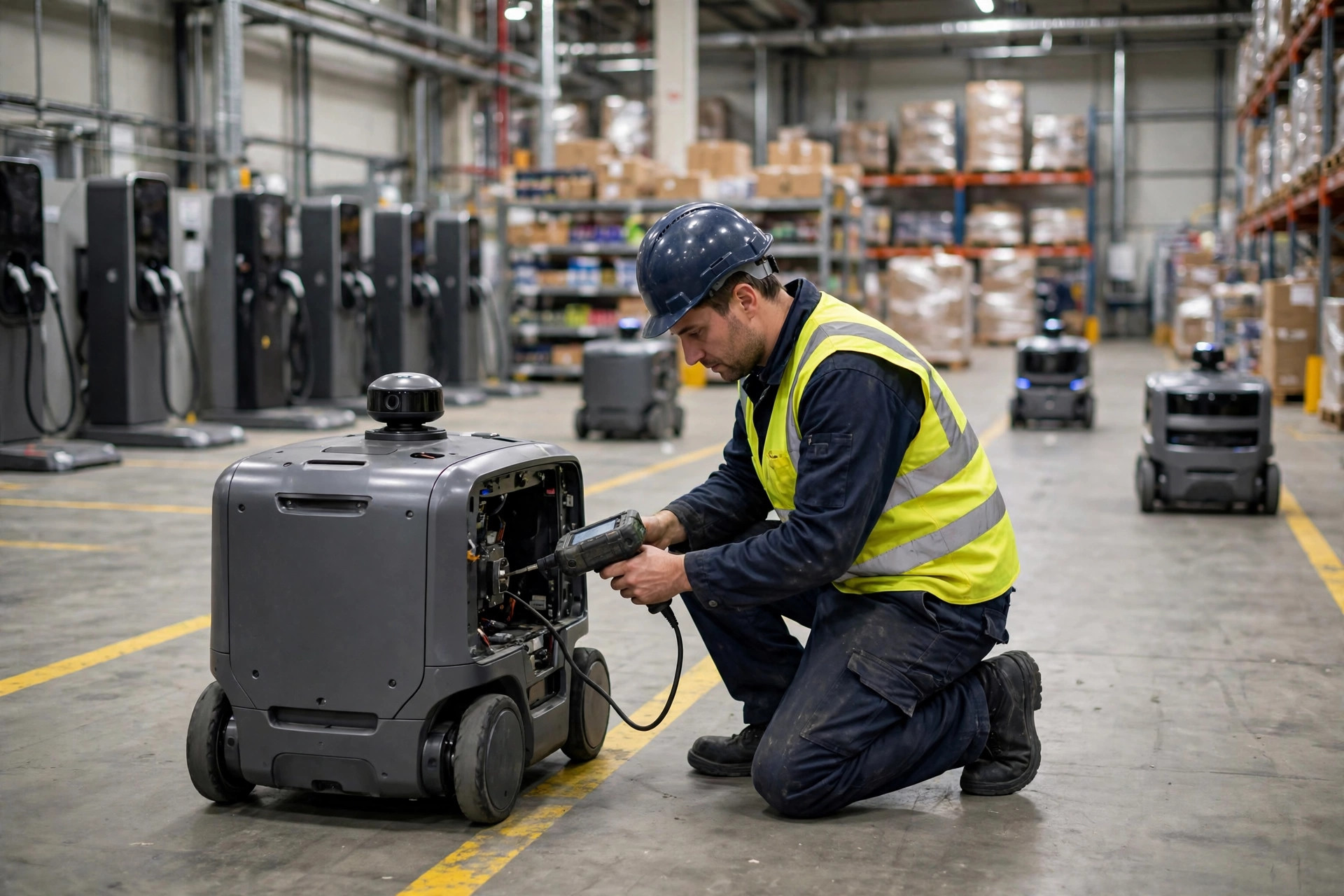
A proper fault-isolation chain: the robot's self-diagnostics detect an anomaly (battery, lost localization, drive fault) → reports to the FMS within 3 seconds → the FMS marks that road segment as a temporary exclusion zone → the dead robot's unfinished tasks get reassigned to healthy robots → a human or spare robot tows it. All automatic; the human only does the final tow.
I've seen the counter-example. In March 2024, at an auto-parts warehouse in northern China, an AP's power module burned out. Six robots in its zone lost link for over 5 seconds and protective-stopped — two of them on a main artery. The FMS isolation logic had a bug: position data older than 10 seconds for a lost-link robot counted as stale, so no rerouting went out. Four healthy robots queued behind the "corpses." Forty minutes of manual clearing, half the warehouse's dispatch frozen.
Two lessons. First, design isolation for the worst position — assume the dead robot always stops on the most critical aisle. Second, never reroute off its last reported position; draw the exclusion zone from "last known position plus a safety radius." Detour too far rather than drive into it.
Then graceful degradation — the second half of fault isolation. Extreme case: 30% of the fleet down at once (a bad battery batch happens). The system shouldn't lie down; it should degrade automatically: drop one speed grade, reprioritize tasks (protect the outbound wave, defer inbound), expand the manual picking zone. Preconfigure this in the FMS with hard thresholds — "enter degraded mode automatically when healthy robots drop below 70%." Don't count on the night-shift operator improvising at 3 a.m.
Before Sign-Off: Single-Point-Failure Drills You Can't Skip
The maintenance pitfall: beautiful design documents, but nobody dares break the system at acceptance. Run each drill by hand; don't sign if any fail:
- Pull the plug on the dispatch server. Time the standby takeover; check for mass protective stops. Over one minute — rejected.
- Kill the dispatch process without cutting power. Simulates a software crash — verify heartbeat detection catches "fake alive" split-brain (process running, service dead).
- Power off one AP. Verify smooth roaming, no lost-link stops.
- E-stop a random robot. Time the exclusion zone and task reassignment. Over 3 minutes — isolation fails.
- Kill power to the entire charging row. Verify the low-battery dispatch policy holds — the most overlooked item here. I've twice seen low-battery robots queue to charge, find no power, and collectively die.
- Simulate 30% of the fleet offline. Verify degraded mode triggers automatically and the outbound wave survives.
Log every drill: trigger time, recovery time, human intervention or not. If the vendor says "we tested it in our lab," the reply is: your robots, my floor, right now. Lab-tested 99.99% availability sheds at least 20% the moment it meets real racks and forklifts.
Final accounting. Whether this money is worth spending comes down to one number: your peak season's cost of one stopped hour. Peak hourly outbound volume × average margin per order, plus late penalties and idle labor — easily $3,000+ for a mid-size e-commerce warehouse. The standard tier costs about 10% extra; over three years of depreciation that's tens of dollars an hour. Tens of dollars an hour to hedge thousands of dollars an hour of loss — do that math yourself. But if your warehouse runs one shift with modest volume and a two-hour stop just delays an afternoon — basic tier is enough; that budget buys spare parts better. Backup spending isn't a belief system. It's arithmetic.
By Da Liu, Automation Engineer