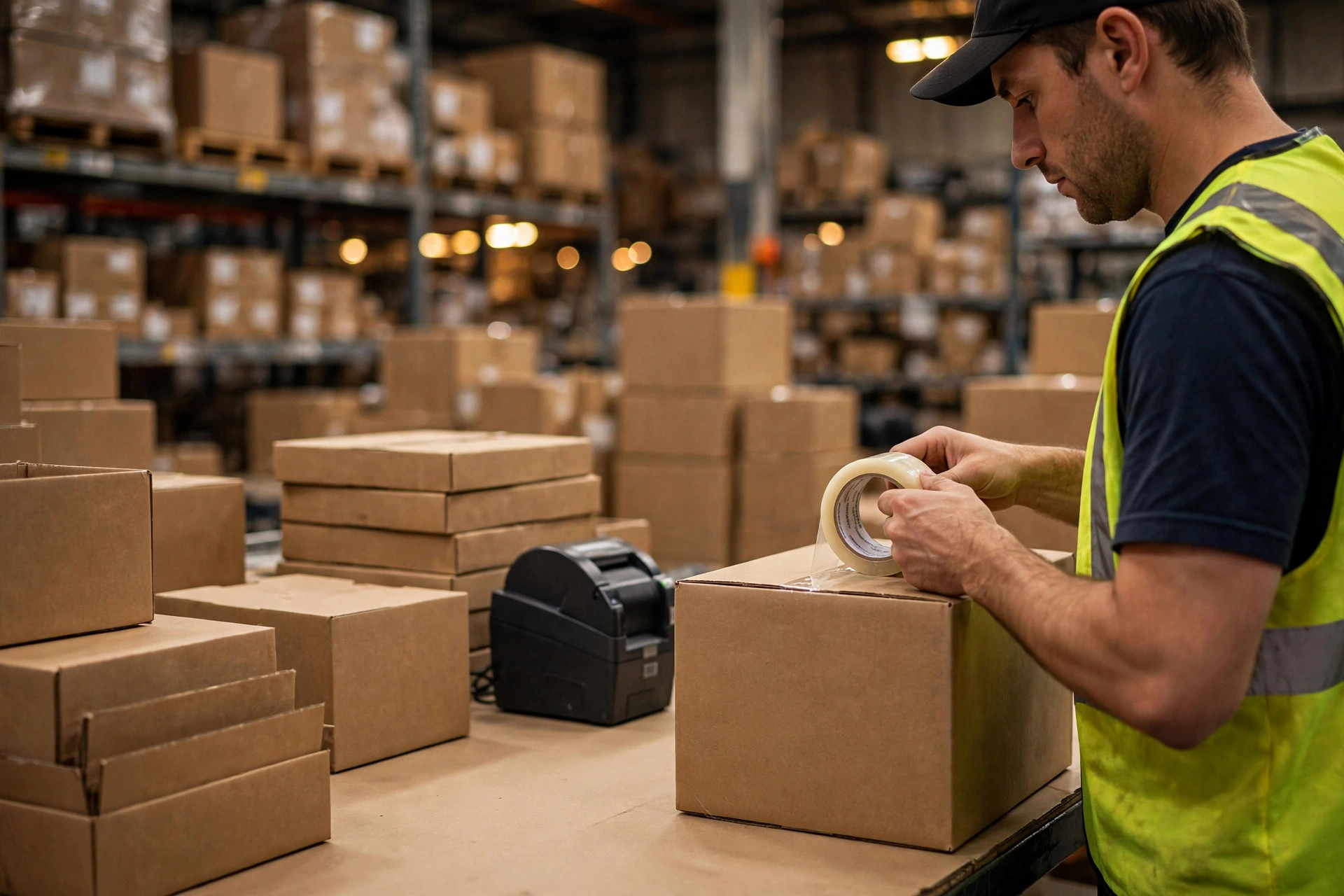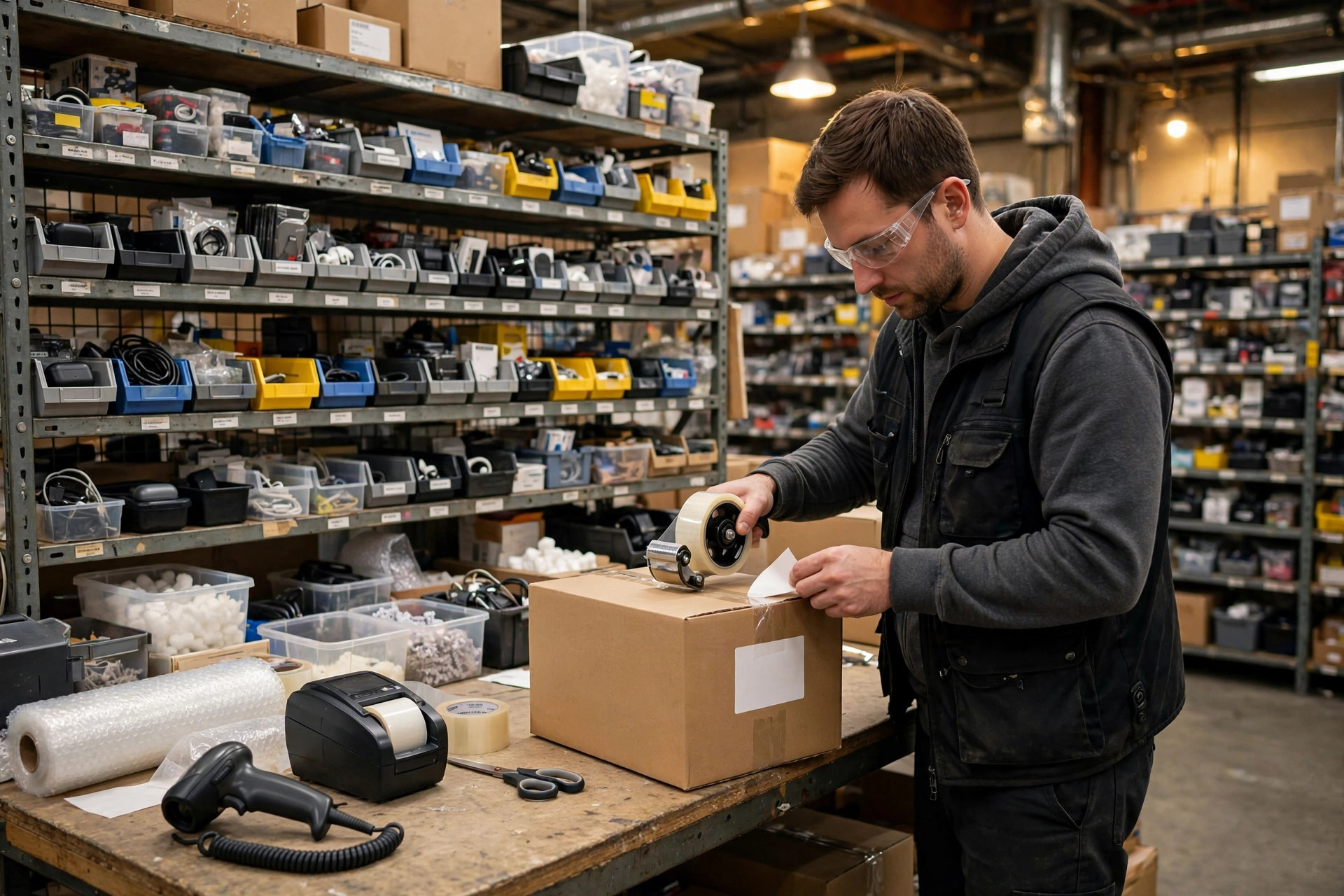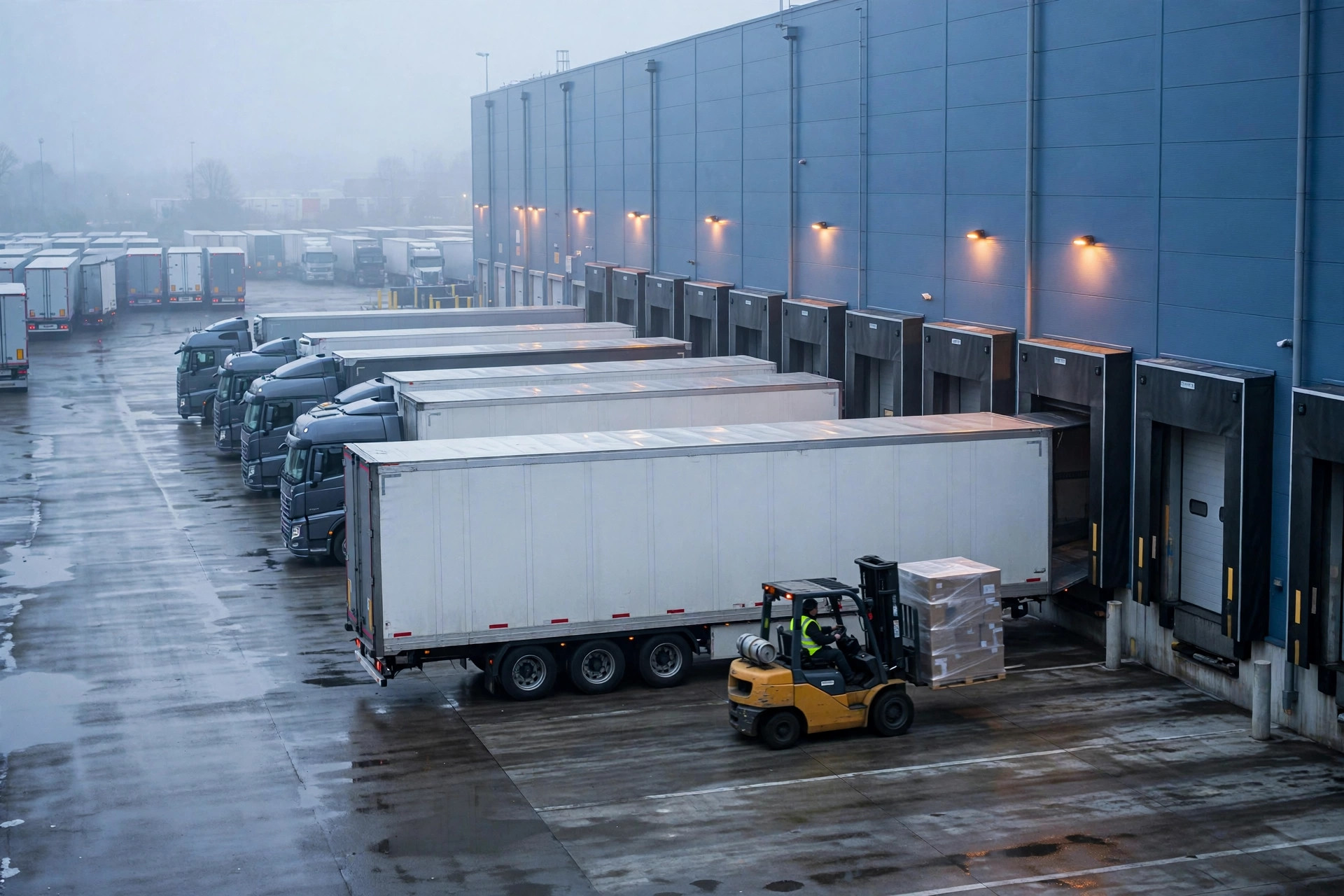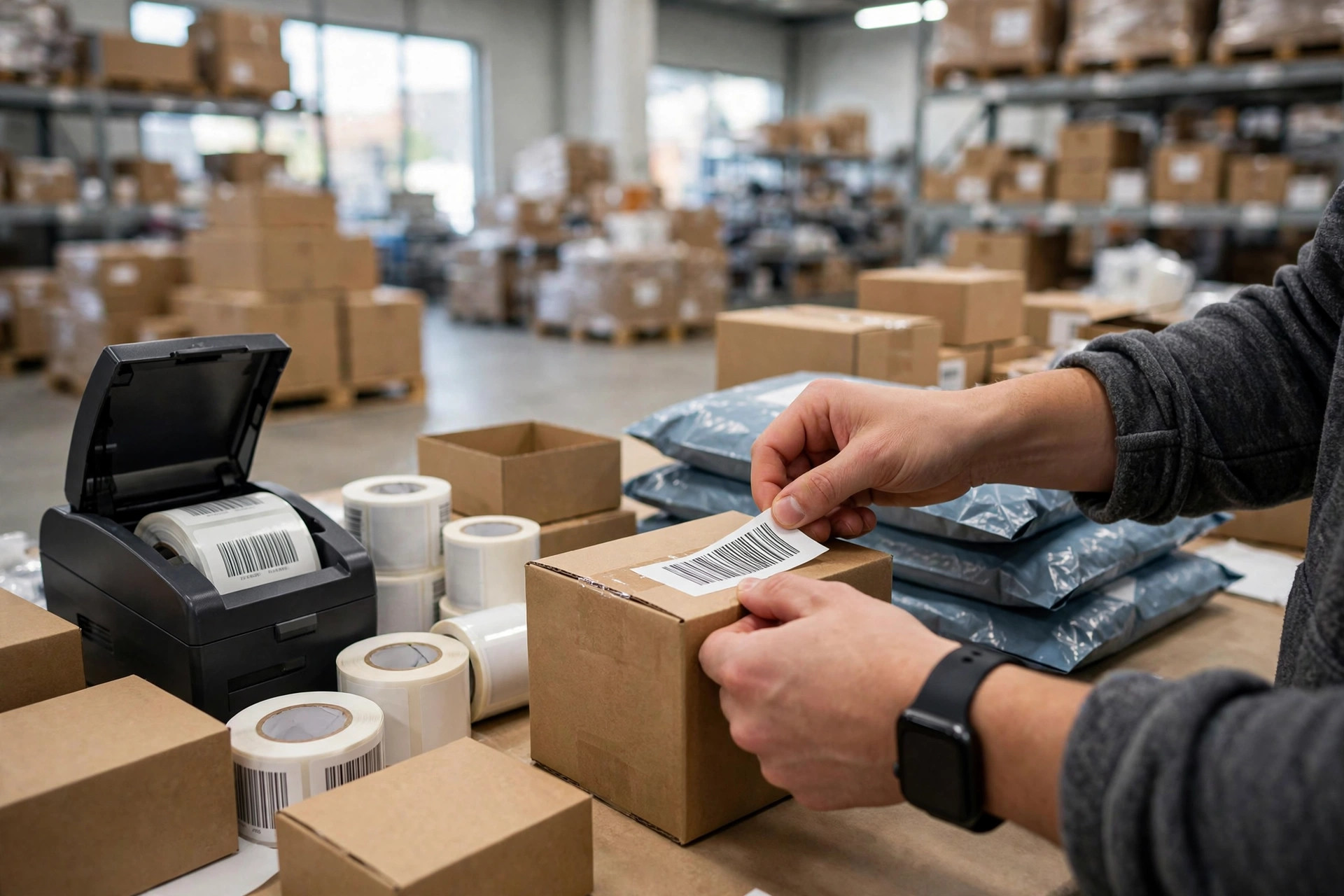
Last month, one of my shipments sat at the FBA dock for 6 days. Six. Days.
800 silicone molds, delivered to the ONT8 warehouse in California. Tracking said "delivered," and then... nothing. Radio silence. On day six, seller support finally replied: labeling issue, barcode wouldn't scan, the entire shipment got shoved into the problem-receive area. One tiny sticker, and my whole ad schedule for the season went up in smoke.
And no, Amazon didn't "change the rules again" this time. The rules are right there in Seller Central — search amazon fba prep requirements poly bags labels and you'll find the official docs. The problem is most sellers never read them. The ones who do, skim. Miss one detail on labels, poly bags, or sets, and your inventory is stuck at the door.
I've been selling for 5 years. Here's my 10-rule prep checklist, bought with real money and real pain.
What Amazon FBA Prep Requirements Are Actually Asking For
Strip away the legalese and Amazon wants three things: your units can be scanned, your packaging won't hurt anyone, and your sets don't get split up. Labels, poly bags, sets — that's it. Sounds simple. I thought so too, in year one. Then I paid tuition for three years.
Rules 1-3: Labels — Your Product's Only ID
Rule 1: Every sellable unit gets an FNSKU label. No exceptions.
Amazon recognizes FNSKU. It does not care about your factory's UPC. Even if your product has a UPC or EAN printed on it, you must slap on Amazon's FNSKU before it goes to FBA. Miss one unit and it becomes a ghost at receiving — straight to the problem pile.
Rule 2: The new label must FULLY cover the old barcode. Not 99%. Fully.
This is what killed my shipment. My prep guy stuck the FNSKU on the box, but the corner of the original UPC peeked out. The scanner read the UPC, the system said "wrong label," and all 800 units froze. Cover the old barcode completely. If a corner shows, it doesn't count.
Rule 3: Labels go flat, stick firm, and scan clean.
Not on box edges. Not on tape seams. Not on curved surfaces. Wrinkled, bubbled, or half-covered labels won't scan. My rule now: pull 10 random units, scan every one with a phone scanner app. Takes 3 minutes. Saves you 6 days.
Rules 4-6: Poly Bags — Where Most Sellers Get Rejected
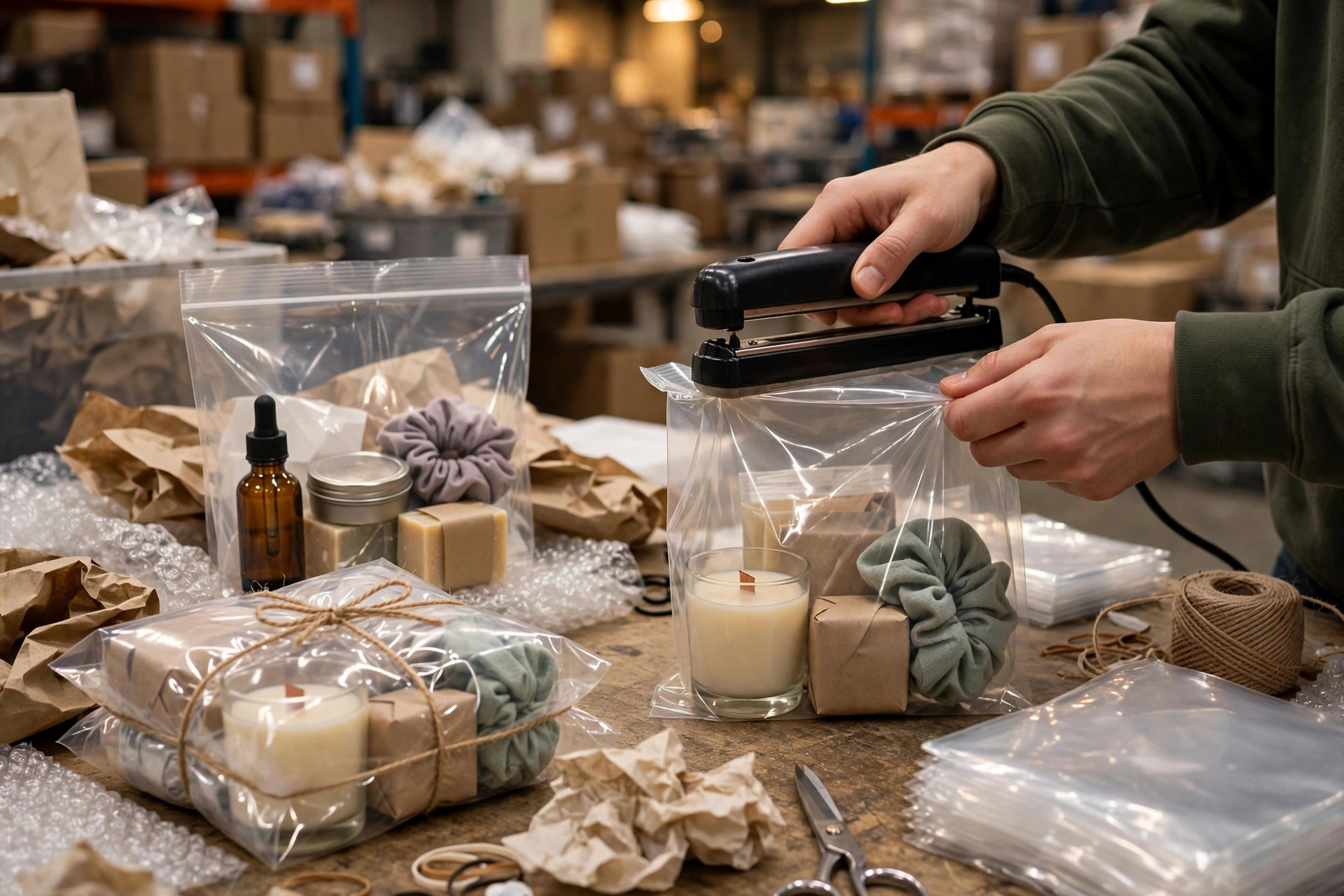
Rule 4: Bag opening of 5 inches or more? You need a suffocation warning printed on it.
This is the number one killer. Amazon's rule: if a transparent poly bag's opening is 5 inches or larger, the bag must carry a suffocation warning and the bag's dimensions. A buddy of mine selling apparel sets — 1,200 units, 8-inch bag openings, zero warnings printed — got the entire shipment bounced back for re-prep. Inbound freight burned for nothing, plus re-bagging fees on top.
Rule 5: Bags must be transparent, sealed, and nothing pokes out.
Product can't pierce the bag, can't stick out, and the bag must be sealed. Amazon runs high-speed sort lines — a torn bag with stuff falling out stops the whole line. Stop buying the cheapest bags that rip if you look at them wrong. Learned that one the expensive way.
Rule 6: The bag itself can't have a scannable barcode.
Some poly bags ship with a factory barcode on them. If it's scannable, the scanner will misread it. Either buy barcode-free bags or cover the bag's barcode.
Rules 7-8: Sets — Don't Let Amazon Break Up Your Bundle
Rule 7: Anything sold as a set must be clearly marked "Sold as Set / Do Not Separate."
Selling a 3-piece silicone spatula set? The bag holding all three pieces must say it's a set, do not separate. Skip this and the warehouse may receive it as 3 individual units. Your listing shows stock, the inventory is a mess, buyers order one and get three — or order three and get one. Refunds and one-star reviews, the full combo.
Rule 8: Barcodes on the individual pieces inside a set must be covered.
A set sells as one unit, so it gets one FNSKU. If the barcodes on the pieces inside are still visible, the system gets confused: is this one unit or three? Cover them all. Only the set's label stays visible.
Rules 9-10: Cartons — Don't Trip at the Finish Line
Rule 9: Every carton gets an FBA shipment label. Reused boxes must have ALL old labels covered.
Reusing cartons is smart and cheap. But old shipping labels and old FBA labels must be torn off or fully covered. If receiving scans an old label, the system can't match the carton number, and your whole shipment stalls. I've seen a shipment wander a warehouse for 4 days because someone left an old UPS label on the box.
Rule 10: Over 50 lbs? Slap on a "Team Lift" label. Over 100 lbs? "Mechanical Lift."
This is an OSHA safety thing and a hard Amazon requirement. Overweight carton without the label? The driver can refuse to unload, or the warehouse hits you with a non-compliance fee. Don't mess with your back or your wallet — label it.
The Real Math: What Non-Compliance Actually Costs
People treat prep like a small detail. Let me show you why it's not:
| What went wrong | What Amazon does | What it costs you |
|---|---|---|
| Bad label (won't scan / old code showing) | Moved to problem area, manual processing, 3-7 days | Whole shipment delayed a week; miss peak traffic |
| Poly bag missing suffocation warning | Entire shipment rejected or sent for rework | Inbound freight wasted + re-prep fees |
| Set not marked | Split up at receiving, inventory chaos | Wrong shipments, refunds, bad reviews |
| Wrong/missing carton label | Can't match carton numbers | 3-5 day delay across the shipment |
| Overweight, no lift label | Driver refuses / non-compliance fee | Rebook the delivery, burn another freight run |
My 6-day delay? The direct cost was a blown ad slot. The indirect cost was 6 days of stockout — my listing dropped two pages in ranking, and it took a month to climb back. Tell me these 10 rules aren't worth it.
The Counterintuitive Part: Cheap Bags Are the Most Expensive Bags
Here's the trade-off nobody talks about: saving pennies on prep loses dollars on the back end. Almost every time.
I ran the numbers. Compliant poly bags cost a few cents more per unit — on 1,000 units that's a few dozen bucks. But one rejected shipment means wasted inbound freight (hundreds to over a thousand dollars), rework fees, and delayed launch. The bag savings are a rounding error next to that. This is arithmetic a kid could do, yet sellers blow it every year.
Second trade-off: if you have lots of SKUs and small quantities per SKU, your in-house labeling error rate is probably higher than you think. A seller I know — 30 SKUs, ~2,000 units per shipment — messed up labels three times, then switched to Amazon's own prep service. Per-unit cost went up, but his error rate dropped to near zero. Net-net, he saved money — on rework and on time. Big volume, few SKUs, stable process? Prep it yourself. The opposite? Let Amazon do it. Don't torch your business to save a few prep fees.
Pitfall Checklist: 10 Minutes Before the Truck Leaves
If you landed on amazon fba prep requirements poly bags labels because your shipment is already stuck — this checklist is your rescue plan. Run this before any shipment leaves your dock:
- Pull 10 random units — do all FNSKUs scan?
- Are all old barcodes fully covered? Not a single corner showing?
- Poly bags with openings over 5 inches — suffocation warning printed?
- All bags sealed? None torn, nothing poking out?
- Sets marked "do not separate"? Inner barcodes covered?
- Shipment label on every carton? Old labels dealt with?
- Over 50 lbs — Team Lift label on?
Seven yeses, then the driver goes. These 10 minutes are the most valuable 10 minutes of my 5 years selling.
Prep has zero technical difficulty — it's pure attention to detail. Amazon updates the amazon fba prep requirements poly bags labels docs in Seller Central every year, the label and bag rules barely change, yet every year sellers get burned because they "thought" they knew. When in doubt, go read the official doc instead of trusting your memory. Don't be the "I thought" guy.
This trick? I tested it myself, and it works.
By Ah K, E-commerce Seller (5 yrs)