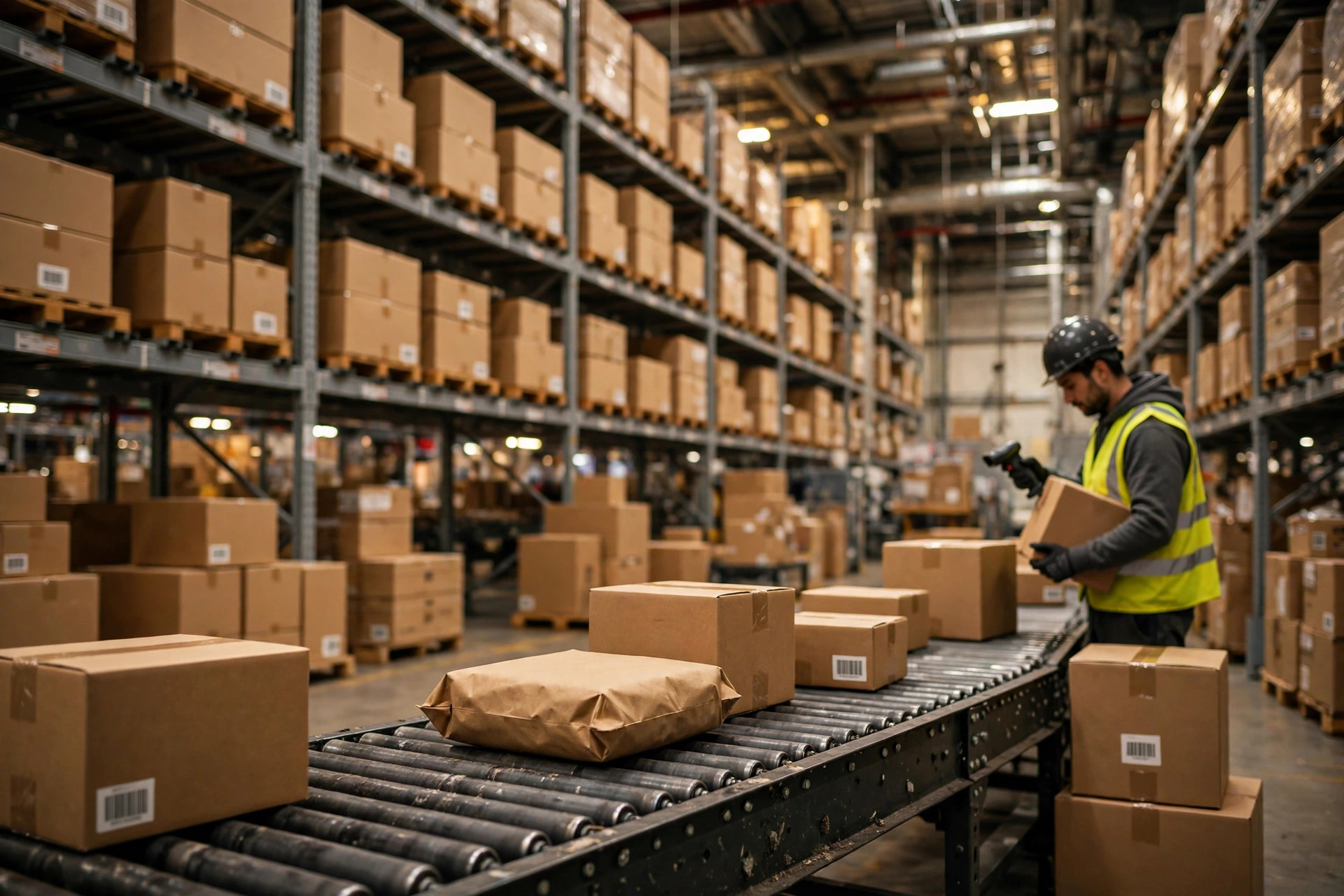
Last month a truck driver called me from outside an Amazon fulfillment center. My shipment was refused at the dock. Two hundred cartons had to turn around, go back to my 3PL, get relabeled, repacked, and rescheduled. Nine days lost. Nine days of a listing out of stock, rankings sliding, and ads still burning money. I ran the numbers afterward, and even the most conservative estimate put the direct cost in the low four figures — and that was before counting the lost sales. That is the reality of an amazon fba inbound shipment rejected at the door.
Here is the uncomfortable truth: nine times out of ten, a rejection is not Amazon being difficult. It is something we missed before the truck left. Amazon publishes hundreds of pages of inbound requirements, and nobody reads all of them. But the rejections that actually happen come down to eight causes. I have hit most of them myself. You do not need to.
When an Amazon FBA Inbound Shipment Gets Rejected Over Labels
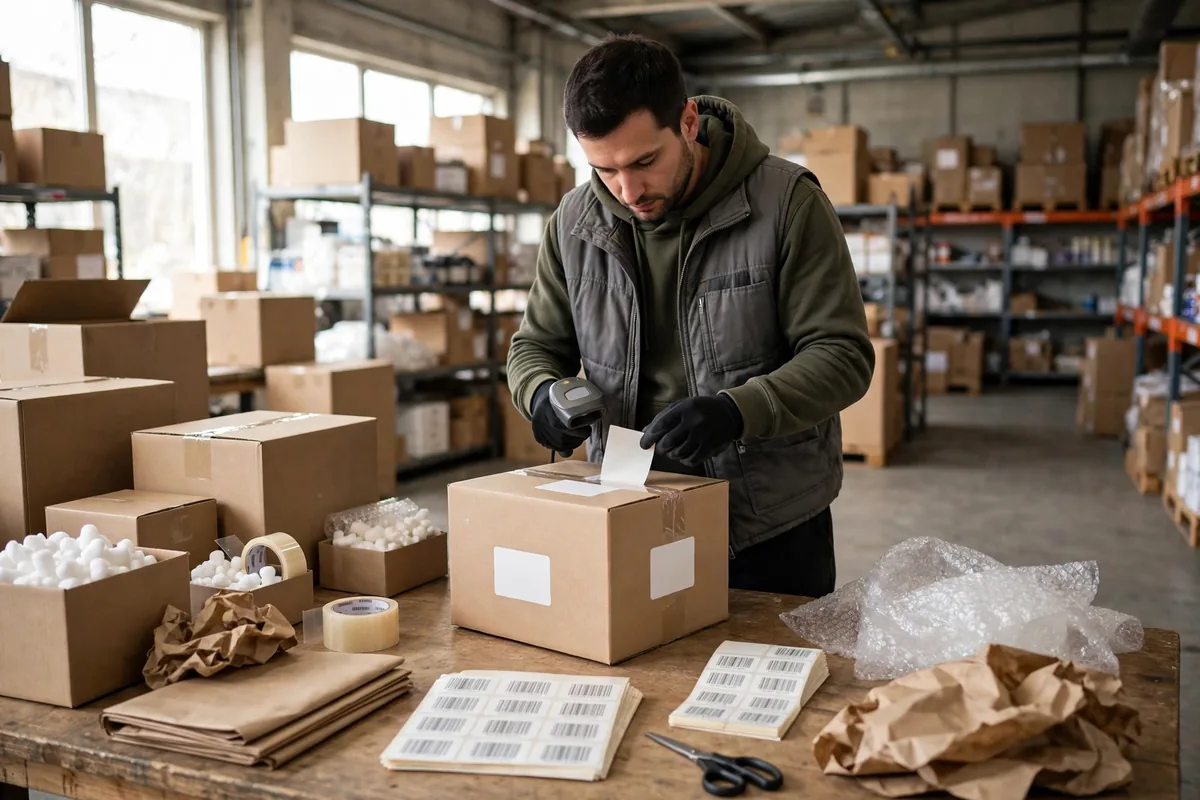
Labels are the number one cause of rejection, and it is not close. An FNSKU label stuck crooked, placed across a box seam, half-covered by tape, or printed too faint to scan will stop a carton cold. Worse is the reused carton: an old barcode left visible, the system scans the old code, and your inventory gets routed to the wrong place or refused outright.
Old cartons are a last resort. If I must reuse one, every old barcode and marking gets covered with an opaque sticker, and then I scan each carton with a handheld scanner before it leaves.
One detail catches a lot of sellers: a multi-pack sold as a single unit must carry a "Sold as set, do not separate" label. Without it, warehouse staff can reasonably treat your six-pack as six separate sellable units, and your inventory counts go sideways from there. Before any bundle or gift set ships, ask one question: if someone opened this box, would they know it sells as one unit? If the answer is not obvious, label it.
Overweight and Oversized Cartons Do Not Get a Second Look
Carton limits are the second trap. Amazon revises its exact thresholds from time to time, so treat any specific figure in a blog post — including this one — as a starting point and confirm the current numbers in Seller Central before a big run. Two things have stayed stable: standard cartons have a weight ceiling, and a single item over that ceiling must ship alone in its own box with a "Team Lift" label. Heavier still, and you need a "Mechanical Lift" label. I have watched sellers try to squeeze a 60-pound item into a standard carton and hope the warehouse lets it slide. The warehouse does not let it slide. It rejects the carton.
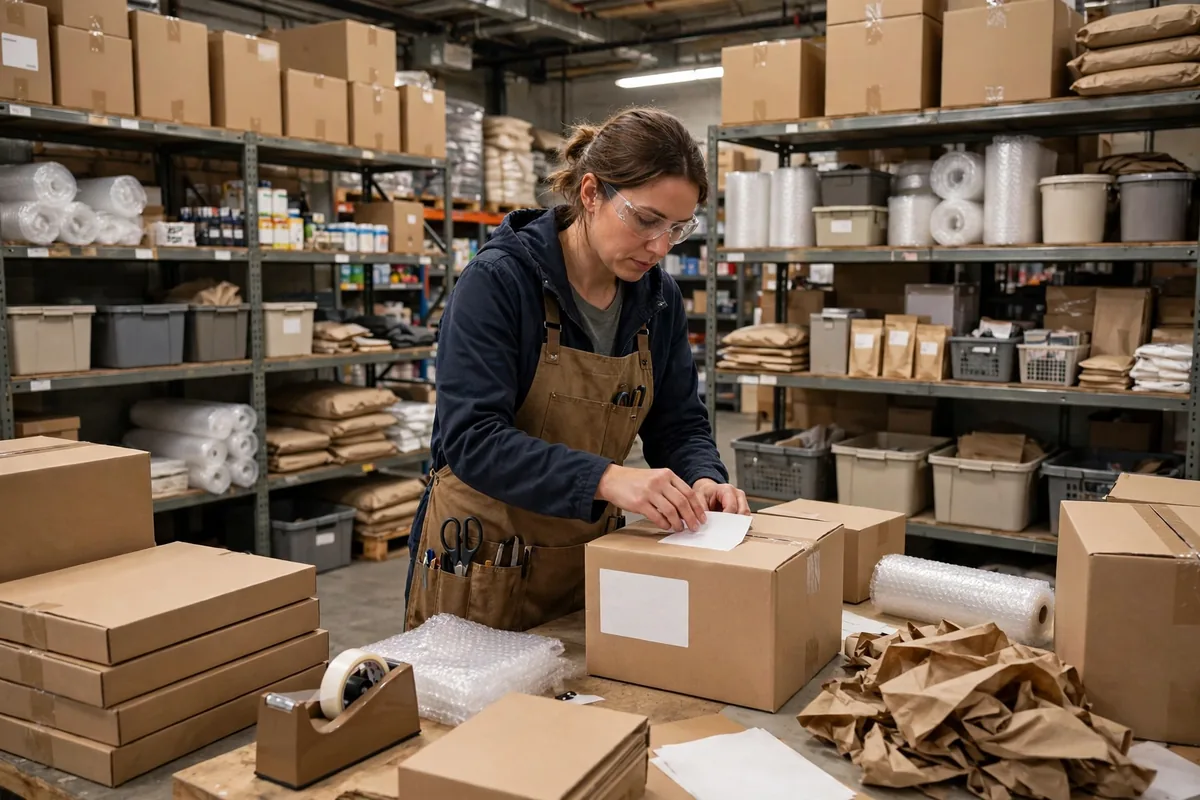
My fix is embarrassingly low-tech: a scale on the packing bench. Every carton gets weighed before it is sealed. Overweight means unpack and repack, no gambling. Same for dimensions — measure before you tape. Three minutes at the bench beats a rejected truck every single time.
Mixed SKUs and undeclared box contents. The third common cause is a mismatch between what is in the box and what you declared in Send to Amazon. Mix multiple SKUs in a carton without declaring the box contents, or declare quantities that do not match what is physically inside, and receiving will flag it. Best case, you wait days for a manual check. Worst case, the whole shipment gets refused.
I learned this one the hard way. Two SKUs in one shipment had their quantities swapped in my declaration. Receiving held the shipment for four days while my listing ran out of stock. Since then, the packer fills out the packing list, a second person counts it again, and both sign off before the carton is sealed. Small sellers can count by hand. At volume, scan-verify every carton: scan one, match one.
And do not skip the box content declaration to save time. The warehouse will count everything anyway — and then bill you for the manual processing, plus the delay.
Appointments, Packaging, and Prohibited Items
Missed appointments trip up plenty of sellers. Deliveries have to arrive inside their scheduled window. Show up late, or show up with no appointment at all, and the warehouse can turn you away. My routine: once the appointment is booked, I screenshot it to the freight forwarder and the driver, all three of us confirm the time, and the driver confirms again before departure. It sounds like overkill until you have rebooked a delivery slot in peak season. Rebooking means joining the back of the queue.
Damaged packaging is next. Crushed cartons, damp boxes, flaps coming open, banned fill material — all of it gets flagged. Use new, rigid, six-sided cartons. Do not patch together boxes scavenged from somewhere else. Fragile items, liquids, and powders need extra protection. A leaking carton that gets rejected is the cheap outcome; a leak that contaminates other sellers' goods is the expensive one.
Hazardous and prohibited items are the line you do not cross. Products with batteries, flammables, or certain chemicals need Amazon's approval at the ASIN level before they ship. Ship without it and you are looking at destroyed inventory and, in the worst case, account restrictions. My rule is simple: if I am unsure about a product's classification, I check first and get approval first. A one-week delay beats risking the account.
The last category is expiration dates. Consumables and topical products arriving too close to expiry can be refused, and the shelf-life threshold is set by Amazon's current policy — check Seller Central for the current number before shipping. Do the math yourself before the truck leaves: arrival date plus your normal sell-through time. If the remaining shelf life does not cover it, do not send it to FBA.
Your Amazon FBA Inbound Shipment Rejected Checklist: Causes, Checks, and Fixes
This is the table taped to the wall above my packing station. Every shipment gets checked against it before it leaves:
| Rejection cause | Pre-ship check | If it gets rejected |
|---|---|---|
| FNSKU label unreadable | Flat face, no seams, scan-verify each carton | Pull back, relabel, reschedule |
| Overweight or oversized carton | Weigh and measure before sealing | Repack, add Team Lift label where allowed |
| Mixed SKUs, undeclared contents | Two-person count, scan-verify quantities | Re-declare actual contents |
| No appointment or missed window | Screenshot confirmed by forwarder and driver | Rebook the delivery slot |
| Damaged packaging, banned fill | New rigid cartons, extra protection for fragile goods | Repack in compliant cartons |
| Hazmat or prohibited items | Check classification, get approval first | Apply for approval or reroute |
| Shelf life too short | Arrival date plus sell-through vs. expiry | Do not ship short-dated stock to FBA |
| Quantities do not match the plan | Packing list checked line by line against the plan | Re-declare and cooperate with receiving |
Let me put a number on it — a hypothetical example, not a real invoice. Say a 200-carton shipment gets an amazon fba inbound shipment rejected at the dock. You pay for the return trip, extra days of 3PL storage, hours of relabeling labor, and a new delivery appointment. A few thousand dollars disappears fast, and that is before the listing loses rank during the stockout or the ads keep spending against zero inventory. Against that, thirty minutes of pre-ship checks costs almost nothing. I have run that math many times. Prevention is cheaper than the fix by an order of magnitude.
If your shipment gets rejected, do this in order. If it happens, do not argue with the dock. That never works. First, get the rejection reason in writing — the exact cause, not a guess. Second, decide whether it can be fixed locally: relabel on site, repack on site. Third, once fixed, re-declare and rebook. Do not try to force the old appointment through.
And write it down. Every rejection goes into my prep sheet: cause, cost, who owned the step. There is a column for "last rejection reason," and I read it before every shipment. Hitting the same problem twice is not bad luck. It is a broken process.
Getting an amazon fba inbound shipment rejected is, at the end of the day, a detail problem. Labels must scan. Cartons must comply. Quantities must match. Appointments must hold. Nail those four things and rejections mostly stop happening. Confirm the current thresholds in Seller Central, because the numbers move — the logic does not. This approach worked for me: since I started running this checklist, no truck of mine has turned around at an Amazon dock.
By Ah K, E-commerce Seller (5 yrs)