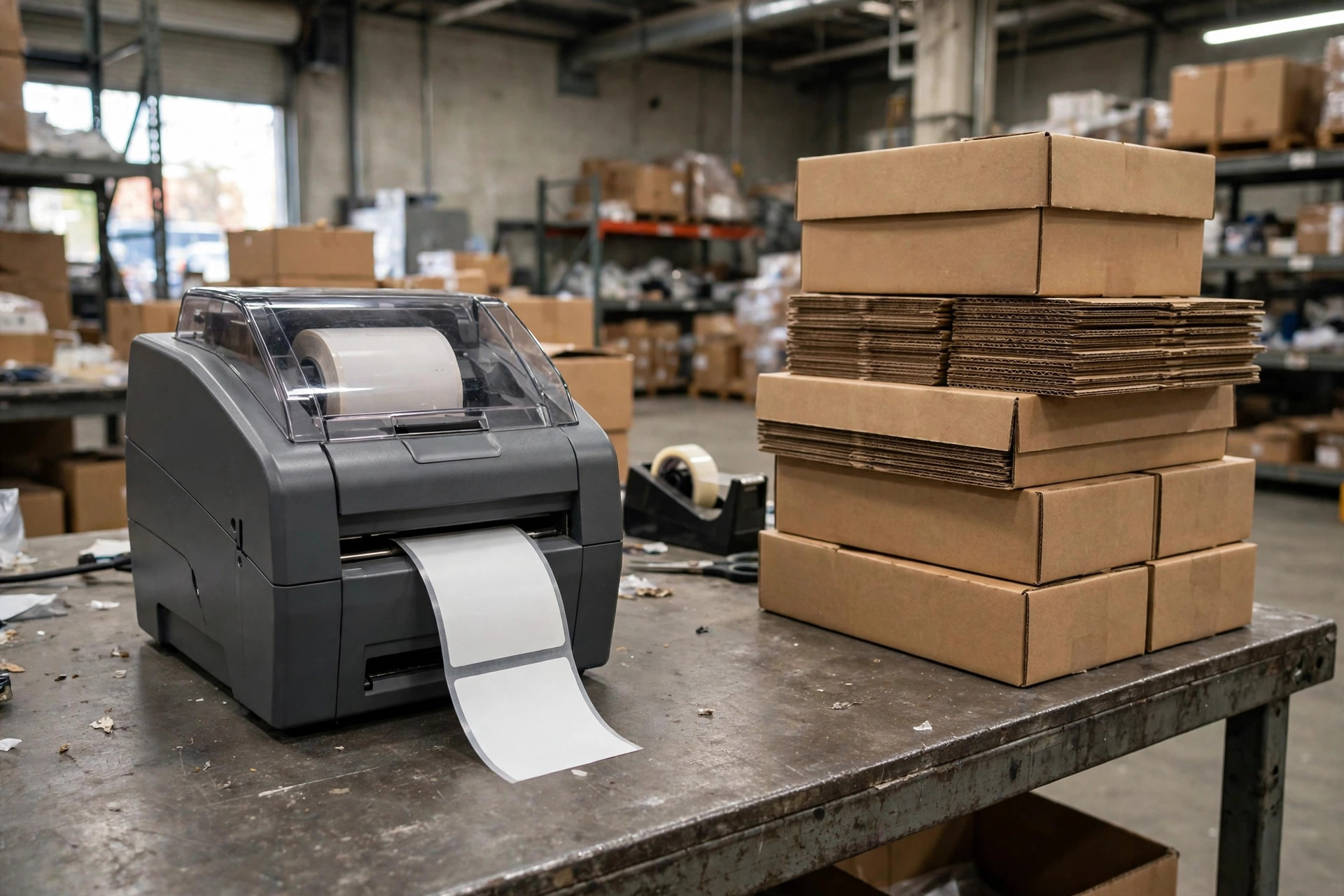
In the fall of 2019, I was doing systems support at a 120,000-square-foot 3PL warehouse in Chino, California. The Thanksgiving peak had just wound down, a new client was moving in, and the warehouse manager asked me to run a cycle count first. On day three, the system and the physical stock didn't match: more than 40 cartons were missing, worth several hundred thousand dollars. Worse, someone had touched the outbound records in the system — a gap in the document numbering where records used to be. Who deleted them, and when? The logs couldn't tell us.
For a whole week, a dozen people in that building got interviewed one by one. We eventually narrowed it to a range of suspects, but there was no evidence to pin down who actually clicked delete. The client nearly pulled their business over it. That incident taught me something I haven't forgotten since: in most warehouses, WMS permissions aren't "too complicated" — they were never seriously configured in the first place.
Nobody thinks about permissions on a normal day. On go-live day, the implementation consultant took the easy route and gave everyone roughly the same access. Then people came and went, and permissions only ever got added, never removed. When something finally went wrong, every account on the screen looked like a suspect.
Who Can Delete Documents?
My position is simple: in one warehouse, the number of people who can delete documents should be one — the warehouse manager.
The first thing we did after the incident was export every account's permissions from the system. The result was ugly: seven or eight accounts had delete rights. Besides the manager and supervisors, even customer service reps and two temp workers could delete receiving and adjustment documents. The CS rep had a perfectly reasonable excuse: a client called to say an order was entered wrong, so she deleted it and re-entered it — leaving zero trace in the system.

Deleting and voiding are two different things, and the distinction matters. Voiding changes a document's status to cancelled; the record stays, and an audit can find it. Deleting wipes the record out — nobody can recover it. In normal operations, voiding is always enough; the delete function gets used maybe a few times a year. My approach: turn off delete rights for all regular roles and keep void only. Give delete to the warehouse manager alone, and require a reason every time it's used, with the reason written into the log.
One more detail people miss: in many WMS products, deletion logs and business logs are separate, and deletion logging is off by default. During go-live acceptance, test it yourself — create a test document, delete it, then check whether the log shows who did it, when, and which document. If it doesn't, the acceptance isn't done.
Why Can the Receiver Adjust Inventory?
The second trap is the failure to separate duties. If the person who confirms receiving quantities can also post inventory adjustments, they're both player and referee.
The most typical case I ever saw: a receiver scanned in a shipment with a Zebra handheld, found the count didn't match the delivery note — a dozen cartons short. Instead of reporting it, he posted an inventory adjustment himself and evened out the books. Three months later the client found the shortage during a count, the supplier's claim window had long expired, and the warehouse ate the loss. The receiver wasn't stealing; he just wanted to avoid hassle and a scolding. A small problem left alone became a big one.
The principle is straightforward: the receiver's job is to record faithfully, and the power to adjust belongs to someone else. The standard practice is a two-step adjustment: the requester writes down the reason for the variance, a supervisor or above reviews and approves it, and the system records both names on the two actions. For larger adjustments — say, over one or two thousand dollars of goods value — add another approval level. Set the threshold against your own warehouse's average order value; don't copy someone else's number.
Also, treat count adjustments and day-to-day adjustments differently. A physical count exists to find variances, so variance documents just follow the normal process. But a manual adjustment made outside of count time deserves a closer look, every single one. I like to have the system email the manager a daily list of all manual adjustments; anything longer than a few lines, and the manager clicks in to look. Keep that habit, and most small games get stopped before they grow.
Who Closes the Accounts of People Who Quit?
The third trap is the most boring and the most common: the person leaves, but the account stays alive.
Anyone in 3PL knows frontline turnover is high — hire a batch of temps for peak season, let them go when it slows. I've checked several warehouses, and nearly every one had accounts that still worked three months after the employee left. Who holds those accounts? Sometimes the departed employee; sometimes a current worker "borrowing" it — "his account has full permissions, I'll just use it and skip the request." When several people share one account and something goes wrong, you can't even ask the right questions.
The fix isn't complicated; sticking to it is. Two iron rules. First, the account gets disabled before the employee clocks out on their last day — it's part of the HR departure notice, not a "when I get around to it" task. Second, reconcile the HR headcount list against system accounts once a month; anything that doesn't match gets disabled first, questions later. Temp accounts for peak season get an expiration date up front and die automatically, so nobody has to remember.
There's one more scenario: someone changes roles inside the warehouse — picker to checker, or night shift to day-shift lead. The role changed, so the permissions have to change with it, and the old ones come back. Most warehouses only add permissions and never take them away, so a three-year veteran ends up holding a pile of access they shouldn't have. My suggestion: every role change triggers a permission reset — zero it out first, then re-grant for the new role. Ten extra minutes, one less buried landmine.
There's a simple test for whether your permissions are in good shape: if a carton goes missing tomorrow morning, can you find — within an hour, from the system logs — who touched that carton and when? If yes, your permissions and logs are alive. If not, you're running naked, just like we were in 2019.
Three things you can do tomorrow: first, export all accounts and permissions, and take back the three high-risk rights — deleting documents, manual adjustments, exporting master data — leaving them with the warehouse manager only. Second, sweep for departed employees' accounts and disable them the same day; put expiration dates on temp accounts. Third, turn on operation logging and run your own create-edit-delete test to confirm every step leaves a trace. Do those three, and your internal controls are already ahead of most warehouses out there.
One last reminder: with permissions, start tight and loosen later — never the reverse. Tight gets you complaints; loose gets you real money lost when something goes wrong.