Let me tell you something I've learned in fifteen years behind the wheel: the loudest fights at a warehouse dock aren't between drivers and forklifts. They're between a receiving clerk and a PDA scanner. "I scanned it! It beeped! Why isn't it in the system?" I've watched that scene play out more than once on wms pda scanner integration jobs, and here's the thing — the scanner is almost never the real culprit.
That Night in Fontana: Fourteen Cartons That Scanned Into Nowhere
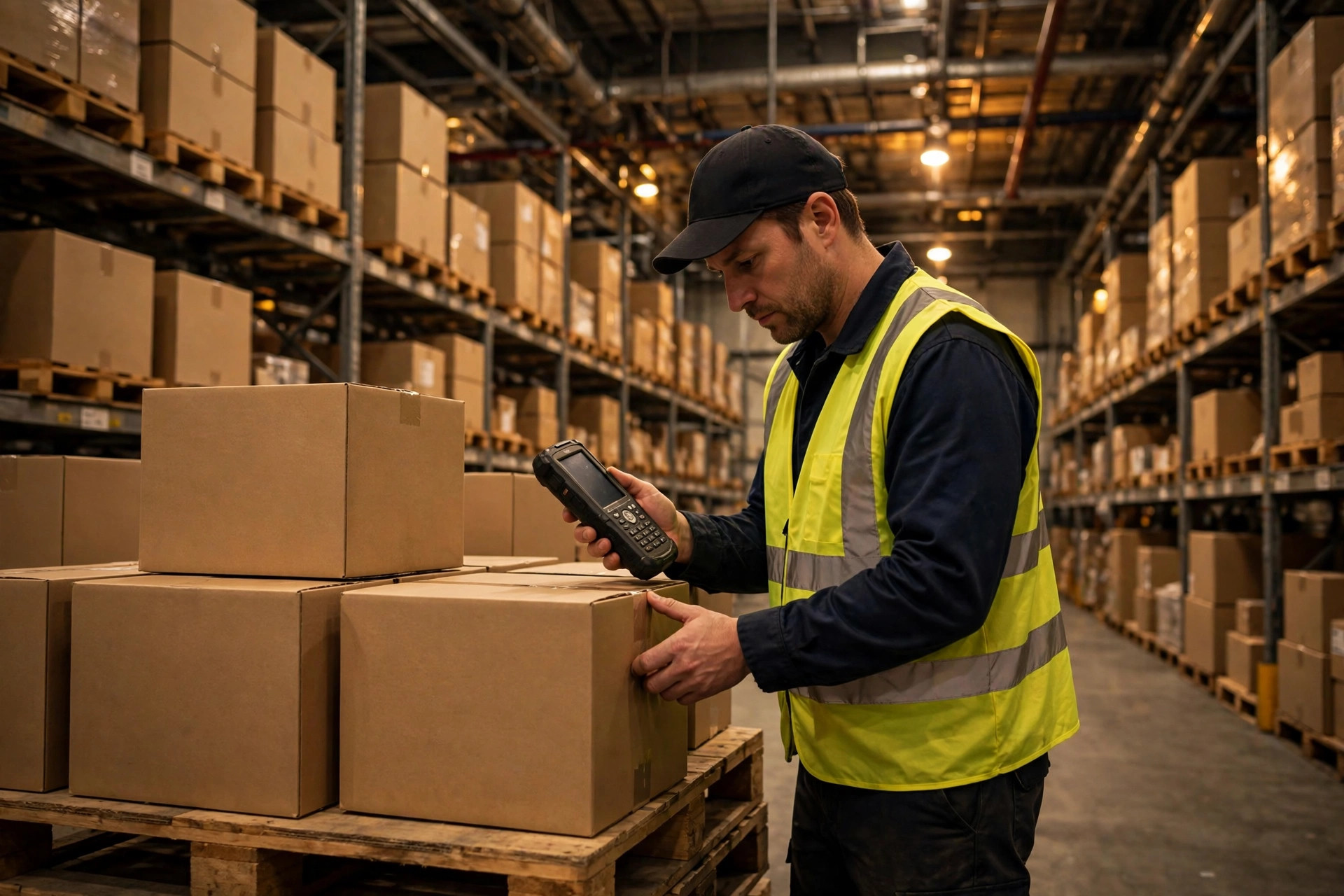
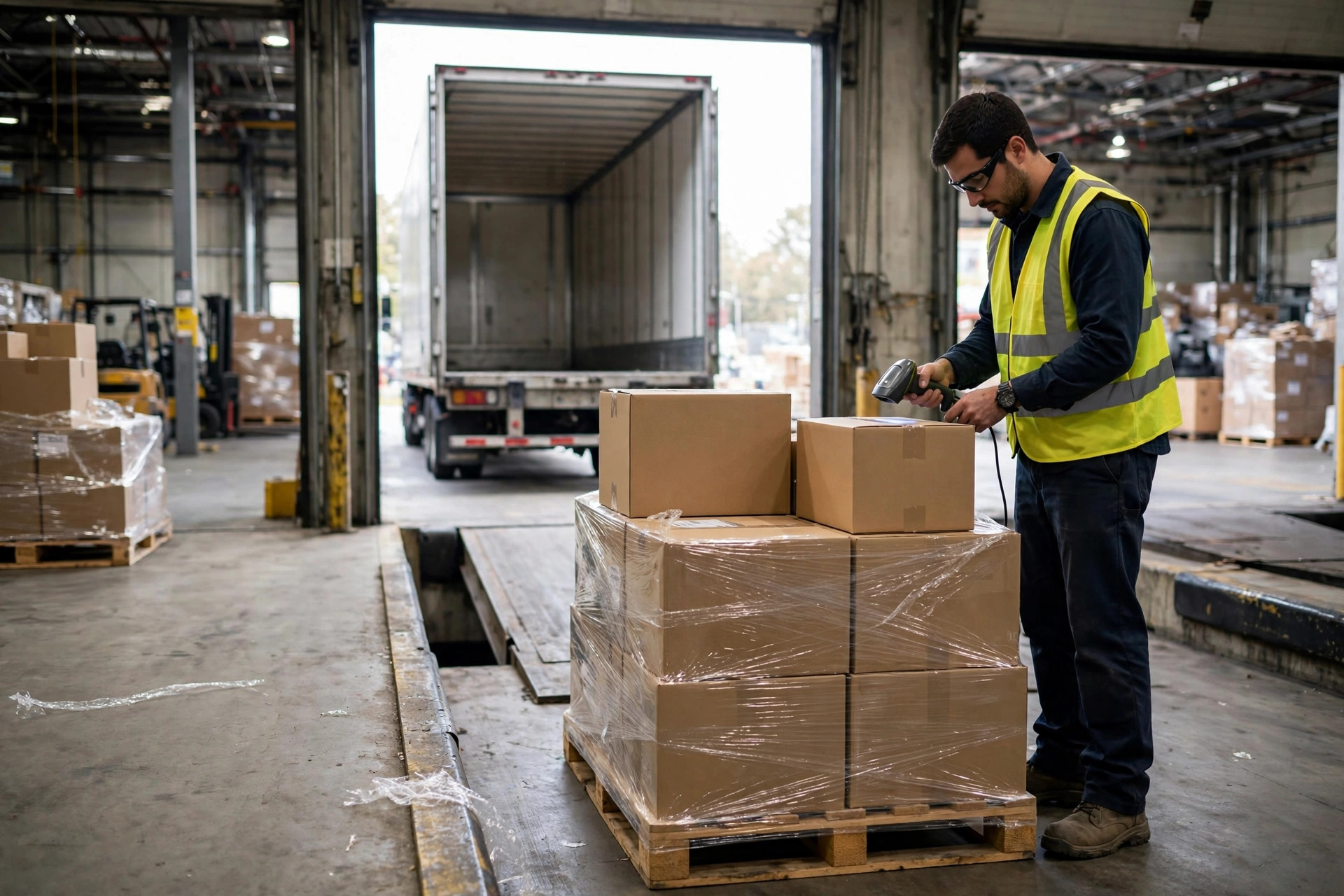
It was last fall, right before peak season. I was waiting for a pickup at a 3PL warehouse in Fontana, killing time near the receiving dock. A young guy was receiving a pallet — maybe forty-some cartons. He worked the PDA like a pro: beep, beep, beep, one carton after another. Then he tapped his screen and his face went pale. Only about two-thirds of the cartons had made it into the WMS.
His first instinct? "The gun's broken." New battery, reboot, rescan — still short. The supervisor walked over, frowning: "Grab another scanner." They swapped in a fresh unit, rescanned, and everything went through. Problem solved? Half an hour later, a different scanner started dropping scans too.
I was watching from the sidelines, and something didn't add up. What are the odds of two scanners failing the same night? I chatted with their IT guy during a smoke break, and one sentence cleared it up: "The scanners are fine. There's a Wi-Fi dead zone in that corner." The receiving area sat in a gap between two access points. The PDA scanned, showed "scanned" on screen, and then the data died somewhere between the gun and the server — with nobody the wiser.
See, that's the pattern. When scans vanish in a WMS-PDA integration, everyone on the floor blames the gun first. But the gun did its job the moment it beeped. Between that beep and the WMS record, data crosses several links in a chain. The break can be in any one of them, and the scanner can't tell you which.
The Stranger Case: Scans That Arrived Thirty Seconds Late
Another time, near Chandler, Arizona, I saw the opposite problem — not loss, but delay. A clerk scanned a carton, nothing happened on screen, so he scanned it again. Then the system woke up and logged the same carton twice. Inventory doubled overnight. They spent the whole night cycle-counting to untangle it.
IT traced it to the middleware — the collection service sitting between the PDAs and the WMS. Scans weren't going straight through; they were batched and forwarded in groups. The network hiccupped that day, the batch got stuck, and then everything flushed through at once, half a minute late. The clerk, waiting at the dock with no feedback, had rescanned. And the WMS accepted every duplicate without question — no dedup logic at all.
That's what these stories tell you: scanner data loss, delay, and duplication in a WMS integration are rarely "scanner" problems. They're chain problems. From the scan head to the system, data travels four links: the device itself, the warehouse wireless network, the middle collection layer, and the WMS endpoint. Any link can break, and the symptom on the floor always looks the same — "I scanned it, but it's not in the system."
The Troubleshooting Chain: Check Four Links, In Order
I'm telling you, don't troubleshoot by guessing. Walk the chain, link by link — and in the right order. Whatever you do, don't start by swapping scanners. The scanner is the last thing you check.
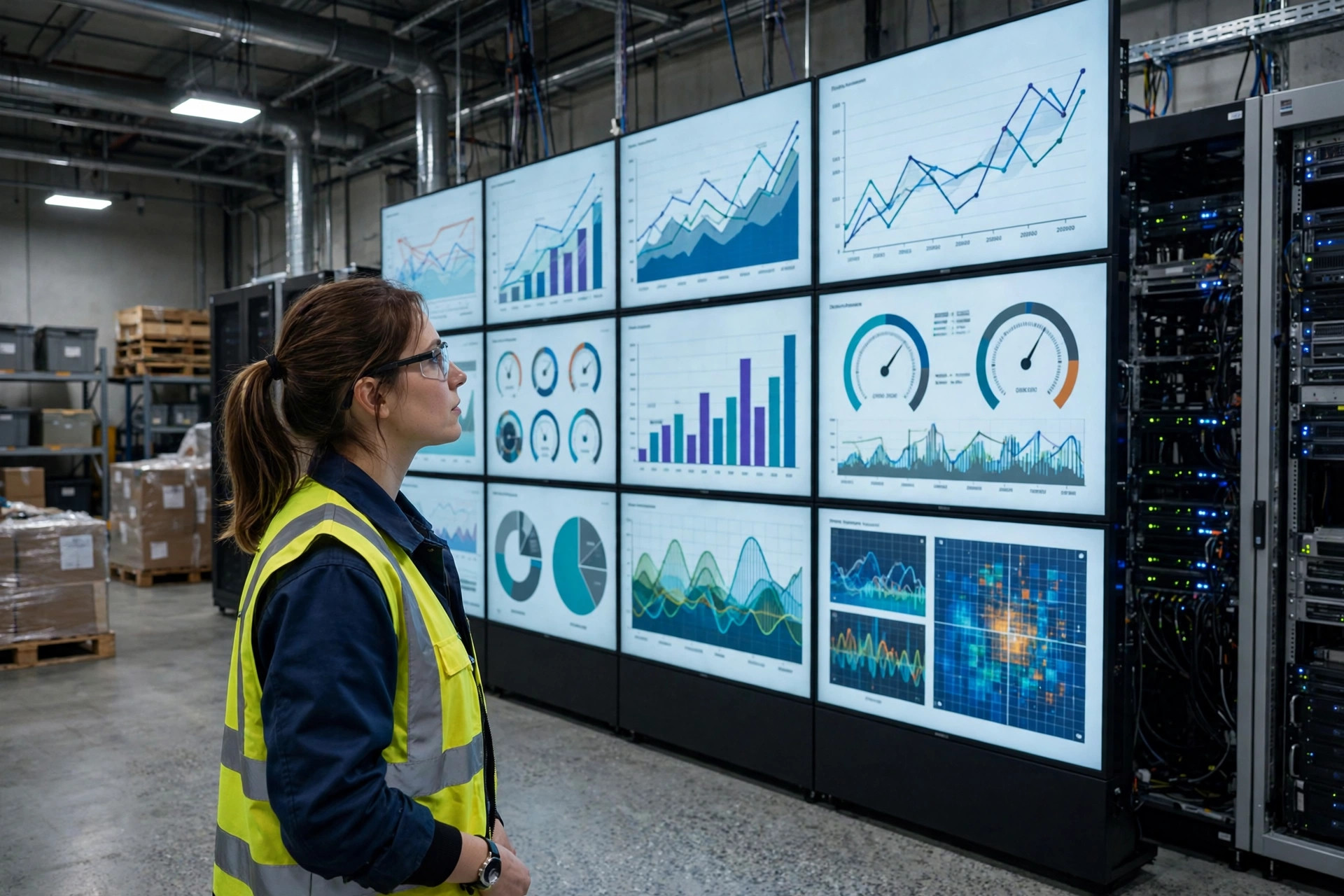
Link one: the road — the warehouse Wi-Fi. This is the number-one source of dropped scans. PDAs live on wireless, and a warehouse full of steel racking is a minefield of dead zones. The fix is low-tech but it works: walk the problem area with a PDA and watch the signal, or have IT pull the device's disconnect log. Most warehouses mount access points for "coverage area," not for actual work paths — and the receiving and putaway zones, where scanners get hammered hardest, are often the weakest spots.
Link two: the gun and the person holding it. When battery runs low, some PDAs throttle their radios and drop Wi-Fi first. A dirty scan head decodes slowly, and the operator moves on before hearing the confirmation beep. Some units run in keyboard-wedge mode, dumping scan data into whatever input field has focus — focus drifts, and the data types into thin air. Small stuff, and it gets skipped in troubleshooting because everyone assumes "it beeps, so it works."
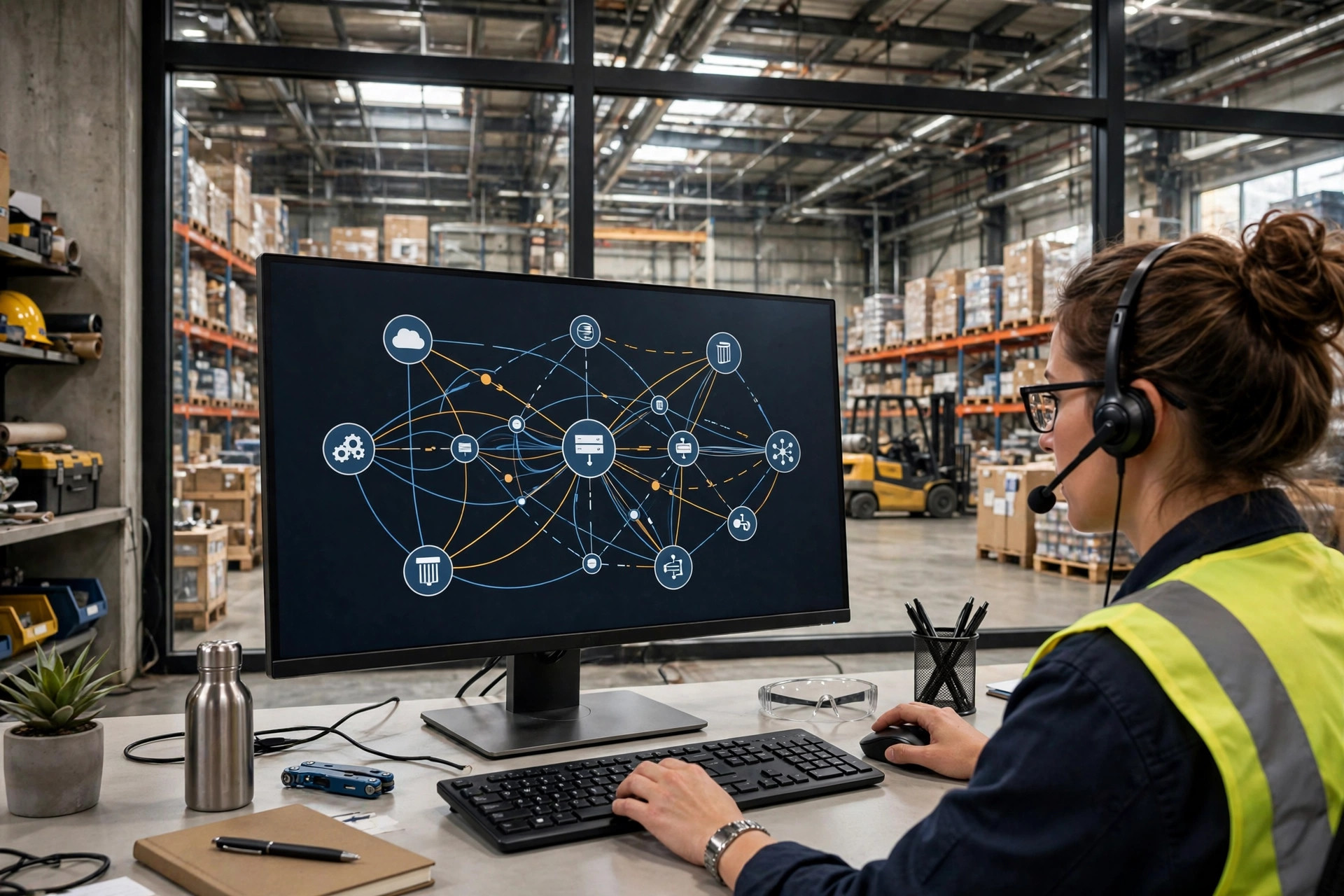
Link three: the middle collection layer. Ask IT three questions: is data sent in real time or batched? If the network drops, where is data cached, and does it backfill on reconnect? Is there dedup for repeat scans? A lot of "lost scan" cases end here — the scan happened, the network was fine, but the data sat in a middleware queue that never flushed, or flushed twice because the WMS never sent an acknowledgment. Loss and duplication are often two faces of the same root cause.
Link four: the WMS endpoint. Is the receiving API idempotent — does scanning the same barcode twice within a short window register only once? Do the timestamps line up? Can you find every scan's arrival time in the WMS logs? A system with complete logs makes troubleshooting a matter of reading records. One without logs leaves you guessing.
Remember this order as a rule of thumb: network first, then the operator's habits, then the middleware, and only then the scanner and the system. Walk it in that order and you'll usually pin the problem down in a morning. I've seen warehouses do it backwards — swap guns, swap software, and only days later discover an access point in the wrong spot.
The Counterintuitive Call: Real-Time Isn't Always Better
Here's something that goes against the grain. A lot of people assume scan data should flow into the WMS in real time — faster is better, batching is old-fashioned. Wrong.
Real-time upload means every network hiccup becomes a lost scan — and the worst kind of loss, the silent kind, where the operator has no idea. Batch upload (data stored on the device, synced every few minutes or after a batch completes) survives network drops: the data is still on the gun, just late, never silently gone. The price of batching is latency — the WMS always shows the world as it was a few minutes ago, which hurts when you're rushing hot orders or emergency transfers during peak.
So there's no universal answer; it depends on the job. Receiving and putaway — "scan and move on" work — are safer with batch-plus-backfill. Sorting and verification — "scan and get instant feedback" work — need real-time, but then the wireless network has to be engineered around actual work paths. That's the trade-off on the table: want speed, spend on the network; want resilience, accept a few minutes of delay. The worst outcome is wanting both without paying for either.
Straight Advice: Three Things That Stop Scanner Data Loss
If you're a shipper: don't just watch the unload speed when your freight hits the dock. Ask the warehouse a couple of questions — do you receive by scan or by manual entry? Have you ever lost scan data? A warehouse that can't guarantee its scan data won't give you trustworthy inventory accuracy either. Put a receiving-data accuracy clause in the contract. It beats arguing after the fact, every time.
If you run the warehouse: three things. First, walk the receiving and putaway zones with a scanner and map the dead zones — fill them with access points; that money is not optional. Second, turn on offline caching with automatic backfill on the PDAs — never let scan data travel unprotected. Third, make the WMS interface dedup scans — if the same barcode comes in twice within a short window, the system should know. Do those three, and nine times out of ten, "I scanned it but it's not in the system" disappears for good.
Fifteen years on the road taught me this: most "equipment problems" in a warehouse turn out to be problems with invisible things — signal, software, process. The scanner is innocent. All it does is beep.
There's an old saying where I come from: sharpen the axe before you chop the wood. When scans go missing, don't rush to replace the gun — walk those four links one by one. Once the road is clear, the data will arrive.
By Shifu Zhao, Trucking Veteran (15 yrs)