In 2019, I worked a WMS go-live with a 3PL warehouse in Ontario, California - 80,000 square feet, 12,000 SKUs. First week after cutover, the mispick rate jumped from 2% to 9%. Customer service got buried in calls. The software was fine. The integrations were fine. Three days of digging later, the implementation team found the real problem: the data migrated from the legacy system. More than 800 SKUs had no barcode at all, 300-plus had messed-up units of measure (cases and eaches mixed together), and 50-some location codes didn't match between the old and new systems. The owner spent $400,000 on a new system and got taken down by a handful of spreadsheets.
Here's my verdict up front: master data cleanup is the highest-ROI work in any WMS project. It costs almost nothing, and if you skip it, every dollar you spend afterward goes toward cleaning up its mess. Most go-live delays I've seen had nothing to do with software. They were data problems.
A lot of people think data migration means exporting a table. It doesn't. Legacy data is written for humans; WMS data is written for machines. A person reads "about 2 cases" and understands. A machine doesn't - wrong units break the replenishment algorithm, missing barcodes stall the scan flow, and wrong locations send tasks to thin air.
Checklist one: SKU master data, five fields, no exceptions
SKUs are the dirtiest part of master data. Walk through this list item by item:
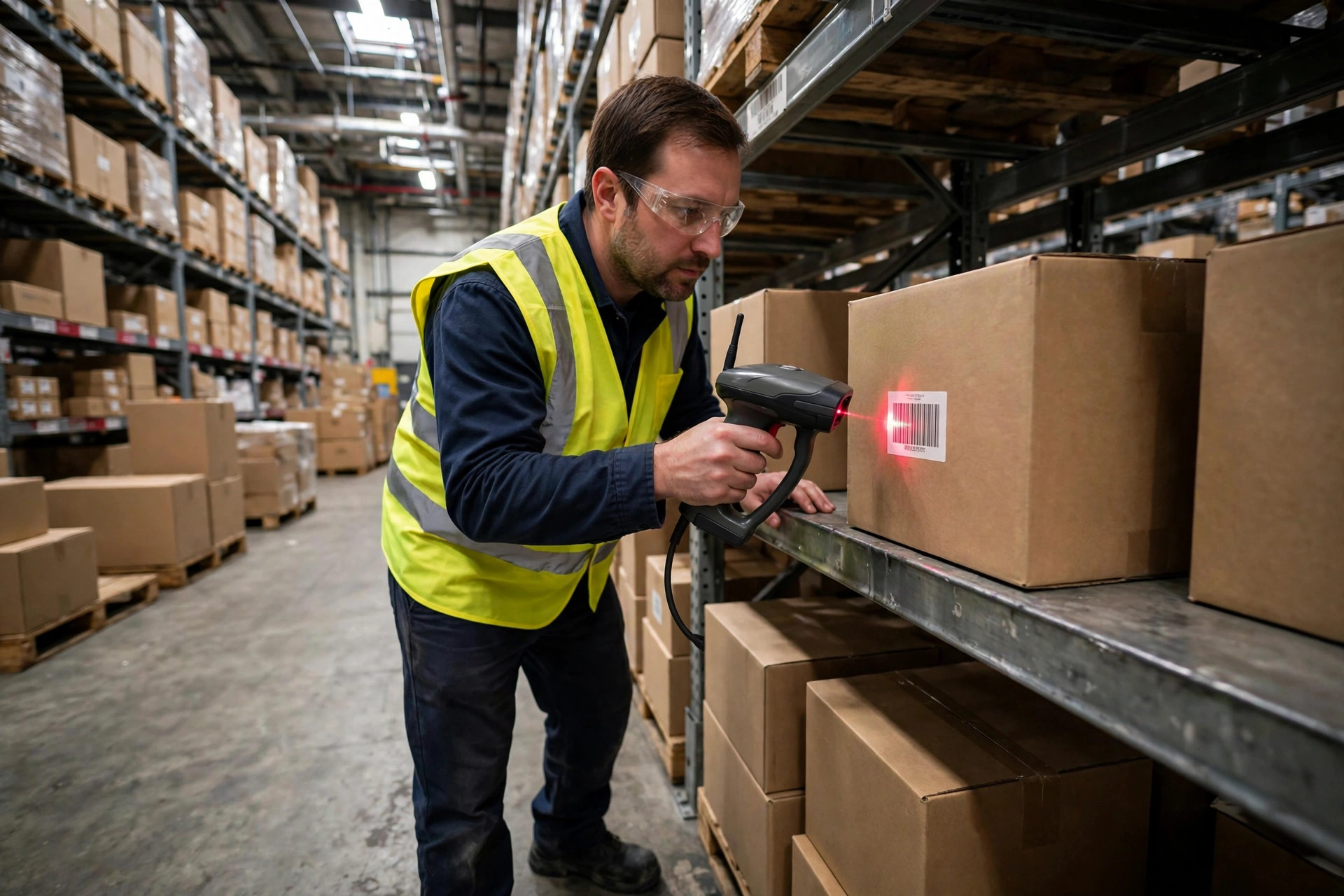
Barcodes. Every SKU needs at least one scannable barcode, a UPC or an internal code. The worst case I ever saw: 800 out of 12,000 SKUs had no barcode, and receiving was done by eyeballing cartons. The fix is unglamorous but it works - four weeks before go-live, pull every SKU without a barcode and slap an internal barcode label on it. Don't tell yourself you'll "add them after go-live." After go-live you won't have time to label anything.
Units and conversions. Eaches, inner packs, cases, pallets - every level needs a conversion factor. The classic trap is one SKU with multiple units: purchasing receives in cases, sales ships in eaches, and the legacy system only recorded cases. Before importing into the WMS, fill in every "1 case = 24 eaches" conversion, or every pick task quantity will be wrong.
Weight and dimensions. These two fields drive freight calculation and slotting. SKUs with no weight can't be used in load optimization; SKUs with no dimensions break the replenishment engine's cube math. The practical method: weigh and measure 200 representative SKUs, estimate the rest by product family. Anything beats leaving the fields blank.
Lot and expiry attributes. Food, pharma, and cosmetics warehouses must flag whether a SKU is expiry-managed. This one field decides whether the WMS enables FEFO logic, and changing it later means rebuilding the process.
Hazmat flags. SKUs with batteries or liquids get flagged early - it determines whether they can share zones with general merchandise. Fixing this after the fire marshal shows up is too late.
Checklist two: location master data, where ghost locations are the number-one killer
Location data is sneakier than SKU data because nobody looks at it day to day. Three items:
One coding scheme. Old and new location codes must map one to one. I've seen a legacy system using "A-01-02" against a new system expecting "A0102" - the import truncated the codes and 300 locations simply didn't exist in the new system. The mapping table needs human, line-by-line confirmation. Don't trust the script.
Location attributes. Every location gets tagged: pick face, bulk storage, returns staging, or exception area. Get the attributes wrong and the system replenishes bulk pallets into a 6-foot pick slot that physically can't hold them.
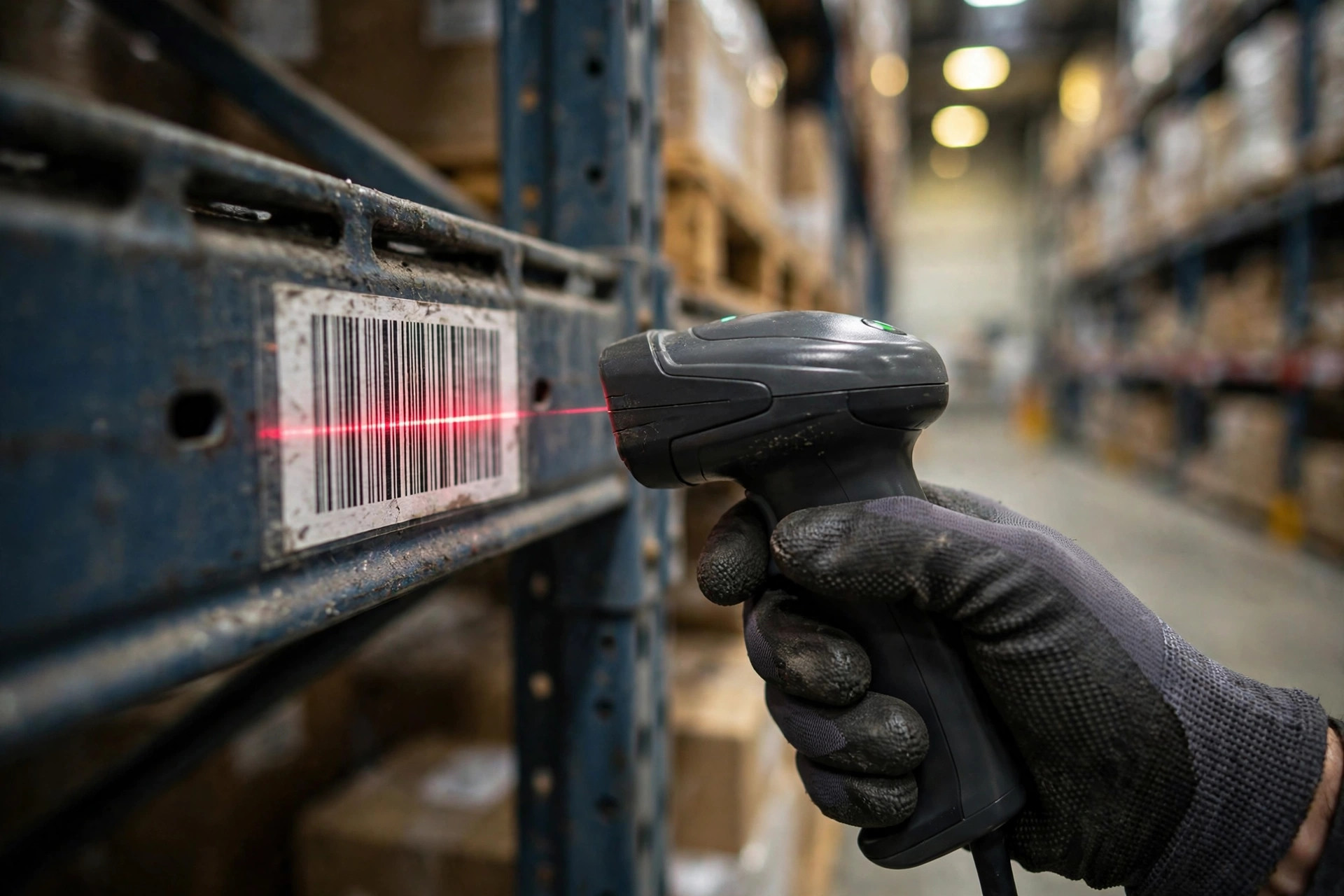
Kill the ghost locations. Locations that exist in the system but not on the floor - or on the floor but not in the system - must be walked before go-live. My method: two teams cross-checking. One person takes the system list and hunts for each location on the floor; another walks the floor tagging and reconciling back to the system. Two people can walk 80,000 square feet in two days.
Checklist three: opening balances - better three days slow than one entry wrong
Once the data is in, the inventory balances have to be right. My iron rule: do a full wall-to-wall count before go-live, not a sample count. A 98% sample accuracy sounds fine, but the remaining 2% of variances will all detonate as pick exceptions in week one.
Use the count to do three things at once: flag dead stock and clear out what you can - don't carry garbage data into the new system; re-label old inventory with non-standard lot numbers; and isolate anything with less than 30 days of shelf life left so it ships first after go-live.
My usual timeline: start SKU cleanup at T-minus 6 weeks, start the physical location walk at T-minus 4, do the full count and freeze data at T-minus 2 (after the freeze, the legacy system only ships, nothing gets received), and run the migration rehearsal at T-minus 1. For a 10,000-SKU warehouse, two people can finish the whole cleanup in three weeks. Compare that with skipping it: at least six weeks of rework after go-live, plus whatever customer trust you burn.
What skipping it really costs
Back to that Ontario warehouse. Dirty data went live, mispicks hit 9% in week one, and by week two the customer started invoking the accuracy penalties in the 3PL contract - most of them kick in below 98.5%. Week three, the owner halted all new customer onboarding and pulled two full-time people into three weeks of rework: re-labeling barcodes, backfilling unit conversions, walking every location.
The damage: over $20,000 in rework labor, $10,000-plus in penalties, one month of project delay (another $30,000 in consultant fees). Total north of $60,000. The cleanup they skipped would have cost under $10,000 and two weeks. Data cleanup isn't a cost. It's the cheapest insurance policy in the whole project.
Data needs an owner
Checklists are useless without owners. Nine out of ten cleanup efforts that stall do so because "everyone's working on it and nobody owns it." My split:
SKU data belongs to purchasing or the product team. Only they know how many pack configurations a SKU really has. Warehouse staff guessing from a spreadsheet will guess wrong. One named owner per product family - their sign-off means that batch is done.
Location data belongs to warehouse operations. It's their floor; only people who walk it daily can find the ghost locations. Shift leads walk, the consultant takes notes - not the other way around.
Opening balances get dual sign-off from finance and the warehouse. Opening balances in the new system become the opening numbers on the financial books. If they don't tie, month-end close will be miserable. Dual sign-off means operations owns the quantities and finance owns the dollars.
One more iron rule: the implementation consultant provides templates and validation rules, but never owns the data. Put in the contract that data preparation is the client's responsibility, or every delay becomes "the data wasn't ready" - their get-out-of-jail card.
Rehearse the migration: run it twice before the real thing
Clean data doesn't go straight into production. The standard move is two rehearsals:
First run, 10% sample, checking logic: duplicate barcodes, blank unit conversions, location codes the new system can't find. The validation can be embarrassingly simple - a COUNTIF for duplicate barcodes in Excel, a VLOOKUP against the location map. Simple works.
Second run, full volume, with a stopwatch: 12,000 SKUs plus 8,000 locations - how long does the import take, and how long does a rollback take? Those two numbers define your go-live night's time window. My bar: full import plus validation inside four hours. Longer than that means the data or the script needs work before you set a go-live date.
After the T-minus 2 freeze, the legacy system ships only - no new SKUs, no location changes. Two weeks of new receipts go on a manual log and get entered on day one after go-live. The freeze notice goes to every affected person, and paper sign-off is best. The thing you fear most in a freeze is someone quietly editing the old system - one edit there is one variance in the new system.
One thing you can do tomorrow: export your legacy SKU table and filter it three ways - no barcode, no weight, multiple units. Count the red rows. That number is your WMS project's real risk exposure. Clean that table first, then talk about go-live dates.