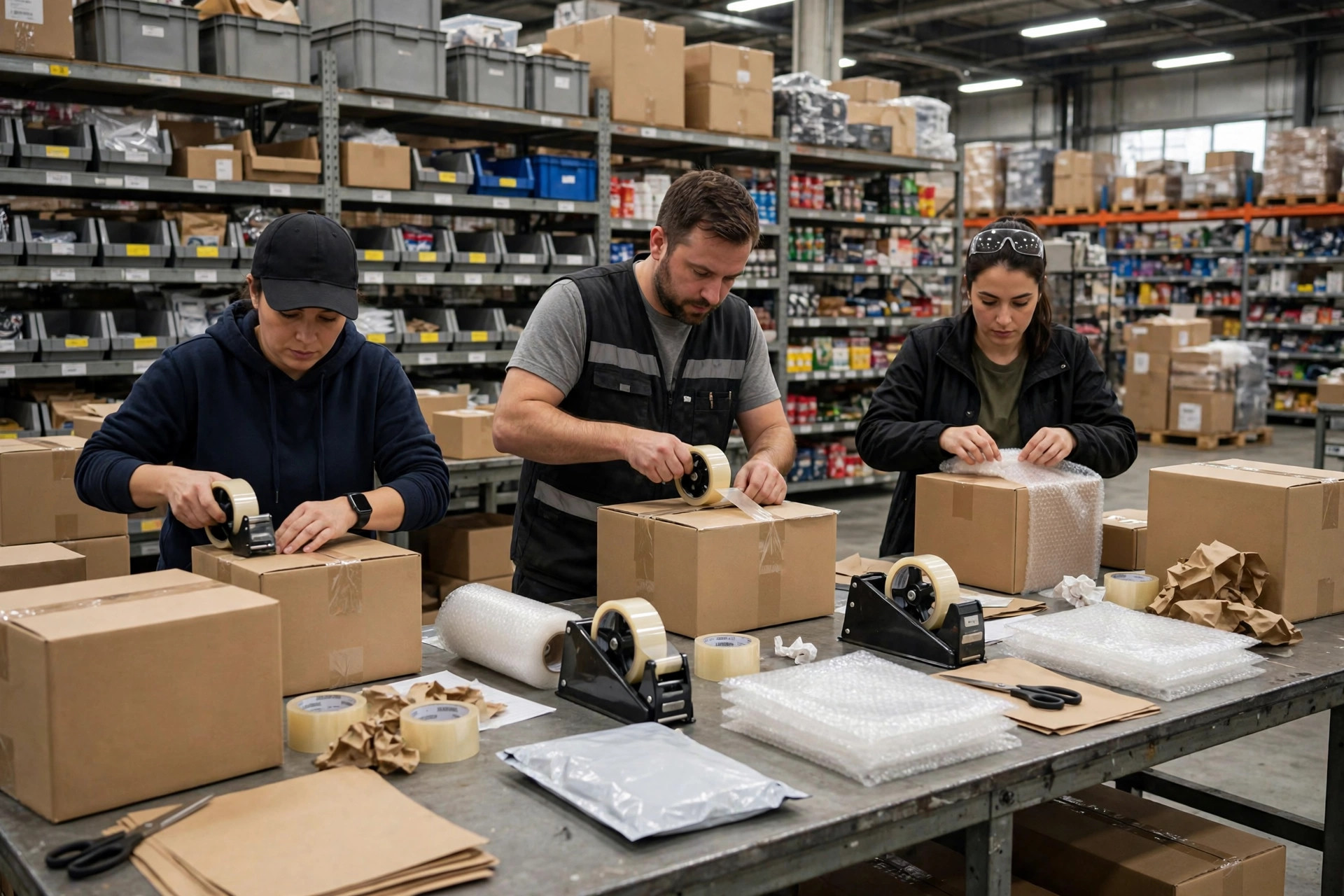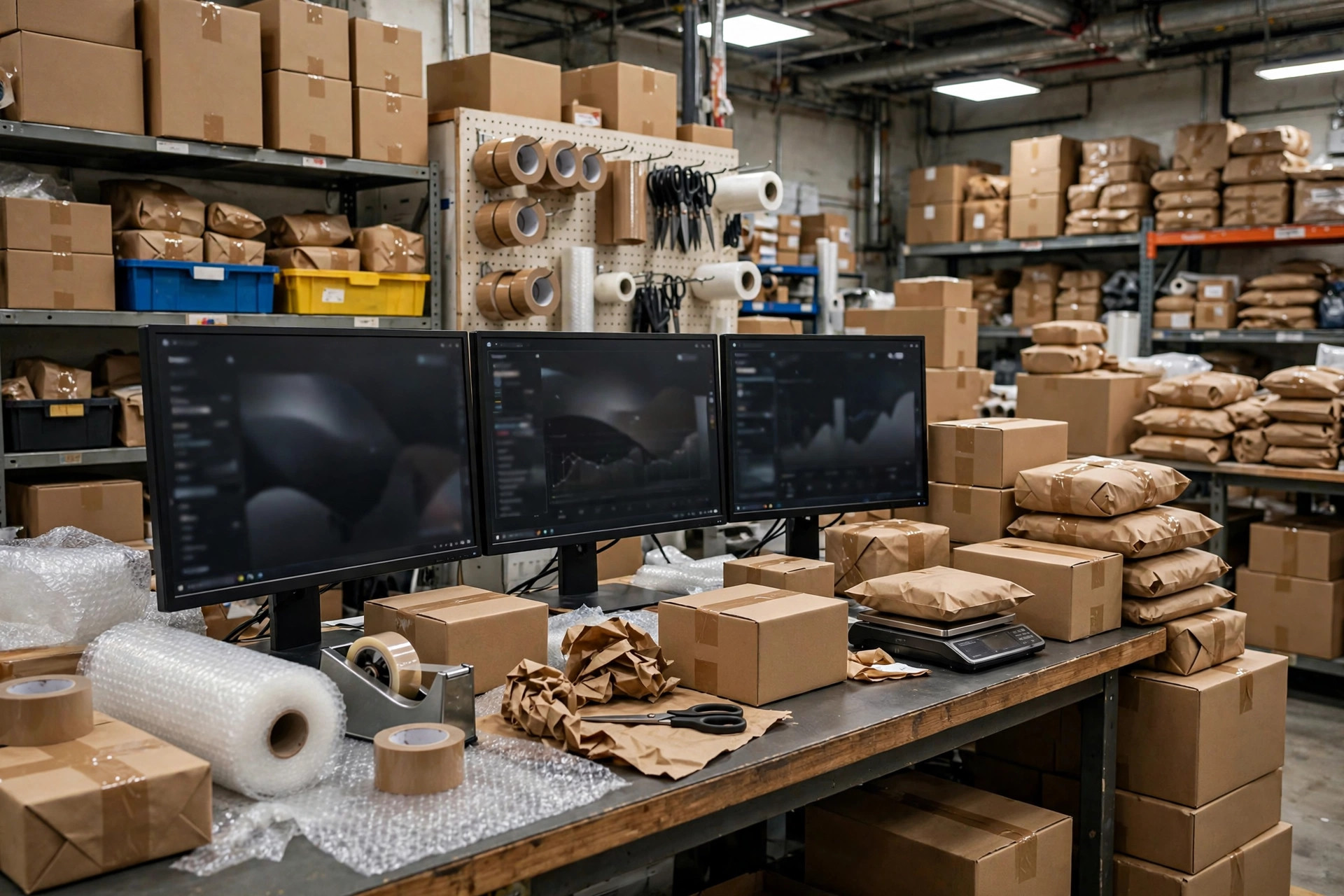
Here's the short answer to "when do you need an OMS": stop reading analyst reports and look at your own operation. Two of the five signals below, and an OMS belongs on your roadmap. Three or more, and every month you wait is another month of paying people to do software's job.
I've spent years implementing WMS projects, and I've watched the same movie too many times: owners treat an OMS as "something only big companies need," while their small team drowns in orders and still mispicks. First it's "we're still small, Excel will hold." Then it's the owner calling me at midnight asking "can we go live next week?" I tell them the same thing every time: the signals were there months ago.
So this piece skips the theory. Each signal below comes with a quantifiable tripwire. Just count.
Signal 1: You're Pulling Orders Out of Each Channel by Hand
Does your morning look like this: ops logs into the Amazon backend and downloads a batch of orders, then the Shopify backend for another batch, then the TikTok shop for a third, then copy-pastes everything into one master spreadsheet to print for the warehouse?
Tripwire: three or more sales channels, or someone spending 2+ hours a day just moving and reconciling orders. Manual order-pulling fails multiplicatively, not additively: more channels, more diverging address formats and promo rules, more creative errors.
In 2024 I worked with a beauty seller in Los Angeles: four channels, 200–300 orders a day, three people spending 2–3 hours every morning doing nothing but pulling and reconciling orders. One big promo oversold 40+ units on Amazon — they had to cancel at a loss and took a policy strike from the platform. They signed off on an OMS the following week.
Signal 2: Excel Is Your Inventory System, and It's Cracking
Excel isn't evil — it just can't handle multi-user, real-time, multi-channel. Classic symptoms: nobody knows who edited the stock sheet last, two people overwrite each other, and channel A oversells while the spreadsheet still shows stock.
Tripwire: 100+ SKUs with dozens of inbound/outbound lines a day, still living in a spreadsheet. Or simpler — ask the warehouse "how many units of this one are actually sellable right now?" If the answer requires three spreadsheets and two phone calls, the signal is confirmed.
Signal 3: Split Shipments and Mispicks Are Climbing
One order, three items, shipped in two waves, tracked in a paper notebook with "one more item to go" — that's the early stage of split-shipment chaos. Mispicks are blunter: wrong color, wrong size, customer A's goods under customer B's label.
Tripwire: count the monthly returns and complaints caused by wrong, missed, or duplicated shipments. If it's around 5% of total orders (one in twenty), manual processes have stopped coping. The real cost isn't just freight — it's support tickets, reships, and one-star reviews.
Signal 4: Returns Are a Black Hole
Returns are the lie detector of your operation. Customer asks "did you receive my return?" — support can't answer. Returned goods pile up in a warehouse corner; QC, restock, and putaway happen on vibes. Finance closes the month and can't reconcile how much was actually refunded.
A home-goods seller in Chicago, 2023: over a thousand returns piled in the corner, mixed together with outbound-ready stock. Twice they re-shipped a returned item as new. After the OMS went in: every return scanned at receiving, status visible end to end.
Tripwire: returns take more than a week to process, or support has to go "hunt for a return" in the warehouse more than twice a week.
Signal 5: Support Can't See Order Status Without an Expedition
Customer asks "has my order shipped, where is it?" Support's workflow: check the spreadsheet for the order, ask the warehouse if it shipped, then look up tracking on the carrier site. Five minutes a ticket, fifty tickets a day — that's your support rep's whole day.
Tripwire: "where's my order" type inquiries make up half or more of daily support volume, or the team spends 2+ hours a day just tracking orders. This is the easiest signal to measure — go ask support for that number tonight.
The Counterintuitive One: 50 Orders a Day Across 4 Channels Needs an OMS More Than 500 Orders on One Channel
"But we only do a few dozen orders a day — do we really need an OMS?" Short answer: count channels, not orders.
Five hundred orders a day on a single channel: uniform order structure, one set of rules. A label-printing tool plus Excel handles it fine — an OMS buys you very little.
Fifty orders a day across four channels means four order formats, four inventory definitions, four return policies — manual complexity grows multiplicatively, with every added channel roughly doubling the error chance. These small-volume, multi-channel sellers are exactly where an OMS pays back fastest: the system absorbs all four rule sets, and your people go back to being operators instead of data movers.
When Do You Need an OMS? You Bought One — Now Do These Three Things First
Deciding is just the start. I've seen companies go live on an OMS and stay chaotic, because they botched the first three things. In this order, one at a time:
First: connect every channel and unify orders into one pool. Steps: list every channel you sell on, including ones you plan to open next month; connect them one at a time, biggest volume first; after each connection run 3–5 test orders and verify amounts, addresses, and line items; only then move to the next; run the old manual process in parallel for a week before switching off. Test with real products sent to your own warehouse address — never practice on customer orders.
Second: unify your inventory definition and lock the allocation rules. Start with an honest physical count — don't trust the spreadsheet. Formula: sellable = on-hand minus allocated minus safety stock. Rules: when stock runs short, which channel goes dark first is your call, not "whoever pulled the order first." Classic mistake: counting inbound stock as sellable — one big promo and you're overselling.
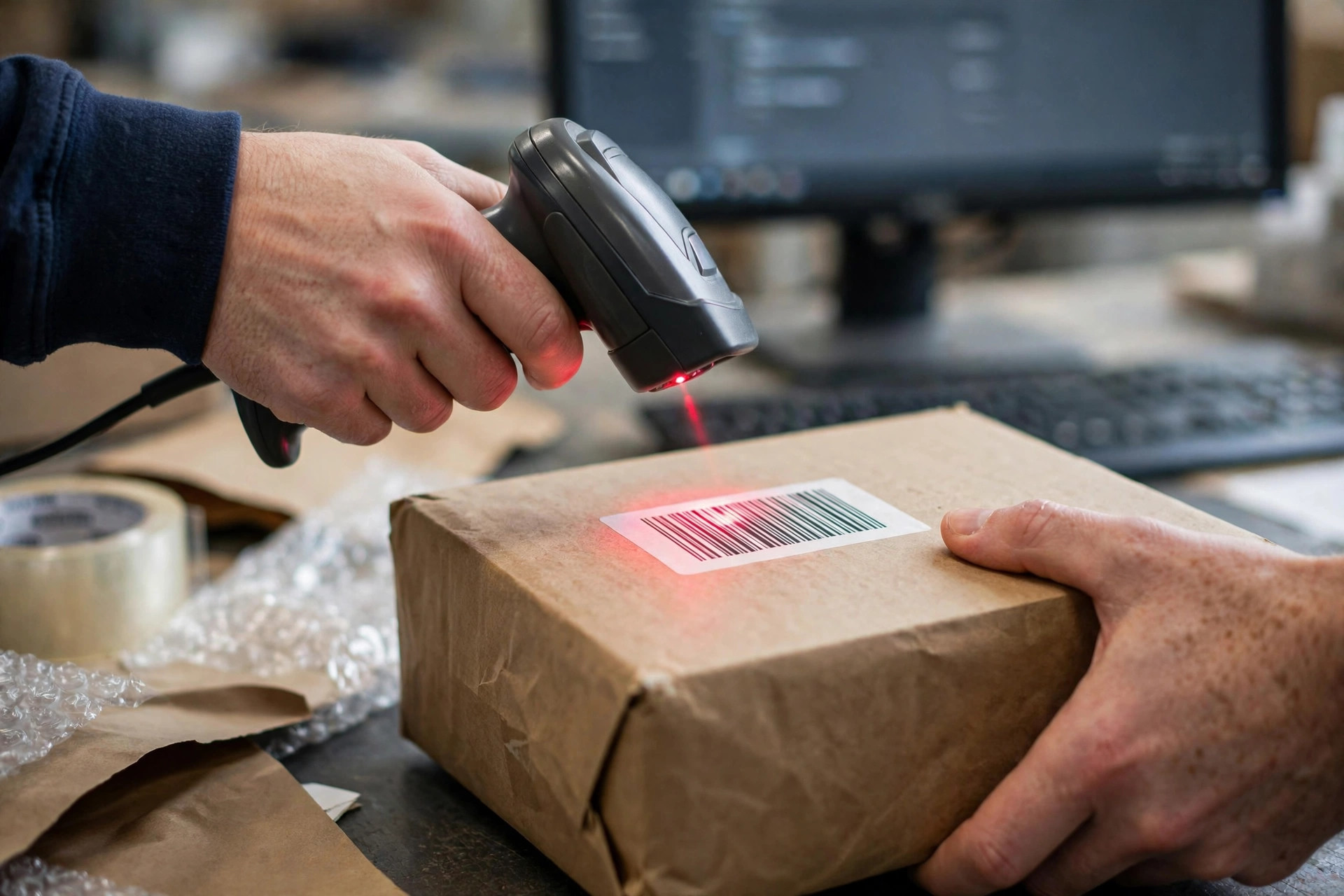
Third: close the fulfillment loop — print, scan, push back. Scanner at every pack bench: scan the item barcode before sealing — no scan, no seal. Print labels from the OMS template. Push tracking numbers back to each channel automatically. Park unscannable exceptions in a dedicated zone and reconcile them the same day.
Get these three right and four of the five signals disappear. Returns take longer — set up reason codes and a QC flow, and it's straightened out within a month.
Do the Math: What Manual Order Chaos Actually Costs
Before calling an OMS expensive, price what you're burning now. Three lines:
Line one, manual order handling: people × hours per day × hourly rate × working days per month. Order of magnitude: two people at two hours a day is nearly 90 hours a month — at US warehouse labor rates, that's thousands of dollars. Gone.
Line two, mispick and oversell losses: problem orders per month × average cost per incident (freight + reship + refund + review damage). A few dozen problem orders a month easily tops a thousand dollars.
Line three, opportunity cost: two hours a day moving orders is two hours not spent on product or listings. Owners always forget this one.
On the OMS side: SaaS plans start at a few hundred dollars a month, implementation in the low thousands to tens of thousands. Divide your monthly burn by the subscription — a three-month payback is slow. Most sellers hitting three signals pay it back in month one.
OMS Selection Pitfalls: I've Seen This Exact Failure Three Times
Last part: selection. A wrong OMS hurts more than no OMS. Three traps, each of which I've watched play out at least three times:
Trap one: going live on dirty data. One SKU with three names across three channels — the OMS just automates the mess. Before go-live, unify SKU coding and hand-verify the channel mapping table. Every line.
Trap two: buying on a pretty demo. The demo showed the happy path; nobody tested returns, split shipments, or partial fulfillment. Bring your five nastiest real scenarios to the demo and make them run those. Whether sales lets you is itself the test.
Trap three: cutting over all channels on day one. Cut the smallest channel first, run it two weeks, confirm the numbers reconcile, then move the flagship. If a big-bang cutover fails, there's nowhere to roll back to.
Tonight: spend twenty minutes and ask support for two numbers — hours spent tracking orders today, mispicks this month. That's the most honest answer to "when do you need an OMS" you'll ever get.
By Lin Xiao, WMS Implementation Consultant