Let me start with a number that still hurts: 47 seconds — that's where our worst WCS task timeout misjudgment began.
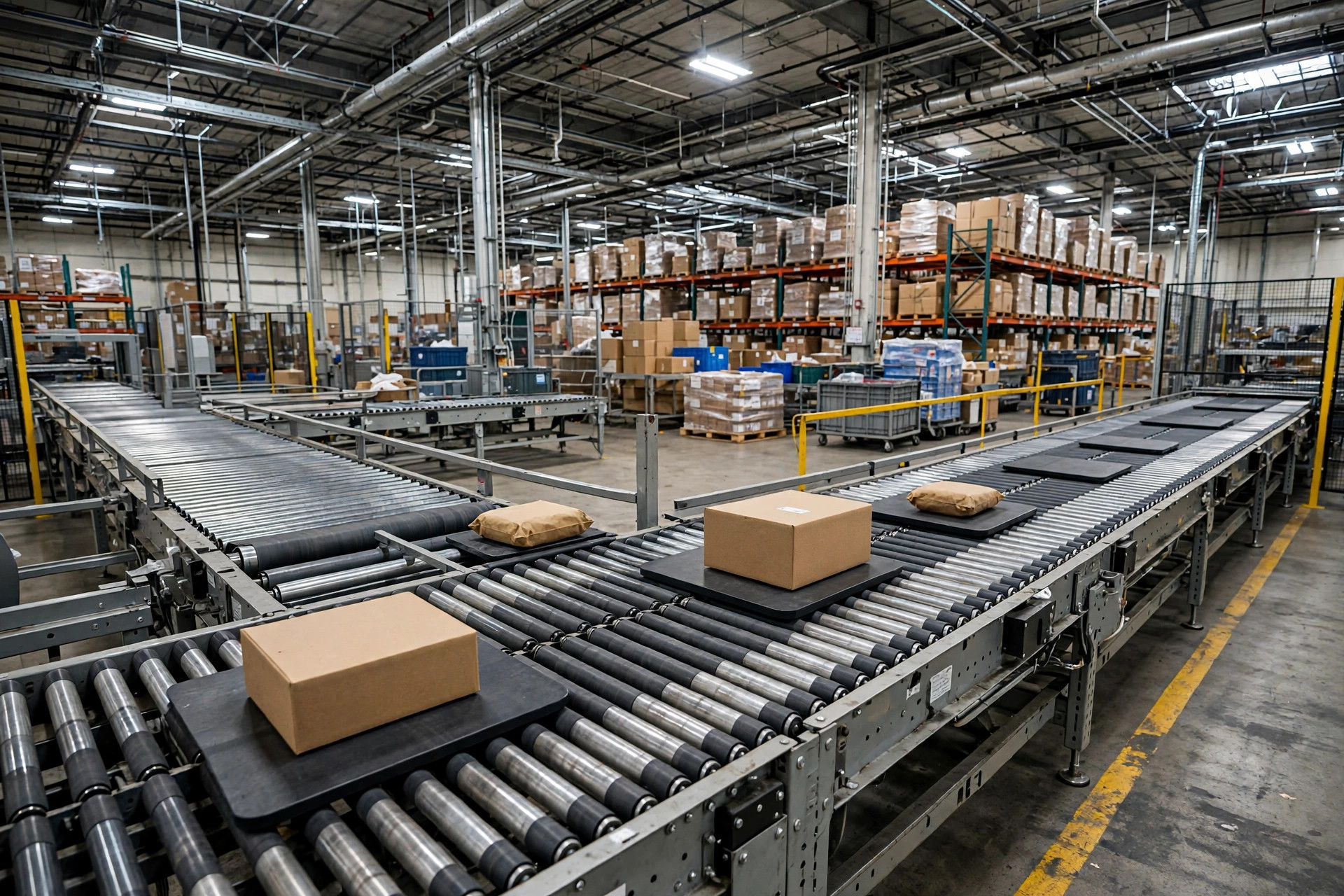
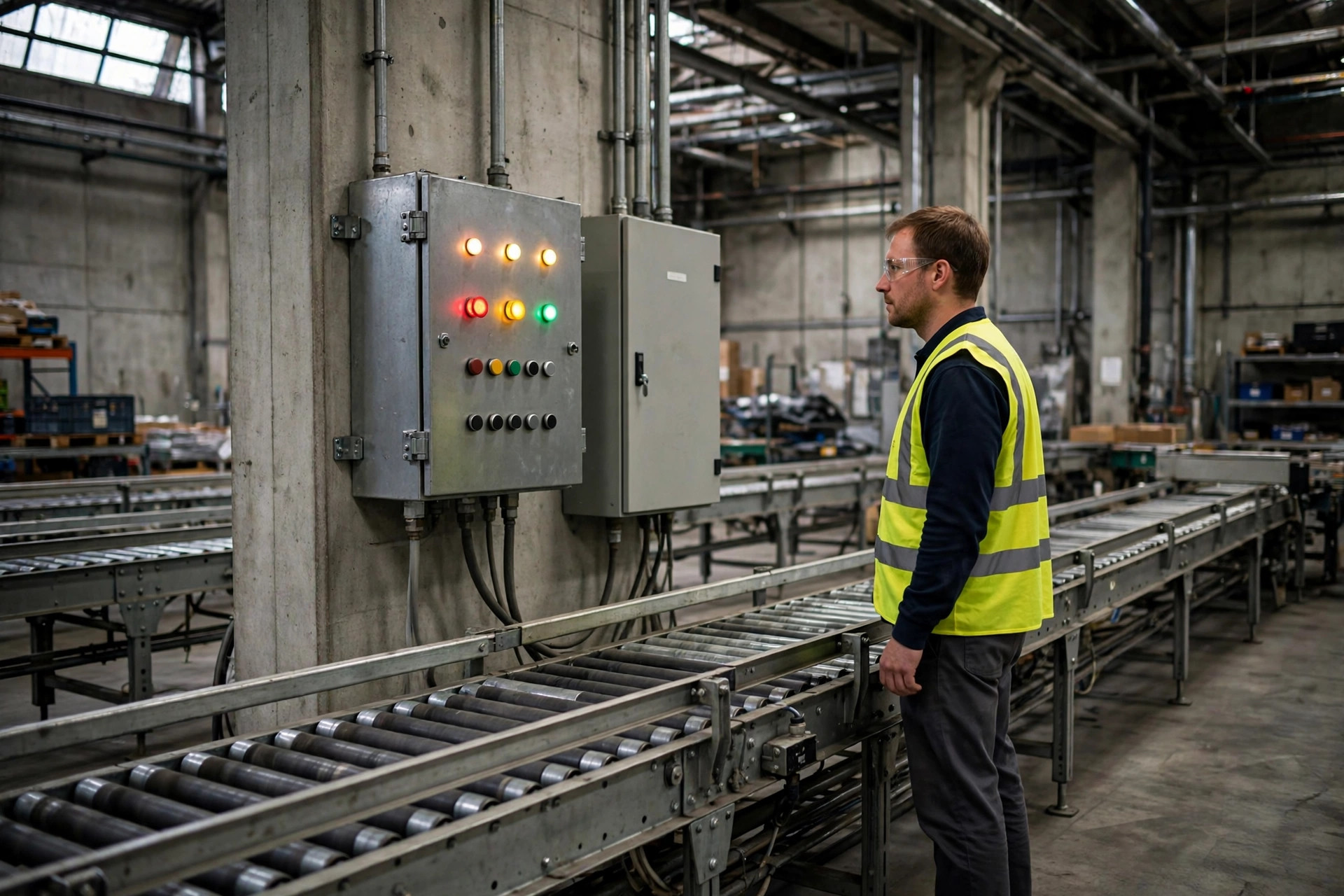
Last November, a carton sat at a divert on our secondhand conveyor for 47 seconds. The WCS called it a task timeout and fired a replacement task. But the carton wasn't jammed — a dusty photo-eye at the divert was just slow to react. The second task told the pusher to divert the same carton again, straight into the wrong chute. It was a rush order. The customer in Los Angeles was waiting for putaway. We paid expedited freight and burned an afternoon hunting down one carton.
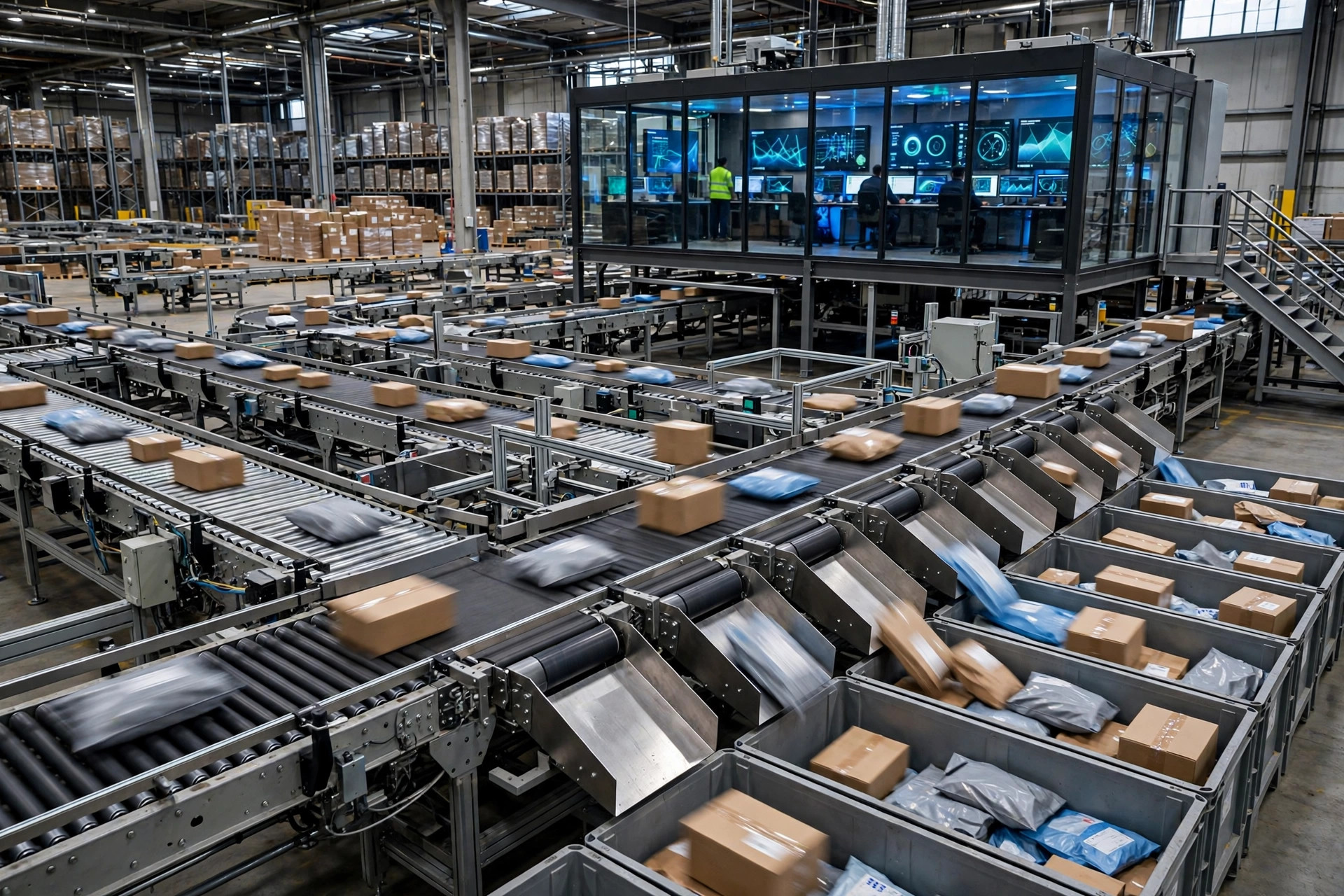
We run a 3,000-square-meter warehouse. We cannot afford to burn money like that. Since that day, I've taken our whole WCS timeout mess apart and put it back together. Here's everything I learned.
First, our situation: secondhand conveyor, refurbished lift, and one brand-new AMR — bought on installment. The big companies' "millisecond equipment response" standard doesn't exist in our world. Our used PLC's heartbeat naps from time to time, WiFi crossing two rows of racking slows everything down, and the AMR can take seconds to acknowledge anything. The WCS defaults assumed new equipment. In our warehouse, it cried "timeout" a dozen times a day — nine out of ten were false alarms.
WCS task timeout thresholds you copy from the big players won't fit you
At first I tried to be lazy and copied an "industry recommended" timeout table from our integrator. It only got worse: the conveyor timed out in 5 seconds and cried wolf all day, while the AMR got 30 seconds and the WCS sat there waiting stupidly when it genuinely got stuck.
Then we took our integrator out for drinks, and that's when I finally got it: a WCS "timeout" isn't one thing. It's three layers.
Layer one is the heartbeat: is the equipment alive? A PLC heartbeat usually ticks every 1–3 seconds. Miss three in a row and the device is basically offline. This layer has nothing to do with tasks — it's just a sign-in.
Layer two is the ACK: did the task arrive? The WCS dispatches a task and the equipment says "got it." A wired conveyor should ACK within 5 seconds — that's its job. An AMR on WiFi is fine within 15. Our secondhand lift often needs 8–10 seconds to ACK. The big-company standard says 5-second timeout; we set 12. No shame in that. The equipment is what it is.
Layer three is completion confirmation: is the job done? This is the big one. A conveyor task can take 1–2 minutes from dispatch to the carton landing in its chute. A cross-zone AMR move can take 5. This layer's threshold has to follow the task type — no one-size-fits-all.
Here's the tier table we landed on. Steal it and adjust:
| Equipment | ACK timeout | Completion timeout | Notes |
|---|---|---|---|
| Conveyor segment | 8 sec | 90 sec | Used PLC, heartbeat naps, ACK gets slack |
| Lift | 12 sec | 120 sec | Slow mechanics, speed halves under heavy load |
| AMR | 15 sec | 300 sec | WiFi through racking, cross-zone tasks get real time |
The point: thresholds follow your equipment's physique, not some standard answer. If your gear is all new, cut these in half.
Task timeout: retry or wait? Check three things first
Even with good thresholds, timeouts happen — equipment has moods. The killer question is what comes next: re-dispatch, or wait?
We learned this one the expensive way. November 18, 2025, around 9 PM: our AMR took a task to move a pallet from receiving to the elevator lobby. It ACKed at the lobby and waited for the elevator. Then WiFi dropped for 40 seconds. The job got done — the "done" message just never arrived.
The WCS saw no completion confirmation in 30 seconds, declared a timeout, and sent a second AMR (a peak-season rental) to move "the same pallet." When WiFi came back, unit one reported "task complete" just as unit two rolled up. Two robots circled one pallet. Then unit two did its job — forked the pallet up, drove two steps, found its path blocked by unit one, and set the pallet down in the fire lane.
That night: four people, two hours of rework; a blocked fire lane and a near-miss fine from the industrial park; a rental AMR billing by the hour, burning three hours for nothing. Afterward we did the math — that one night cost more than adding two WiFi access points across the whole warehouse.
The root cause in one sentence: a task that had ACKed was treated as "never executed" and re-dispatched. Since then, every timeout goes through a decision framework taped next to our control screen — classify first, then act:
First, did the ACK come back? No ACK means the equipment never got the task — probably a comms break. Re-dispatching is safe. But check the heartbeat first: if the device isn't even signing in anymore, a hundred retries won't help. Send a human to look at the equipment.
Second, is the task re-entrant? Queries and status syncs — resend freely. But anything that makes the equipment move — transport, divert, push — if it ACKed once, assume "it might already be doing it" and never auto-retry. The WCS doesn't know how far the job got. Re-dispatch "push carton A to chute 3" when the pusher already pushed it, and the second push might hit some innocent carton B behind it.
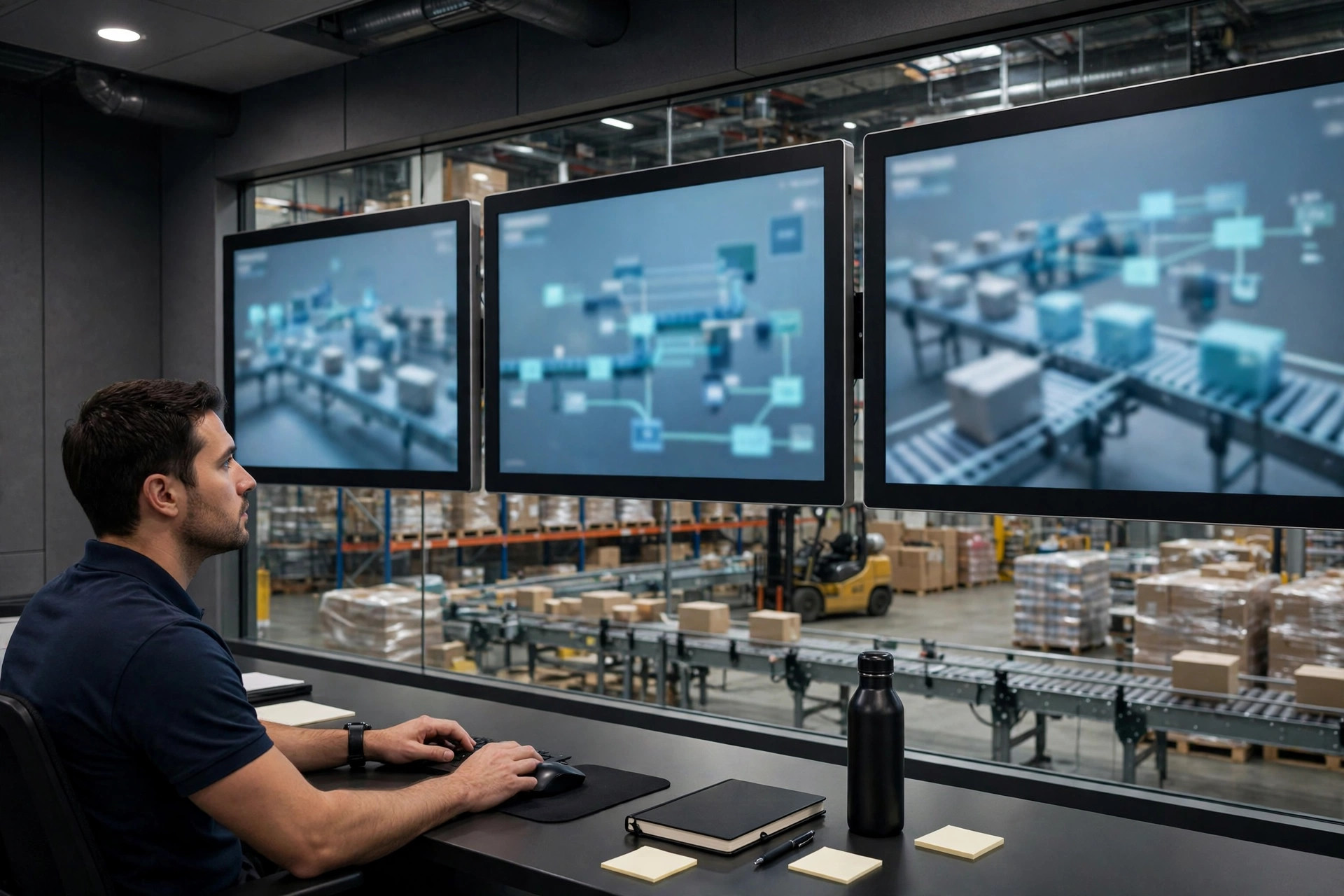
Third, look at the wave. Does the stuck freight threaten the wave cutoff? If not, wait. If yes, escalate to a human. Don't shut down a whole line over a carton nobody's in a hurry for.
Our cheap fix: a timeout task pool on a retired tablet
The big-company answer is digital twins and idempotency retrofits — six figures. We can't burn that kind of money. Our fix cost under $500.
We took a retired tablet, mounted it by the conveyor, and put exactly one screen on it: the timeout task pool. Timed-out tasks no longer auto-retry. They land in the pool and turn red.
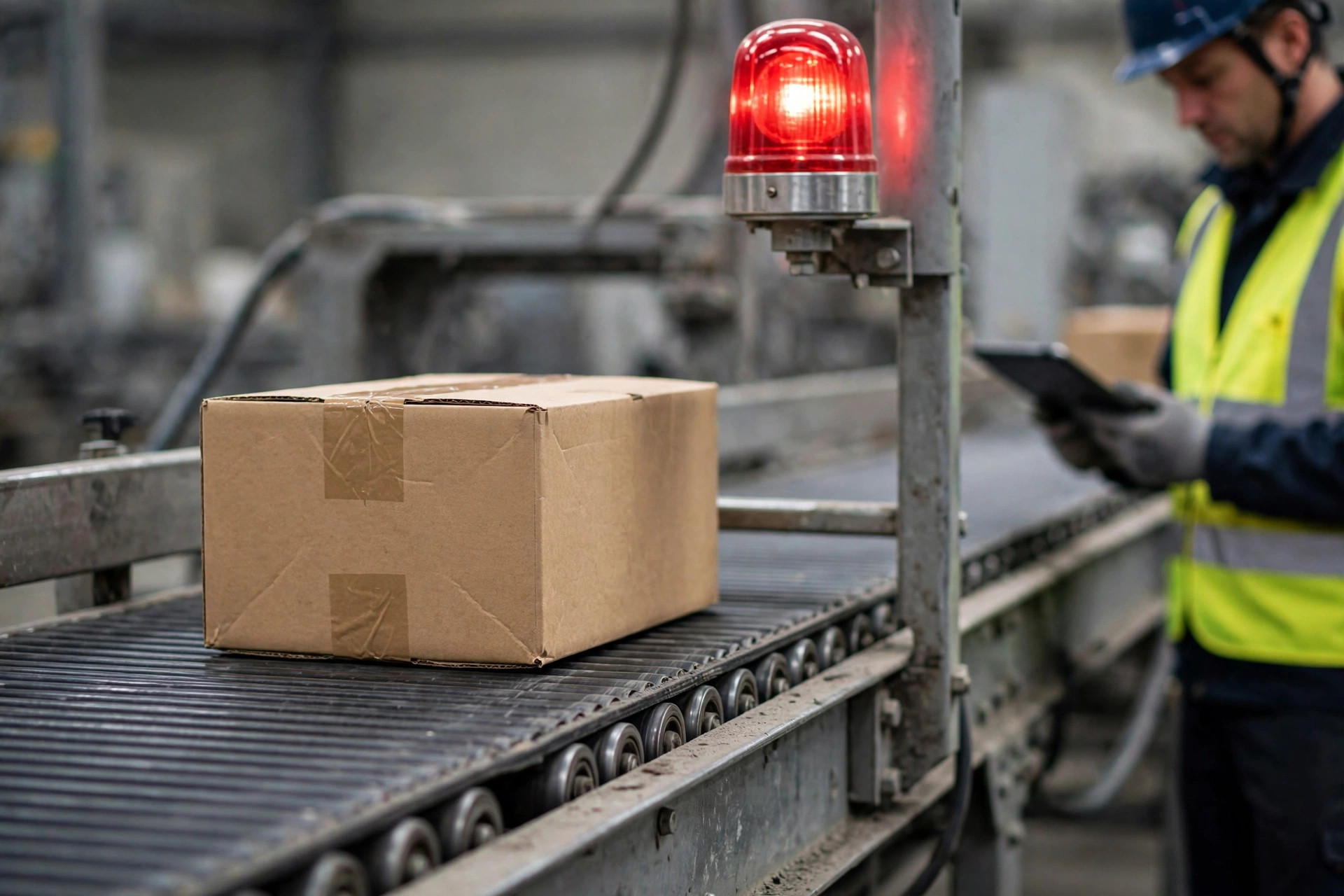
The operator's job is dead simple: see red, walk over, look. Conveyor problems are visible to the naked eye — genuinely jammed, or just slow? Genuinely jammed: tap "manual handling," the task goes to a human. Just slow: tap "keep waiting," and the WCS doubles the completion window. Equipment never got the task at all: tap "confirm re-dispatch."
One month after that humble screen went live, false re-dispatches went from a dozen a day to zero. About 20 hours a month of mis-dispatch hunting, gone. $500. Worth it.
Our timeout SOP, the one taped to the control room wall
Once the cheap fix worked, we wrote it up as an SOP and taped it to the wall:
L1 — automatic: only "no ACK, heartbeat healthy" tasks may auto-retry, max 2 attempts, stretched intervals (30 seconds, then 60). Still nothing? Escalate to L2.
L2 — human confirm: any task with ACK but no completion goes to the timeout pool, and an operator confirms on-site within 5 minutes. "Equipment already did it" → WCS marks complete. "Never executed" → human taps re-dispatch.
L3 — lock the lane: same equipment times out 3 times in an hour, or two straight L2 "equipment fault" verdicts — lock the lane, call maintenance, and the WCS reroutes tasks to a backup lane if one exists.
And one iron rule: the WCS may never fire two execution commands for the same task within 30 seconds. That rule was bought with that November night. It's in the config now, and nobody gets to change it.
One counterintuitive takeaway: shorter timeout thresholds aren't "more sensitive." A hair-trigger threshold is a jumpy supervisor screaming about everything. Bombard operators with false alarms for a month and they'll learn to ignore every alarm — including the real ones. The boy-who-cried-wolf story plays out in warehouses daily. A threshold's job isn't "catch anomalies instantly" — it's "catch them when it matters." I'd rather let a real timeout wait 30 extra seconds than let false ones grind people's alertness to dust.
Our WCS is secondhand, our equipment is secondhand, even the tablet is retired. But since we got timeouts sorted, peak season at 8,000 orders a day — not one re-dispatch accident.
Small warehouses have their own way of surviving: the big guys buy stability with money; we buy it by admitting reality — equipment has moods, thresholds need slack, and some things just need a human to walk over and look. Admitting that isn't embarrassing. Accidents are.
By Xiao Ma, Small Warehouse Owner