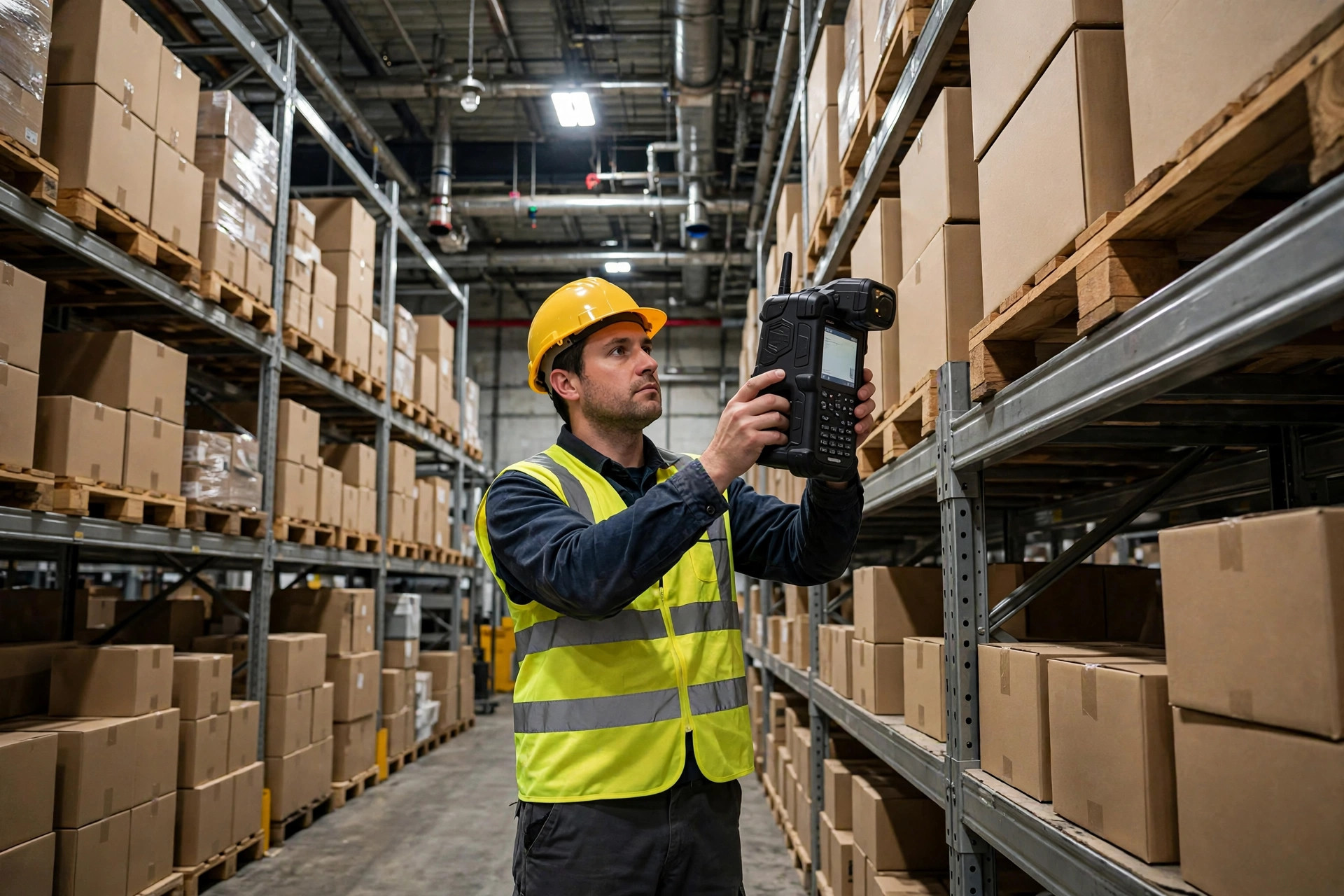
Warehouse Wi-Fi coverage fails most visibly at the far end of a high-bay aisle, where a picker pulls the trigger on a handheld terminal three times and watches the screen fall back to the login page with the last pick unconfirmed. The scanner is fine. The system is fine. What failed was warehouse Wi-Fi coverage at that exact spot, for a few seconds, at exactly the wrong moment. Integrators who troubleshoot warehouse handheld fleets report a consistent pattern: most tickets that arrive labeled as device failures turn out to be wireless problems in disguise, and the misdiagnosis costs more than the fix because teams replace hardware while the dead zone stays exactly where it was.
Warehouse Wi-Fi Coverage Fails in Three Recognizable Ways
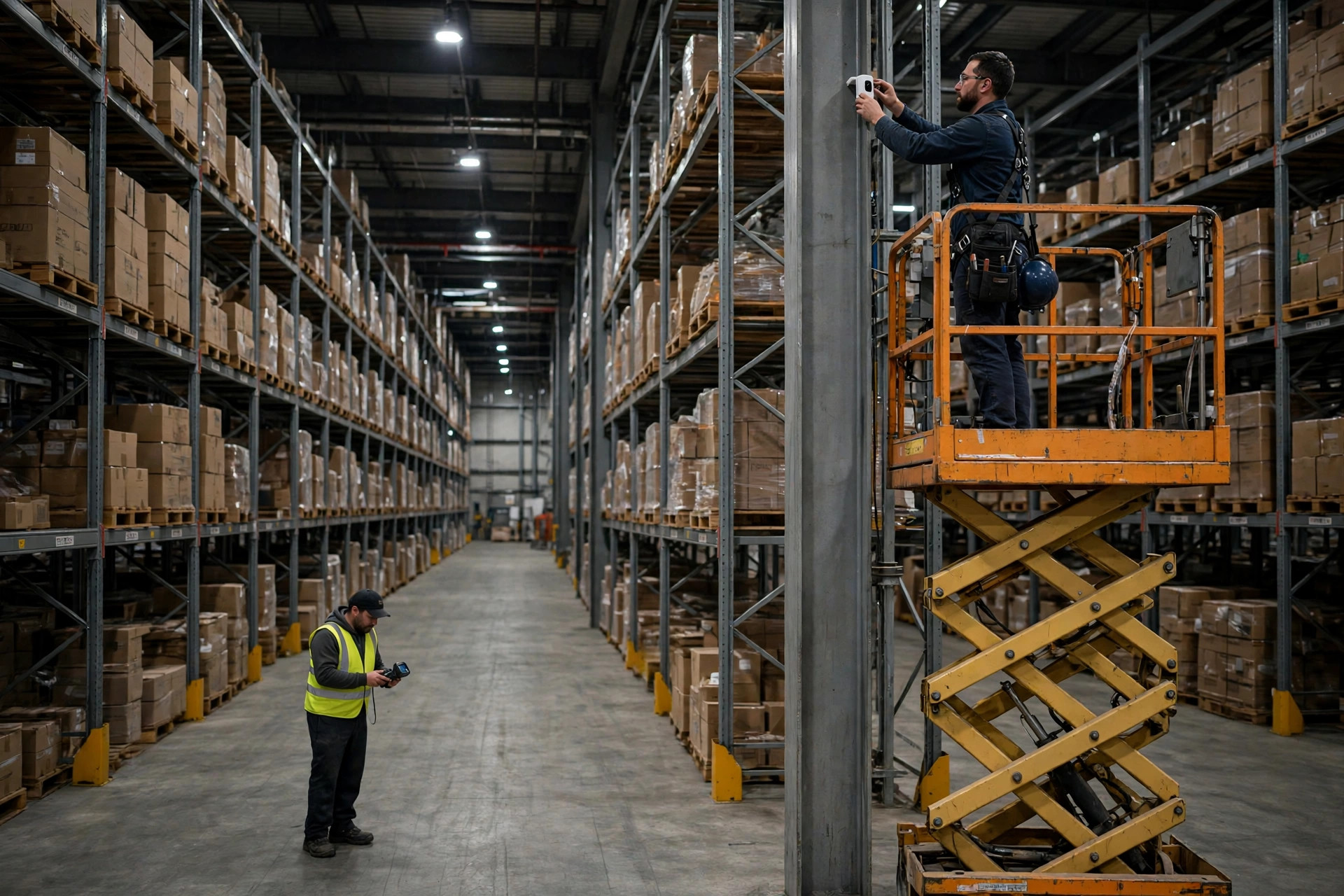
The first failure signature is location. Drops always happen in the same aisle or the same bay range, with any device and any operator. In the autumn of 2023, a third-party logistics warehouse in eastern China moved into a 12,000-square-meter high-bay facility with racking up to 9 meters tall, and pickers in aisles 7 through 10 began reporting dropped sessions near the far ends. Technicians spent three days on device logs before finding the real cause: every access point had been mounted on columns at the aisle entrances, so the signal had to cross four rows of fully loaded racking to reach the far end, arriving too weak to hold a session. Terminals bounced between two access points, each pick needed roughly two extra confirmations, and the site accumulated around 300 wasted trigger pulls per day.
The second signature is time. Drops cluster around 10 a.m. and 3 p.m., the two windows when wave picking puts the most handhelds online at once. Access points hit their client limits, newly joining terminals get pushed off, and reconnection attempts fight for airtime, which makes the congestion worse. The third signature is movement: sessions only die while crossing zones, from ambient storage into a cold room or from the dock back into racking, because the terminal clings to the old access point until the link is already dead, leaving a gap of roughly 3 to 5 seconds that is just long enough for a scan to time out.
Rack Aisles, Docks, and Cold Rooms: Three Maps for Warehouse Wi-Fi Coverage
Rack aisles, docks, and cold rooms are three different radio environments, and a single placement drawing that treats them as identical is a plan to fail three times. In racking, the enemy is obstruction: steel racking and loaded pallets slice the signal into fragments, so access points belong above the aisle, aimed along it, rather than at one end trying to shoot across the rows. Where racking exceeds about 8 meters, a single mounting height rarely serves the top and bottom levels well, and splitting coverage by height beats adding more radios at one height. At the dock, the enemy is change: dock doors open and close, and a parked trailer is a moving metal wall, so positions near the doors need redundancy, since a single point of failure cannot be allowed to take a whole dock offline. In cold storage, the enemy is temperature differential and condensation: equipment mounted right above the door line can frost over, and cold shortens handheld battery life, so placement has to account for maintenance access, because a radio nobody can reach is a radio nobody will service.
| Zone | Placement approach | The usual mistake |
|---|---|---|
| Rack aisles | Mount above the aisle, signal running along it; split heights above 8 m | Mounting at the aisle entrance and shooting across loaded rows |
| Dock and staging | Redundant positions near doors, covering a changing work surface | Surveying an empty dock and ignoring full trailers |
| Cold rooms | Separate points inside and outside the door line, placed for service access | Mounting on the frost line where nobody can reach it |
| Charging and office areas | Strengthen the spots where terminals bulk-upload at shift change | Letting dozens of terminals fight office traffic during peak upload |
A second case shows why cold rooms deserve their own survey. In early 2024, a cold chain warehouse in northern China had an access point on each side of its cold room door, and the door-line unit kept frosting over. Terminals entering the cold room clung to the outside radio until they were deep inside, then dropped and reconnected, with a gap of about 4 seconds that was long enough to time out a scan. The cold room team was re-confirming roughly 60 picks a day. Replacing the door-line pair with two points whose handoff overlapped more smoothly, and tuning the terminals to roam earlier, cut cross-zone drops from dozens a day to single digits. The lesson is not about buying better radios. It is that cold room roaming has to be measured at real temperature differentials, because a full-strength reading taken in an empty, ambient warehouse does not survive contact with a minus 18 degree room.
More Access Points Can Make Roaming Worse
The instinctive fix for a dead zone is to add radios until every corner shows full bars, but field experience points the other way: over-dense deployments often roam worse. Where two radios overlap too heavily, a terminal flips back and forth between them, and every switch costs a brief interruption, so more switching means less productive scanning time. Older terminals add a second problem, stickiness: they refuse to let go of a fading signal until it is unusable, and no number of additional radios can fix a client that will not roam. The remedy is measurement and tuning rather than quantity: keep the overlap between neighboring radios just wide enough for a smooth handoff, and lower the roaming threshold on the terminals so they move to a nearer radio while the signal is still usable instead of waiting for the edge of failure. There is no universal table of correct values here. Thresholds have to be tuned against the terminal models in use and the actual travel paths of the work, and copying another site's configuration sheet is one of the easiest ways to import its problems.
Survey, Don't Guess: A Pre-Build Checklist
Post-mortems of warehouse network projects keep returning to the same root cause, and it is rarely budget. The skipped step is the survey: placements drawn from a floor plan, estimated from experience, and validated once in an empty building before racking fills, trucks arrive, and waves start running. A defensible sequence runs three passes: an empty-building survey, a loaded-rack sample, and a peak-wave stress sample, and where the three disagree, the worst result governs. Acceptance criteria belong in the contract, and they should be behavioral rather than cosmetic: terminals walk the working routes without dropping, cross-zone roaming stays within an acceptable interruption window, and peak concurrency produces no bulk disconnects. A separate, cheap fix deserves a line in the same checklist: keep scanner traffic on its own SSID, away from office laptops and video, since 2.4 GHz handhelds share a crowded band and a dedicated network segment often clears up a whole class of intermittent complaints before anyone buys hardware.
The direction of travel is clear enough to plan around. Fleets of handhelds will only grow, and voice picking, video verification, and real-time task updates will all share the same air. The question for the next round of warehouse network spending is not whether to invest, but whether the dead zones have been located by position, by time, and by movement before anyone decides where radios go, how many are needed, and how their roaming behavior is tuned. The sites that get this right will not necessarily be the ones with the most expensive radios. They will be the ones that measured twice, in loaded conditions, before they mounted anything.
By Dr. Chen, Supply Chain Researcher