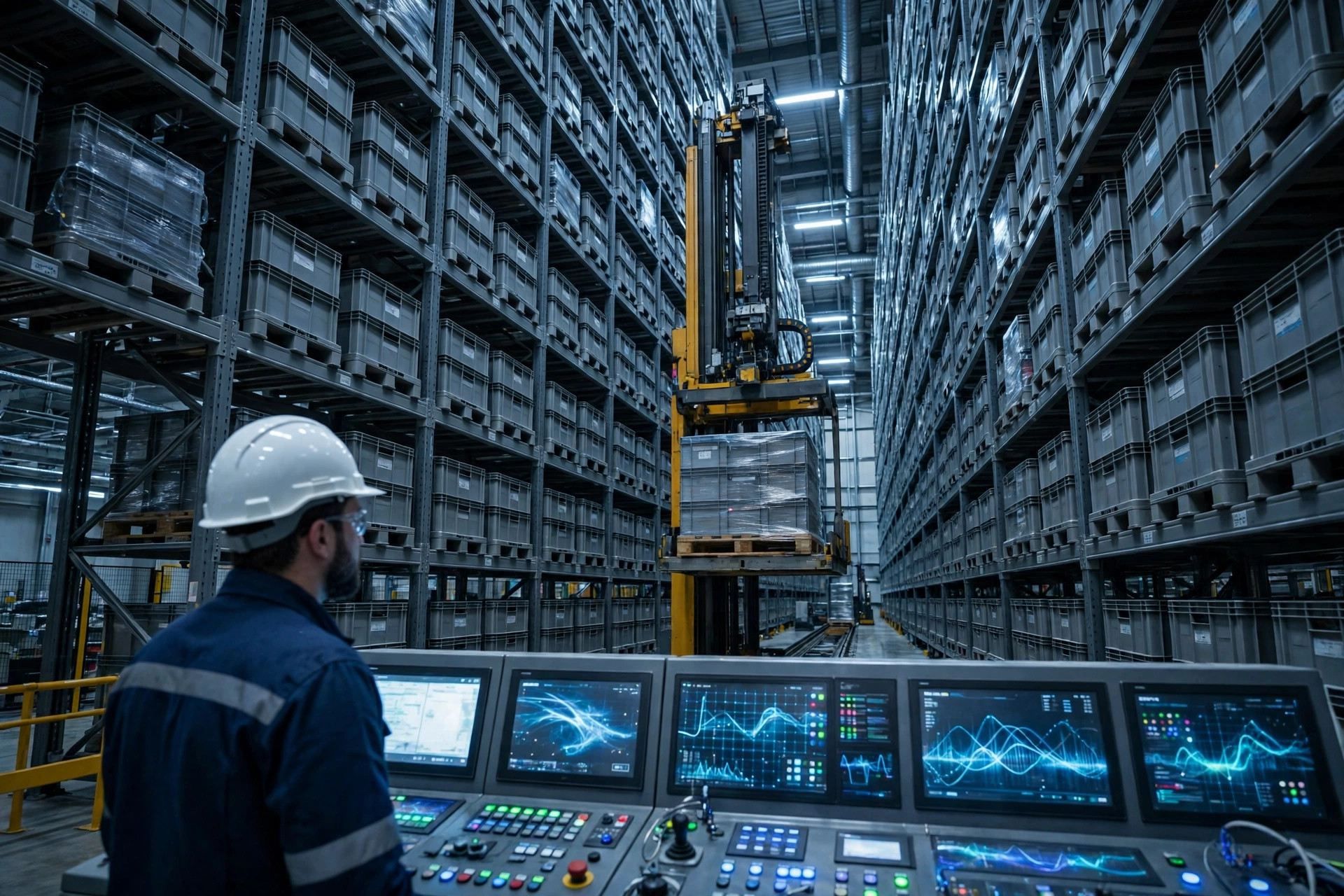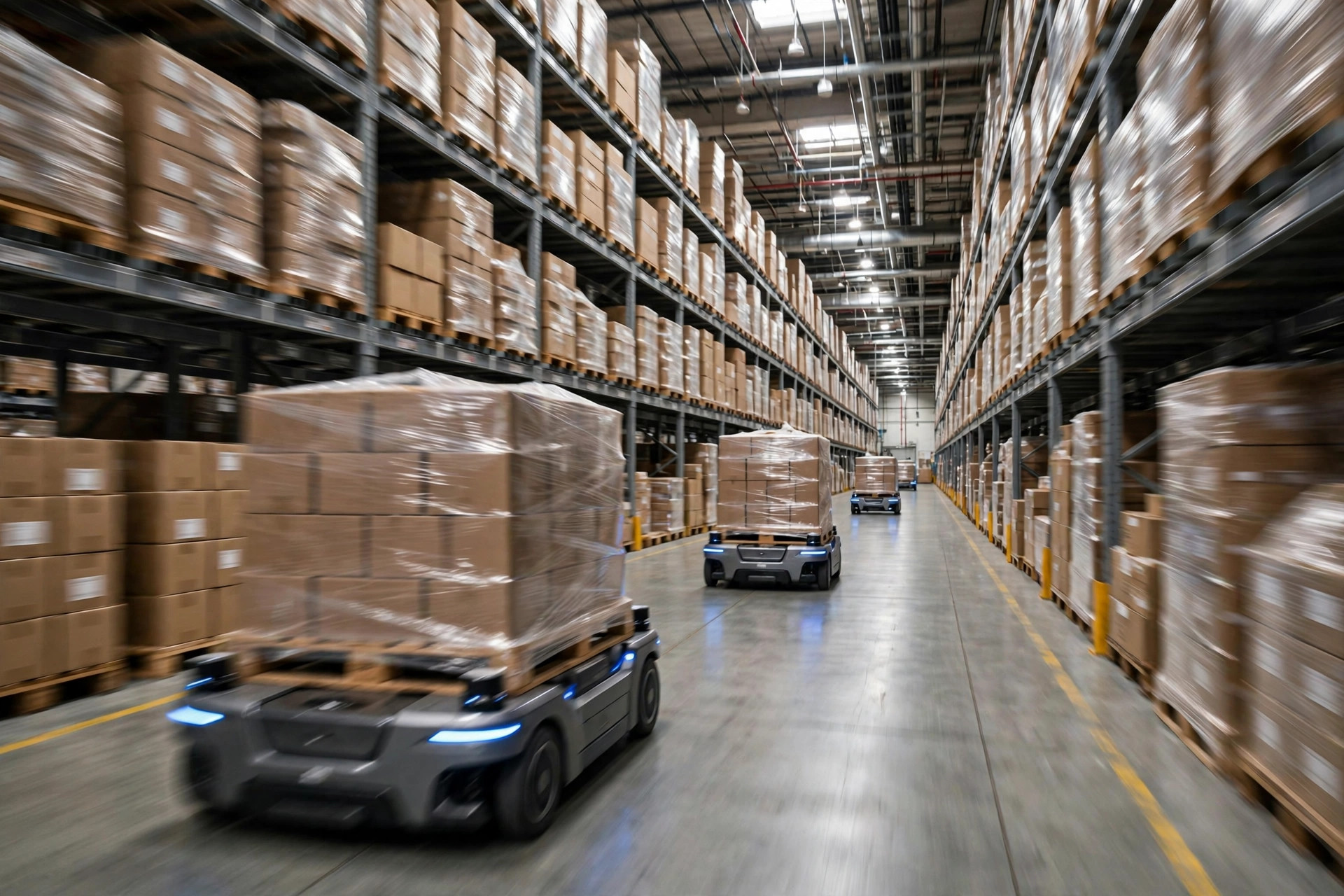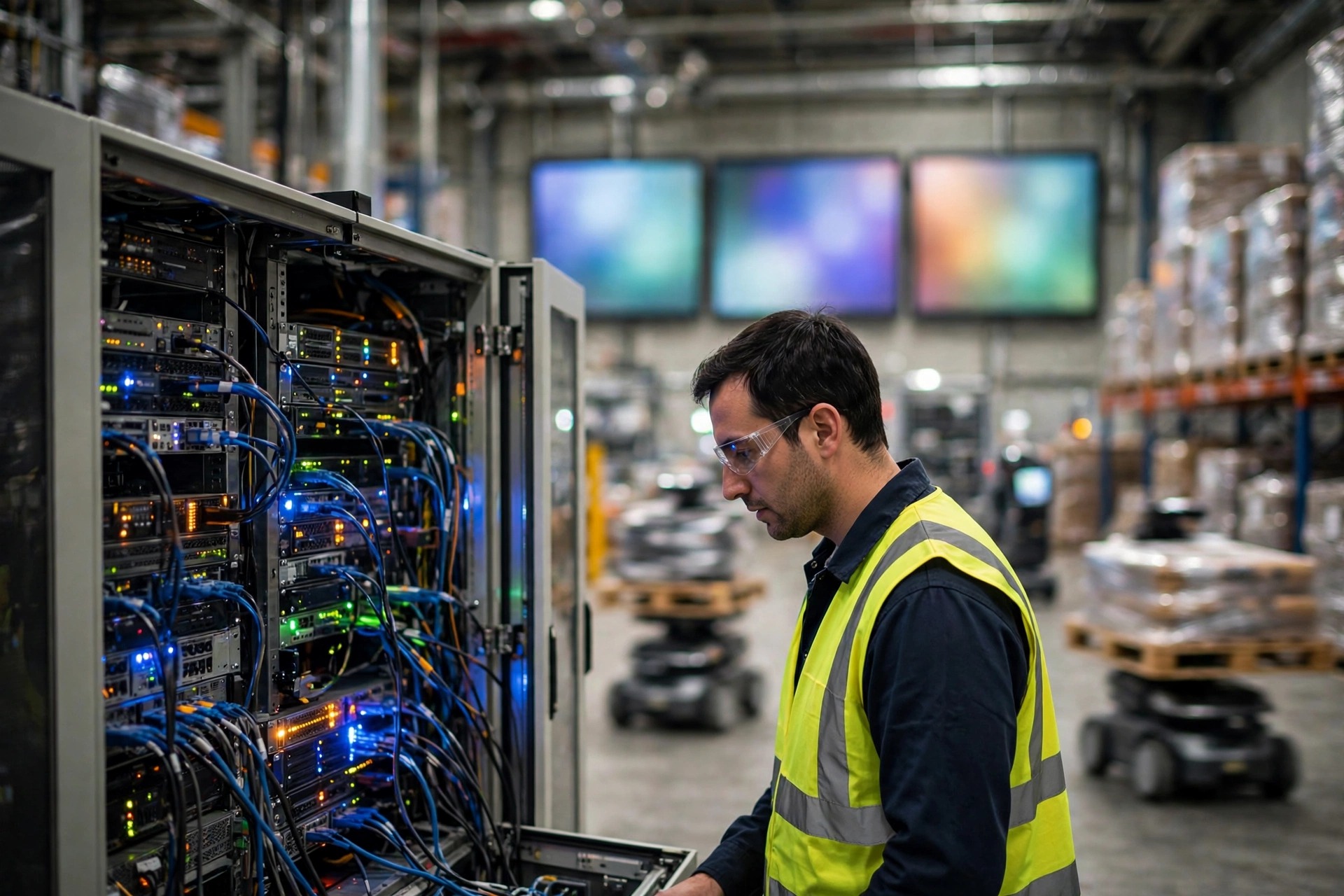
Here is a fact about warehouse OT cybersecurity from the integration world that surprises people until they have seen it once: the most dangerous computer in a warehouse is often not in the office, it is the engineering workstation beside the control cabinet that nobody ever switches off. Think of it like a house with a fingerprint lock on the front door and a back door held shut with a piece of wire. No matter how good the email defenses in the office are, once an attacker finds a path into the control network, the sorters, the cranes, and the AMRs stop all the same. This is a before-the-incident playbook, not an insurance claim guide and not a WCS or PLC buying guide: asset inventory, Purdue segmentation, remote access, patch windows, backups, and manual fallback drills.
I have seen the classic setup more than once. The WMS sits on the office network, the WCS and PLCs sit on the control network, and on paper the two are separated. In practice, an engineer's laptop connects to office Wi-Fi and plugs into the control network at the same time, becoming a human bridge. On another site, the vendor's remote maintenance account was shared across several projects, the password had not changed in years, and nobody could say who still held it. Neither case needs an exotic attack. A phishing email plus a stolen account is enough. The public lesson from the 2021 Colonial Pipeline incident applies directly: once the office side was compromised, the operator shut down physical operations as a precaution, and physical flow stopped with it. In a warehouse, the moment the control network is suspected of compromise, the first move is usually to stop the lines, not to keep shipping.
Start warehouse OT cybersecurity with an asset count, not a purchase order
The principle first. A warehouse automation network runs in layers: sensors and actuators at the bottom, PLCs and controllers above them, supervisory and operator stations higher up, site operations systems above those, and the business network and internet at the top. The industry calls this layered model the Purdue model, levels 0 through 5, with a dedicated Industrial DMZ at level 3.5 separating the business network from the control network. The international standard IEC 62443 turns that idea into discipline: group assets with similar security needs into zones, and treat every communication path between zones as a conduit that must be defined and kept as narrow as possible. In plain terms, who is allowed to talk to whom gets written down, and anything not written down does not get through.
Asset inventory comes before any shopping, and it has to be done by walking the floor, because the drawing shows the design and the floor shows reality, and the two often disagree. The inventory must cover every PLC and controller with its firmware version, every WCS server and operator station, how each AMR communicates, every switch and wireless access point, every remote access account, and every legacy device still in service. Legacy devices get flagged separately: some controllers no longer receive vendor patches, and those cannot be fixed by patching, only by isolation. While you are counting, do two free things: change every default password and disable every unused account.
A second field story, from a go-live night. To keep commissioning on schedule, a temporary commissioning laptop was plugged straight into the control network, and after the job nobody unplugged it. Three months later a routine check found it still online, running office software and receiving email. You can think of it as a stranger with internet access living inside the control network, checking outside mail every day. The rule we set afterward is simple: commissioning machines enter the control network only with a registration and an expiry date, access switches off automatically, and unused ports stay physically covered.
Four walls for warehouse OT network segmentation
Applied to a warehouse, segmentation comes down to four walls, each solving one problem.
The first wall sits between the business network and the control network, at the level 3.5 Industrial DMZ. Every data exchange across that boundary goes through the DMZ: data brokers, mirrored servers, jump hosts. No office machine ever talks directly to a PLC. The WMS sends tasks to the WCS through an interface defined in the DMZ, and the WCS reports status back along the same path. Keep the interface as narrow as the business allows, only the protocols and ports the job actually needs, never a whole subnet opened for convenience.
The second wall divides the control network itself by function. Sorting, storage, the AMR fleet, and utilities each form their own zone, and zones connect only through the conduits they genuinely need. If the AMR fleet manager must talk to the WCS, allow exactly that conduit. If a sorter PLC has no need for the internet or the office network, allow it nothing. The payoff is containment: one zone's problem does not stop the whole warehouse.
The third wall governs remote access. Vendor remote maintenance is a real need, but it must not be a permanently open back door. My practice is: remote access stays off by default, the warehouse switches it on temporarily when needed, limited by time, device, and account, fully logged, and switched off automatically when the job ends. Vendor accounts are one person, one account, never shared, and disabled the moment someone leaves or a project closes. That is a temporary key with an expiry date, not a master key handed out permanently.
The fourth wall is patch windows and backups. Control-network patches cannot follow the office routine of patching whenever an update arrives. Patches for PLCs and the WCS get validated in a test environment first, then scheduled into a maintenance window, rolled out in batches. Before patching, back up controller programs and system configurations, keep one copy offline, and actually restore from it once. A backup that has never been restored is a rumor, and discovering a corrupt backup during an incident is the most common second disaster.
| What to do | Buy or do this | Refuse this | | Separate business and control networks | Industrial firewall, DMZ jump hosts | Any design letting office machines reach PLCs directly | | Divide the control network | Zone-based switching and firewall policy by function | One flat network for the whole warehouse | | Remote access | Temporary enablement, time and device limits, full logging | Always-on shared vendor accounts | | Patching and backup | Test-environment validation, maintenance windows, offline backup plus a restore drill | Office-style auto-patching, untested backups |
Patch windows, backups, and the manual fallback drill: skip one and the job is not done
Time to shoot down three pseudo-requirements. The first is "buy an all-network scanner with automatic blocking and be done." Many legacy controllers cannot tolerate active scanning, and one careless scan can take a controller down, so scanning belongs in test environments and maintenance windows, handled carefully. The second is "buy the most expensive next-generation firewall." A firewall with an allow-everything policy is an expensive decoration. The third is "move everything to the cloud and the problem goes away." The cloud may help the business side, but the PLCs and AMRs still run on the floor, and the cloud does not segment the floor network for you.
The manual fallback drill is the part of the plan most likely to be cut and least deserving of it. The script is simple: assume the WCS is down, the AMR dispatch is down, the network is down, can the warehouse still ship? Is there a paper-order process? Can pick and check sheets actually be printed? Do forklift drivers and checkers know where to collect the paper? Run it at least once a year, and run it with the network genuinely disconnected, not as a conference-room discussion. A drill that is only talked about will not survive the panic of a real outage.
One more maintenance trap: staff turnover. Integrator projects end, vendors change people, warehouse shift leads rotate, and access rights quietly survive everyone. My hard rule is that any staff or vendor change triggers a permission review within a week, signed off by the warehouse. It is the foundation under every technical measure.
So back to the money question. Is this spending worth it? Judge it by one number: after the network goes down, running on paper orders and manual work, how many orders per hour can your warehouse still ship, and for how many hours before supply breaks? That number is the true measure of manual fallback capability, and every dollar spent on segmentation, backups, and drills is ultimately buying that number. Measure it first, then decide which wall gets the next dollar. If your network went down for an hour today, how many orders would still go out?
By Da Liu, Automation Engineer