Did you check the fiber before you signed the lease?
Probably not. When people negotiate a warehouse lease, they argue about three things: rent, free-rent months, and clear height. The network? That's an IT problem. We'll deal with it before go-live.
Summer 2023, I walked a 90,000-square-foot building in Ontario with a home-goods e-commerce client. Thirty-two-foot clear height, right off the 10 freeway, at genuinely good rent. The client was ready to sign a five-year term. I asked one question: "Is fiber in the building? Where's the telecom room?" Three seconds of silence. Then: "We'll just order our own dedicated line."
Fast-forward to this year. They called me on day three of their WMS go-live. Dozens of scanners dropping offline across the high-bay area. Putaway ground to a halt. Trucks stacking up at the dock. It took three days to find the real cause: the building had six access points total, all hung low on the office side. The moment the racks went up, the entire other half of the building became a dead zone.
See the pattern? It wasn't an equipment problem. It was a sequencing problem. The network is always the last thing anyone thinks about in a warehouse — and the first thing that gets blamed.
A Warehouse Doesn't Need Office Wi-Fi
Office Wi-Fi serves people: a few dozen of them, sitting still, and nobody panics over a two-minute outage. Warehouse Wi-Fi serves machines and processes: handheld terminals, scanners, mobile printers, AGVs, fixed scan portals. They move, and they need real-time data back. One dropout isn't "refresh the page" — it's a task frozen mid-flow, pallets backing up, an inbound line standing around waiting.
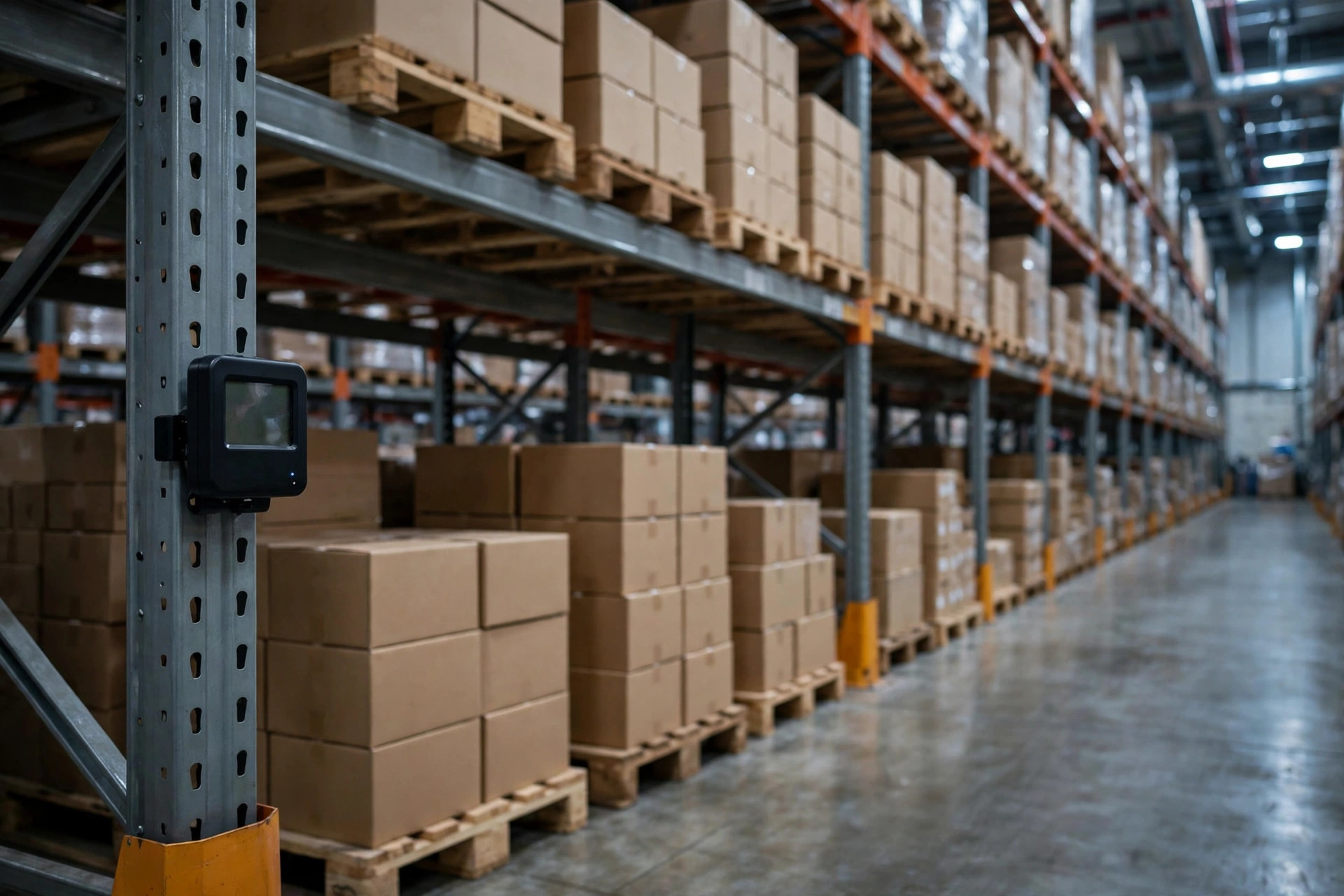
And the warehouse environment has nothing in common with an office. Steel racks. Cardboard and plastic everywhere. Ceilings at 20-plus feet. Signal dies in that environment far faster than you'd expect. An access point placed where it works fine in an office is decorative in a warehouse. I've seen it too many times: APs hung at ten feet, like someone was wiring a call center. The racks go up, the product goes on, and coverage drops to zero.
Then there's a problem offices never have: roaming. A picker pushing a cart up the aisles needs their handheld to hand off from AP to AP, over and over. If the AP density is too thin, every handoff stutters, packets drop, sometimes the terminal disconnects and forces a re-login. What do workers do? They stop and wait for the signal. In a warehouse, a network problem is never "a little slow." It's "the process stopped."
The True Cost of Too Few Access Points
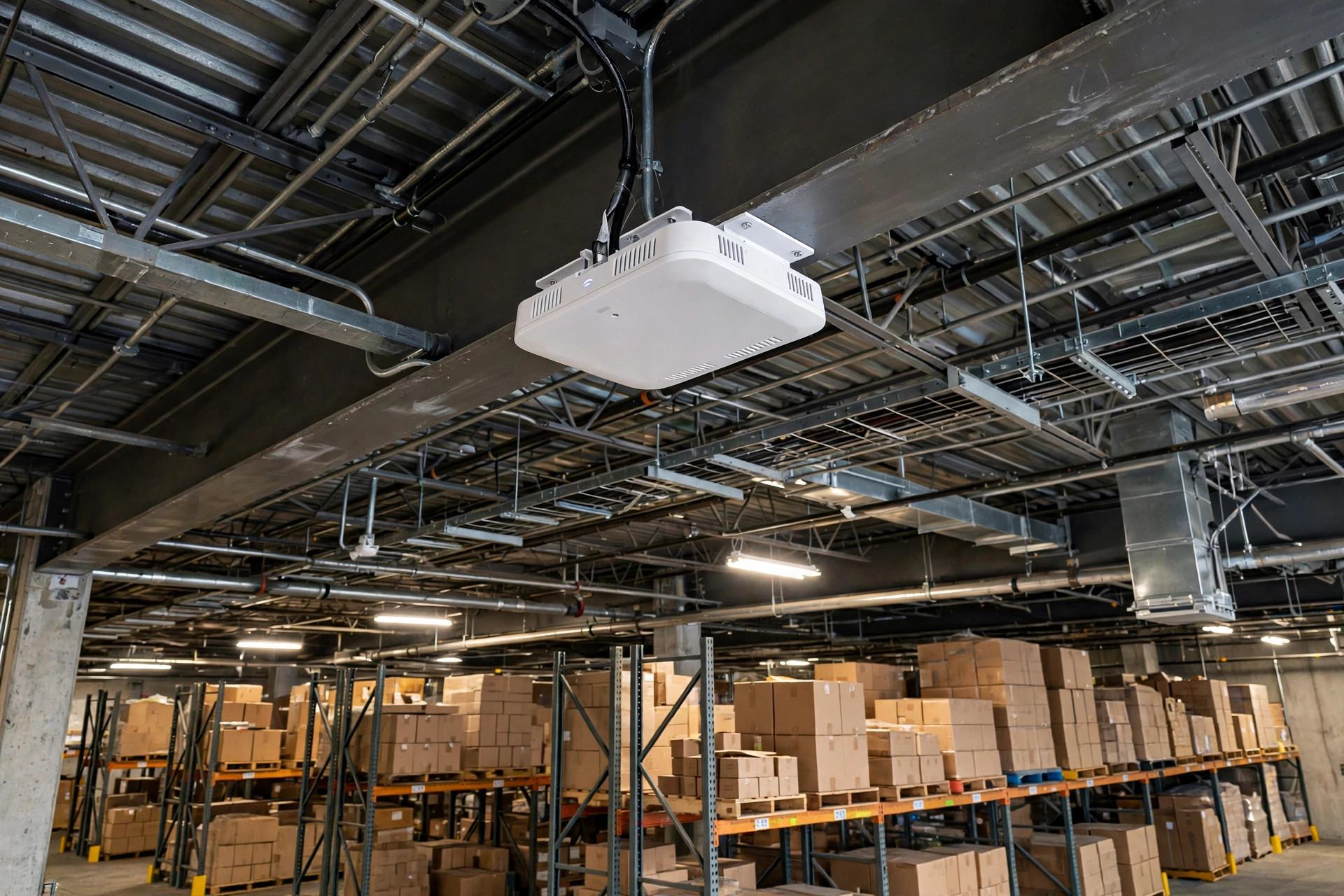
The Ontario client hired a wireless firm for a proper survey. The verdict: covering 90,000 square feet at 32-foot clear height needed at least 24 high-mounted APs with directional antennas down the rack aisles. Of their original six? Not one was salvageable.
Fixing it after the fact costs, in my experience, several times what doing it right before signing would have. And it's not as simple as "hang a few more." Cables have to be re-run. The telecom room might be on the far side of the building. Ceiling mounts mean renting a scissor lift. Work can only happen at night or on weekends because daytime operations can't stop. Every line item burns money and time.
The timing stings worst of all. Before signing, you have free-rent months — contractors walk in during the day, nobody rushing you. After go-live? The building is shipping orders, so construction moves to nights. Night-shift labor costs a premium, and a lift crawling through rack aisles needs a safety spotter the whole time. Same job, missed window — completely different cost.
And here's the sneakier line item: APs are just the endpoint. What about the front end? Does fiber actually enter the building? Whose bandwidth? Plenty of older buildings — especially pre-2000 stock — have telecom that stops at the office door. Ordering a commercial fiber run into a warehouse routinely means six to eight weeks of carrier construction lead time, and if the trench crosses a street, you're waiting on city permits. The WMS go-live countdown doesn't pause for that.
So here's my verdict: too few APs is a pit you can climb out of. No fiber in the building is a kill-or-confirm item — settle it before you sign.
The Five Checks I'd Bring to Every Tour
Don't take a landlord's "the network is fine" at face value. Five checks, every tour:
1. Is fiber in the building — and whose? Pop open the telecom closet and look for a fiber patch panel. Ask the landlord which carrier the last tenant used and at what bandwidth. Then call that carrier: can this address get the bandwidth you need, and what's the lead time? Fifteen minutes on the phone, dodging the biggest trap in this article.
2. Where's the telecom room? Some buildings have the MDF on the far end, a whole building away from your office and server spot. That's hundreds of feet of cable, double the labor, and an extra failure point. Middle of the building or near the office.
3. Has anyone planned the AP layout? Before signing, get a wireless vendor to run a free predictive survey — AP count, mounting height, antenna direction, all modeled. For a building in the tens of thousands of square feet, the report usually takes a few days. It also becomes your leverage when negotiating with the landlord about who pays for the APs.
4. Is a redundant path even possible? If the primary circuit dies, does the warehouse stop or degrade? At minimum, confirm whether a second carrier can enter the building, or whether 5G can serve as backup. I know a 3PL in Fontana that lost fiber to a construction cut in 2024 and sat dead for an entire afternoon — then paid expedite fees on two customer orders. Backup looks like waste until the day it pays for itself.
5. Get construction cooperation in writing. Will the landlord let you pull cable, mount APs, and access the telecom room? Some landlords get very nervous about "holes in the ceiling." Write it into the lease: permitted low-voltage work, approved AP mounting locations, construction time windows. A verbal yes is worth nothing.
Four Lines for the Lease
Nobody at the negotiating table will bring up the network unprompted. That's your job. Four lines to add:
- Landlord disclosure: an inventory of existing network infrastructure in the building — fiber, carriers, telecom room locations — attached as a lease exhibit.
- Construction rights: during the term, the tenant may perform low-voltage wiring and AP mounting work, and the landlord will provide access to telecom rooms and risers.
- Cost split: who pays for the agreed AP layout and cabling gets settled once, in writing, before signing. My recommendation: push the landlord to cover base cabling — it's a building asset — while the tenant covers equipment.
- Free-rent alignment: network construction lead time gets factored into the free-rent negotiation. Don't let six weeks of "waiting on fiber" eat your free months.
These read like lawyer clauses, but someone paid real money for every skipped one. I've seen a tenant wire an entire building at their own expense, then hear "that's a permanent improvement" at move-out — because ownership was never written down. Half an hour of questions at signing beats three months of arguments at exit.
The network is a warehouse's oxygen. Spend half a day checking it before you sign, and you'll never spend weeks rescuing it after. Next tour, don't just stare at the rent and the clear height. Ask the one question that matters: where's the fiber in this building?