Conclusion first: when you choose warehouse barcode printing systems printers, do not start with the machine price. Start with three questions. Where will the label be stuck? How long must it live? What will it live through? Answer those, and the rest — direct thermal vs. thermal transfer, 203 dpi vs. 300 dpi, paper vs. synthetic stock — mostly answers itself. Get the order backwards and the cheapest printer becomes the most expensive one you own.
I implement WMS for a living. The printer sits exactly between the system and the floor. Your templates can be perfect, the network can be fine, the driver can install cleanly — and if the label stock is wrong, receiving, putaway, and picking fall apart on day one.
Why warehouse barcode printing systems printers fail on the floor, not in the spec sheet
A label is not a piece of paper. It is the physical ID of a location, a pallet, and a tote. When that ID fades, peels, or will not scan, your WMS data is useless and the operator guesses. Every guess is a future inventory error.
In 2023, at a 60,000 sq ft 3PL warehouse in Ontario, California, a client bought direct thermal paper labels for the entire building to save money, including the cold storage area. Direct thermal stock darkens and turns brittle around condensation. On day nine after go-live, roughly a third of nearly 400 location labels in the cold room would not scan. Pickers worked off printed lists, outbound slipped by three hours that day, and we spent the night reprinting the whole zone on thermal transfer synthetic labels, reapplying them, and re-verifying every location in the WMS. I have seen this exact pitfall three times. It always starts with the same sentence: use the cheap labels first, upgrade later if needed. Later is always peak season or go-live week, when there is no window to swap anything.
Here is the counterintuitive part: the printer is a one-time cost, the label is an every-day cost. Teams argue for thirty minutes over a small price gap between two printers and never calculate a year of reprint labor. The expensive thing is never the machine. It is the wrong label, reprinted forever.
One boundary note: printer selection is only half the job. Label numbering, templates, and scanners are the other half, and they belong in a proper warehouse barcode system setup. Do not mix the two decisions into one vague purchase order.
Choosing warehouse barcode printing systems and printers in five steps: no skipping
Step 1: Classify every label by lifespan, not by department. Use three buckets. Short life, 1-7 days: shipping labels and outbound tote labels. Medium life, 1-6 months: pallet labels, in-transit tote labels, temporary location labels. Long life, six months or more: fixed location labels, rack labels, asset tags, and yard labels.
Step 2: Check the environment, item by item, no vague answers. Does it enter a freezer or cooler? Does it face condensation? Does it get rubbed by forklifts and pallets? Does it sit in sunlight? Does it touch oil or cleaning chemicals? One yes eliminates plain paper stock immediately.
Step 3: Pick the print method from this table, not from habit:
| Factor | Direct thermal | Thermal transfer |
|---|---|---|
| How it works | Heat darkens coated paper, no ribbon | Heat transfers ink from a ribbon |
| Realistic lifespan | Days to a few weeks | Months to years |
| Weakness | Heat, light, friction, moisture; fades | Fails only when ribbon and stock mismatch |
| Consumables | Labels only | Labels plus ribbon, two costs to manage |
| Best fit | Shipping and short-life tote labels | Location, pallet, and cold storage labels |
The rule is hard: short-life labels go direct thermal. Anything medium-life or longer, anything in cold storage, anything that gets rubbed goes thermal transfer. Never run one direct thermal printer for every label type in the building.
Step 4: Pick resolution. 203 dpi is the warehouse default and it is enough for standard 4-inch labels, location IDs, and normal barcodes and QR codes, with better speed. You need 300 dpi in only three cases: the label is small, roughly under 2 inches wide with dense content; the barcode is very dense and 203 dpi edges go fuzzy; or you must print small compliance text legibly. In 2024, at a beauty products warehouse in New Jersey, the product label was about 1.5 inches wide and had to carry SKU, lot, and expiry. The client bought 203 dpi printers and the lot numbers printed as a smear — scanners failed nine times out of ten. Swapping to 300 dpi fixed it in one pass. Remember the trade-off: 300 dpi prints slower and its printheads cost more. On large labels it buys you nothing.
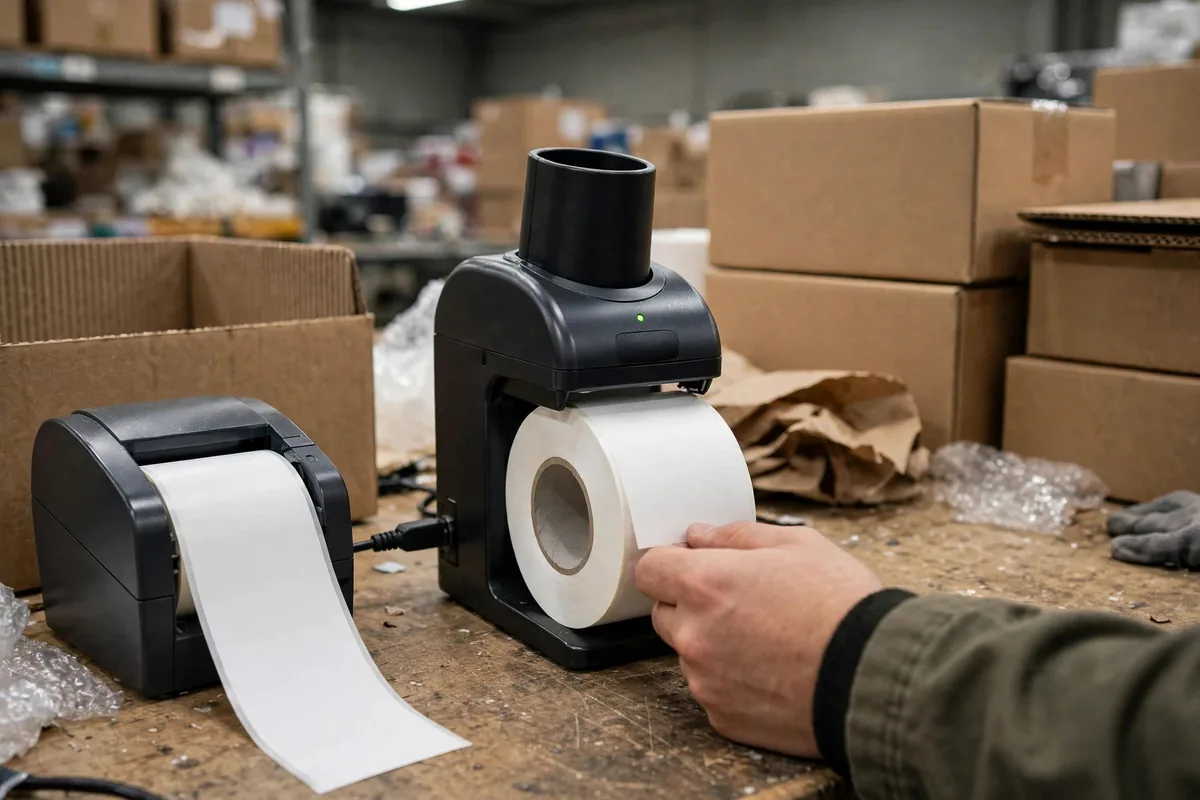
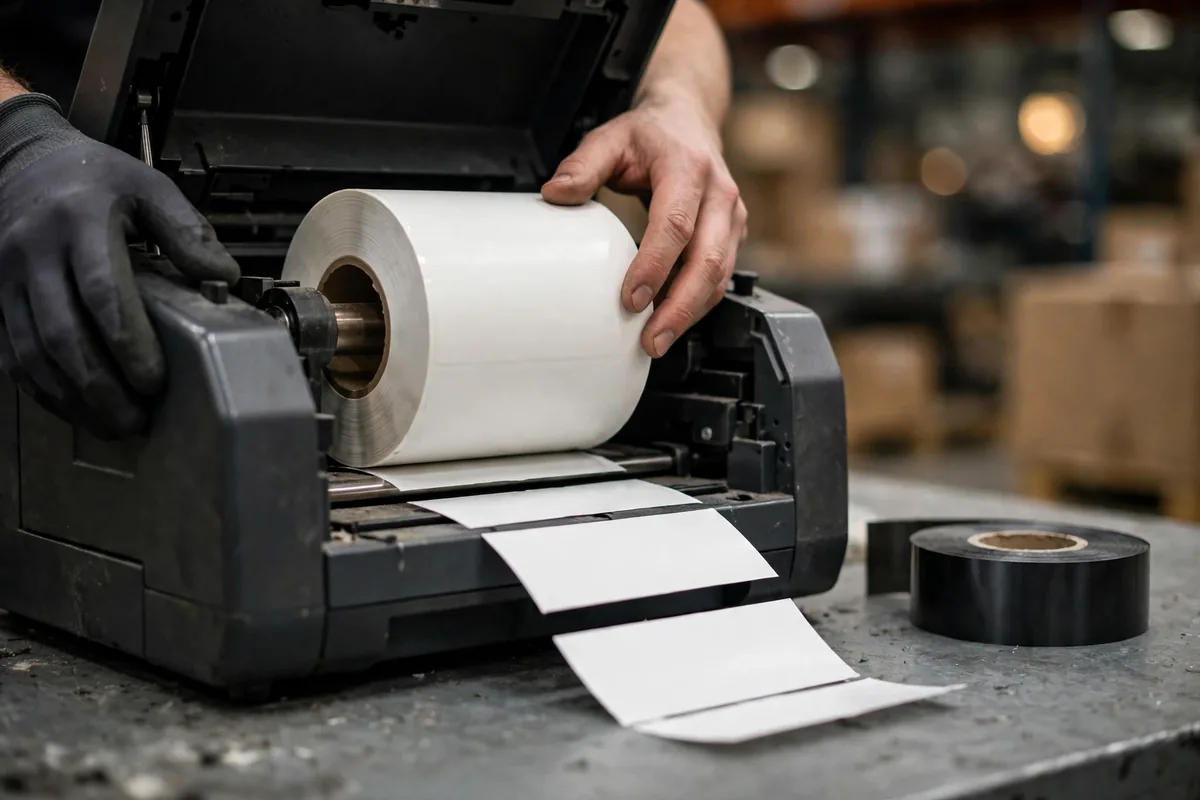
Step 5: Match the stock to the method. Plain paper: indoor, dry, short to medium life, cheapest, keep it out of freezers and rain. Synthetic stock such as polypropylene: waterproof, tear-resistant, friction-tolerant, the default for cold storage and reusable totes. High-durability stock: outdoor yards, long-life racking, chemical areas — test real samples before any bulk order. Then match the ribbon: wax or wax-resin for paper, wax-resin or resin for synthetic. Mismatch it and the print wipes off with a thumb. I have seen this pitfall three times too, always because purchasing ordered the cheapest ribbon on the list.
Run one hypothetical calculation before you argue about machine prices. Assume a site prints 3,000 labels a day, 300 days a year: 900,000 labels. Assume thermal transfer consumables cost just one cent more per label — that is $9,000 a year, a real number. But if fading short-life stock is used on long-life locations at a 5% reprint rate, that is 45,000 reprints a year. At two minutes each for finding, reprinting, reapplying, and re-verifying, that is 1,500 labor hours. The consumable gap is not the main cost. These are illustrative assumptions only; use your supplier quotes and the latest official pricing for any real budget.
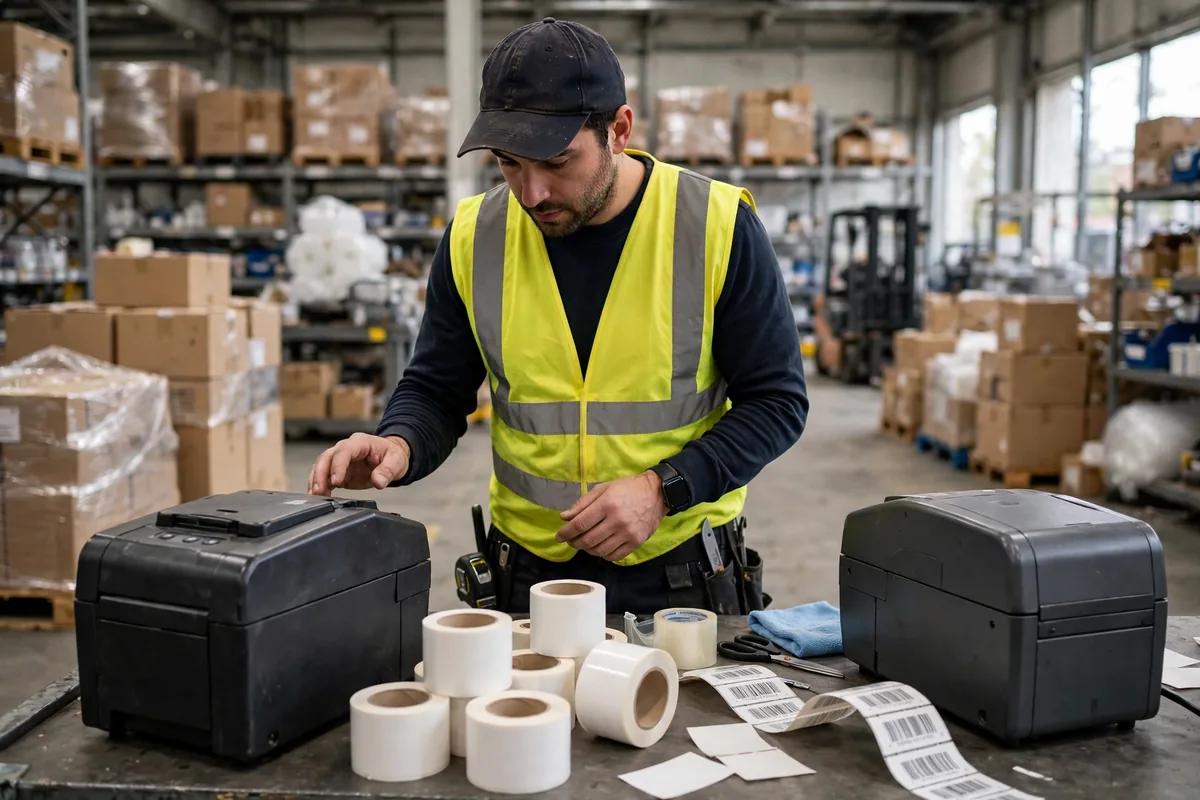
One more sizing rule for warehouse barcode printing systems printers: size the fleet on peak day, not average day, and place each printer where the printing actually happens — receiving, packing, location maintenance — never one shared machine in an office.
Final gate before purchase: print 50 real labels on the candidate printer, apply them to real racks and pallets, leave them for seven days, then scan them with the oldest scanner on your floor. Anything under 100% pass rate, do not buy. Skip this test and you will run it anyway during go-live week, under pressure.
Common failure points: the go-live eve checklist
This is the checklist I run the night before every go-live. Work it item by item:
- Label classification sheet exists: lifespan, environment, stock, and print method for every label type, on one page, posted at the print station. Without it, purchasing will reorder the wrong stock within a quarter.
- Template size is measured, not estimated: the WMS template dimensions match the physical label to the millimeter. A 2 mm gap makes content drift label after label.
- Spares are on site: printheads are consumables, not permanent parts. Keep at least one spare printhead, two ribbons, and two rolls of every label stock in use. A dead printhead waiting on shipping during peak is a stopped warehouse.
- Reprint procedure is locked: who may reprint, how the old label is voided, and how the reprint is logged. Leave this vague and you get one pallet wearing two different IDs — the number one source of count discrepancies I audit.
- Every printer has a named job: which machine prints shipping labels, which prints location labels, which is the backup, posted on the machine itself. Do not expect the night shift to guess.
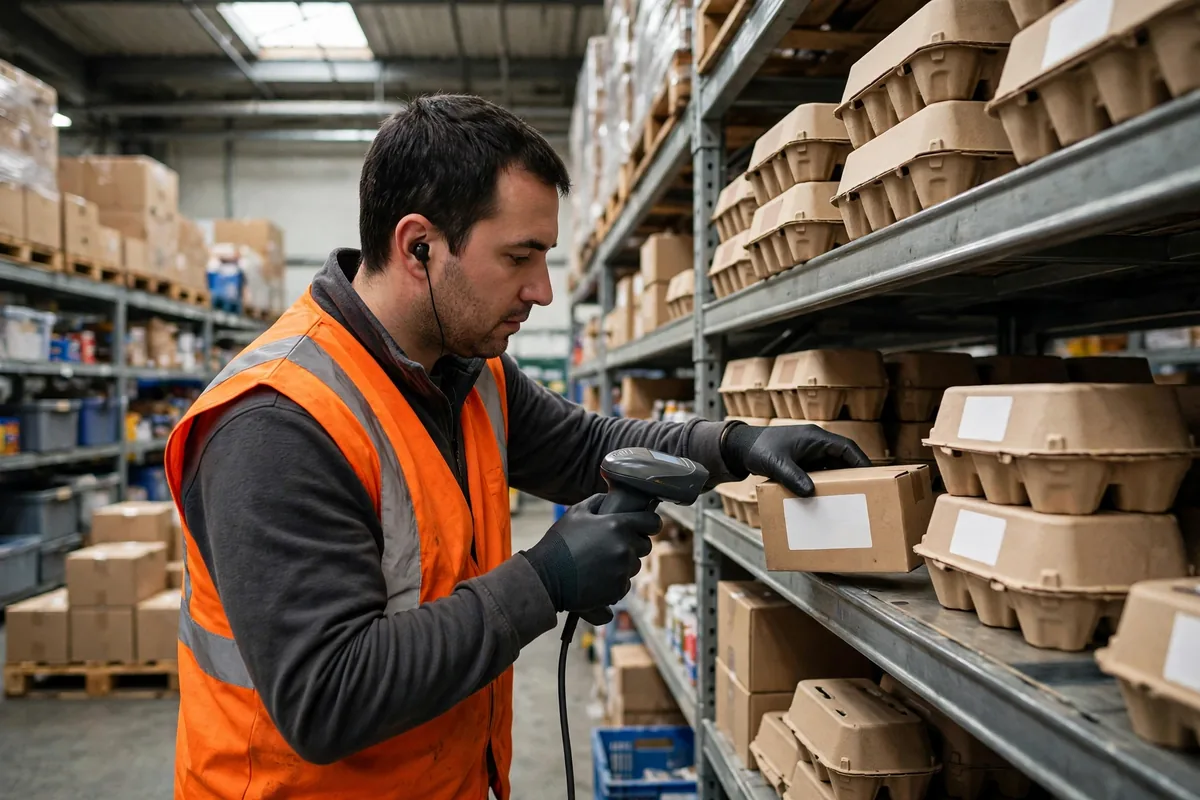
- Scan acceptance is done: scan 20 of every new label type with the oldest scanner you own. Twenty out of twenty passes. A new scanner passing proves nothing.
If you are still building the wider system, finish the numbering rules and template standards in the warehouse barcode system setup guide first, then come back and buy printers using this method. If the numbering is not settled, no printer purchase is a good one.
By Lin Xiao, WMS Implementation Consultant