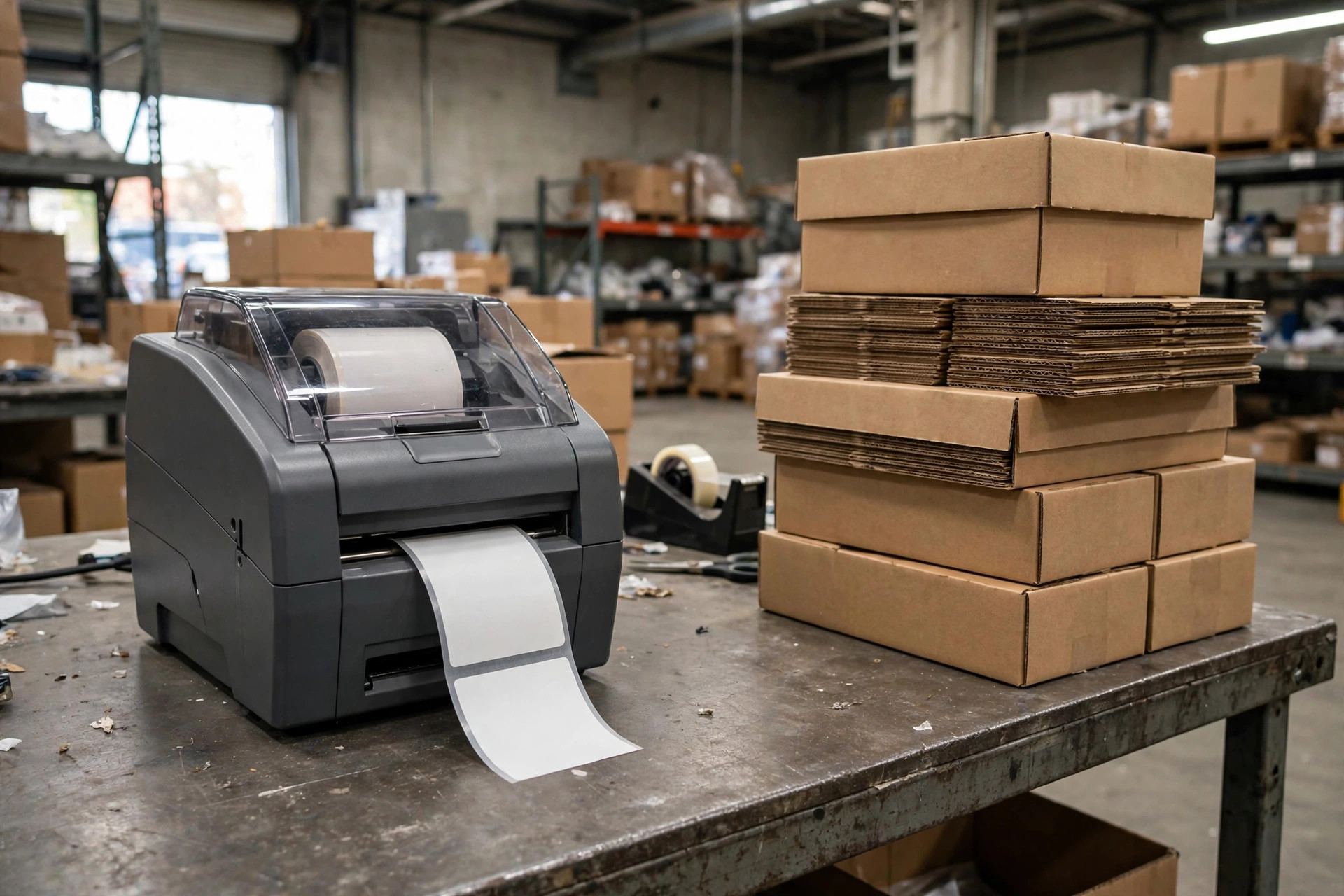
My warehouse is 3,000 square meters, nine people total. Last year, the month our SKU count crossed 8,000, I stood in the aisle holding a 40-page printed pick list while our picker Xiao Wang ran to the wrong bay for the third time that week. My hand was shaking. Not from anger — from the customer watching me flip through paper like it was 2009.
I've always bragged about running a warehouse on "peasant methods." Excel plus paper got me from 300 SKUs to 8,000. But every tool has an expiration date. Below are the five signals that your Excel setup is done. Any two of them, and it's time. Trust me — I paid for each of these lessons in real money.
Signal 1: Your mis-ship rate starts creeping up where everyone can see it
Fall 2024: we shipped roughly 6,000 orders in a month and mis-shipped 37. Sounds like nothing, right? Six per thousand. Let me show you the math nobody does.
One mis-ship costs you: half an hour of customer-service back-and-forth, the re-shipment freight, the return freight, and usually a refund or credit. For a small operation like ours, the all-in cost of a single mis-ship lands somewhere in the tens of dollars (check your actual carrier invoices). Thirty-seven of those a month quietly evaporates a few thousand dollars — over a year, that's half the annual fee of a lightweight WMS, gone.
Worse, mis-ships don't arrive evenly. Peak season hits, temp workers arrive, and the rate doubles. In the Excel era, picking runs on "human memory plus eyeballing the list." Under 5,000 SKUs, your veteran pickers can do it blindfolded. Past 5,000, the human cache overflows. Our worst one: two SKUs differing by a single letter got swapped, the buyer was an Amazon seller, and we ate a one-star review plus a claim. That single order cost us nearly two grand.
Signal 2: Cycle counts never reconcile, and the gap is always "nobody knows"
End of every month, same theater: our finance lead holds the Excel book count, the warehouse lead holds a scrap of paper with the actual count, they meet at the office door, and they're 200 units apart. Then the whole crew turns the warehouse upside down. They find 150. The other 50 have "mysteriously vanished" and get written off as shrink.
Here's the most underrated value of a small warehouse WMS: it's not faster picking — it's that every move leaves a trail. Excel records results. A WMS records the process. Move stock from bay A to bay B, and in Excel somebody has to remember to update the sheet. In a WMS, one barcode scan logs it automatically. Those missing 50 units? Nine times out of ten, somebody moved them and forgot to update the spreadsheet. After we went live, our first full count dropped the variance from a few percent to a few per thousand. We didn't get more careful — the system just removed the option of "forgetting to update the sheet."
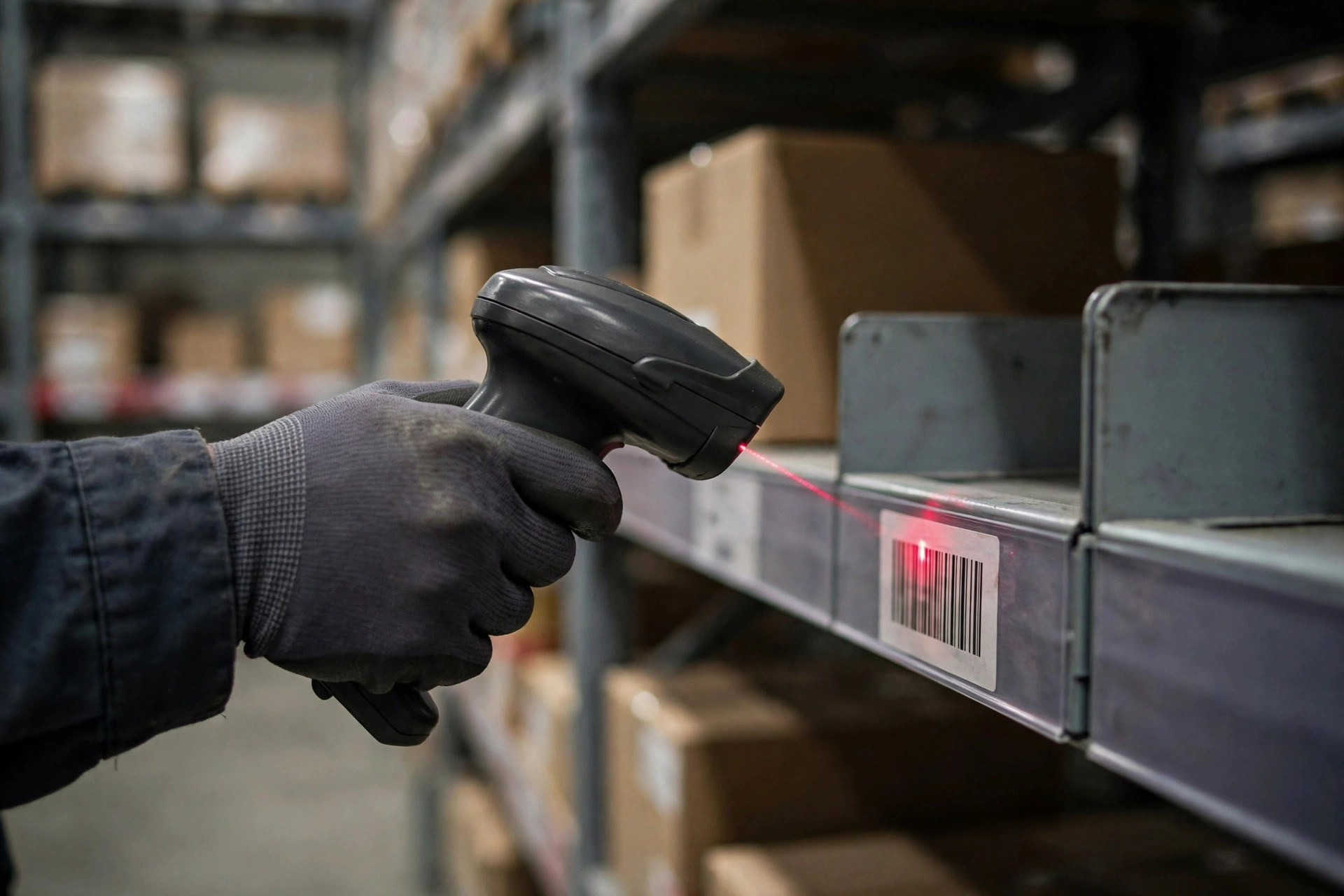
Signal 3: Your pickers navigate by memory and secret codes
We used to have an entire slang system: "the old spot" meant row three of zone A, "the red one" meant the bestseller SKU. New hires stared blankly. It took veterans three full days to get a rookie picking solo. During peak, we'd bring in five temps, burn a week training them, and by the time they were useful, peak was half over.
That's the ceiling of Excel warehousing: all the knowledge lives in your veterans' heads. A WMS moves that knowledge into the system — putaway suggests the slot, picking gives the optimal path, and a rookie with a phone app follows the prompts and works on day one. We did the math: ramp-up used to take 5–7 days; now it's 1–2. Multiply the saved training days by temp wages over one peak season, and it covers a good chunk of the system's annual cost.
Signal 4: A simple question takes three spreadsheets to answer
"Which 10 SKUs had the highest return rate last month?" The boss asks casually. I open the receiving sheet, the shipping sheet, the returns log, stack VLOOKUP on VLOOKUP, and 30 minutes later deliver an answer I don't fully believe myself.
A small warehouse owner's time is the most expensive consumable in the building. WMS reports are a byproduct: you scan as you work, and the data accumulates on its own. Now I spend five minutes every morning on yesterday's "anomaly list" — which SKUs got returned most, which bays pick slowest, which customers complained. In the Excel era those insights existed too, buried in sheets, needing someone to dig them out. We small warehouses can't afford to burn headcount on that.
Signal 5: You start being afraid to take on big clients
This one is the sneakiest. Last year an e-commerce seller wanted in — 2,000 orders a day, API integration, 24-hour turnaround, a mis-ship SLA written into the contract. I ran the numbers on our Excel-plus-paper throughput and realized taking that client would be suicide. So I watched him walk over to the big 3PL next door.
A small warehouse's growth ceiling is rarely the market — it's your own operation being afraid to say yes. A lightweight WMS turns your capacity from "fingers crossed" into "promisable and measurable." Six months after going live, we signed two clients doing a thousand orders a day. Same nine people.
Three street-smart rules for picking a WMS when you're small
Signals confirmed. Now, how to choose. The enterprise suites with six-figure implementation fees? Admire from afar. We small warehouses can't burn that kind of money. Three rules from my scars:
Rule one: SaaS with per-order or per-user pricing only. Perpetual licenses plus on-premise installs mean heavy implementation and heavy maintenance. A small warehouse has no IT team — buy that and you've adopted a very expensive pet. SaaS is monthly; if it sucks, you switch. The power stays with you.
Rule two: walk away if implementation takes longer than a month. Small warehouse processes are simple. Standard flows on standard templates should be live in one to two weeks. Anyone telling you they need "three months of deep customization" is really telling you they want your implementation fees.
Rule three: don't buy the Swiss Army knife. TMS integration, billing engines, BI dashboards — sounds great, will you ever use them? Nail the five basics first: receive, store, pick, ship, count. Add modules once those run smooth. The longer the feature list, the steeper the learning curve, the more your crew resists it.
| Dimension | Excel + paper | Lightweight SaaS WMS |
|---|---|---|
| True annual cost | Looks free (actually mis-ships + shrink + inefficiency quietly burn tens of thousands) | Annual fee roughly in the low thousands to low tens of thousands (check vendor sites for current pricing) |
| New-hire ramp | 5–7 days | 1–2 days |
| Count variance | A few percent is normal | A few per thousand is achievable |
| Big-client readiness | Can't promise SLAs | Can sign SLAs |
| Insights | Manual spreadsheet archaeology | Data accumulates automatically |
One last honest word: Excel isn't bad. It's the best starter pack a small warehouse can get. But every tool has its range. Past 5,000 SKUs, past 10 people, past 500 orders a day — hit two of those three, and Excel flips from "saving money" to "burning money." What's burning isn't software fees. It's mis-ships, shrink, orders you can't take, and your own hairline from reconciling spreadsheets at midnight.
Small warehouses have their own way of surviving. But even survival tactics need a version upgrade, right?
By Xiao Ma, Small Warehouse Owner