
Bottom line up front: the most underestimated step in any RCS rollout isn't choosing the robot or integrating with the WMS. It's warehouse mapping — every aisle, every keep-out zone, every traffic rule, configured before a single bot moves. Get the map wrong and day one brings the show: ramming racks, frozen intersections, bots spinning in place reporting "I'm stuck."
I've seen this exact failure three times. The worst one: 12 AMRs, 4 alarming at the same time, the entire picking zone down for three hours, with the client's boss standing right behind me. Root cause came down to four words: the map was wrong.
Why the Map Is the Whole Game
An RCS (robot control system) does three things: take tasks from the WMS, plan paths, manage traffic. All three assume one thing: the warehouse the system "sees" matches the real one.
The map is the RCS's worldview — get it wrong and everything downstream is wrong. Nasty trait: map problems never surface in testing. You test with two bots, unloaded, at low speed; everything works. Then go-live brings full loads, a full fleet, peak volume, and every small deviation gets amplified into a production incident.
Story One: Mapping Day vs. Every Other Day
May 2024: a 3PL warehouse in eastern China, 12,000 square meters, 20 AMRs doing goods-to-person picking. Mapping was scheduled for a Sunday with weekend pallets still on the floor. The engineer took the shortcut and mapped around them.
Monday the forklifts cleared everything. The map now held a dozen phantom walls; AMRs detoured around thin air all day, average task time 40% over plan (measured on the project). Worse, one phantom wall sat on a main aisle, and two bots deadlocked there daily until someone went to "rescue" them.
Rework: clear, remap, reconfigure every keep-out zone — three days of schedule gone plus a week of lost throughput. One lesson: the floor on mapping day must look like a normal day, not a "Sunday special."
Story Two: The Charging Zone on the Fire Lane
Late 2023. An e-commerce warehouse in Guangdong. The map itself was accurate, but the charging zone was eyeballed from a CAD drawing back at the office — and landed inside the marked fire lane.
Two quiet weeks, then a fire inspection and the correction notice landed on the GM's desk: every charger relocated, the map reconfigured, half a day of downtime. I've seen this exact failure three times — the "auxiliary" zones drawn casually during mapping are always the first thing an inspector flags.
Which Mapping Method: Start With This Comparison
| LiDAR SLAM mapping | Manual annotation | Hybrid (my default) | |
|---|---|---|---|
| Method | Push a mapping rig or run AMRs in mapping mode across the floor | Import CAD drawings, hand-mark aisles and zones | LiDAR base map + manual keep-out zones and traffic rules |
| Accuracy | ±2–5 cm (project-experience range) | Depends on drawing age; an old site can be off by half a meter | Same as LiDAR mapping |
| Effort (per 10,000 sqm, reference) | 2–3 days (project-experience range) | 1–2 days | 3–4 days |
| Cost | Highest (equipment + labor) | Lowest | In the middle |
| Fits | Large/complex sites, old buildings with bad drawings | Small sites with accurate, recent drawings | Most projects — the default choice |
Effort and cost figures are project-experience ranges; they vary with site complexity and local labor. Don't use them as a quote.
Counter-Intuitive Take: "More Precision" Is a Trap
Plenty of clients walk in demanding "millimeter-level." My verdict: unnecessary, and actively harmful.
A warehouse is alive — promo staging, re-slotted racks, new chargers change the map monthly. Precision beyond what the AMR needs for localization (within ±5 cm is plenty, from project experience) is pure maintenance cost: move one rack and you're remapping.
The right trade-off: precision "good enough," completeness "done in one pass." One missing keep-out zone hurts far more than a centimeter of error. Ship it and iterate — every RCS supports hot map updates. Going live at 90 and tuning the last 10 in production beats three months chasing 100.
The Playbook: Six-Step Mapping Checklist
Step 1: Pre-Mapping Prep (3 items, all mandatory)
- Clear the floor 24 hours before mapping: temp pallets and totes put away, "normal day" conditions restored. Skip this and everything after is wasted work.
- Get the latest drawings: CAD floor plan, fire-lane diagram, electrical layouts. They never match reality perfectly — reality wins — but you need the baseline.
- Name a mapping owner who knows both the floor and the RCS. Never hand mapping entirely to the equipment vendor — they don't know where your fire lanes are.
Step 2: Field Mapping (5 iron rules)
- Map during low-activity hours, but the floor must be in normal-day state (see Story One).
- Cover every area an AMR might enter, including maintenance aisles and charger approaches — unmapped areas are terra incognita the moment a bot drives in.
- Glass, mirrors, and open-grid racking defeat LiDAR — hand-verify those spots.
- Walk the floor with the tablet right after mapping; flag anything that doesn't match, on the spot.
- Archive the raw warehouse mapping data — when the racking moves in three months, you'll thank me.
Step 3: Keep-Out Zones (4 categories, none optional)
- Fire lanes and emergency exits: trace the fire diagram 1:1 — not a meter more or less.
- Pedestrian aisles and mixed-traffic zones: anywhere AMRs and people share space must be drawn — speed-limit rules hang on these later.
- Around charging and maintenance areas: draw "vehicle footprint plus safety margin," not the equipment footprint.
- Dynamic zones (promo staging, QA hold): conditional keep-outs — blocked when occupied, open when clear.
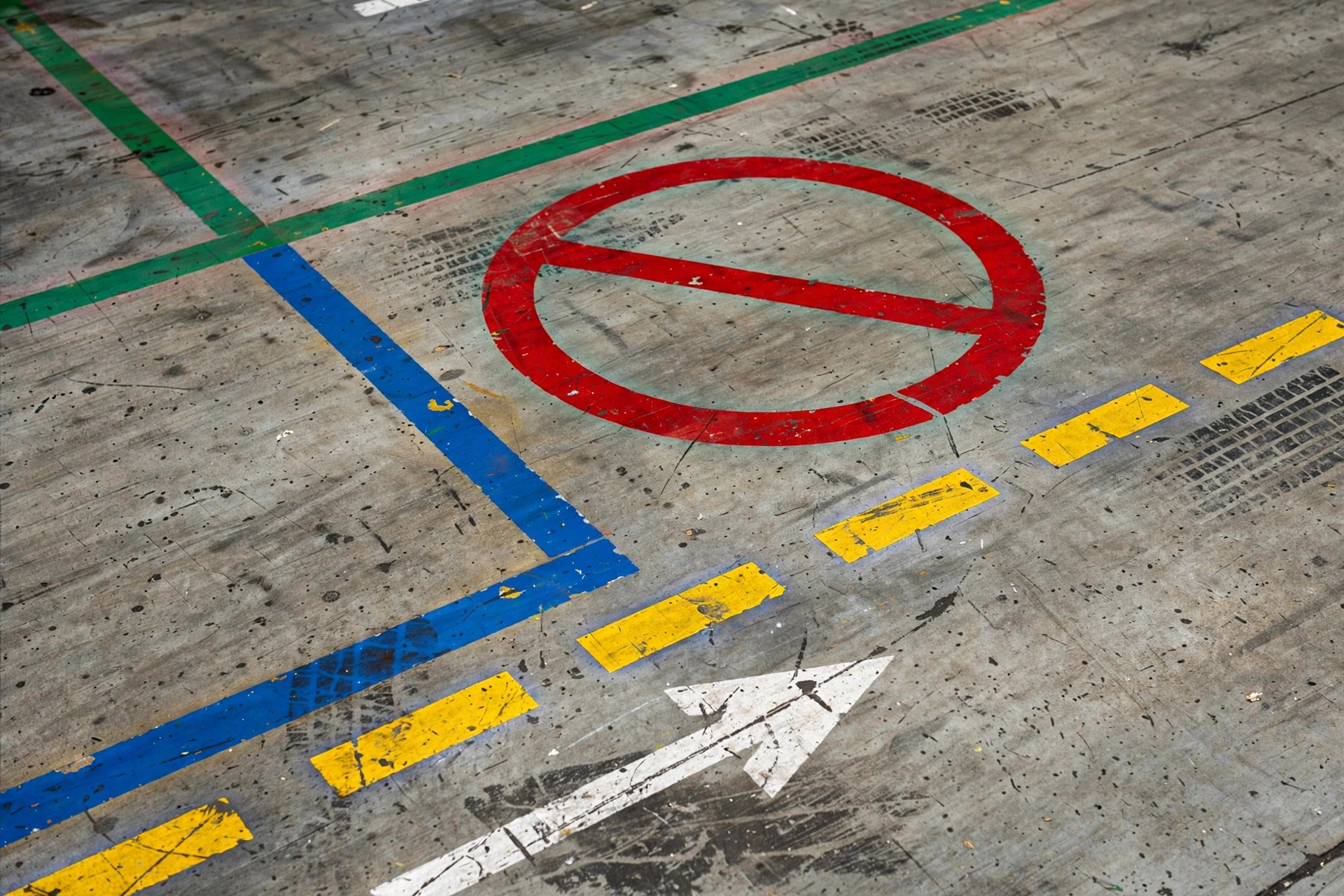
Step 4: Traffic Rules (4 items)
- One-way aisles: any aisle narrower than two vehicle widths plus a safety margin goes one-way (project experience: scrutinize anything under 2.5 meters), direction set by the dominant workflow.
- Intersection priority: every crossing needs one — main-aisle priority or first-come-first-served. Pick one scheme, apply it everywhere, never mix.
- Speed zones: mixed-traffic areas, curves, and ramps get segmented limits. Slow down and incidents drop disproportionately (observed across projects).
- Pull-off points: put bays at both ends of one-way aisles so the scheduler has somewhere to send a bot when deadlock looms.
Step 5: Charging Zones and Human-Robot Separation (its own step, because this is where it always breaks)
- Charger siting, three rules: never on a fire lane, never on a main workflow artery, close to the work area (cut deadhead travel).
- Draw an isolation zone around each charger bank — separate the technician's battery-swap path from AMR approach routes.
- Mixed-traffic zones need physical barriers or audible/visual alerts at minimum — map-only keep-outs don't stop people.
Step 6: Integration Testing (48 hours before go-live)
- Unloaded full-floor run: every bot drives every route; the RCS logs actual trajectories against the map.
- Loaded stress test: simulate peak task volume — watch for intersection deadlocks and one-way aisle queues.
- Failure drill: park a "dead" bot mid-aisle and verify the scheduler routes around it. Most projects skip this; the ones that do regret it.
Go-Live Night Checklist (print it, check each box)
- □ Map version frozen, version number on record
- □ All four keep-out zone categories configured, screenshots archived
- □ Traffic rules complete (one-ways, priorities, speed zones, pull-offs)
- □ Charging zones off the fire lanes (cross-checked against the fire diagram)
- □ Map reviewed by a second pair of eyes (not the person who drew it)
- □ Unloaded run, loaded stress test, and failure drill reports in hand
- □ Raw mapping data archived
- □ Hot-update process defined (who can edit, who reviews the edit)
- □ Floor lead has the RCS vendor's emergency contact in their phone
- □ Rollback plan: if the map is badly wrong tonight, can you revert?
Common Failure Points (each one cost someone a fire drill)
- Mapping-day floor didn't match normal ops — temp pallets are killer number one. Put the 24-hour clear in the plan.
- Keep-out zones drawn to the equipment footprint with no safety margin — AMRs turn wider than you think.
- Charging zone eyeballed — see Story Two. The cross-check against the fire diagram is non-negotiable.
- No intersection priority — two bots "politely yielding" forever.
- One person owned the whole map — self-review is no review. Get a second person.
- Nobody maintains the map after go-live — one re-slot and it becomes a historical document. Put maintenance in the SOP with a named owner.
The days you spend on warehouse mapping are the highest-ROI days of your entire RCS project. Every shortcut taken now becomes a 2 a.m. alarm call later — I've seen this exact failure three times, and I have no interest in a fourth.
By Lin Xiao, WMS Implementation Consultant