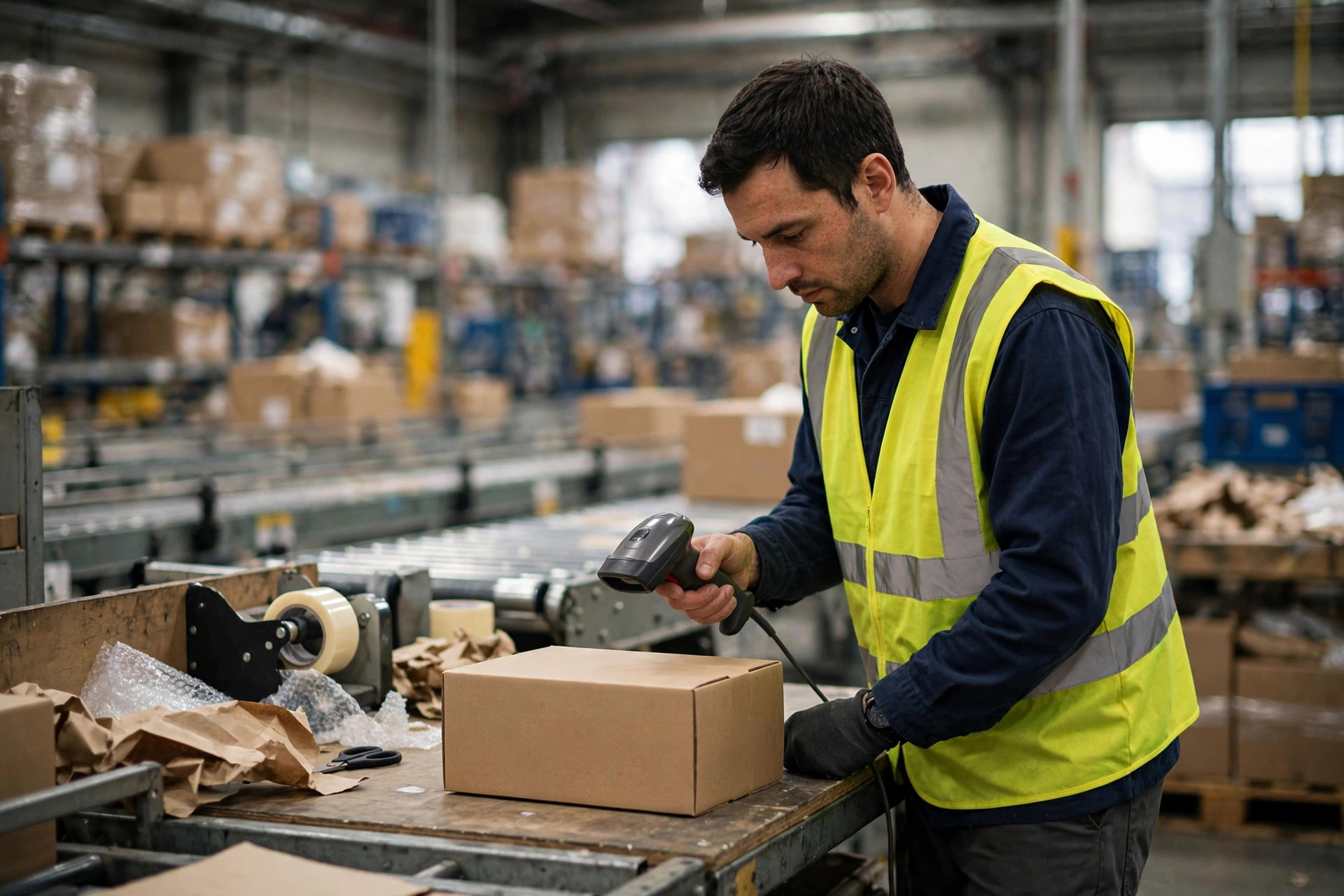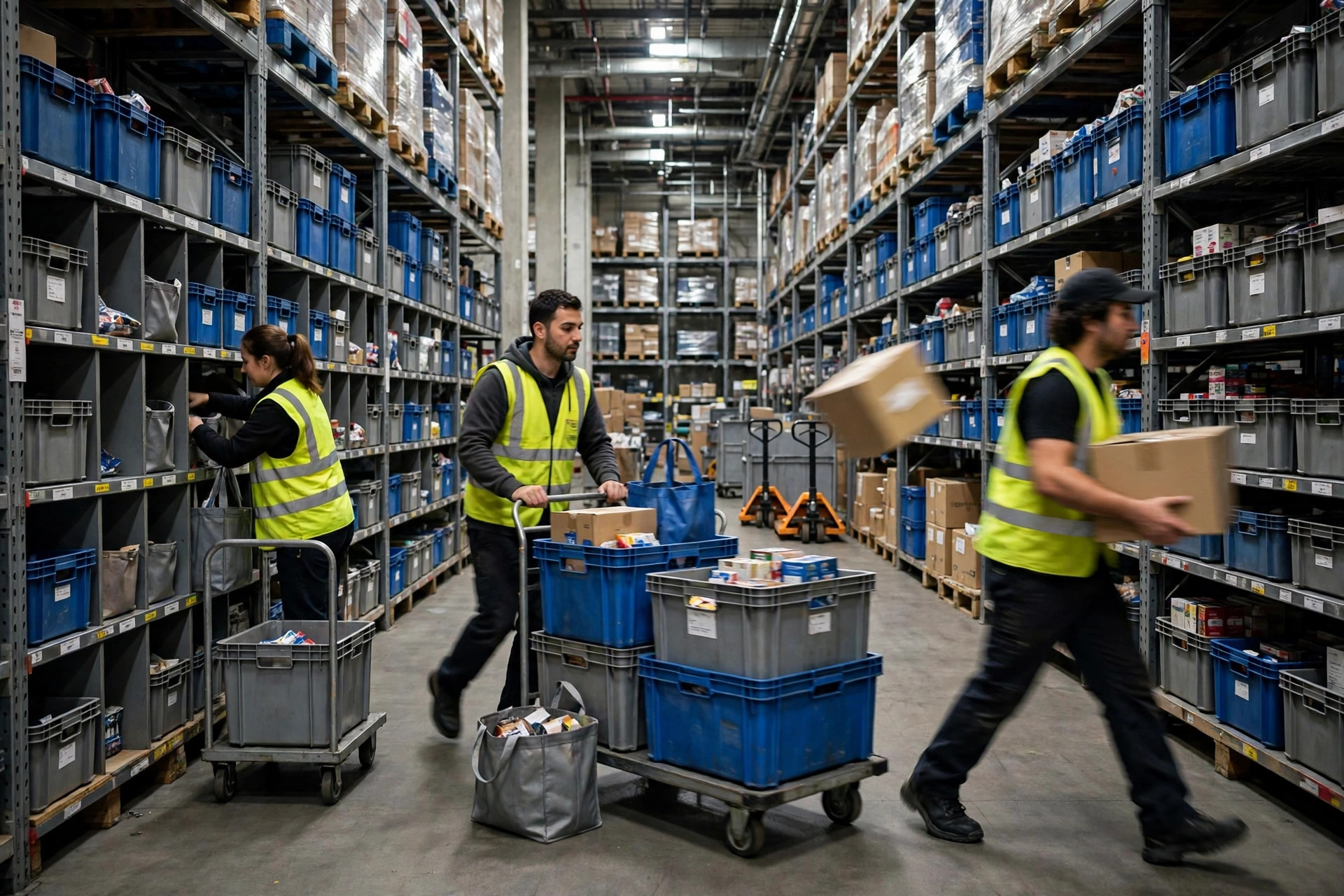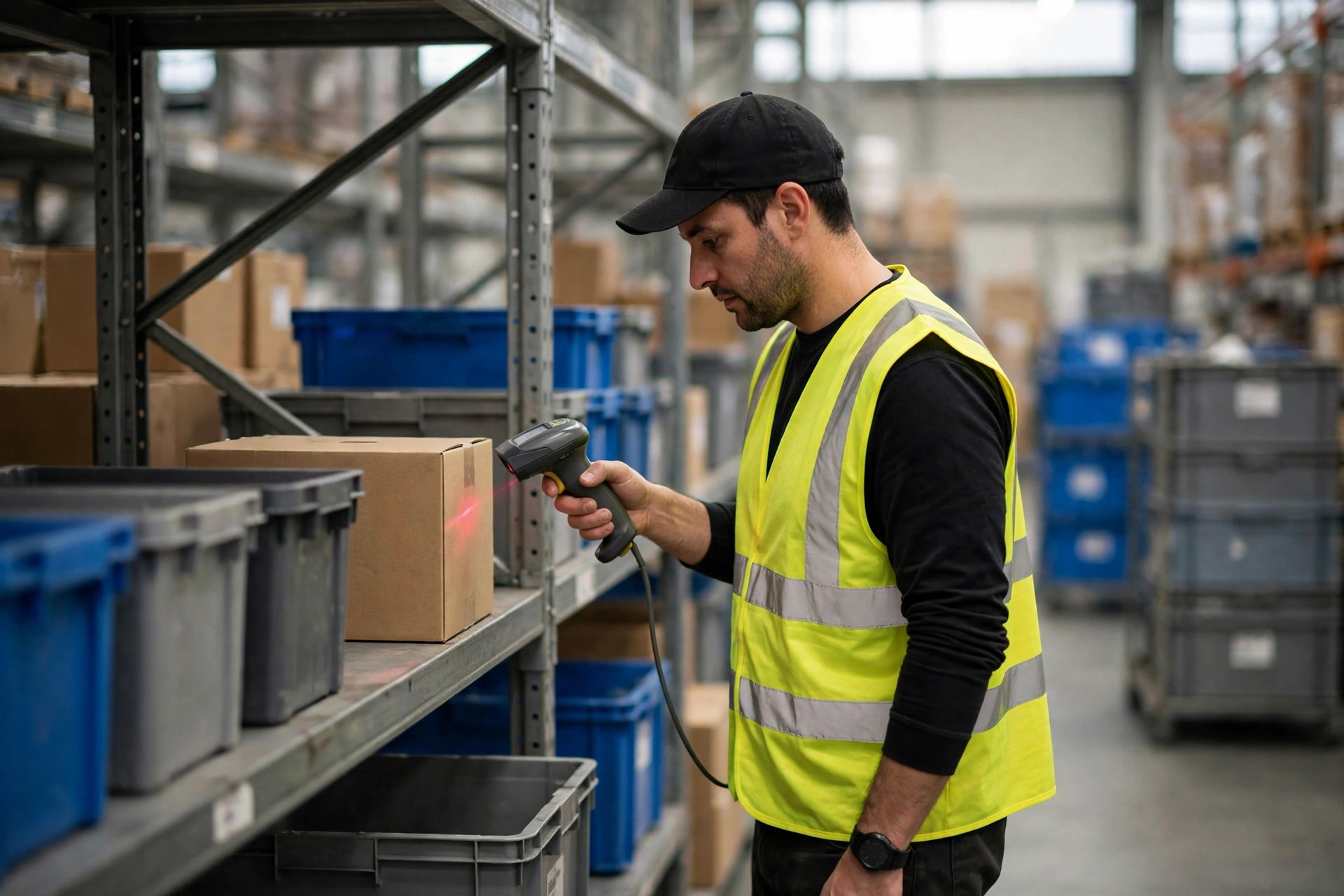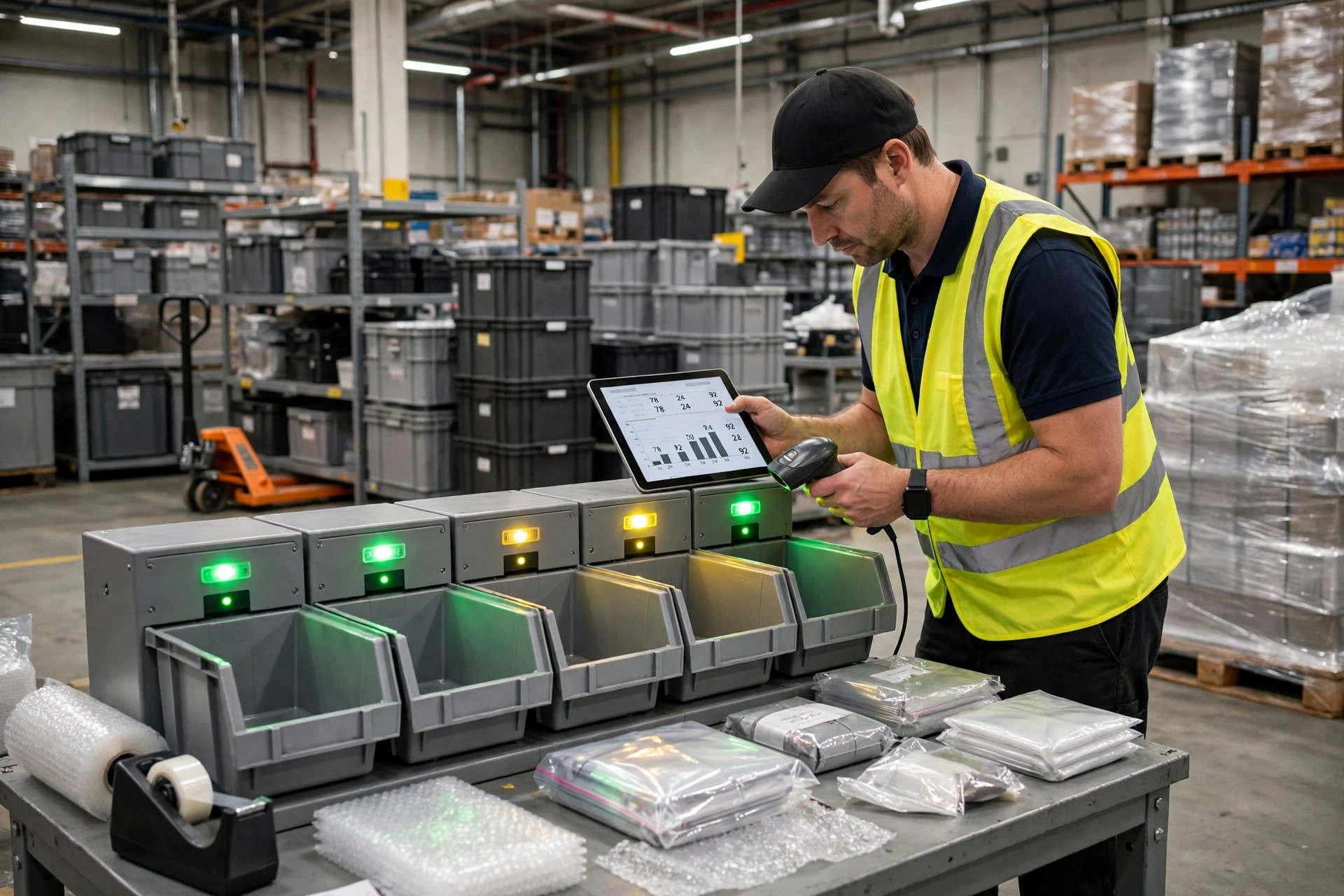
Conclusion first: a paperless picking system lives or dies on three settings, not on how expensive the handhelds are. Those three are how task queues are cut, how much the handheld screen shows, and where exceptions go when something goes wrong. Get one of them wrong and the floor will invent its own workaround. That workaround is usually paper, copied notes, or shouting across the aisle. From that moment on, the data in the system stops matching what actually happened.
I have led more than thirty go-lives, and the pattern is consistent. Sites that fall apart in week one rarely have a hardware problem. They have a queue, screen, or exception problem decided in a meeting room without walking the aisle. The work is not complicated. What makes it hard is restraint: not giving pickers more tasks, information, or exception speed than they can use.
Why these three settings matter more than devices or network coverage is simple. The pace of a paperless picking system is set by the task, not by the scanner. If the queue is wrong, pickers spend their shift waiting for work, hunting for work, or switching between jobs. If the screen shows too much, every pick costs an extra second of searching, and those seconds stack up into queues at the packing bench. If exceptions have nowhere to go, a shortage, a damaged item, or an unscannable barcode stalls in one picker's hands while the system still reports the order as moving normally.
I have seen this queue mistake three times, always in the same shape. In November 2023, a third-party warehouse in Ningbo handling small home appliances released a full day of waves at once. The queue was sorted by order number, and one picker ended up with more than forty open tasks. He could not hold that list in his head, so he picked the few orders he remembered and left the rest for the supervisor to chase. Pushed to catch up, he mixed orders together, and the packing bench caught the cross-picks. The staff were not careless. The design had asked one person to do the work of four. We rebuilt the queue by zone, capped each picker at eight open tasks, and the floor went back to working in sequence.
Paperless picking task queues: cut by zone, not by order number
The first rule for a queue is that what one picker can see at once must be small enough to remember without notes. I cut by zone first, then by priority. Tasks in the same zone go together. Tasks from other zones do not belong in the same person's queue unless that person is already walking that route. Priority gets only two levels: must ship before the cutoff, and can wait for the next wave. Three levels or more sound precise, but on the floor nobody can tell them apart, which means the levels do nothing.
The second rule is that once a task is assigned, it should stay assigned. Do not pull it back and re-sequence it just because the system recalculated a wave, unless the order was cancelled or the location was locked. A pulled task is easy to lose, because the picker may already be halfway there. The third rule is that wave size must be calculated from headcount and zone size, not from a round number of orders. One hundred orders spread across five zones and one hundred concentrated in one zone are two different workloads.
Use this decision table before setting any other queue parameter. Fill in all three rows first, and only then argue about the rest:
| Decide this first | How I set it | What happens when it is wrong |
|---|---|---|
| Cutting dimension | By zone; one picker works one zone in a given period | Pickers walk back and forth across zones and lose time on travel |
| Open-task cap | Set by zone size and lines per order, usually no more than eight | Tasks pile up on screen and pickers choose their own orders |
| Priority levels | Two only: must ship before cutoff, or can wait | Too many levels blur together and the floor cannot tell what matters |
Handheld screens: subtract first, then add features
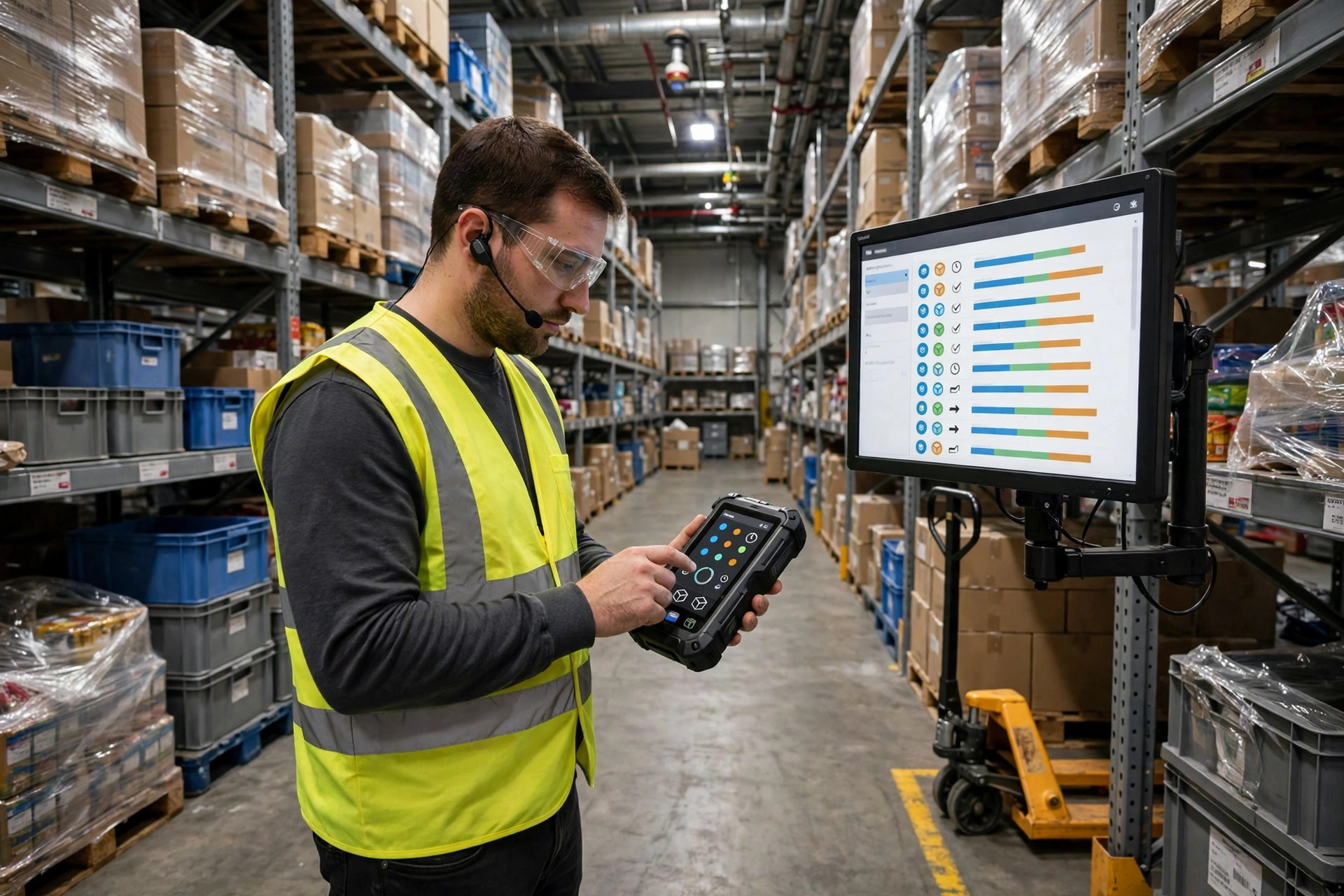
My rule for a paperless picking handheld screen is blunt: a picker glancing down must know the next action at once. Location, product name, and quantity belong on the first screen, in text large enough to read from half a metre away while wearing gloves. Everything else, including batch, customer, and order notes, belongs on a second screen that appears only when tapped. Putting it all on the first screen does not make the picker better informed. It makes him slower at the one thing he does hundreds of times a day.
In March 2024, a consumer-goods warehouse in Dongguan showed me exactly how this fails. The first screen carried nine fields. Pickers hunted for the quantity, then for the location, and a wrong line meant a wrong pick. Worse, the confirm button sat next to the next-order button, and gloved fingers kept tapping the wrong one. More than a dozen orders a day were skipped by accidental taps, and the packing team traced them back one by one. We cut the first screen to three fields and moved confirm to the lower right corner on its own. The accidental skips stopped the same day. No new devices, no extra staff, just removing what should never have shared a screen.
One detail is easy to miss: what the screen says when a scan fails. A red cross or error code is not an instruction. The screen must tell the picker what to do next, either scan again from a different angle or raise an exception. Nobody stops mid-pick to decode an error message.
Paperless picking exceptions need their own route back
Exception handling is the setting I refuse to leave as an afterthought. Shortages, damage, quantity mismatches, and unscannable barcodes each need their own exit. One generic exception button produces a pile of tickets that all look the same, and the person clearing them has to phone the floor to ask what actually happened. By the time someone answers, the stock may already have been moved.
My setup works like this. The moment an exception is raised, the original task freezes and stops counting toward that picker's open tasks. The exception moves into a separate queue, owned by a supervisor or checker, not back into the normal queue. The supervisor has only three outcomes: replenish and re-release, switch location and re-release, or hold the order for customer-service confirmation. There is no fourth outcome, and exceptions may not sit unowned. The queue must be cleared before the shift ends. Anything left over gets a written reason and becomes the first job next morning, before any new wave is released.
Here is the counterintuitive judgment clients argue with: faster exception clearance is not always better. If a supervisor clears a shortage by quietly changing the quantity, or clears damage by swapping in another order, the queue looks clean while inventory and order are both wrong. I would rather let an exception sit for an extra half hour than lose the trail. Every outcome must record who handled it, which location was used, and whether quantity changed. Speed on the floor is often paid for later, as a variance that only shows up at month-end stocktaking.
My go-live night checklist: test it on real locations
My go-live night checklist has only four items, but each must be walked on real locations, not reviewed as screenshots in a meeting room. First, ask one picker to pick ten orders at normal speed and watch whether he flips pages to find tasks or asks the supervisor what to do next. Second, create three deliberate exceptions, one shortage, one damaged item, and one unscannable barcode, and check whether they land in the exception queue and whether the original tasks freeze. Third, cut the handheld network and restore it, then check whether any task is lost or released twice. Fourth, let the supervisor clear those three exceptions and check whether each outcome traces back to a person and a location. If all four pass, I sign off. If one fails, the floor will fail at exactly that point the next day.
None of this requires advanced technology. It requires discipline in three places: do not overload the queue, do not overload the screen, and do not rush exceptions. When those three settings are right, the system genuinely does work for the floor instead of adding a second job that the floor has to serve. For what this kind of setup is meant to deliver, read the benefits of paperless picking alongside this guide: the benefits only hold up when the configuration underneath them is sound.
By Lin Xiao, WMS Implementation Consultant