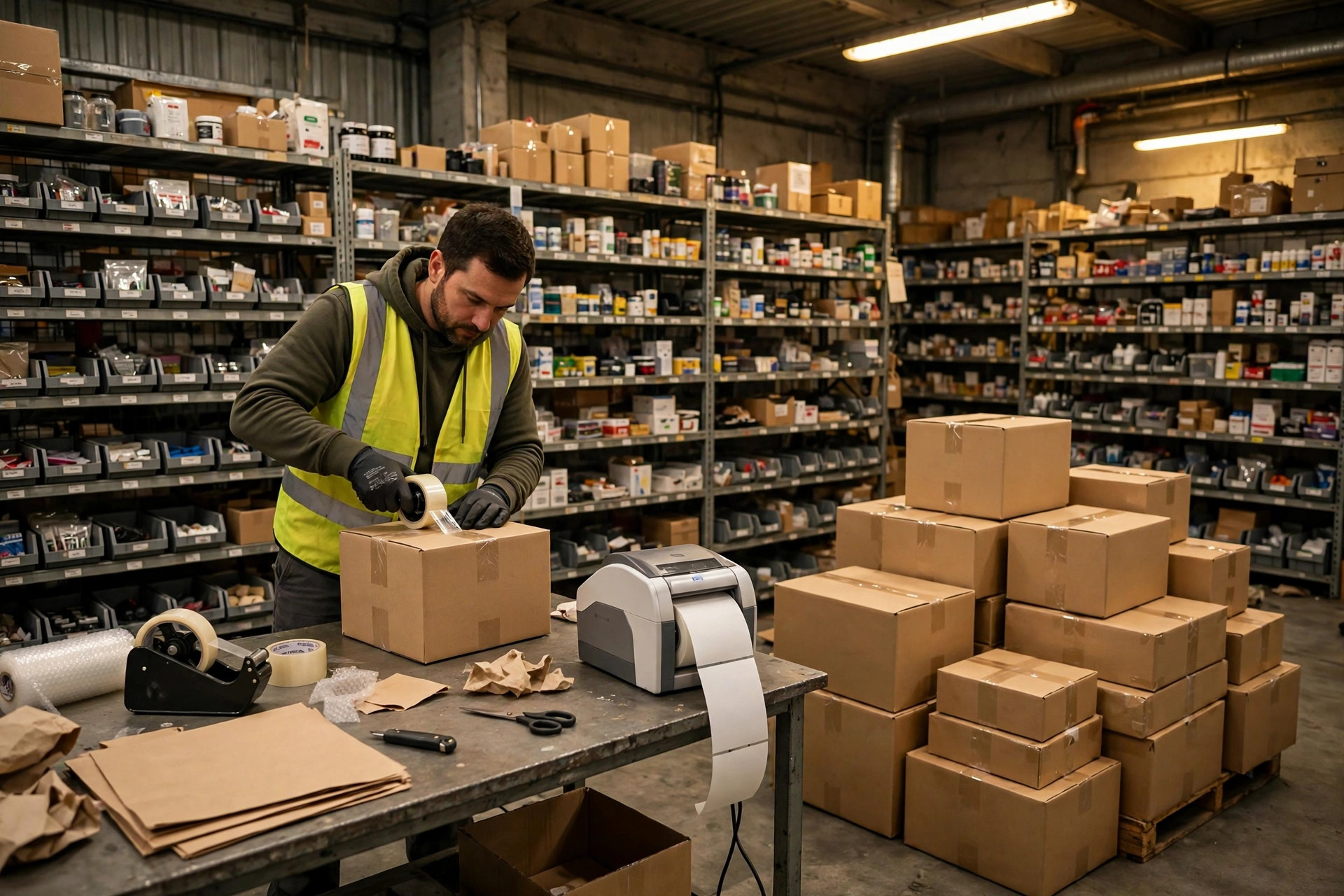
Running five stores out of one warehouse sounds like a cheat code. Shared SKUs, consolidated inbound freight, one team doing everything. Right up until Store A's buyer opens a box and finds Store B's product inside. Then the cheat code sends you a bill.
I paid that bill. Back in the 2023 holiday season, I was shipping out of my own small warehouse in Los Angeles, five stores drawing from the same pile of inventory. Store A sold a gadget at $39.99; Store B was clearing the same gadget at $24.99 in older packaging. My packer, in a rush, just picked by SKU and shipped. Thirty-something Store A orders went out in Store B's clearance packaging. Buyers saw the wrong box and hit me with bad reviews and returns in the same week. Dozens of returns, return shipping, refunds, a dinged store performance rating — roughly a few thousand dollars gone in one wave. That day I got religion: when five stores share one warehouse, unseparated inventory is a landmine. Not if. When.
These days I run a hybrid: physical segregation for the winners, a virtual warehouse in the system for the long tail.
Physical segregation is dumb, and it works. Hot SKUs get their own zone, shelves tagged by color — blue for Store A, yellow for Store B, green for Store C. Packing stations split by color too. A picker sees the wrong color and their hand stops. No software required. A small team can set it up in a day.
The virtual-warehouse route keeps goods physically mixed but locks sellable quantity per store in the system. Same bin, same batch: Store A can sell 50 units, Store B can sell 30, each on its own ledger. Sell past the lock and the system blocks the order.
Which one? It depends on your catalog shape:
| Physical segregation | Virtual warehouse | |
|---|---|---|
| Best for | A few high-volume SKUs | Long tail, heavy SKU overlap across stores |
| Upside | Idiot-proof, fast picking | Great space utilization |
| Downside | Eats floor space, breaks down as SKUs multiply | Lives or dies by the system — one sync delay and you're oversold |
| Setup cost | Extra rack space | A WMS or ERP with multi-store inventory logic |
My rule is simple: any SKU moving 500+ units a month gets physical segregation. Everything else goes virtual.
Here's the counterintuitive part. Most sellers assume one shared inventory pool across five stores is the cheapest setup. Run the numbers and it's backwards. Physical segregation costs an extra 10–20% of rack space, but mis-shipments drop to zero and pickers stop thinking, which actually speeds them up. The virtual warehouse looks cheaper on space — until one oversell incident costs you what half a year of extra rack space would have. I don't trade small savings for big losses.
And honestly, the real killer in multi-store operations isn't mis-shipment. It's overselling. Five stores selling the same stock, inventory sync lagging by ten minutes, a promo hits — that's when it blows up.
A friend selling home goods ate this on Black Friday 2024. His ERP synced store inventory every 15 minutes. One listing got pushed into a flash sale and moved 40+ units in minutes against 10 units of actual stock. He canceled 30+ orders, took a performance warning from the platform, and the listing's ranking needed two months to recover.
My fix is a three-layer circuit breaker, and I'll lay it out exactly:
First, sync frequency. Under five minutes normally; during promos I manually drop it to two. Don't trust "real-time sync" — during big sales, API queues lag as a matter of course.
Second, a per-store safety line. When sellable quantity drops to five units or below, the listing auto-delists or flips to preorder. I'd rather undersell than oversell.
Third, a hard cap on total sellable stock. The combined sellable quantity across all five stores never exceeds 90% of actual available units. The 10% buffer absorbs in-transit returns, cycle-count variance, and damage.
The math justifies the buffer. One oversold order: cancellation fees, back-and-forth customer service time, and the traffic hit from a performance ding — the hidden cost runs roughly 2–3x that order's profit. A conservative circuit breaker might cost you a few dozen unmade sales a year. That's margin. One oversell blowup costs you account standing. You do the math.
Separating inventory without separating the money is half a job. I used to keep one set of books for all five stores. Year-end looked fine — until I broke it down and found Store 3 had been bleeding the whole time. Its return rate ran way above the others, and warehousing, labor, and support costs were quietly subsidized by the profitable stores. Blended together, the loser was invisible.
Now I run a per-store P&L every month with fixed allocation rules, no haggling:
Inbound freight gets allocated to SKUs by dimensional weight on arrival, then rolled up to each store. Warehousing is charged by pallet and shelf positions used — whoever occupies the hot-SKU zone pays for it. Last-mile freight is charged on actual shipped orders, the cleanest number of all. Packing labor splits by order volume, and return processing gets booked straight to the responsible store.
The allocation sheet goes out monthly and each store lead signs off. Once the numbers are split, it's obvious which store should cut SKUs and which should raise prices. Store 3 got exposed exactly this way: an 18% return rate, losing roughly $2 per order after full cost allocation. Half its SKUs got cut that month. It took three months to turn around.
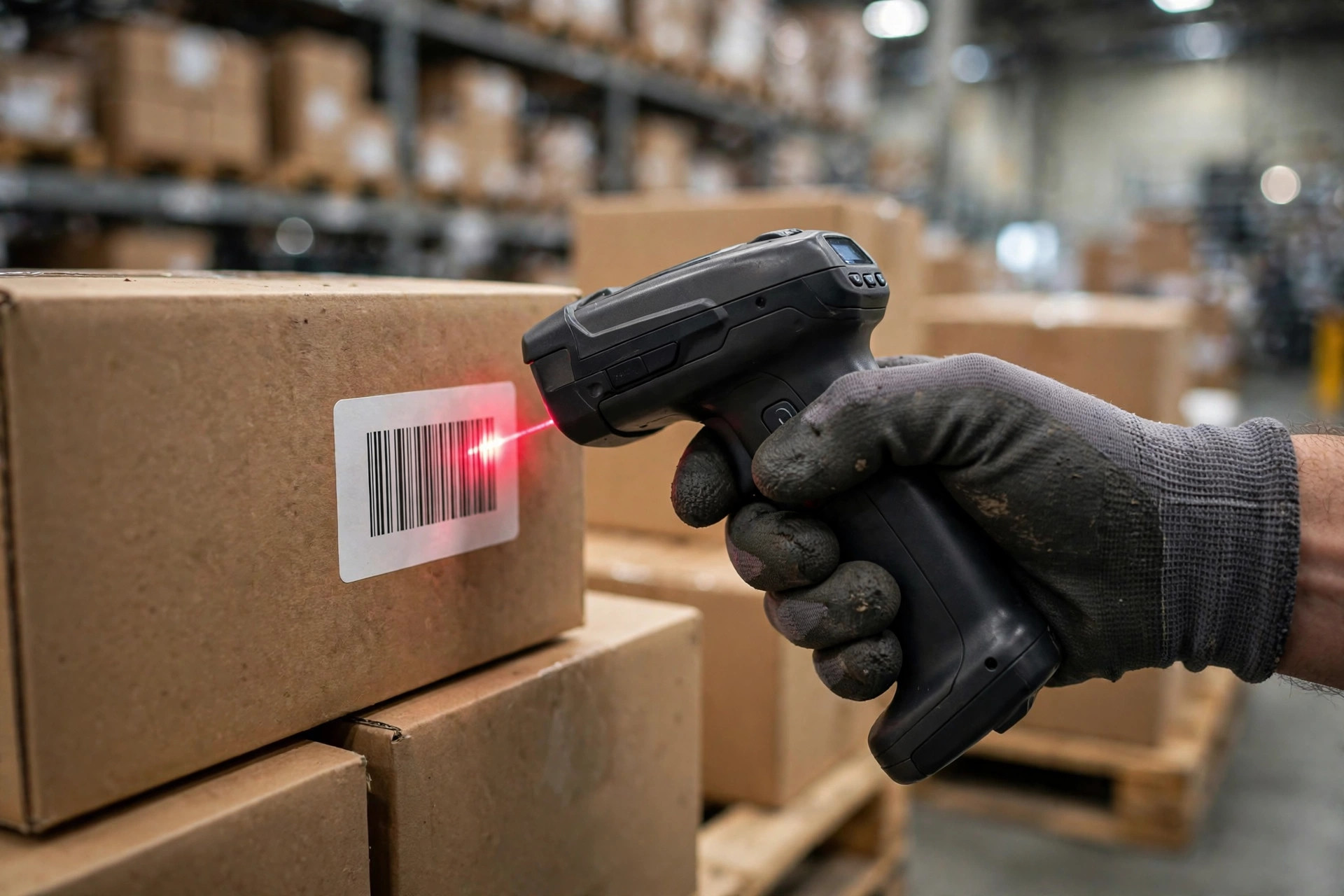
Two things to watch out for. First, double-scan at pack-out: scan the shipping label, scan the SKU, and let the system match store plus SKU — mismatch locks the order. That habit has caught mis-shipments for me more than once, and it's a lot cheaper than apologizing afterward. Second, running multiple stores means keeping account-linkage risk in mind — separate your network environments and payout info where it matters. I'll leave it at that.
From that mis-shipment disaster to over a year of zero incidents, it comes down to three lines: physically segregate the winners, keep a buffer in the oversell breaker, and account every dollar per store. Sounds like a lot. In practice it's a week of setup. This one I've tested myself — try it and you'll see.
By Ah K, E-commerce Seller