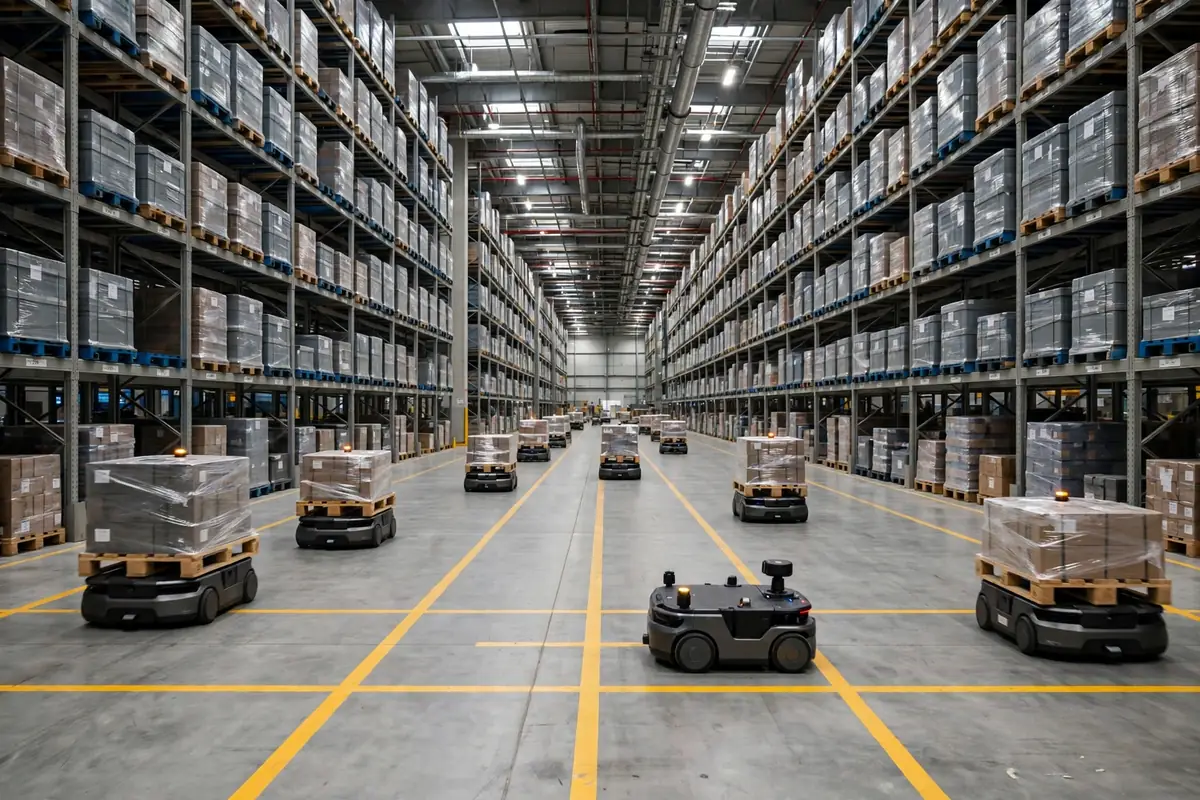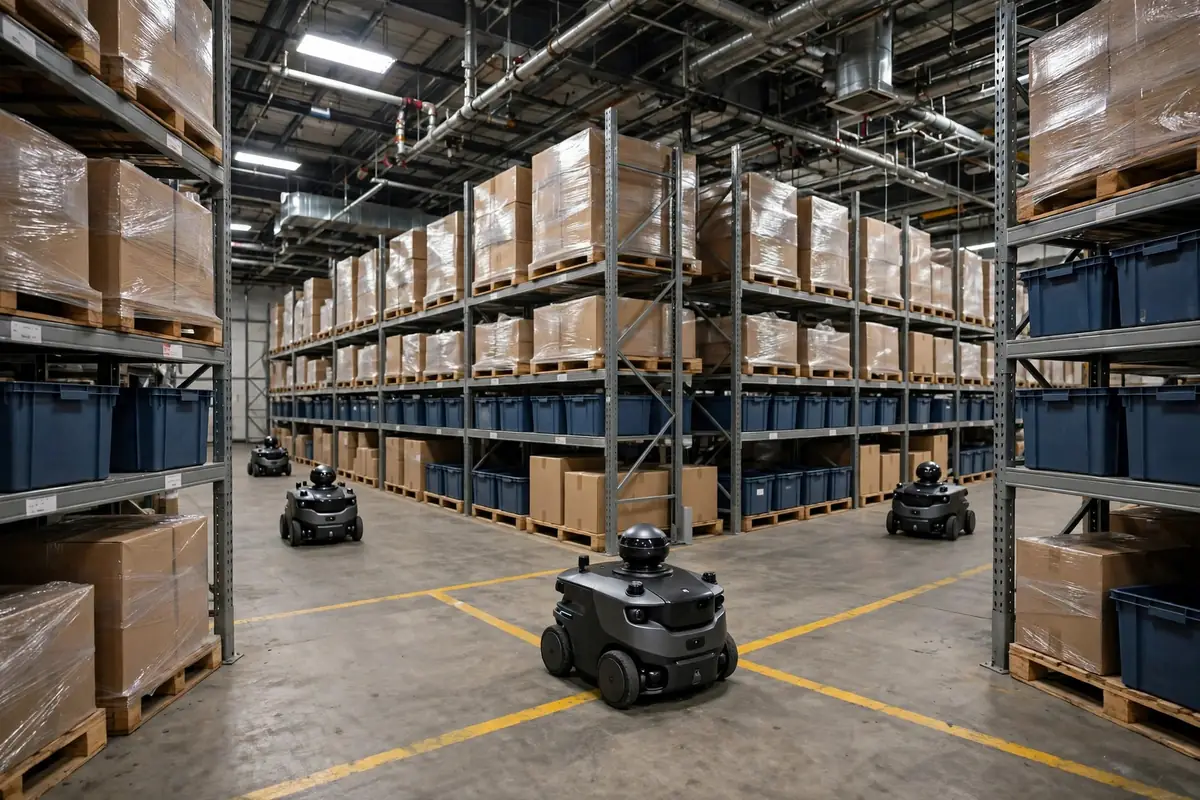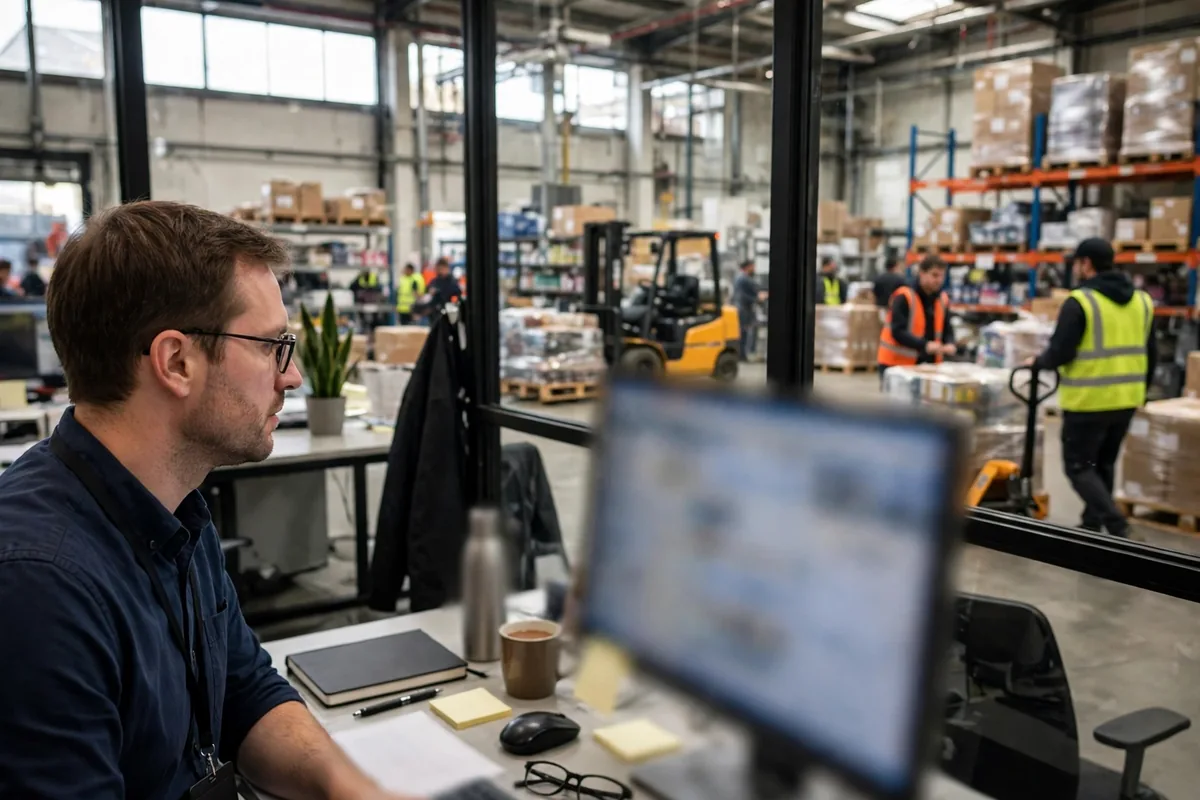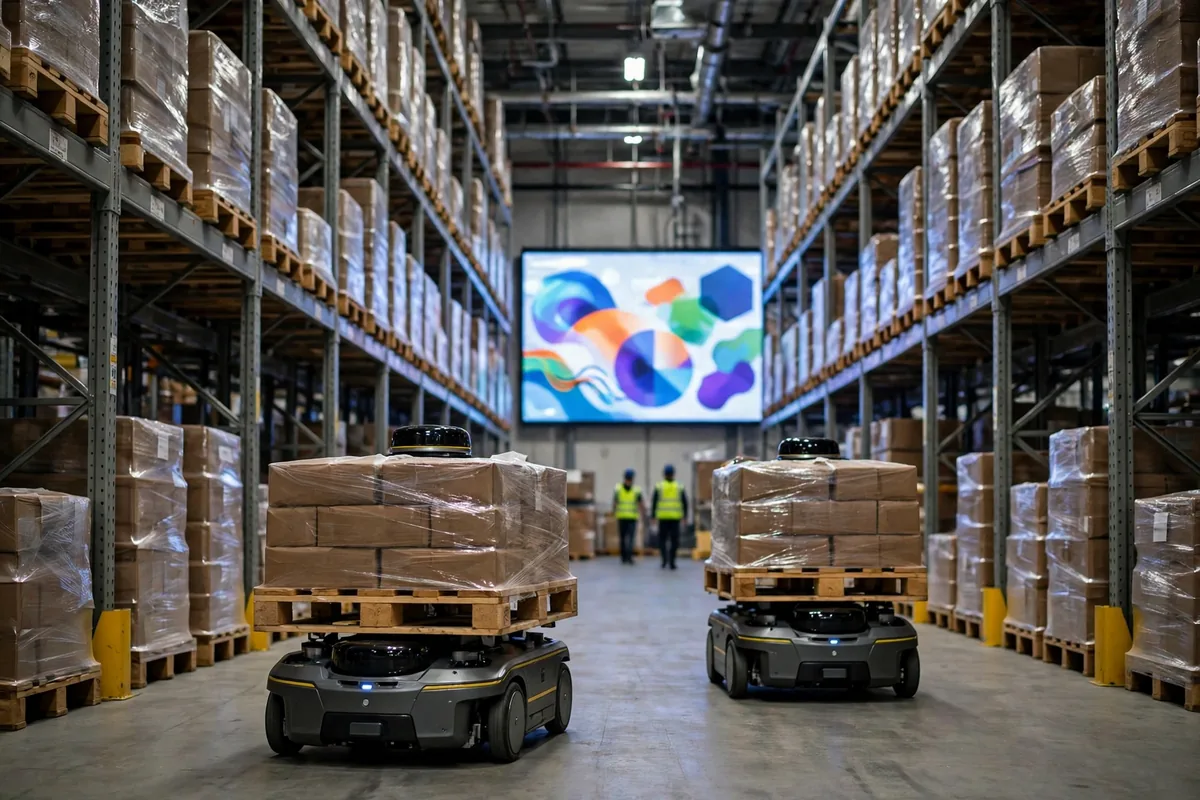
It was seven in the morning on a Tuesday, a few weeks before peak season last year, and my night-shift supervisor caught me at the door the moment I walked in. One of the two AMRs that had arrived the night before was stuck at the mouth of aisle B, with the second one queued up behind it. Pickers were walking around them, and the night's outbound orders were running forty minutes late. Brothers, I had exactly one thought in my head: the robots were in the building, but was our AMR WMS integration actually working?
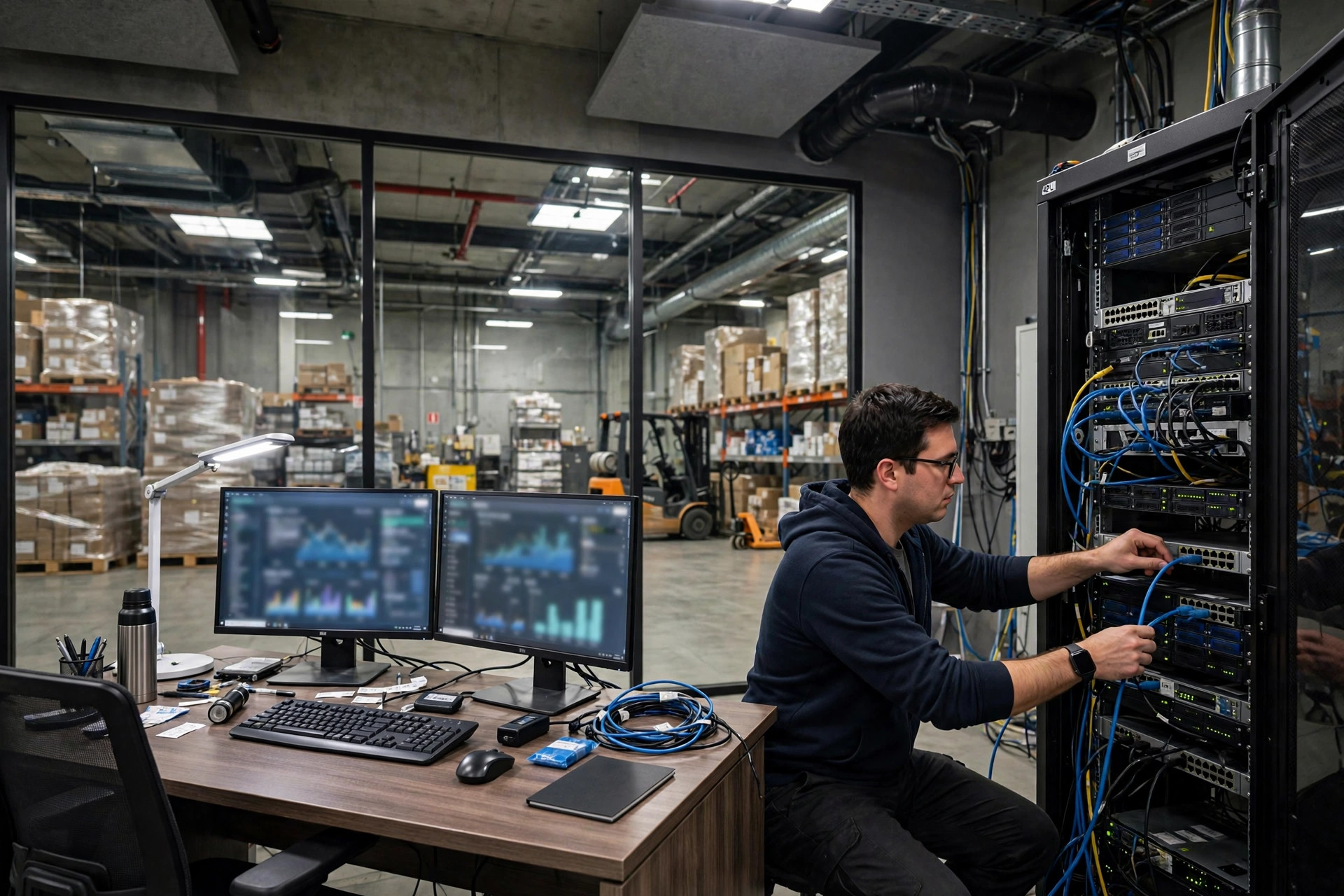
To be honest, the machines themselves are the easy part of AMR WMS integration. The hard part is the line between the robot and the WMS: who assigns work to whom, how far along a job is, and who gets the call when something gets stuck. None of that is in the contract or the brochure. All of it shows up in the first few days on the floor.
The Three Paths for AMR WMS Integration
We had three options on the table. The first was a direct connection: the WMS sends tasks straight to the robots, with nothing in between. The chain is short and the delay is low, but the WMS has to manage robot status, traffic, and charging itself, and whether the WMS vendor is willing to take that on shows up clearly in the quote.
The second path runs through a fleet manager, sometimes called middleware. The WMS only hands tasks to the fleet system, and the fleet system schedules each robot. The advantage is that everything robot-related lives in one place, so adding machines or a second brand later is straightforward. The downside is an extra layer, and when something breaks you first have to work out which layer dropped the ball.
The third path is the VDA 5050 standard interface. VDA 5050 is led by the German Association of the Automotive Industry, the VDA, together with the VDMA, the German engineering federation, and it defines how mobile robots communicate with a master control system. The current version is 3.0, published in March 2026, following version 2.1.0 from January 2025. It carries orders, instant actions, and status messages over MQTT and JSON, with the goal of letting robots from different makers run under one master control. Two things need saying plainly: first, it is only a communication interface standard, not a full control system, and it does not cover safety functions or interfaces to peripheral equipment. Second, it is not a mandatory standard and it is not final yet, so support varies by manufacturer. Before signing, get the vendor to state in writing which version they support and which functions have actually been tested, and do not settle for a single line that says standards-compliant.
We picked the second path, the middleware. The reason was practical: we will almost certainly add robots later, possibly mixing two brands, and with a fleet system in the middle we can do that without touching the WMS. The middleware cost extra money, but it saved us from changing the WMS every time we add a machine.
How the AMR WMS Integration Task Chain Runs
The task chain sounds like four simple steps: the WMS creates a task, the fleet system takes it and splits it up, the robot runs it and reports its status back, and the WMS updates the order from that report. It sounds smooth. Every problem on the floor lives in that reporting step.
In our second week live, a robot carried a pallet from point A to point B, set it down, and the status never came back. The WMS still showed the task as open, so the picker's next task never got assigned, and the floor stood still for fifteen minutes. The cause was a weak wireless signal in that corner, and the status message got lost. The fix was unglamorous: we added a wireless access point in that corner, added retry on timed-out status reports, and set the WMS to actively ask the robot where it is and how far along the job is whenever a report is overdue.
Map and location master data alignment is the other big trap. The robot's map is one it scanned itself, and the WMS locations are maintained by people, so the two sides each have their own coordinates. Once we converted a row of locations in zone C into a picking area. The WMS was updated, the robot map was not, and a robot drove a full pallet straight to a location that no longer existed, circled three times at the aisle entrance, and stopped. Since then we have a hard rule: whenever a location changes, both sides change together, and the robot runs an empty confirmation loop before live tasks resume. Master data feels unimportant on a normal day. The moment robots arrive, it is the foundation.
When Things Go Wrong: the Warehouse Cannot Stop
A robot getting stuck, a task timing out, and a network outage all need a plan before go-live, not a meeting after they happen. When a robot gets stuck, first work out whether it stopped itself or another robot blocked it. If it is blocked, the fleet system has to reroute or queue, not leave two machines staring at each other in an aisle. When a task times out, there has to be a clear limit, and past that limit the task rolls back so the WMS can reassign it or hand it to a person.
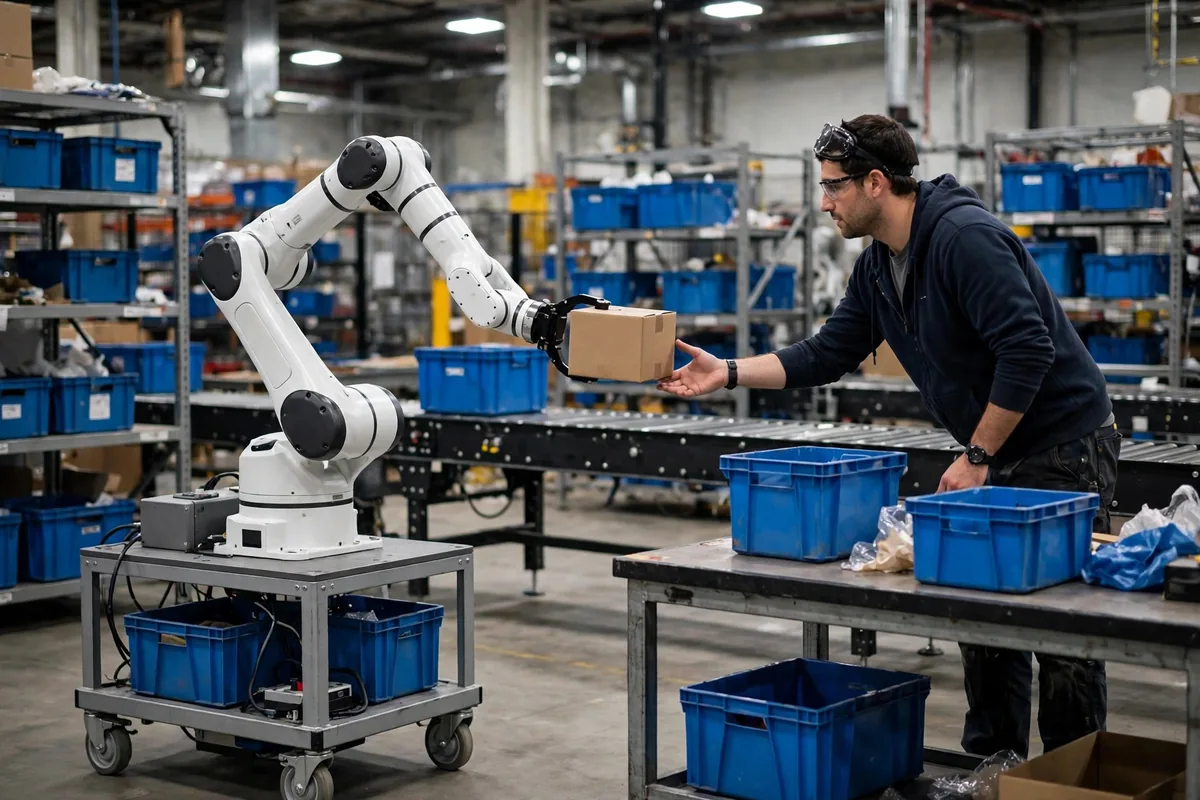
The network outage was the real test. Once a switch rebooted and the whole warehouse lost wireless for about ten minutes. The robots did what they were designed to do and waited in place, which deserves credit to the manufacturer. But for those ten minutes no new tasks went out, and the floor ran on manual work. Our rule now is that if the network is down for more than five minutes, the supervisor switches to manual mode, pickers keep working on paper lists or handheld terminals, and when the network comes back each robot checks its own position before taking jobs again one by one. Robots are allowed to stop. The work in the warehouse is not.
Go-Live Day: Cutover and the Way Back
We went live in three steps. First came shadow running: the robots were on the floor for a week without real tasks, following the normal flow empty, proving the map, the task chain, and the status reports. Second, we cut over halfway: one day shift ran with robots while the night shift stayed manual, so we could compare speed and error rates side by side. Only then came the full cutover, and on that day we kept a rollback plan ready: all robots back to their charging bays, tasks switched back to manual assignment, done in half an hour. We rehearsed that rollback twice, for real, with a stopwatch running.
Here is the counterintuitive judgment up front: in AMR WMS integration, a working interface does not mean a working process. People stare at interface response times and messages per second, but what actually blocks a robot on the floor is never a slow interface. It is location master data that does not match, traffic rules in the aisles that were never set, and exceptions that nobody owns. The interface is the wire. The process is the road. The wire can be live while the road is still unbuilt, and the truck still goes nowhere.
One reminder for fellow operators: do not judge it by how smooth the demo day looked. Demos run empty, on familiar routes, on a good network. Judge it by the night shift, by peak season, by a shaky network, by the day right after a location change, and ask whether the robots still finish the work. An integration that survives those days is genuinely connected.
By Chen Feng, Warehouse Operations Manager