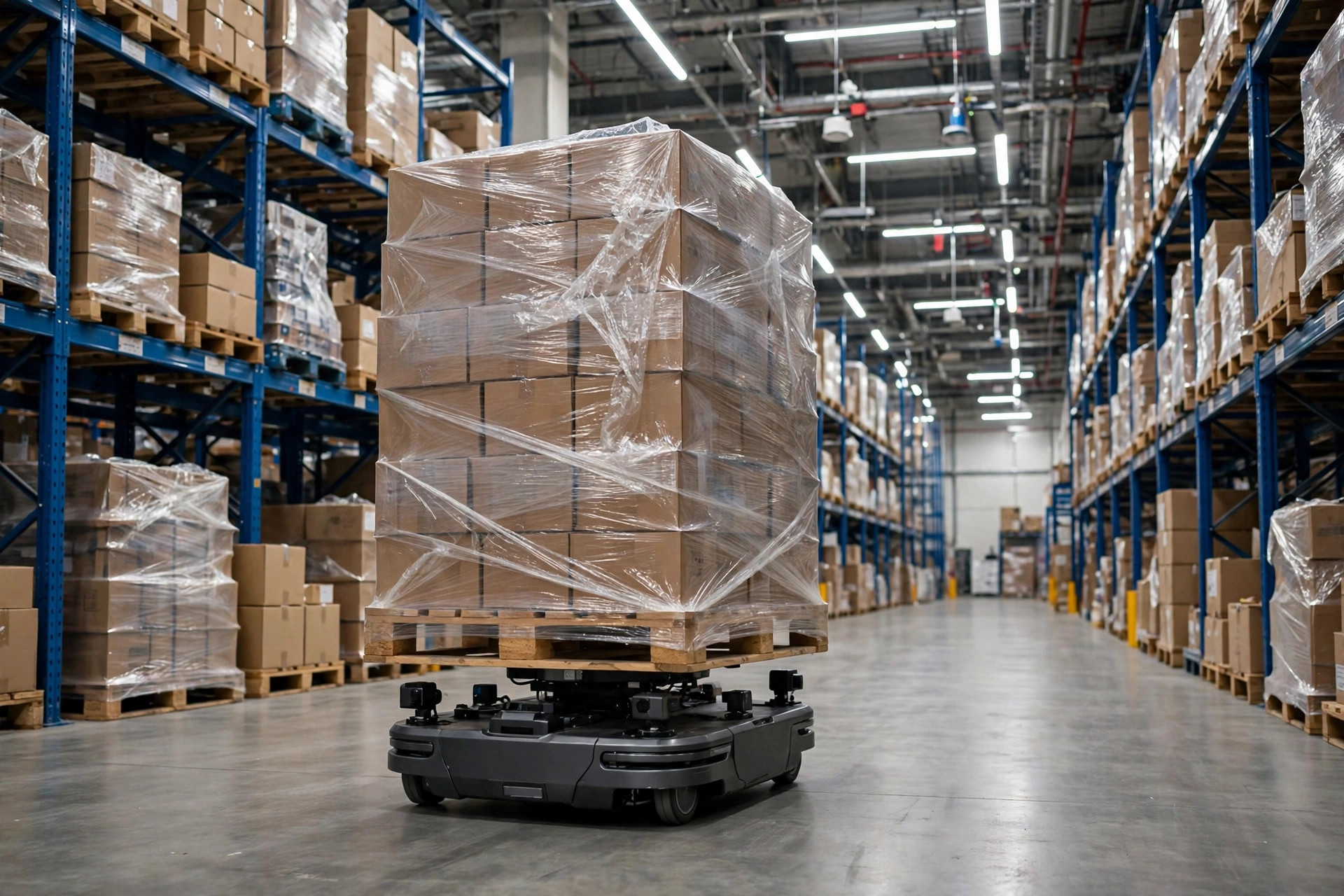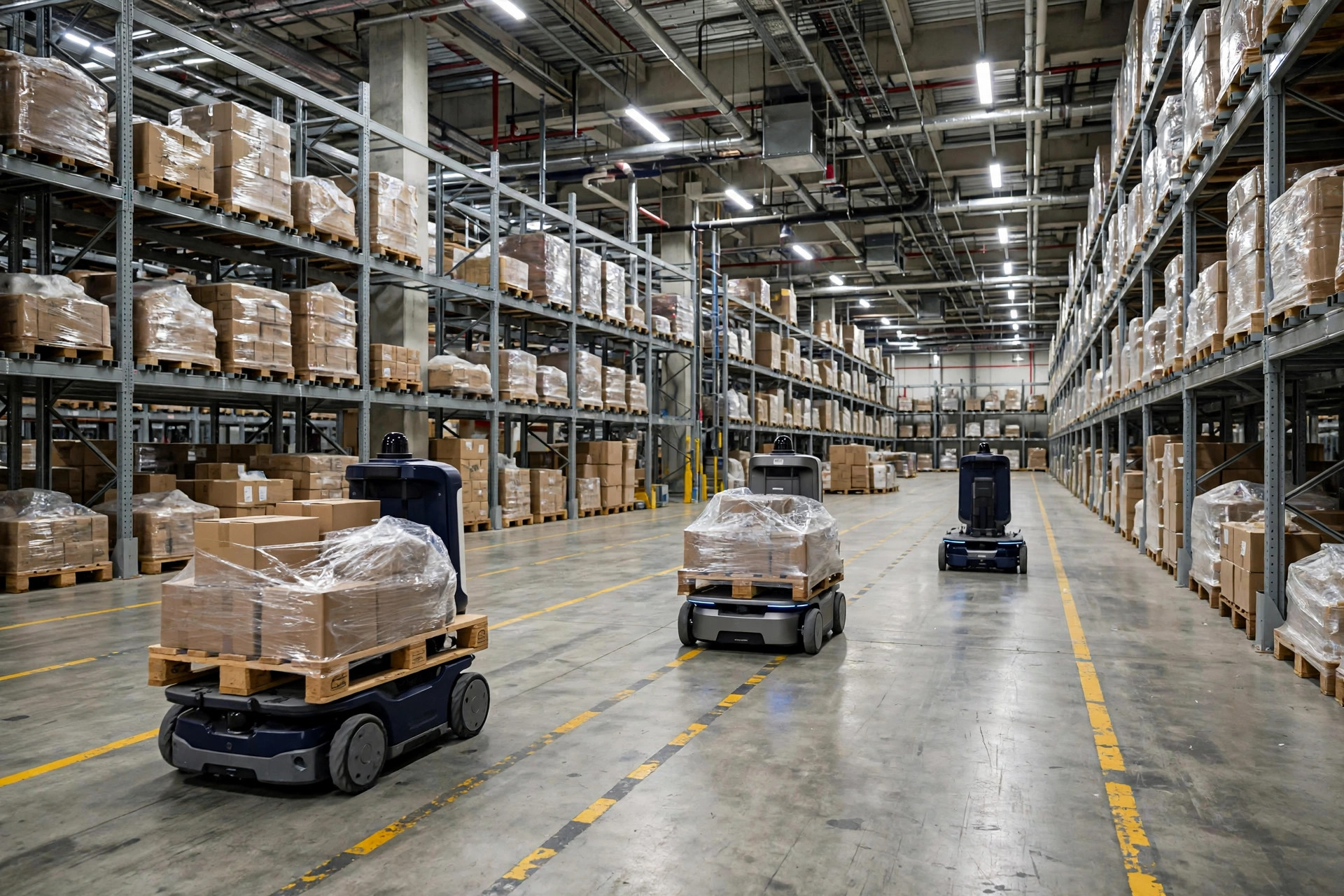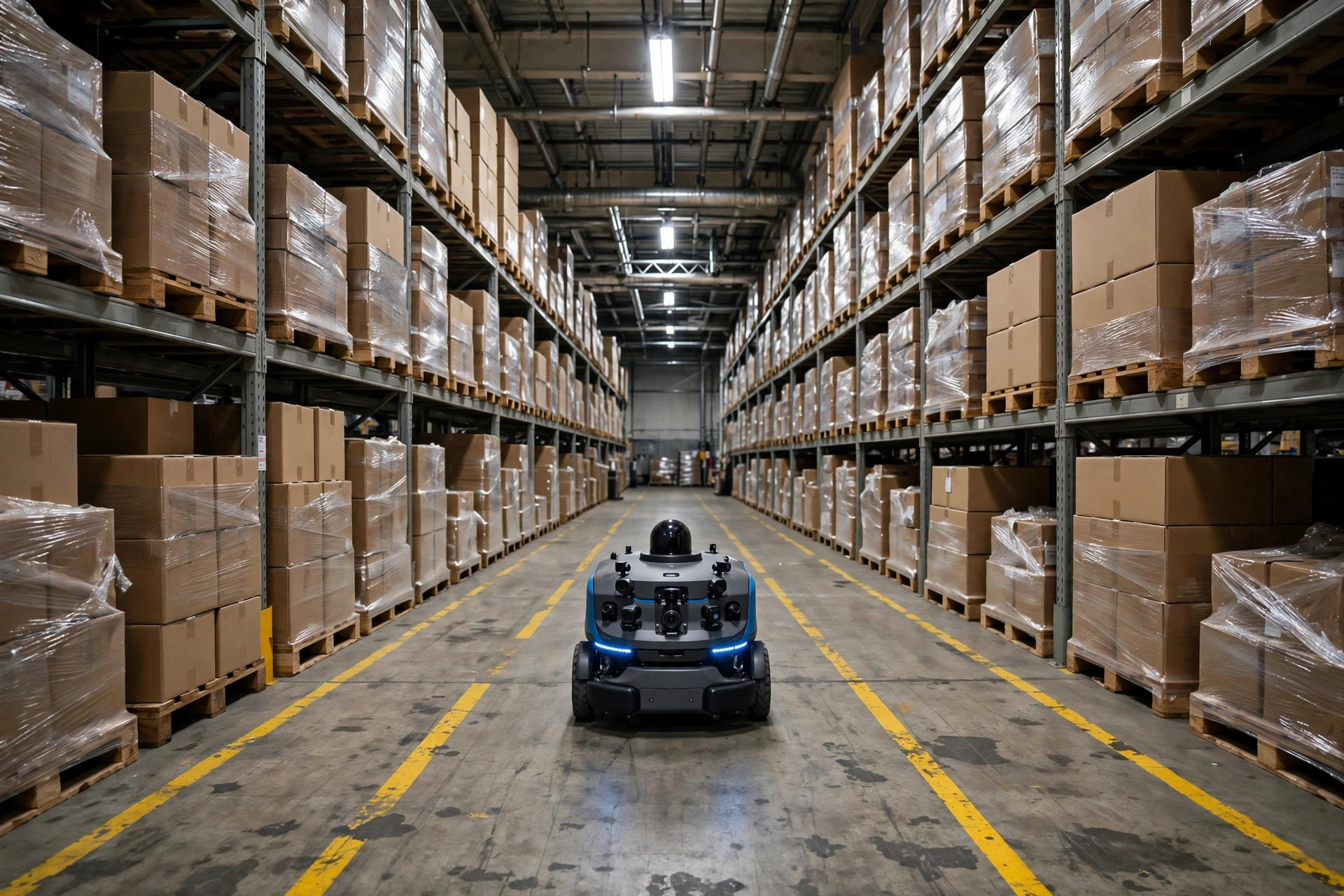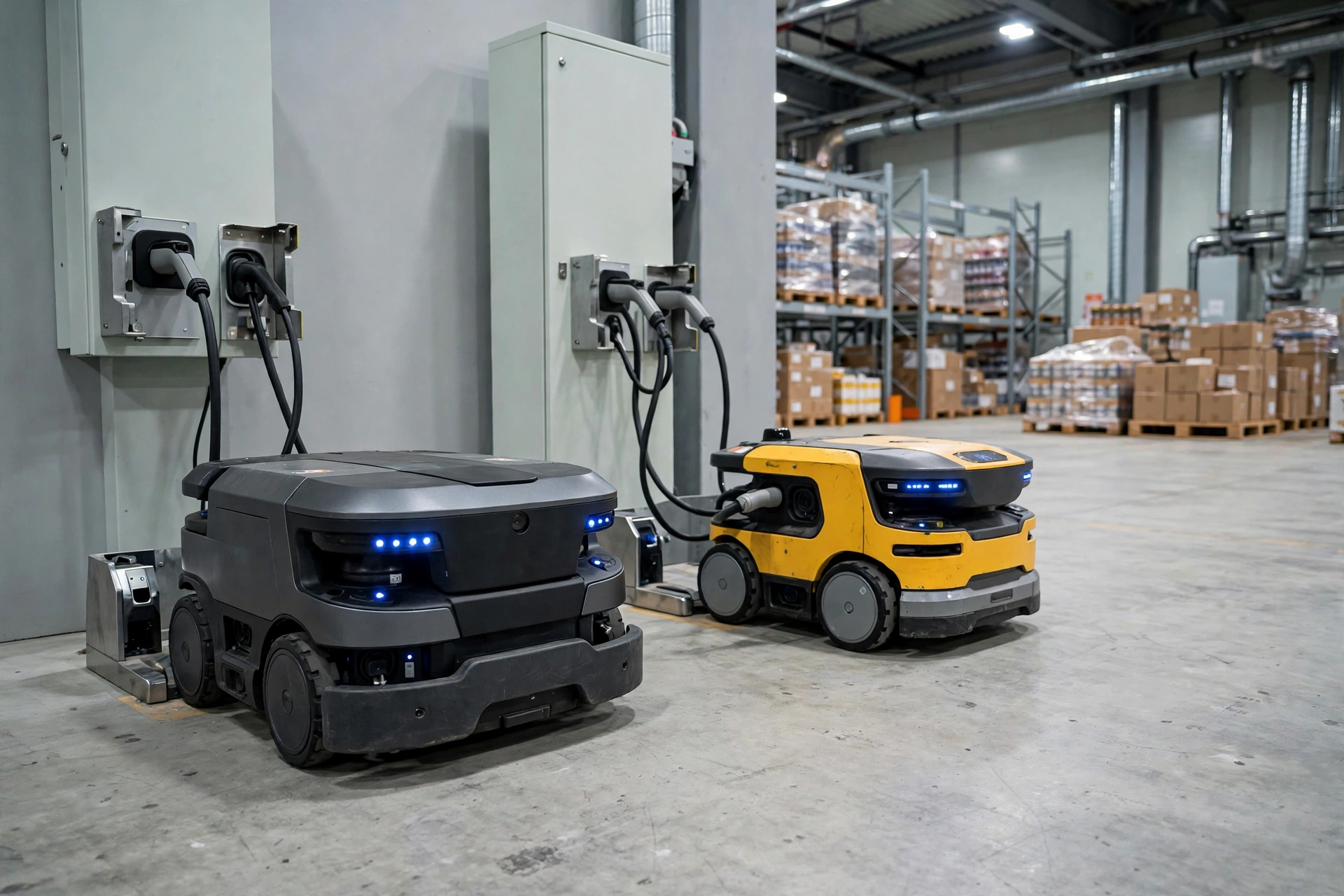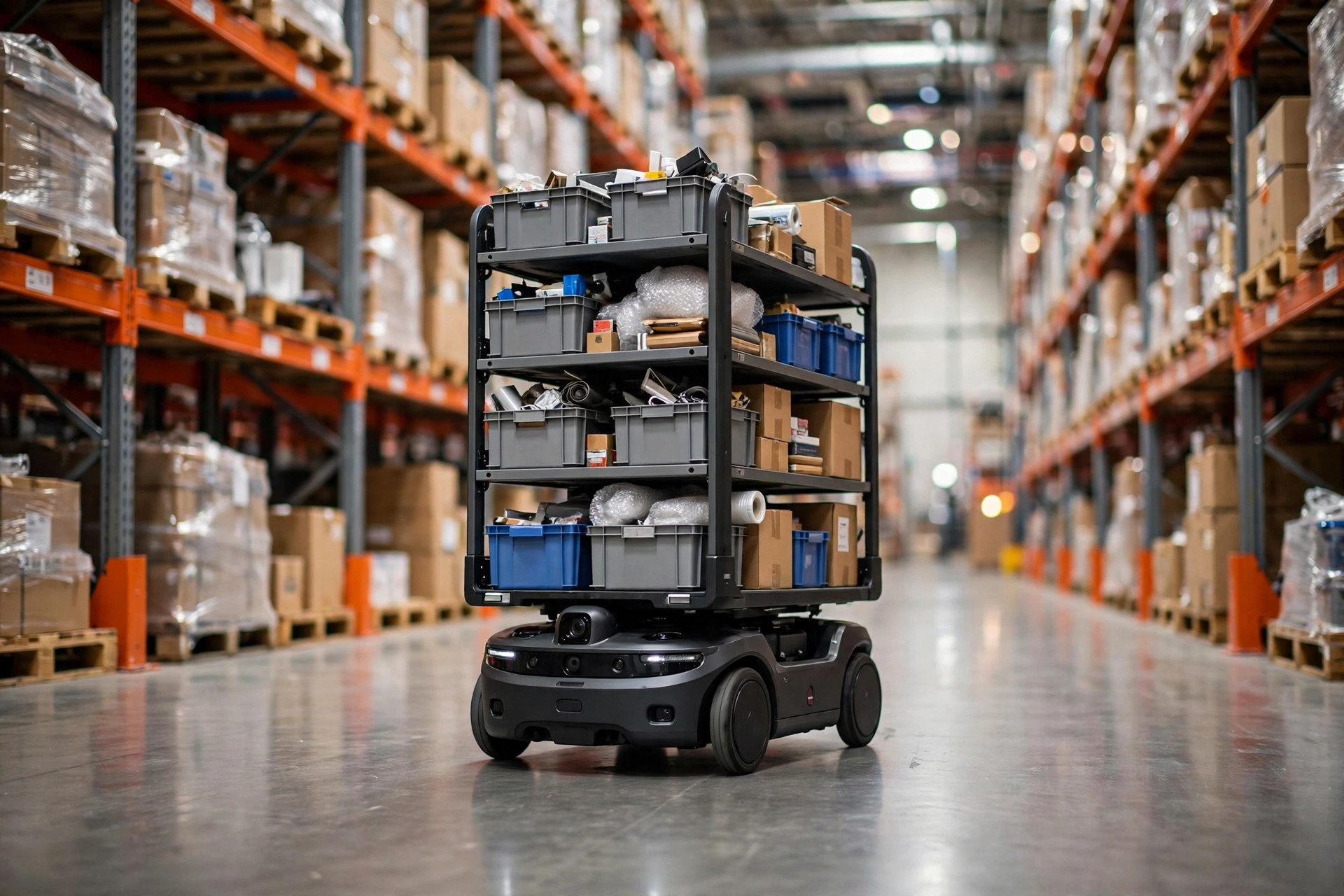
In the fall of 2023, I walked into a 120,000-square-foot fulfillment center in Fontana, California. They had just deployed six AMRs for goods-to-person picking, and during the first week the fleet was emergency-stopping more than 40 times a day. Pickers stood around waiting for robots that wouldn't move. Throughput was worse than the all-manual operation they'd replaced. The owner was ready to blame the robots and send them back. I spent two days on site, and the verdict was simple: the robots were fine. The floor and the Wi-Fi weren't.
Those are the two hidden gates of every AMR deployment. They rarely make it into the contract in any detail, and when things go wrong, they become your problem entirely.
Your floor: an AMR is not a forklift
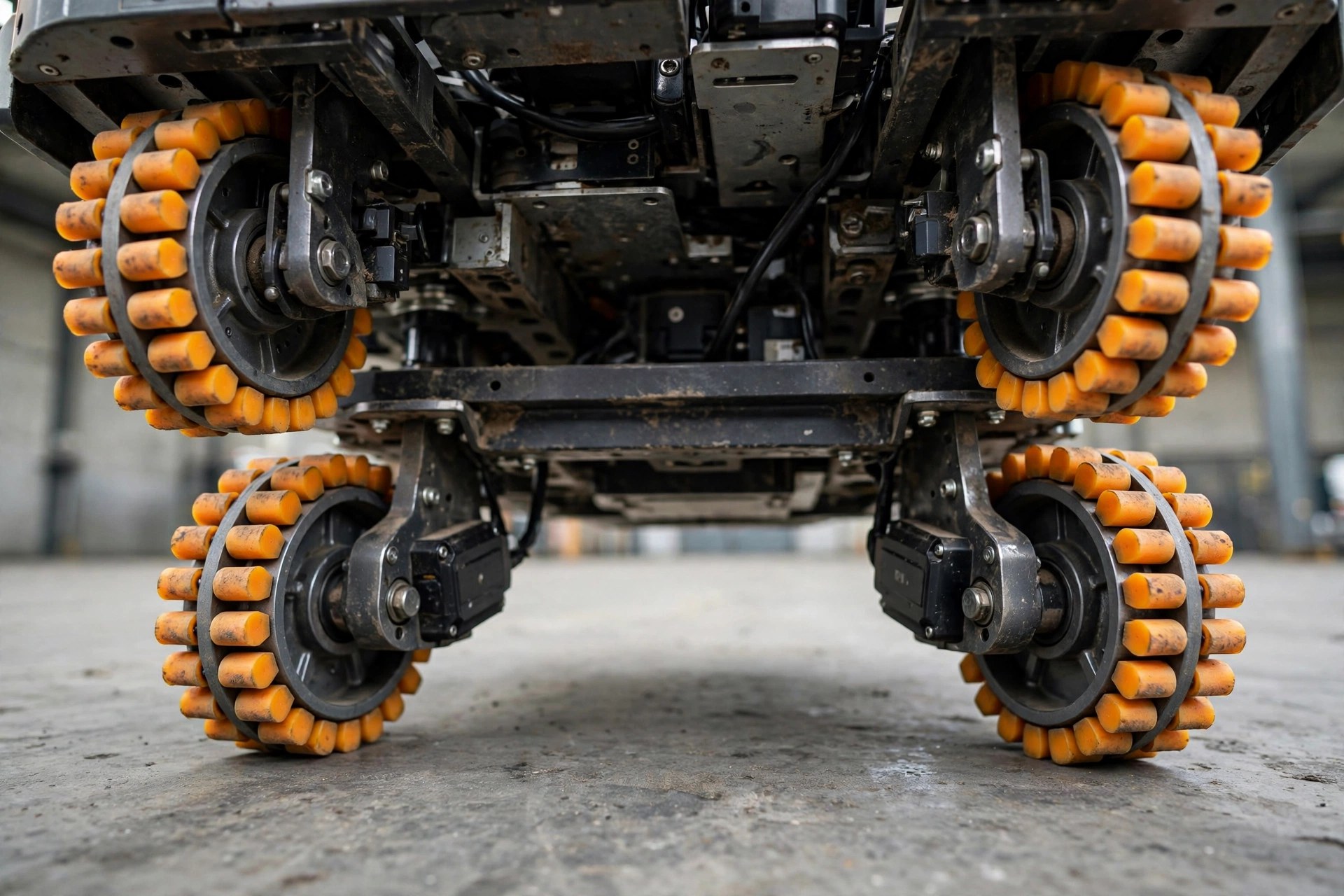
A floor a forklift shrugs off can cripple an AMR. Forklifts have big tires and high ground clearance — they roll over small dips and ridges without noticing. AMRs navigate with lasers and vision, sit low, and run on small wheels. They care about flatness, joint width, and surface reflectivity in ways a forklift never will. The three usual suspects are expansion joints, surface waviness, and glossy epoxy.
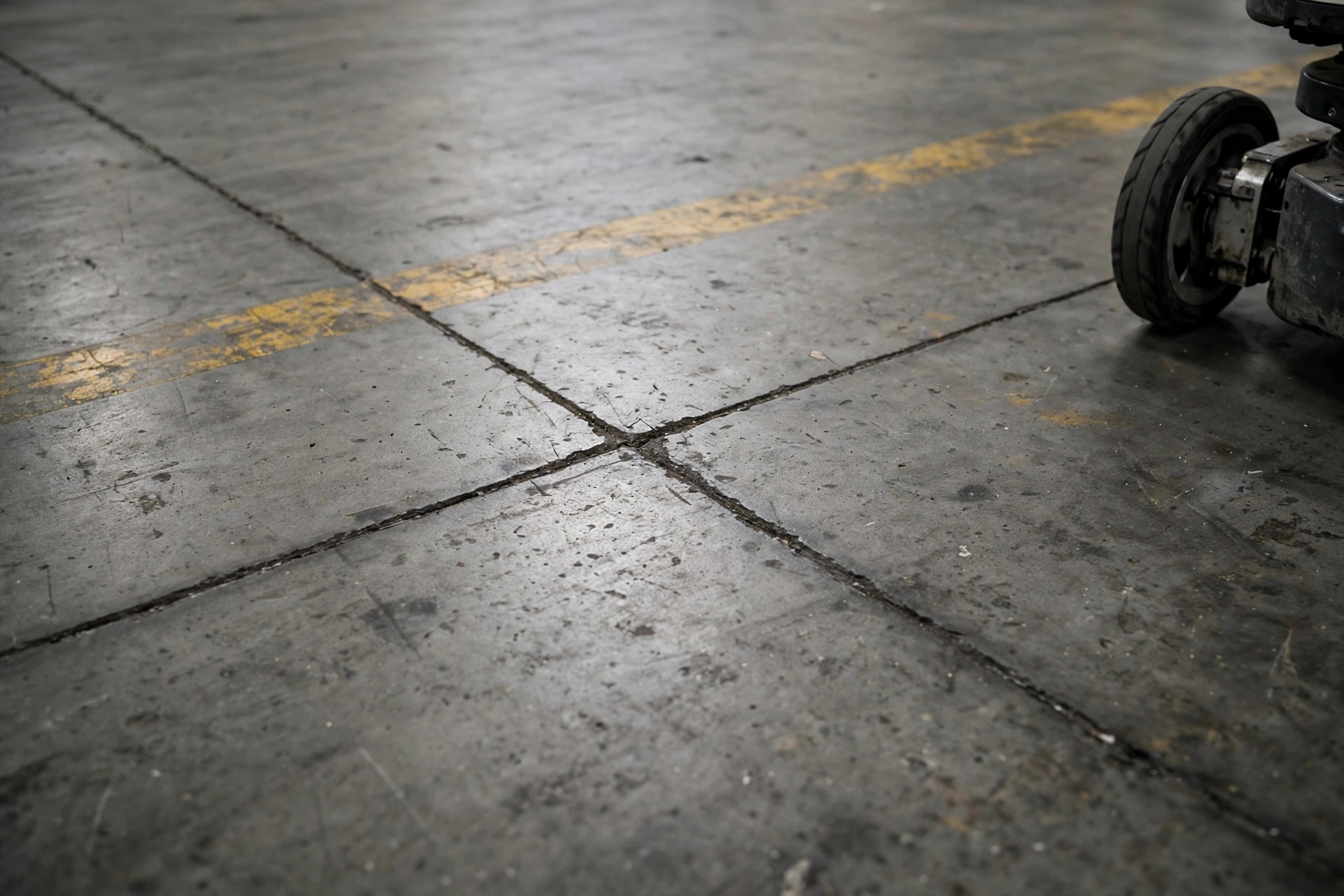
Start with expansion joints. Older concrete slabs are saw-cut every so often to control cracking, and those cuts routinely run 8 to 12 millimeters wide. MiR publishes its floor requirements in black and white in its "Route and Floor Suitability" document: maximum traversable bump height 25 mm, maximum gap width 20 mm, flatness to TR34 FM3 (FF25/FL20), and level floors only for autonomous operation. Those are vendor-published numbers — measure your floor against them before the robots arrive, not after they've spent a month rattling across joints and losing localization. Oversized joints don't always mean tearing up the floor; filling them with joint sealant and grinding flush is the most cost-effective fix I've seen.
Glossy epoxy is the other silent killer. Plenty of warehouses coat the floor in high-gloss epoxy for looks and dust control, and then the lidar sees nothing but mirror reflections and localization drifts. The fix is straightforward: specify matte or semi-matte epoxy, or lay matte anti-slip film along the AMR routes. But the floor can't be too rough either — pitted or dusty surfaces make wheels slip, the odometry disagrees with the lidar, and the robot spins in place and faults out. The rule I give clients is three words: flat, clean, matte.
Your Wi-Fi: it's not the weak signal, it's the handoff
Most people think good Wi-Fi coverage means full bars. What AMRs actually fear isn't a weak signal — it's the moment the robot roams from one access point to the next. An AMR in motion needs constant communication: task assignments from the fleet manager, position updates back, safety heartbeats. Lose the connection for even a second or two and the safety logic slams on the brakes. In Fontana, half the problem was the floor and half was this: the warehouse had extended consumer-grade APs from the office area, and in the overlap zones the signal hovered around -70 dBm. Each roam took three to five seconds. The robots would drive a few meters and stop, drive a few meters and stop.
The vendors are actually explicit about what they need. OMRON's AMR wireless communication guide recommends -40 dBm or better as ideal and -60 dBm as the minimum, with continuous coverage across the entire operating area. Note the word continuous — not "mostly covered." During acceptance, walk every single AMR route with a Wi-Fi survey tool. Any spot below -60 dBm is a dead zone and gets another AP. No exceptions.
Two more things people miss. First, the overlap between AP cells has to be just right. The industry rule of thumb is 15 to 20 percent cell overlap, with -67 dBm as the cell boundary. Too little overlap and the robot drops during handoff; too much and the client "sticks" to a distant AP it should have left behind. Second, the 2.4 GHz versus 5 GHz tradeoff. 5 GHz is fast but dies behind a rack; 2.4 GHz reaches far but lives in a noisy neighborhood. My recommendation: put the AMRs on their own SSID, use 5 GHz as the primary with 2.4 GHz as fallback, and enable 802.11k/v/r fast roaming. Most warehouses already own APs that support it — nobody ever turned it on.
The pre-arrival checklist
This is the checklist I've built up over several deployments. Two weeks before the robots arrive, walk the site with it. It catches the large majority of go-live incidents:
Floor: walk the full AMR route on foot. Are expansion joints and cracks within the vendor's published limits (MiR's 20 mm gap ceiling is a reference point — confirm against your own vendor's current spec)? Any spalling, potholes, or oil contamination? Is the epoxy matte or semi-matte, with glossy sections treated in advance? Any grades on the route — most AMRs only run level ground in autonomous mode, so dock-area ramps need to be marked as no-go zones. Are floor markings crisp and non-reflective, and if you run magnetic tape or QR-code navigation, are the markers intact?
Wi-Fi: survey the signal along the routes — never below -60 dBm, ideally -40 dBm or better. Keep AP overlap at 15 to 20 percent with roughly -67 dBm at the boundary. Give the AMRs a dedicated SSID, separated from employee phones, scanners, and handhelds. Enable 802.11k/v/r. And run a stress test: send a fully loaded AMR down the whole route at peak hour while someone streams video and pushes big file transfers, and watch for e-stops or task delays.
One more item most people skip: write the floor and Wi-Fi acceptance criteria into the purchase contract as an appendix, spelling out who owns the delay if the site isn't ready. A verbal "our floor is fine" is worth nothing the day things break.
Where the remediation money should go
When the site fails acceptance, spend in this order: Wi-Fi infill first, then localized floor repair, and full floor rework only as a last resort. Adding a few enterprise APs is a matter of a few thousand dollars and a day or two of work — the fastest win available. Filling and grinding expansion joints is priced by the meter and stays cheap for localized work. The expensive one is re-coating or re-grinding the entire slab: tens of thousands of dollars and a production shutdown. Don't go there unless you have to.
The Fontana bill is still fresh in my mind: eight additional APs, over 400 meters of sealed joints, and matte film on the two main travel lanes — a few tens of thousands of dollars total, done in two weeks. By the second month after go-live, e-stops had dropped from 40-plus a day to single digits. The owner later told me that two days of acceptance inspection before arrival would have saved a month of finger-pointing.
The robots keep getting better. The failures have moved off the robot and into the environment. The floor and the Wi-Fi are two things the vendor won't worry about for you, and the integrator's site survey often waves them through. Walk the site with a checklist before the trucks arrive — it's the highest-ROI two days in the entire AMR project.