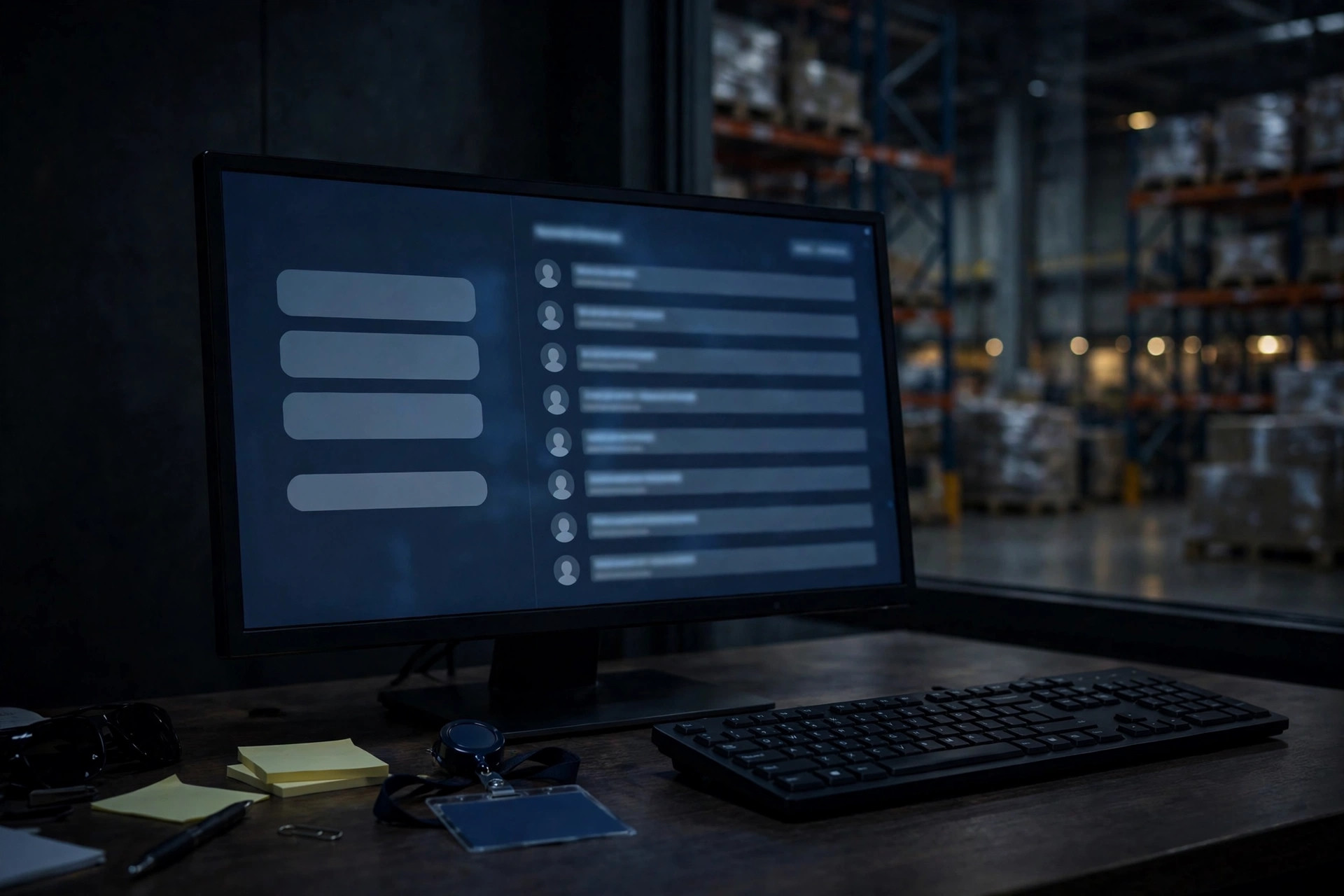
Three months after he quit, his picker account still logged in.
I caught it during a routine user audit at a 3PL in Ontario, California — about 80,000 square feet, annual turnover running close to 40%, temps making up half the headcount at peak. I pulled the active user list and there he was: a picker who had walked out three months earlier, still active, still sitting in the "pick + replenishment" permission group. I asked the floor supervisor. He blinked. "He left, didn't he?" He had. His account just never got the memo. It could still scan, still pick, still move inventory around in the system.
This is not a one-off. In twenty years of warehousing I have seen the same pattern everywhere: provisioning is enthusiastic, deprovisioning is "whenever somebody remembers." Today I want to pull this topic apart — how to handle departing and transferring employees, how to hand out permissions, how often to audit — plus a few wrecks I have witnessed firsthand.
Nobody owns the offboarding
Here is the ugly truth: when an employee leaves, HR has a checklist, IT has a checklist, and the ops manager has one in his head. None of the three says "tell the WMS administrator to kill the account."
The Ontario warehouse I mentioned is the textbook case. HR's offboarding ended at "collect the badge, cut the final check." IT owned email and laptops; WMS accounts lived in a completely different universe that ops managed themselves. The ops manager was drowning and figured an unused account would just wither away on its own. Nobody told the WMS a thing.
When I ran a full review, I found more than 60 ghost accounts. Some could still log in. Some still had their day-one default passwords. I disabled the lot in one sweep, and on day one two people called asking why they couldn't log in. One was a temp who had quit six months earlier and been rehired — HR redid his paperwork but nobody touched his account, so he had been working on the old login the whole time. The other was on loan from a sister facility; his loan had ended weeks ago, but his permissions never did.
The problem was never "can we technically disable it." The problem is that nobody is responsible for finishing the job. My fix is boring and it works: put "WMS account offboarding" on HR's exit checklist, as a required step before the final paycheck goes out. On the last day, downgrade the account to read-only; disable it completely seven days later. Rehires go through the full provisioning flow again — do not just resurrect the old account, because its permission group almost never matches the new role anymore.

Over-permissioned beats ghost accounts for danger
Honestly, ghost accounts aren't even the most common problem. Handing out permissions too casually is. "He's covering replenishment too, just add that permission." "She's helping receiving for two days, add it now, we'll sort it out later." That "later" is doing a lot of heavy lifting — it means never.
Least privilege sounds like an IT textbook chapter. In practice it is one sentence: give this person exactly the permissions today's job needs, nothing more. A picker does not need to see cost data, does not need to export full reports, and definitely does not need transfer rights. Temps deserve the tightest treatment of all. I have seen warehouses hand temps the same permissions as full-timers just to skip onboarding friction. That saves IT some trouble, and someday it becomes operations' problem.
Shared accounts are the other classic. Peak season, short-staffed, three people logging into the scan guns with the same generic account — it happens everywhere. Then a variance shows up under that account and nobody can tell you who did what. My iron rule: one account per person, disabled on departure, and scan guns require individual logins. It costs a bit more in admin overhead. Traceability is worth it.
Transfers are the third disaster zone. A picker moves to receiving. Receiving permissions get added; pick permissions never get taken away. They just accumulate. Give it a year and a veteran's permission set is enormous and nobody — including the veteran — can explain what it all does. My advice: transfers go "remove first, then add." The new permission group lands at the same moment the old one is wiped. No additive creep.
My 90-day rule
On audit cadence, my experience says quarterly, plus one extra sweep before peak season.
Audit three things. First, pull the full user list and reconcile it against HR's active roster, name by name, for anyone who shouldn't be there. Second, review the permission change log: who got extra permissions in the last three months, who transferred roles, did the permissions follow the role. Third, check login logs and disable anything that hasn't logged in for a long stretch — you can always re-enable.
For a warehouse of around 200 people, a competent admin knocks this out in half a day. Don't skip it. In 2024 I sat through a shipper audit — a consumer electronics client — where they found more than 30 ex-employee accounts still active. It cost the 3PL points on the annual review and nearly killed the renewal. Shippers care about access control a lot more than most operators think.
How should warehouse IT and operations split the work? Here is what I recommend: IT owns the technical side — single sign-on, password policy, auto-lock rules. Operations owns the business side — who should have what, and syncing departure and transfer information. Between them, one simple bridge: HR sends the personnel changes every Friday before close of business, and ops executes against it. Don't build a fancy integration first. Get that weekly list running.
One thing you can do tomorrow: ask your WMS admin for a list of users with no login in 90 days. I will bet money you see names you thought were long gone. Start from that list. Write offboarding into the process, tighten permissions to the role, audit quarterly. It costs no money. It just takes a little management backbone.