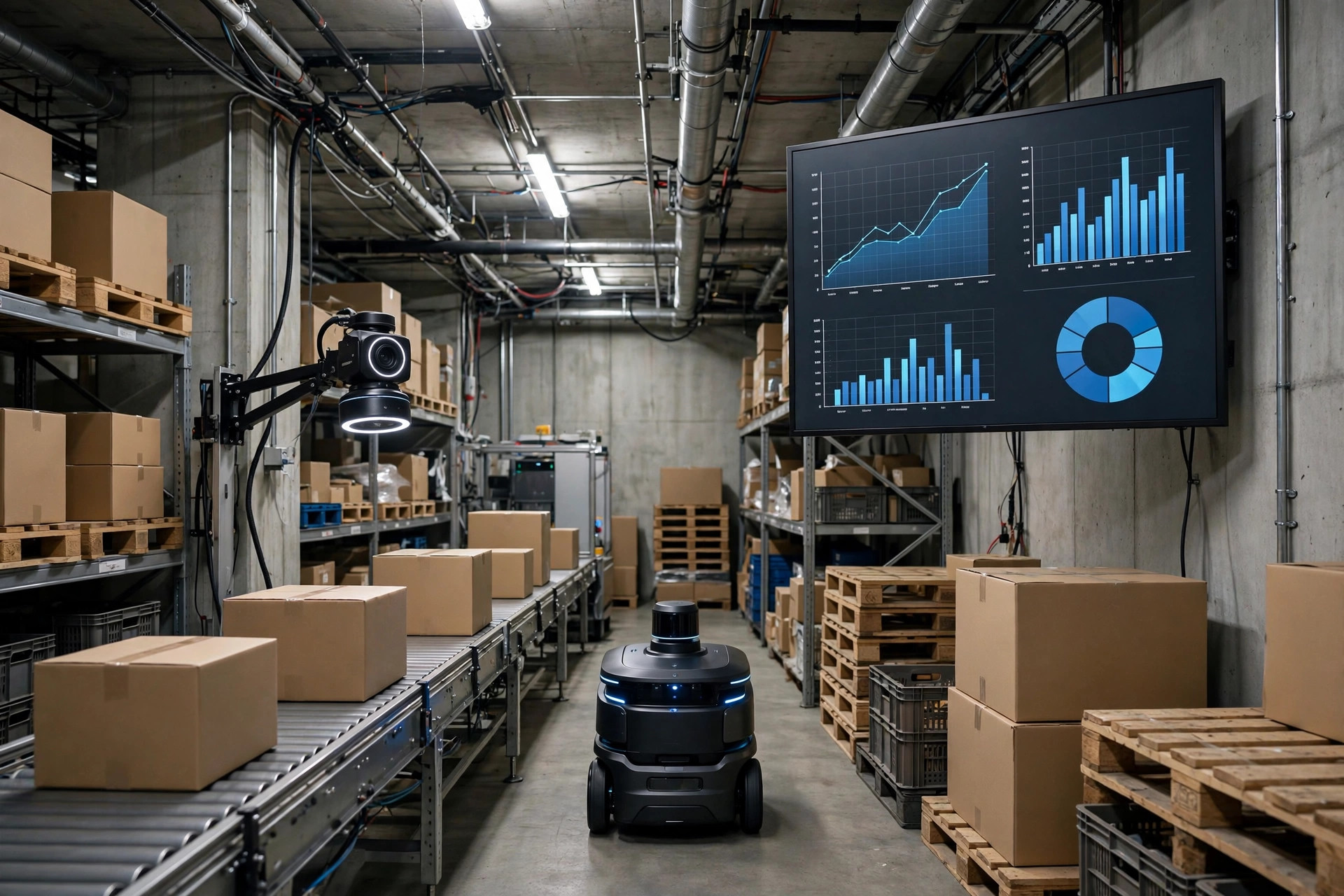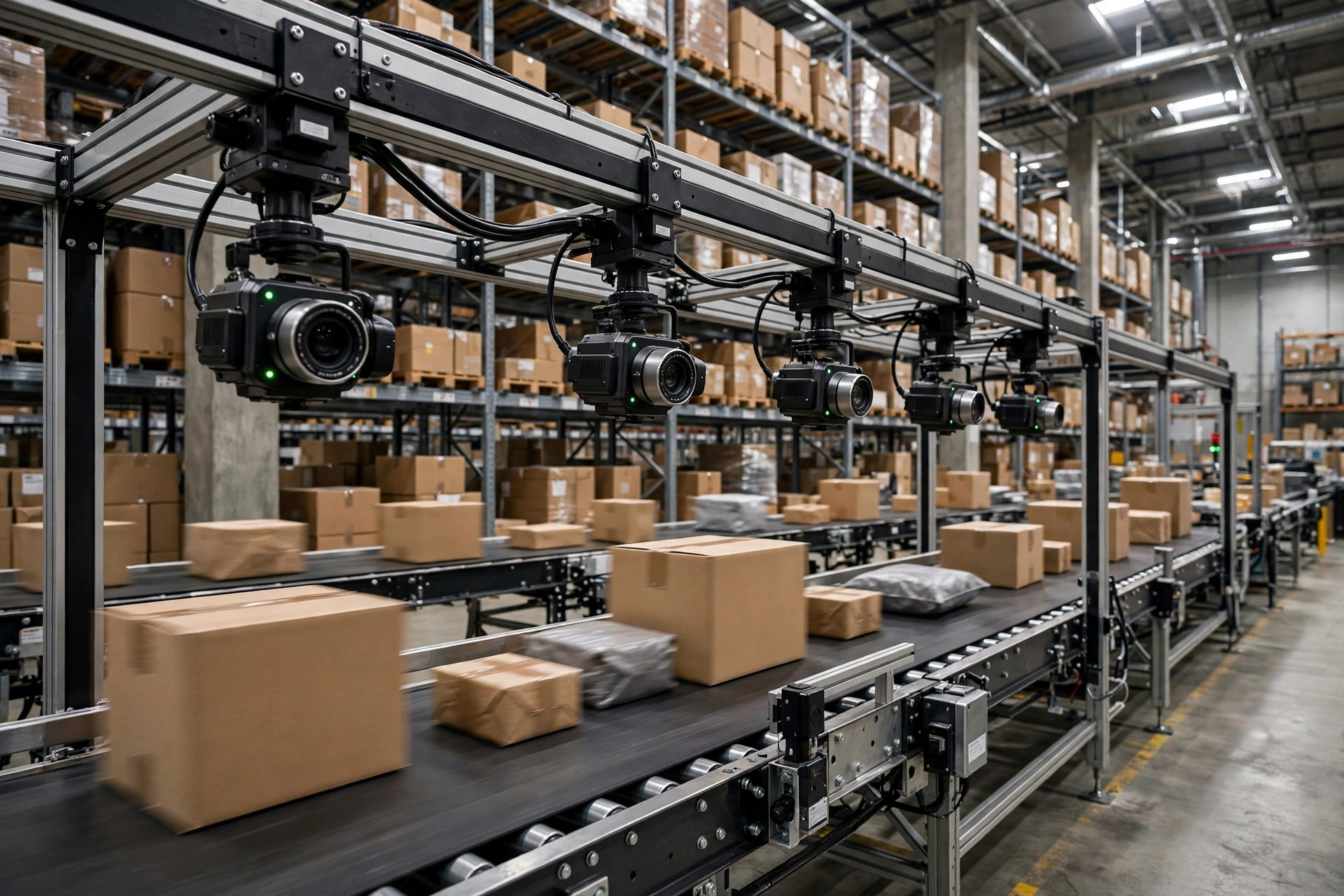
Here's the uncomfortable truth I open with whenever a warehouse operator shows me their new AI workflow: once your data goes into a large model, it's like water spilled on the floor. You don't get it back.
Over the last two years I've watched plenty of warehouses put AI to work — dumping WMS outbound data into a model for anomaly detection, feeding customer order details into an AI assistant for daily reports, tossing picker performance sheets in to build schedules. The results are genuinely impressive. An analysis that used to take two hours comes back in minutes. But every time I hear one of these stories, my first question isn't "how fast?" — it's "did you sanitize that data first?"
Most of the time, the answer is no. Because warehouse data looks harmless. It's just SKUs, case counts, slot numbers, right? Wrong. One real outbound order hides the customer's company name and ship-to address, the actual freight rates you negotiated with carriers, and your pickers' names and hours. The moment that lands in some public model's training corpus, your pricing playbook is sitting in front of strangers. And neither California's CCPA, in effect since 2020, nor the EU's GDPR cares whether it was "an accident" — the bill for a data leak always lands on whoever held the data.
So here's my verdict: use AI by all means, but before warehouse data touches any AI tool, it has to pass through three gates — redaction, access control, and audit. Skip any one of them and you're gambling.
Gate One: Redaction — Don't Let the AI Learn Who Your Customers Are
A lot of people think redaction means swapping names for asterisks. That's nowhere near enough. In warehouse data, three categories of fields are the real killers.
The first is customer identity: consignee company names, addresses, phone numbers, emails. For anomaly analysis or daily reporting, the AI doesn't need to know who the shipment is going to — it only needs to know the shipment. The practical fix: build a mapping table before data ever leaves your system, pairing real customer IDs with anonymous tokens. Only the internal system keeps the mapping; the AI sees tokens.
The second is commercial secrets: freight rates, customer quotes, carrier settlement prices. This is the crown jewel of any warehouse operation. I once saw a 3PL in California paste a full year of outbound data — real carrier rates included — into an AI tool for a cost analysis. The analysis came out beautifully, and those rates now live on somebody else's servers. Rate fields should either be dropped entirely from the feed or bucketed into bands ("above average / below average"). Never send them in the clear.
The third is employee personal data: names, hours, performance scores, attendance. Shift optimization and productivity analysis do use workforce data, but the AI should see "station A's pick rate," not "how many units John picked yesterday." Hash the employee IDs. Names never leave the building.
There's an honest trade-off here worth naming: the heavier the redaction, the weaker the AI's analysis. Anonymize all customer names and the model can't do customer segmentation. My rule of thumb is to grade redaction by where the data goes — light redaction is fine for AI tools deployed on-premise, where data never leaves your servers; anything heading to an external vendor or a public cloud AI service gets heavy redaction. The balance between security and usefulness isn't one-size-fits-all — it hinges on whether the data crosses your boundary.
Gate Two: Access Control — Not Everyone Gets to Open This Tap
Redaction decides what the AI can see. Access control decides who is allowed to feed data to the AI in the first place.
The scariest setup I've seen: an AI assistant pinned right on the WMS homepage, available to everyone. A picker pastes in a screenshot of an order — customer address and all — and asks "how should I handle this one?" The data just left the building. Access to AI tools has to mirror data permissions in your WMS: if you can't see rate fields in the system, you shouldn't be able to hand rate fields to the AI.
I break the implementation into three layers. First, role tiers: only roles that genuinely need it — data analysts, operations managers — get full data access to AI tools. If frontline operators use an AI assistant, they get pre-built Q&A scenarios whose data sources are already sanitized. Second, a data whitelist: an explicit list of what data types may go to AI and for what purpose — e.g., "allowed: anonymized inbound/outbound volumes for demand forecasting; not allowed: raw order details containing customer information." Third, a technical checkpoint: put a gateway at the data exit point. Every request bound for an external AI service gets scanned for sensitive fields — customer names, addresses, rates, employee names — and anything that hits is blocked and flagged. That gateway matters most, because it doesn't depend on anyone's good intentions.
There's one more access-control trap people miss: vendor accounts. Most AI tools are SaaS, and a vendor's support engineer may ask for temporary data access to troubleshoot an issue. Your contract has to spell it out: vendor access goes through approval, is time-boxed, and is auditable. Don't discover after an incident that some vendor engineer was granted full data access three months ago and nobody ever revoked it.
Gate Three: Audit — When Something Goes Wrong, You Need a Story
The first two gates are prevention. The third is the safety net: if something does go wrong, can you say who sent what data to which AI at what time for what purpose?
Keep three kinds of records. First, a data-flow log: every request sent to an external AI service gets logged — timestamp, operator, data type, data volume, destination service. Keep this log on your own infrastructure, not on the vendor's dashboard. The vendor's dashboard is theirs; when there's a dispute, "our logs have aged out" is all it takes to leave you empty-handed.
Second, a data processing agreement with every AI vendor your data touches. The DPA should nail down four things: your data will not be used to train their models, how long data is retained, how deletion works, and the notification window if a breach happens. If a vendor won't sign that, your data shouldn't flow to them. Too many small teams pick AI tools on features and price and skip the contract pages — that's the most expensive "saving" I've ever seen.
Third, quarterly access reviews. Once a quarter, check: are the AI tool accounts still held by current employees? Have departed employees' access been revoked? Is the data whitelist still right? Permissions rot like inventory — skip the cycle count and it drifts. I suggest putting this review on the quarterly operations agenda, on the same checklist as inventory variance and safety inspections, so nobody forgets.

Pass the Gates First, Then Chase the Efficiency
Reading through the three gates, you might think it's a lot of trouble. Run the math and it looks different: a single customer data leak, between CCPA penalties and customer claims, can easily wipe out a mid-size 3PL's entire annual profit. Building out redaction, access control, and audit takes one IT person and one operations lead a few weeks. Not a hard calculation.
My recommended sequence: inventory first (list every sensitive field in your data), then redact (build the mapping tables and field rules), then lock down access (gateway plus whitelist), then close the loop with audit (logs, DPAs, quarterly reviews). Once those four steps are done, use AI however you like — with a clear conscience.
One question to take home: among the AI tools your warehouse uses today, is there one where you honestly can't say where its data is stored, or whether that data gets used to train models? If so, start your investigation there.