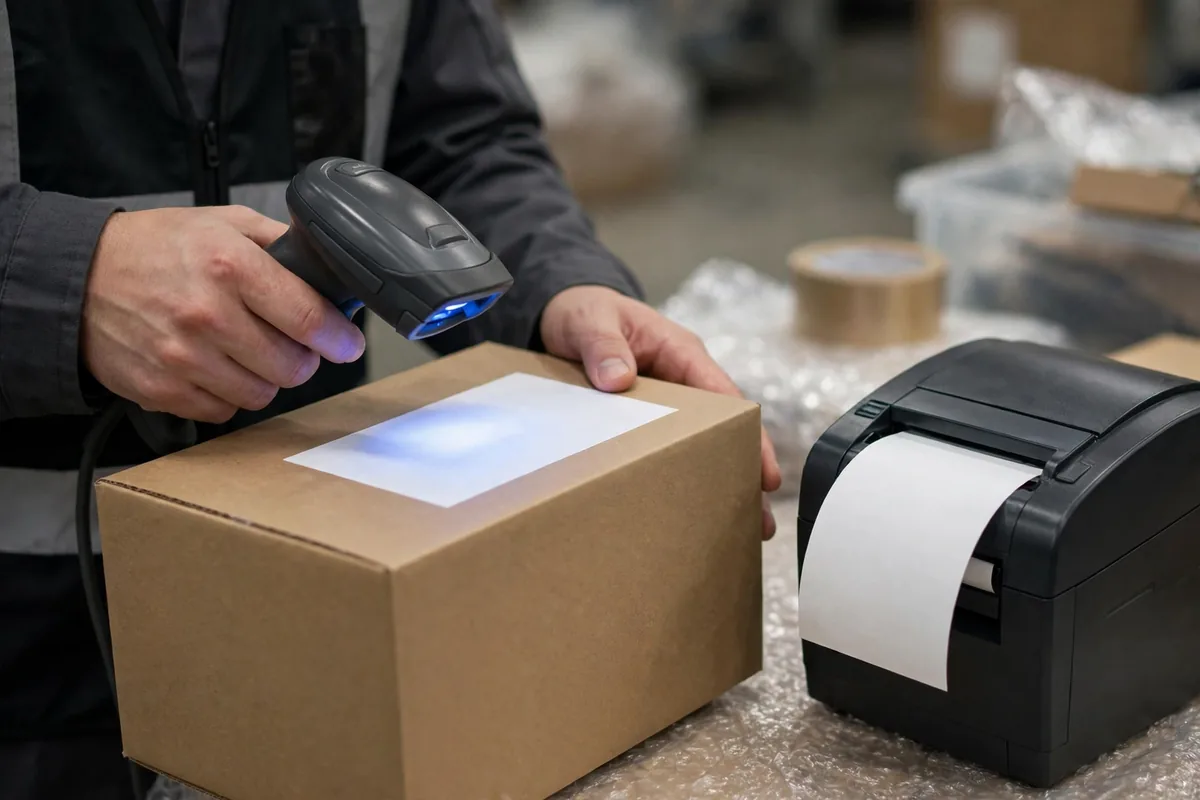
Bottom line first: in a shipping label api lost order troubleshooting case, the carrier almost never lost your order. What usually happened is that one link in the chain failed to pass it along. The order was placed, the outbound order was created, and then no label came out. The parcel sits on the packing bench, and the customer service phone starts ringing. I have seen this exact failure three times, and the root cause was different every time, but the way to find it is always the same chain: OMS to WMS to carrier API to printer, one segment at a time. Locate first, then fix.
The worst part of a lost label is not the loss. It is not knowing where to look. The packer says the system never printed a label. Customer service says the order is confirmed. IT says the API returned no error. All three are right, because the order is stuck in the gap between them. The chain below is how you find the gap.
Locate First: Which Segment of the Shipping Label API Lost the Order
Do not start by restarting services or re-submitting orders. Spend five minutes locating the failure. The order is stuck in one of four segments, and every step after that depends on which one.
Check the order status in the OMS: is it confirmed and waiting to ship, or has it already been pushed to the WMS? If the OMS never pushed it, the problem is in the OMS push rules, not in the label API. Then check whether the WMS has an outbound task for it, and whether that task is waiting to pick, picked, or packed. No task means the order died between OMS and WMS. Task exists, label request sent, no reply from the carrier: the problem is in the API segment. Reply received, label file arrived, printer silent: the problem is in the print segment.
Locating means asking four questions and writing the answers down before you touch anything: did the OMS push it? Did the WMS receive it? Did the carrier reply? Did the printer print it? The segment where the answer turns to no is where your problem lives.
Shipping Label API Lost Order Troubleshooting: The Four-Segment Walk From Order to Dock
Segment one, OMS to WMS. The most common failure here is a push rule that misses an order type. During a peak season, a team adds a new gift-order type, the push rule never covers it, and the order sits in the OMS while the WMS never hears about it. How to check: search the OMS push log with the lost order number. Is there a push record, and what did it return? No record means a rule problem. A record with a failure means a network or field problem. The safety net: add retry and alerting to OMS pushes. If a push fails three times, page the on-call person. Never let an order lie there quietly.
Segment two, inside the WMS. The task exists, picking is done, and it stalls at the print-label step. I have seen this pit three times, and the root cause was the same every time: before the WMS sends the label request, it validates the address, the weight, and the carrier service product. If any of the three fails validation, the request never goes out, and there is no error, only one small line in the task notes. How to check: open the task detail and look at the validation panel. The safety net: a failed validation must raise a visible prompt and write a log entry. Silent failure is the biggest accomplice of a lost label.
Segment three, the carrier API. The request went out and the reply never came back. Two flavors here. One is a carrier API timeout. The other is a reply that came back but the WMS did not recognize it. For a timeout, first check how many seconds the timeout is set to, then check whether it is peak-hour queuing. For an unrecognized reply, the carrier's status code usually does not match the status code mapped in your system. How to check: take the request trace ID into the API log and see exactly what the carrier returned. The safety net: retry automatically once on timeout, but check whether a label number was already generated before you retry. Never create two label numbers for one order.
Segment four, printer and label file. The label file arrived and the printer did nothing, or it printed and the system still shows the order as unshipped. Check the printer queue first, then whether the label file format is correct, then the write-back: did the successful print write back to the WMS? A failed write-back is the nastiest of the four. The parcel has already left, the system still says waiting to ship, and inventory and order status are both wrong. How to check: compare the printer log against the system shipping records. If the counts do not match, a write-back was lost. The safety net: do not release the parcel until the print success is confirmed by write-back. Ten extra seconds at the packing bench beats a system that disagrees with reality.
| Segment | Typical symptom | Check first | Safety net |
|---|---|---|---|
| OMS to WMS | No task in WMS | Push log, order-type rules | Retry three times, then alert |
| Inside WMS | Task stuck at print label | Address and weight validation panel | Failed validation must prompt and log |
| Carrier API | Request sent, no reply | API log, status-code mapping | Check for a label number before retrying |
| Printer | Printed but still unshipped | Print queue, write-back records | Confirm write-back before release |
Here is the counterintuitive part: with a lost label, the thing to fear most is not the loss. It is the duplicate. The moment people see a missing label, they hit retry, re-submit the order, and the label finally comes out, twice. Two label numbers, one order. One parcel ships, the other label number floats in the system. At best your inventory is wrong. At worst the customer has the goods in hand while the system still says unshipped, and customer service melts down a second time. Check whether a label number already exists before you retry. That is the iron rule. Ten slow minutes of locating beats three fast seconds of re-submitting.
A client of mine cut over to a new carrier API the night before a peak season, and lost more than two hundred labels on the first day. The root cause was embarrassingly simple: the new API's cutoff time was one hour earlier than the old one. Orders placed after the cutoff were rejected outright, and the system never raised an alert. In the end the team printed labels by hand, one by one, until three in the morning. After that night I made a rule: never cut over an interface the night before a peak season.
Go-Live Night Checklist: Run Through This Before You Sleep
Go-live night is not the time for vision statements. Run down this list and tick every box.
One, push rules: are all order types covered? Run a real order end to end, not just a test order. Two, validation rules: address, weight, and service product. When validation fails, can anyone see the prompt? Three, timeout and retry: how many seconds is the timeout? How many retries? Does the retry check for an existing label number first? Four, status-code mapping: every status code the carrier returns, does your system recognize it? Five, print write-back: printer offline, out of paper, paper jam, what does the system do in each case? Six, alerting: how many lost labels, or how many stuck minutes, before someone gets a phone call? Seven, the fallback: if the API goes down completely, who prints labels by hand, and where do the label numbers come from?
Tick all seven before you sleep. Leave one unticked, and the midnight phone call is yours.
Shipping label api lost order troubleshooting is not hard the first time you do it. The hard part is doing it the same way every time, following the chain instead of guessing by feel. Pin the walk-through next to the packing bench. Next time a label does not come out, walk the four segments down, and you will have it located in ten minutes. Once the location is right, the fix is fast.
By Lin Xiao, WMS Implementation Consultant