
Let me roast something first: the order module inside your ERP is decorative.
If you're googling "oms vs erp order management system which one do I need" at 2am while manually refunding oversold orders — hi. I've been you. Five years selling cross-border, from one Shopify store to four channels and two US warehouses. It took me two years and tens of thousands of dollars in refunds and expedited shipping to learn the real difference between OMS and ERP the hard way.
Most sellers think exactly like I used to: "I already have an ERP, it has an order module built in. Why pay for an OMS?" Wrong. Completely wrong. An ERP's order module and an OMS aren't even playing the same sport.
OMS vs ERP: The Difference in One Paragraph
An ERP runs the whole company: purchasing, inventory, finance, HR. It touches everything and masters nothing. To an ERP, an order is just paperwork in a financial process: take the order, deduct stock, print an invoice, book the revenue. Done.
An OMS does exactly one thing: it owns the order from "customer clicked buy" to "parcel left the building" — and every step in between. Multi-channel order capture, inventory allocation, split and merge logic, warehouse and carrier selection, exception interception. That's its entire job.
Think of it this way: the ERP is the company's general manager — it logs everything. The OMS is the order's personal nanny, watching it from birth to delivery. You wouldn't ask the general manager to deliver a baby. They'd be overwhelmed, and somebody would get hurt.
| ERP order module | OMS | |
|---|---|---|
| Job | Document flow from a finance and inventory view | Order lifecycle, from a fulfillment view |
| Multi-channel capture | Usually plugins or manual imports — laggy | Native platform integrations, real-time sync |
| Inventory logic | Book inventory, deductions lag behind reality | Available-to-promise calculated in real time, kills overselling at the source |
| Split / merge | Rigid rules, edge cases handled by hand | Auto split and merge by warehouse, SLA, and cost |
| Warehouse + carrier choice | Mostly manual assignment | Rule-based routing for best cost and speed |
| Exceptions | Discovered after the fact, during reconciliation | Intercepted in real time before anything ships |
| Superpower | Finance, purchasing, the books | Fulfillment speed and accuracy |
Two Times the ERP Order Module Burned Me
Story one: Black Friday 2023. Three stores — Shopify, Amazon, TikTok Shop. Over 4,100 orders in three days, all running through the ERP's built-in order module.
The ERP deducted inventory with a delay. Amazon oversold by 300+ units. Customers paid for stock that didn't exist. I spent the weekend refunding, answering Amazon warnings, and reconciling orders one by one. Four people, three days, barely a full night's sleep between us. Refunds, platform penalties, emergency restock shipping: just under $20,000 gone.
After switching to an OMS, available inventory is calculated in real time — every unit sold on any channel updates sellable stock everywhere within seconds. Black Friday 2024: 5,800 orders. Oversells: zero. That's when I knew the money was well spent.
Story two: March 2024. Two US warehouses by then — California and New Jersey. The ERP's split logic was hardcoded: split by order value. A California customer's order got routed to the New Jersey warehouse. Five days by ground. Shipping cost nearly double what it would have been from California.
The customer left a 1-star review: "shipping took forever." I dug in. That month, 170+ orders had shipped from the wrong warehouse.
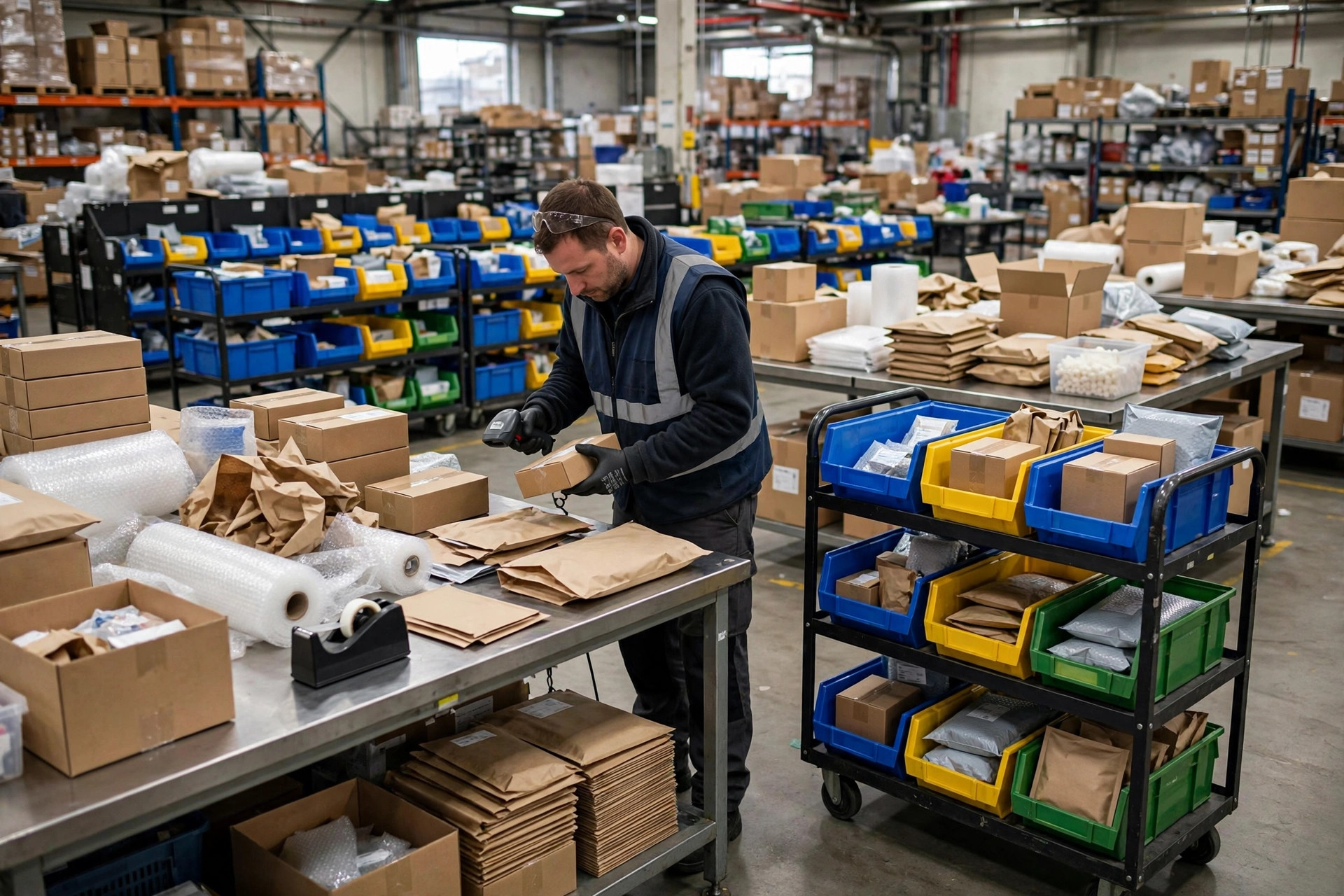
With an OMS, I write the routing rules myself: closest warehouse to the ship-to address, carrier picked by SLA, oversize items routed to LTL automatically. Wrong-warehouse shipments basically stopped happening.
When Do You Actually Need an OMS? 5 Signals
Don't listen to sales reps. Don't overthink it. Count how many of these five hit home. Two or more, and the "oms vs erp" question answers itself: get the OMS.
- You're selling on more than 3 channels. More channels, more sync pain. No human can reconcile that by hand.
- You run more than 2 warehouses. Domestic plus overseas, or East Coast plus West Coast — multiple warehouses mean split logic and warehouse selection, and hardcoded ERP rules will burn you eventually.
- Peak-season volume is 3x your normal volume or more. The ERP module survives quiet months. Peak season exposes every lag and every oversell.
- Monthly losses from wrong-warehouse shipments, oversells, and missed orders cost more than half a headcount. Do the math yourself.
- Customer service spends over an hour a day answering "where's my order" and "why hasn't it shipped." Your order pipeline is a black box, and an OMS turns on the lights.
The Uncomfortable Truth: An OMS Doesn't Replace Your ERP
A lot of sellers assume an OMS means they can ditch the ERP. Nope.
My setup: the OMS owns fulfillment. Finance, purchasing, and cost accounting still live in the ERP. Orders run their course in the OMS, and once shipment is confirmed, the data flows back to the ERP for the books. Each system does what it's good at. Nobody steals anyone's job.
Here's the other uncomfortable truth: if you're small — one channel, one warehouse, under about 50 orders a day — don't follow the hype. The ERP order module is plenty. An OMS solves complexity, not "do I have software." No complexity, no OMS. Buying one early is just paying for anxiety.
The trade-off in one line: an OMS fixes "my orders are a mess," an ERP fixes "my books are a mess." If your pain is the first one, stop hoping the second tool will fix it as a side effect.
And when you're shopping for one, 3 traps to dodge:
First, don't buy bloated software. Some OMS vendors want to do your WMS's job too, with an interface so complex it needs a week of training. Remember what you're buying: order fulfillment, not a second ERP.
Second, ask exactly how it integrates with your current ERP. Standard API, or custom development? I've been burned by "custom integration" — two months minimum on the timeline, extra cost on top. Get pricing and implementation terms from each vendor's official site and current price list; don't take a rep's word for it.
Third, run two weeks of real orders before you commit. Demos only show the happy path. Throw your ugliest scenarios at it: multi-warehouse splits, peak-season spikes, partial stockouts. If it can't survive those, the feature list means nothing.
Orders look fine until they don't. The gap is invisible on a normal Tuesday and brutal on Black Friday. My hard-earned lesson in one line: the moment you catch yourself thinking "I can't keep up with my orders anymore," go look at an OMS. I tested this myself — it works.
By Ah K, E-commerce Seller (5 yrs)