Here's the short answer: you can absolutely upgrade a WMS without stopping the warehouse — but it has nothing to do with luck. Before upgrade night, you need three things locked down: a snapshot you can actually roll back to, a rollout order that runs from the lowest-risk site to the highest, and a post-upgrade validation checklist that takes about four hours to work through. Skip any one of them, and you're gambling. I've seen that gamble lose three times, and every time the price was a stopped shipping dock.
One clarification before we start: this is about the WMS — the warehouse management system that runs orders, inventory, and task allocation. Not the WCS, the warehouse control system that drives conveyors and cranes through PLC signals. WCS upgrades stop equipment; WMS upgrades stop information flow. Different planning, don't mix them.
New Features Never Break a WMS Upgrade — the Peripherals Do
Across 30+ implementation and upgrade projects, I can count on one hand the upgrades that failed because of a new feature. Every real failure I've seen came from the same three peripherals: RF scanners, label templates, and external integrations. Dead scanners, unprintable labels, and a silent EDI connection — that's a stopped warehouse.
A real example. In 2023, a 3PL running a 120,000 sq ft facility in California's Inland Empire did a minor version upgrade. The upgrade itself took 40 minutes, and IT posted "upgrade complete" in the group chat. At 6 a.m. the next morning, pickers clocked in and found the task screens misaligned on their RF guns — the new release had changed a field length the older scanner clients couldn't parse. Four hundred-plus devices, reinstalled one by one, from 6 a.m. to noon. Half a day without a single wave released. The customer's owner stood at the dock watching trucks queue up. I still remember his face.
The lesson fits in one sentence: on upgrade night, validating RF guns, printers, and integrations deserves the same weight as the upgrade itself. This is the pitfall I've seen three times, and every time the story is the same — "the upgrade succeeded, the warehouse stopped."
The Night-Before Checklist: Buy Three Insurance Policies First
Policy one: a full snapshot. A database backup is table stakes. You also need every configuration exported — wave strategies, location numbering rules, label templates, user permissions, integration mappings. A data snapshot and a configuration snapshot are two different things. Data can be restored from backup; a misconfigured strategy takes longer to fix.
Policy two: a rollback plan written well enough to execute half-asleep. A usable rollback plan answers three questions: who calls the rollback (a name, not "the project manager"); which point you roll back to (the snapshot timestamp); and how long the rollback takes (your RTO). Our standing rule: the whole team walks through the rollback steps the night before, as a tabletop drill. A plan nobody has rehearsed is the same as no plan.
Policy three: a business fallback for the downtime itself. Paper pick sheets printed in advance, offline scanners charged, an emergency contact list taped up on the floor. If it comes to a rollback, the warehouse must switch to manual mode within 30 minutes — that's our internal project standard, not a vendor promise. Write it into your own plan.
On RTO and RPO, let me be precise: how fast you can roll back and how much data you can afford to lose depends on how you take the snapshot — not on what the vendor's SLA says. Our rule of thumb: take a full snapshot right before the upgrade starts, target rollback RTO under two hours, and RPO of zero data loss (anything created after the snapshot gets re-entered from the paper trail). If you can't hit that, don't schedule the upgrade during peak season.
The Multi-Site Rollout Order
For multi-site customers, the rollout order:
| Wave | Which site first | Why | Observation window |
|---|---|---|---|
| 1 | Test site / shadow environment | If it blows up, the business never notices | At least one full wave cycle |
| 2 | Lowest-volume site | Real business validation, contained risk | 24 hours |
| 3 | Mid-volume site | Expand the validation sample | 48 hours |
| 4 | Flagship / highest-volume site | Touch it last | Full on-site watch |
Iron rule: the next wave doesn't start until the previous wave's validation checklist is all green. I've seen this pitfall three times — someone decides wave one "looks fine" and kicks off wave two in parallel, then a slow-burning bug surfaces and two sites go down together.
Scheduling the Downtime Window: Plan It for the Business, Not for IT
A maintenance window isn't an IT technical window. It's the window the business can afford. Three steps:
- Read the volume curve first. Find the lowest-volume night in a rolling seven-day window. For 3PLs that's usually Sunday in the small hours; for e-commerce sites, check the promo calendar and stay clear of anything within 72 hours of a sale.
- Then do the math. One number, calculated honestly: how much does one hour of downtime cost? Daily order volume ÷ 24 × margin per order × downtime hours, plus overtime catch-up labor and any SLA penalties. Use your own numbers. That figure is your leverage when you request the window — and when you negotiate compensation with the vendor.
- Finally, set the rollback trigger line. If core functions aren't restored X hours after the upgrade starts, rollback fires automatically — no "give it 15 more minutes." X goes in the plan, and nobody gets to change it on the night.
Here's the counterintuitive take: most teams chase "zero downtime" and build blue-green deployments with dual writes that double the complexity. My judgment after 30+ projects — for 90% of warehouses, a well-planned two-to-four-hour night window is cheaper and safer than zero-downtime architecture. The complexity of "never stop" is itself the biggest risk. Get the trade-off straight: what you need is the business never stopping, not the system never stopping. A warehouse can survive two hours on paper picks. It can't survive a "zero-downtime" upgrade nobody can fix.
The Four-Hour Post-Upgrade Validation: Scanners, Labels, Integrations
Don't declare victory yet. Work this list, item by item, within four hours:

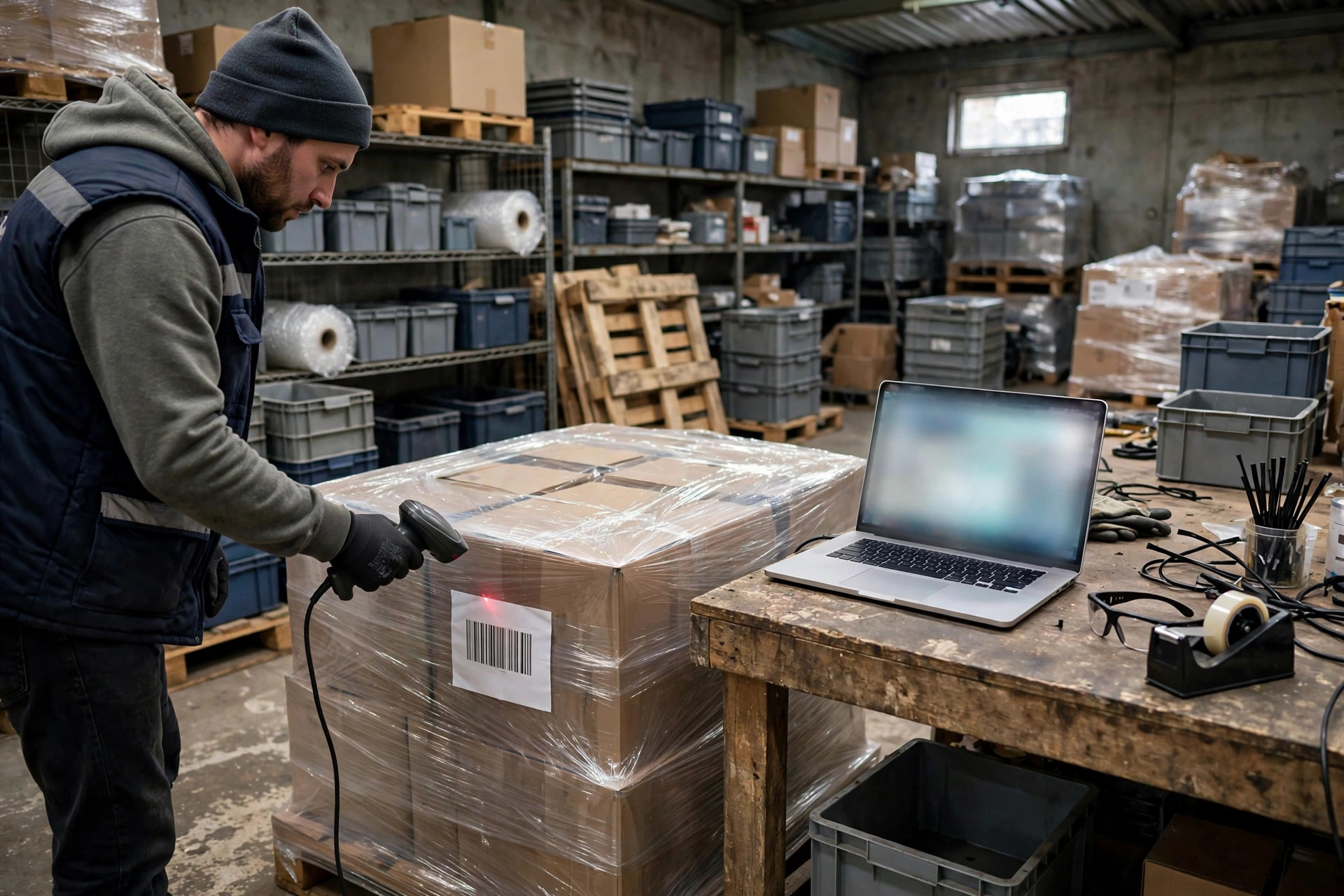
- RF scanners: at least three units of every model on the floor, running the full receive → putaway → pick → verify flow. On older devices, watch for misaligned screen fields.
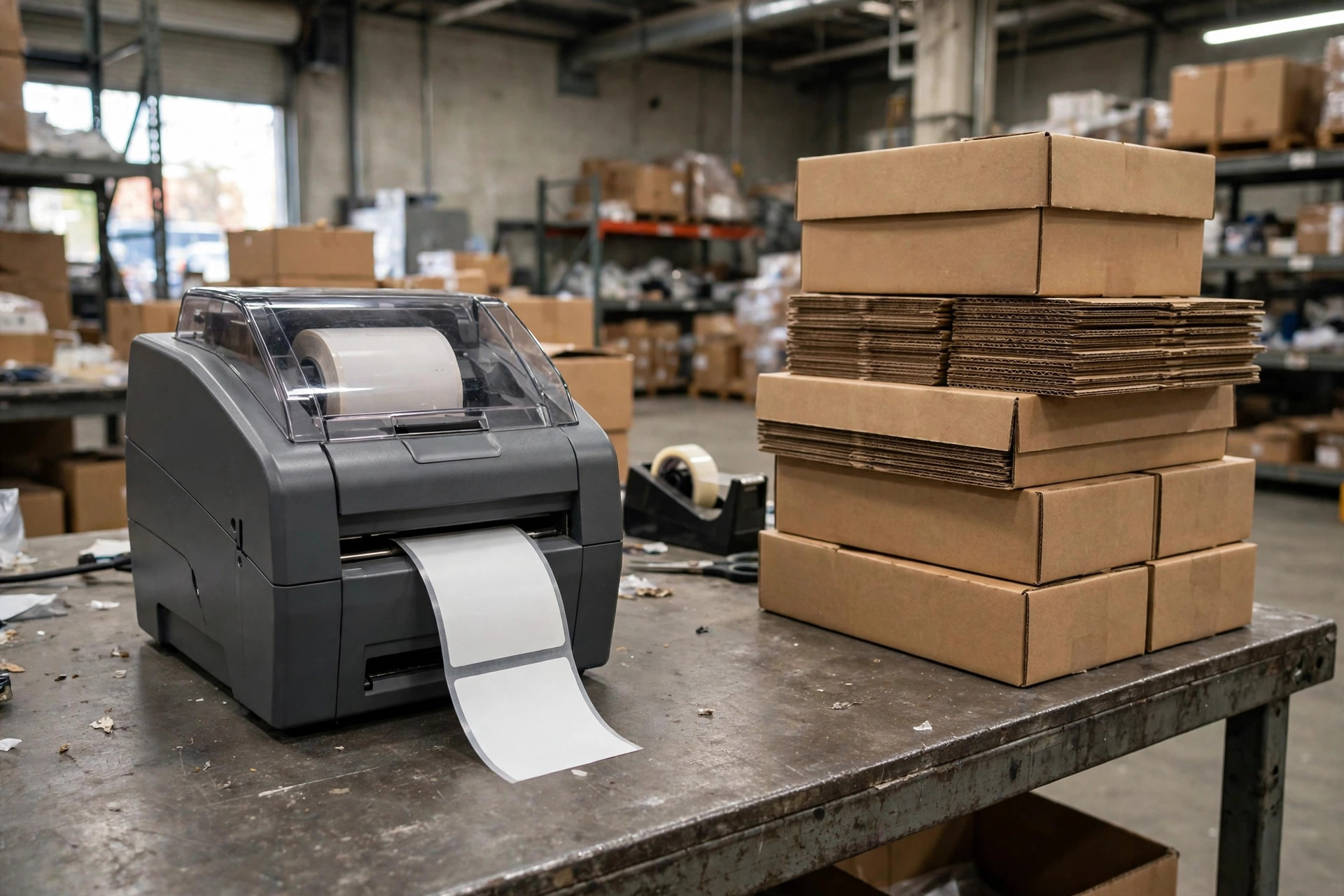
- Label templates: print ten each of shipping labels, carton labels, and pick sheets, then scan every barcode to confirm readability. Template misalignment is the most common post-upgrade bug.
- Integrations: run at least one end-to-end order through each EDI, marketplace, ERP, and TMS connection. "Connected" doesn't mean "correct" — verify order number, quantity, and address on every test.
- Wave strategy: release one real wave and confirm the allocation logic is unchanged. A misconfigured strategy won't throw errors; it will quietly misallocate.
- Permissions: log in as five different roles and confirm menus and rights survived the upgrade.
Forced SaaS Upgrades: You Don't Get a Pause Button
On-prem WMS upgrades run on your schedule. Cloud (SaaS) WMS doesn't. Maintenance windows and forced patch pushes follow the vendor's calendar, and all you can do is prepare — not wish them away.
This isn't paranoia. Per isdown.app's public status tracking of Ongoing Warehouse, a cloud WMS provider: a system outage on Feb 24, 2026 lasted about 4 hours; a major service disruption on Jun 25, 2026 lasted about 5 hours; the median incident duration over the trailing 90 days was 4 hours 33 minutes. In other words, a cloud WMS going down a few times a year, for hours at a time, is a documented norm — not a black swan.
So for SaaS WMS customers, my checklist always has three extra lines. One: subscribe to the vendor's status page and maintenance notices, and confirm no vendor-side maintenance window falls within 72 hours of your upgrade night. Two: put compensation and notification obligations for vendor-caused outages in the contract — verbal promises don't count. Three: keep an offline fallback ready. When a cloud WMS goes down, you can't even take a local snapshot. Paper documents and offline procedures are your only lifeboat.
One Last Thing
The most dangerous upgrade is never the major release. It's the "tiny patch, no testing needed, straight to production." Of the three blowups I've seen, two were small patches. Remember this: finish the night-before checklist before you sleep, and don't declare success until the validation list is all green. Something you can use tomorrow: print this article's checklists and tick them off, item by item, before your next upgrade night. It's the cheapest risk investment across 30+ projects.
By Lin Xiao, WMS Implementation Consultant