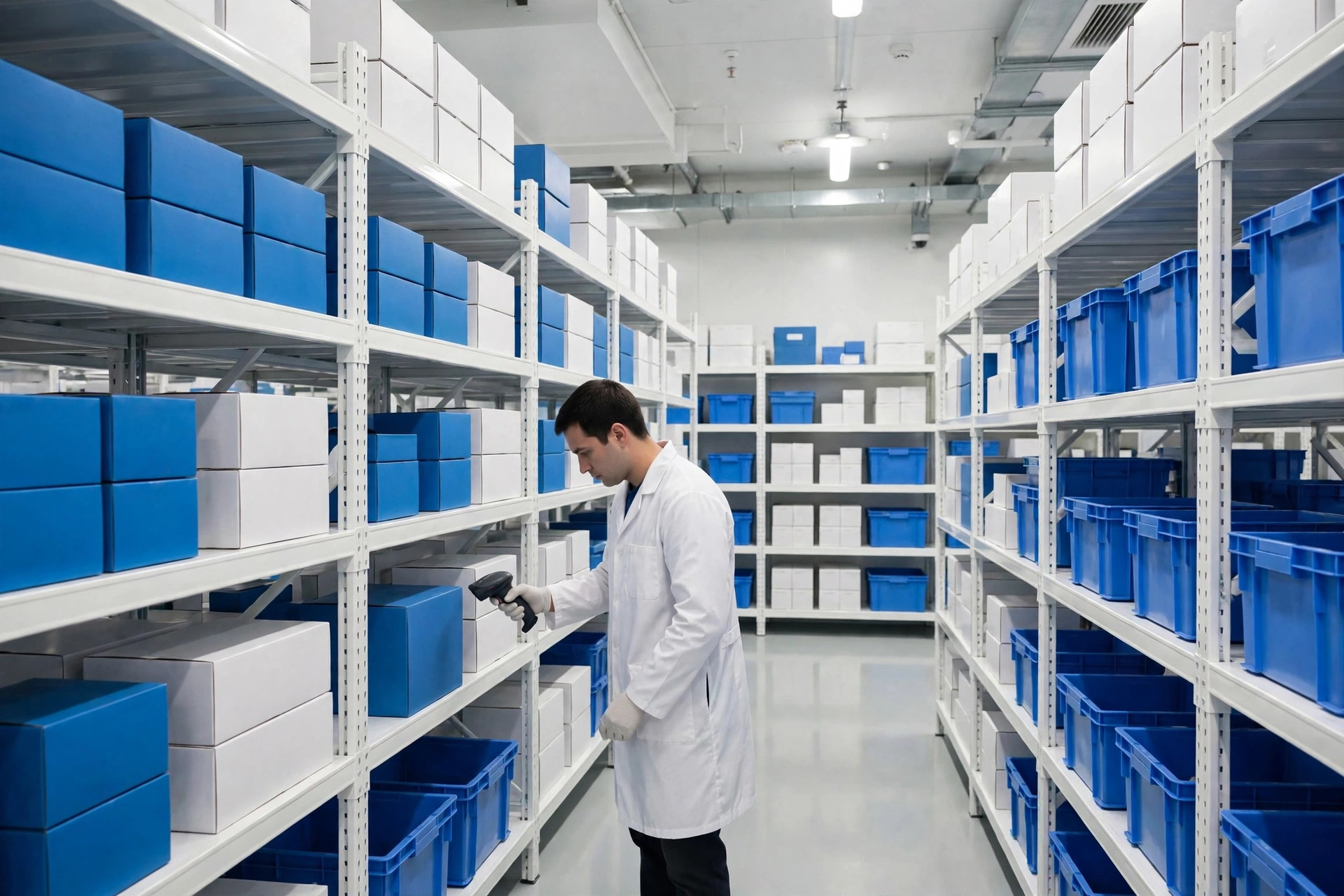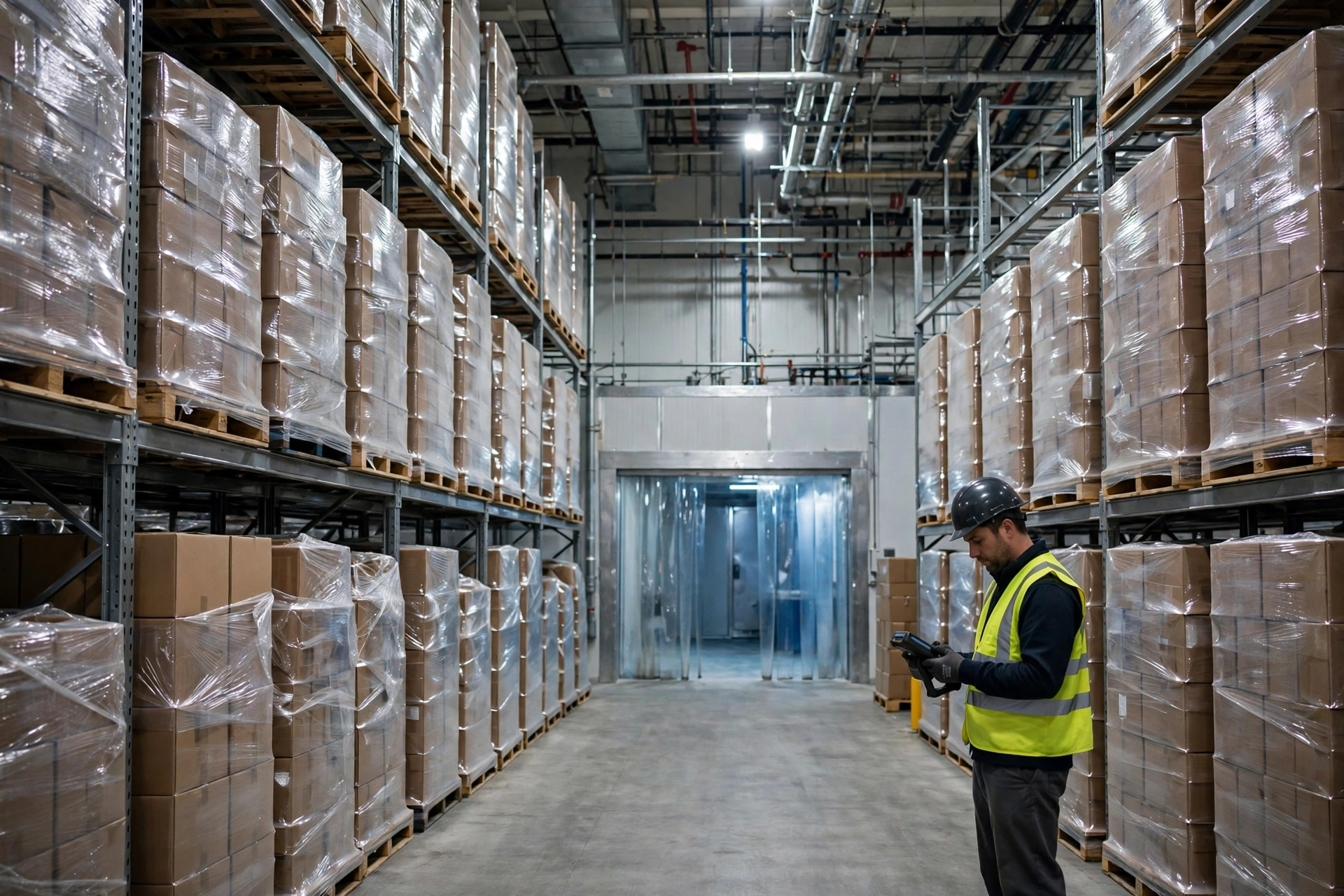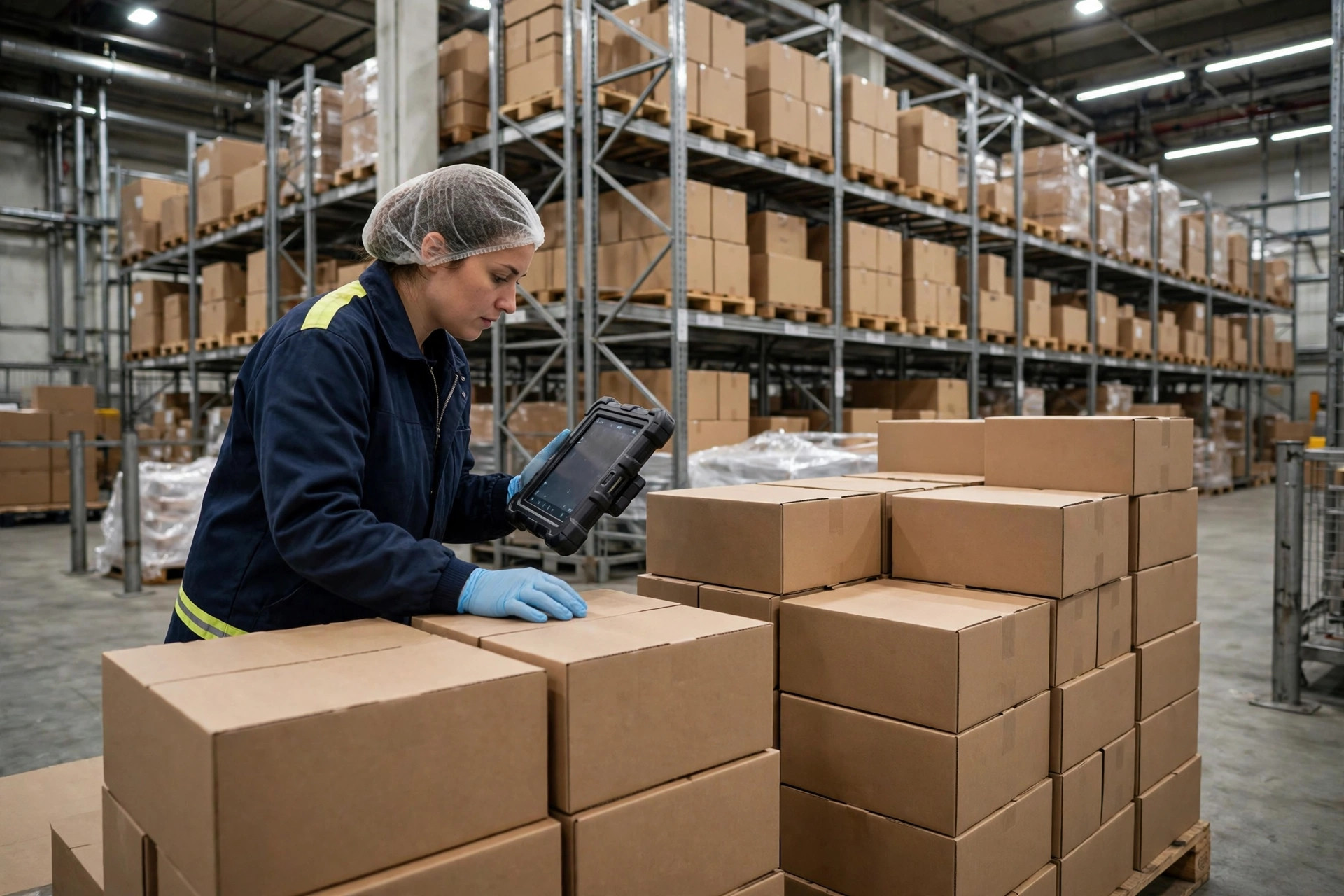
The call came on a Tuesday morning. A QA manager at one of our food 3PL clients in the Inland Empire sounded exhausted: an FDA investigator had spent two days in their building and kept circling back to one thing — the temperature excursion log. It lived in a shared spreadsheet on the warehouse office computer. Everybody on the floor knew the password. "He asked me who changed the March entries," she said. "I had no answer."
That is the entire story of 21 CFR Part 11 in one phone call. The regulation never demanded that you throw away your paper logbooks. What it demands is that once you go electronic, your electronic records have to be as trustworthy as paper — actually, more so, because they have to prove it.
Part 11 is the FDA's rule on electronic records and electronic signatures, published in final form on March 20, 1997 and effective August 20, 1997. It applies across FDA-regulated industries — food, drugs, biologics, medical devices — whenever records that FDA rules require you to keep are maintained electronically, or handwritten signatures are replaced with electronic ones. For a food warehouse, that means temperature and humidity logs, receiving inspections, pest control records, training records, and release sign-offs, the moment they move off paper and into a system.
Here is what most operators misunderstand: Part 11 never forces you to digitize. Paper remains perfectly acceptable. But any electronic records you keep must meet the same standard of trustworthiness — and you have to demonstrate it on demand.
So what is this regulation actually asking for?
Strip away the legal language and Part 11 asks for four things. First, system validation: you must be able to show the system does what it is supposed to do, does it accurately, and can detect invalid or altered records. Off-the-shelf software is not exempt — you need validation documentation from the vendor, or you build it yourself.
Second, audit trails. Section 11.10(e) is explicit: secure, computer-generated, time-stamped records of who created, modified, or deleted an electronic record. Modifications must not obscure previous entries — meaning no overwriting, only new versions appended. The audit trail must be retained at least as long as the records themselves and be available for FDA review and copying. In plain terms: every change leaves a footprint that the person making it cannot erase.
Third, access control: only authorized individuals get into the system, change data, or sign records. Fourth, electronic signatures: under Section 11.50, a signature display must show the signer's name, the date and time of signing, and the meaning of the signature — review, approval, or execution. Under Section 11.70, the signature must be permanently linked to its record, so it cannot be cut and pasted onto something else.
One distinction matters early, because it determines how much work you are signing up for: closed versus open systems. A closed system is one where access is controlled by your own organization — your WMS, your in-house temperature monitoring platform. Most food warehouses live entirely in closed-system territory and answer to Section 11.10. An open system is one where control over access is not in your hands, such as records transmitted to customers or regulators over the public internet; Section 11.30 adds encryption and digital-signature requirements on top. Figure out which one you are before you start spending. When in doubt about a specific requirement, go to FDA's official guidance or your regulatory counsel — vendor sales reps are not a source of truth.
What does an audit trail really have to capture?
An investigator reading your audit trail is asking four questions: who did it, when, what did they do, and what did it look like before. A new record gets an entry. A changed alarm threshold gets an entry, with the old value and the new value both preserved. A deleted record gets an entry. And the trail must be independent of the person acting — the operator cannot turn it off, edit it, or delete it. Timestamps need time zones and need to be synchronized to a reliable time source, not drifting on each device's own clock.
This is where food warehouses get hit hardest, and the failures are depressingly ordinary. I have seen a cold storage facility running a temperature system that technically had an audit trail — except it was switched off during implementation and nobody noticed for two years. The classic one is administrator access for everyone: the freezer alarm threshold moved from minus 18 to minus 15 degrees Celsius, and nobody could say who changed it because a dozen people logged in as admin. Then there are timestamps: servers set to UTC while the operation runs on Pacific time, so every exported record shows 3 a.m. entries that nobody can explain. And the worst offender is the spreadsheet. A shared Excel temperature log that anyone can edit, with no record of who changed what, is dead on arrival in an inspection. There is no defense for it.
Is an electronic signature really just clicking "approve"?
No. A checkbox proves nothing, and Part 11 treats signatures as identity statements with legal weight. Three conditions have to hold. First, uniqueness: a signature belongs to exactly one person. A shared "supervisor" login that the whole shift uses to sign off releases is not a signature system — it is theater. When the investigator asks who released that lot and the answer is "whoever was on shift," the inspection is going badly.
Second, identity verification at the moment of signing — a password, a badge tap, biometrics. The point is to prove the clicker is actually the person named. Third, the meaning of the signature has to be distinct and recorded: review, approval, and execution are three different acts. The same person reviewing and then approving the same lot will draw a question about segregation of duties.
Shared accounts are the epidemic in food warehousing. At an 80,000-square-foot cold chain site I managed in Ontario, California, every handheld on the floor logged in as "warehouse" — convenient for everyone, indefensible in an audit. The first thing we did in our Part 11 gap assessment was kill that practice: one account per person, disabled the day someone leaves, passwords rotated quarterly. It was unpopular for about a week. But the next time an investigator asked who signed a receiving inspection, the system showed a name, a timestamp, and a meaning. That ends the conversation.
If you are starting from paper or spreadsheets, here is the sequence that actually works. Step one, gap assessment: list every record you keep — temperature and humidity, receiving inspections, pest control, training, releases — and mark which live on paper, in spreadsheets, or in a system. Miss one and it will find you later. Step two, system selection: ask every vendor three questions. Can the audit trail be disabled? If it is disabled, can you tell? Do you provide validation documentation? A vendor that cannot answer all three is out.
Step three, rewrite the SOPs: change "how we record" to "how we record in the system," and put the access matrix in writing — who can enter data, who can review, who can change thresholds, who can delete records. One table, no ambiguity. Step four, training: train people on what a signature means, and make it explicit that a signature carries responsibility. Step five, run paper and electronic in parallel for at least one full cycle — a month, say — and only retire the paper when both sides reconcile. Retire paper early and a system failure leaves you with nothing.
Think about it from the investigator's side for a moment. They do not care how much your system cost. They care about three things: whether records were altered, who altered them, and whether the timestamps make sense. They will ask you to pull records out of the system, live, in front of them. Cannot export them? Problem. Exported file is garbled? Problem. Export does not match what is on screen? Bigger problem. Record integrity shows up on FDA 483 observation lists year after year — not because the regulation is exotic, but because too many warehouses confuse recording something with being able to defend it.
Five things you can do tomorrow. First, copy your temperature spreadsheet, change one number, and ask yourself: would anyone know, and would anyone know it was you? Second, log into your system's admin panel and check whether the audit trail is actually on. Third, count your shared accounts and write them down. Fourth, check the time zone settings on your servers and terminals — all of them. Fifth, draw the access matrix: who can change alarm thresholds, who can delete records, who can sign a release. When those five are done, you will know exactly how far your warehouse is from Part 11 compliance, and what it will cost to close the gap.