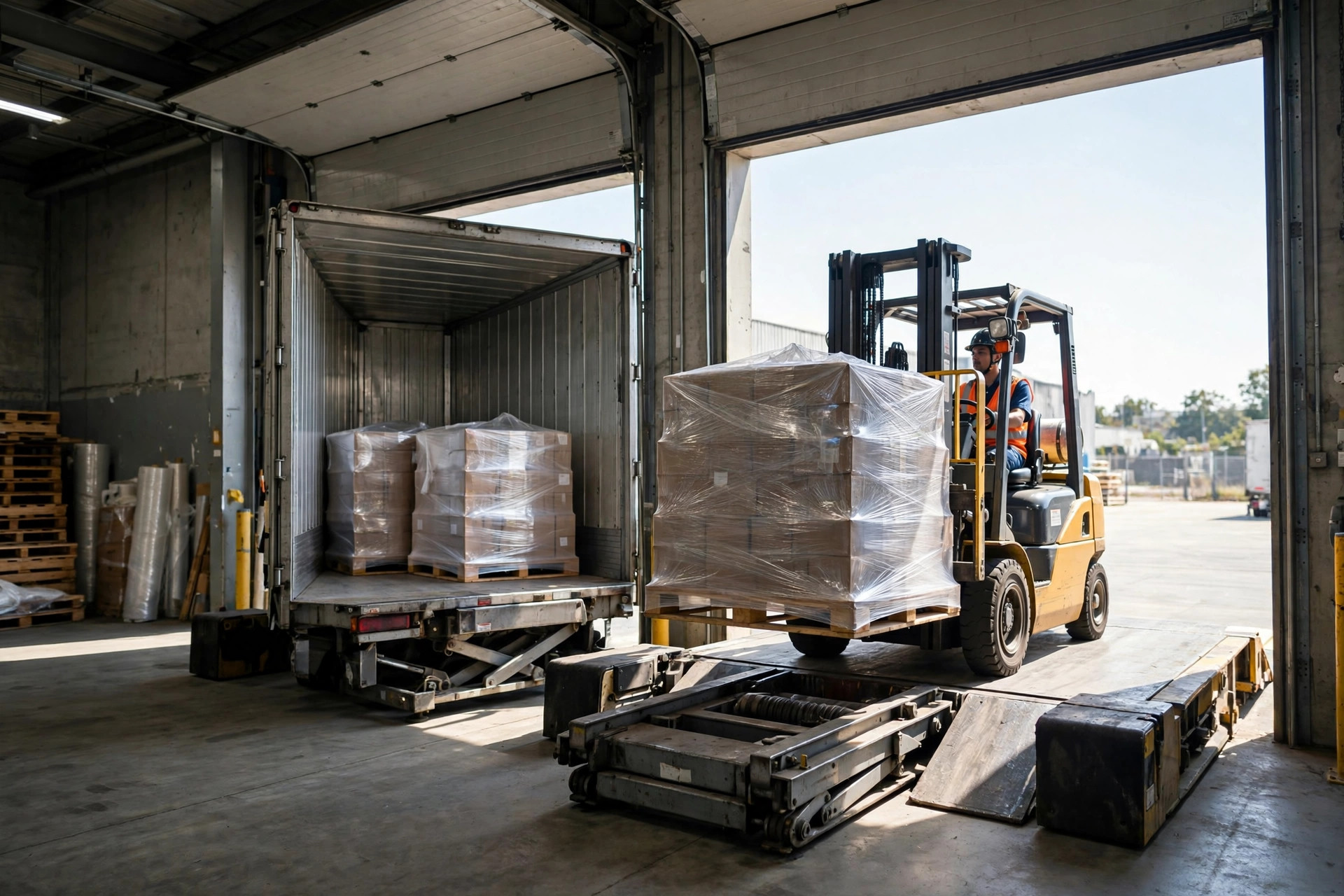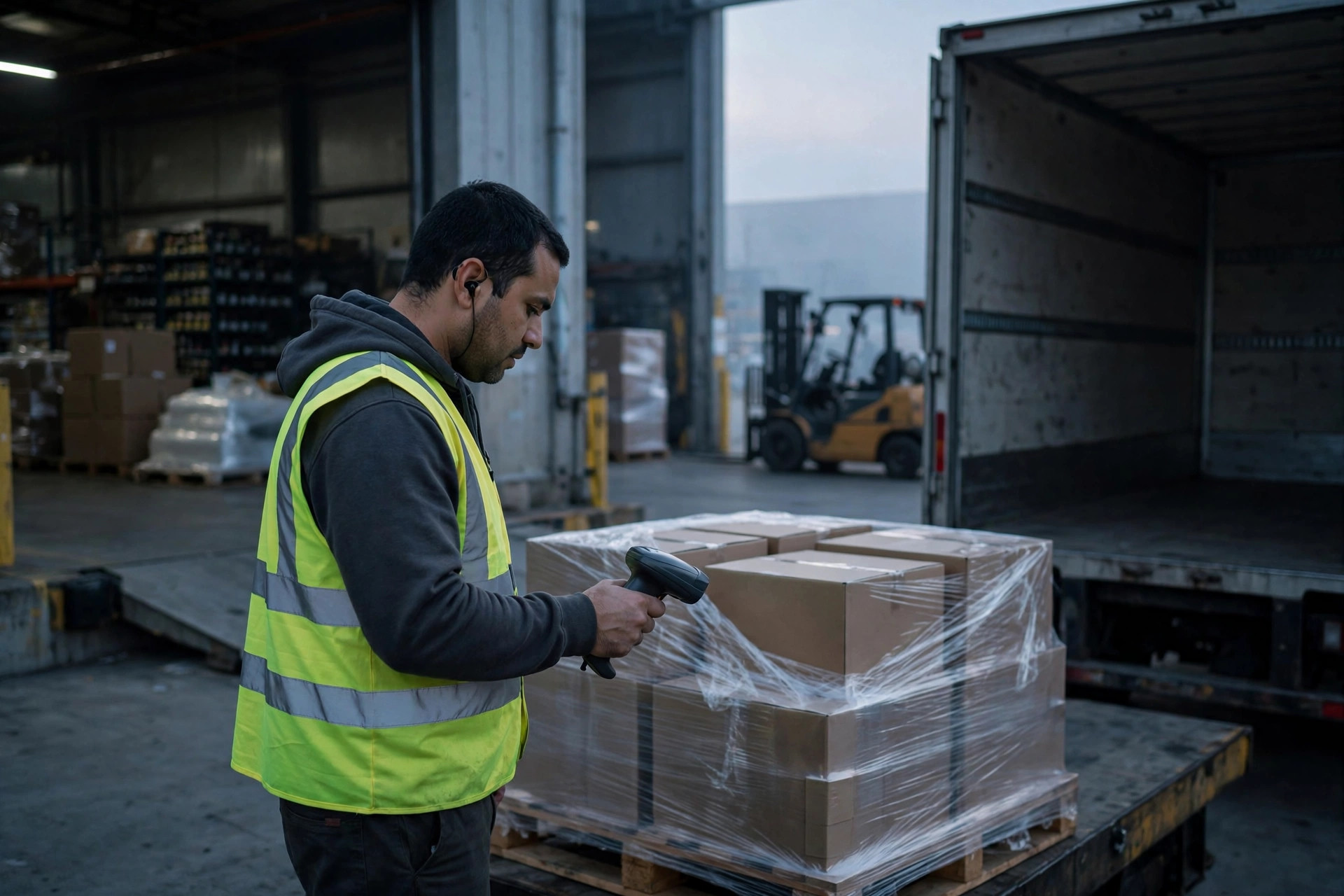
Here's the short version: when your EDI 856 (advance ship notice) gets rejected, the EDI translator is almost never the problem — your warehouse master data is. The debug chain is always the same: read the 997 to find which segment failed, pull that segment from the 856, trace it back to WMS master data, the carton label, or the carrier paperwork, fix it, resend. Follow the chain and you'll have a root cause within two hours. I've seen this exact failure three times.
Start With the 997 — Never Skip This Step
When an EDI 856 goes out, the retailer's EDI system answers with a 997 (functional acknowledgment). A lot of teams glance at the 997 and file it away. That's a mistake — the 997 is the only error entry point you get.
Do this, in order:
- Log into your EDI portal (SPS Commerce, TrueCommerce, whatever you use) or pull the 997 from email, and find the one matching your 856's control number.
- Find the AK9 segment and read AK901: R means the whole group was rejected; E means accepted with errors (don't relax — the retailer will still hit you with a chargeback); A means the syntax passed (note: that only means the syntax is fine. If the business data fails the retailer's checks, they'll follow up with an 824 or an email).
- If AK901 is R or E, look for the AK3 segment: it names the segment that failed (MAN, SN1, HL, etc.) and its position in the message.
- Then find AK4: the element number plus the error code. Common ones: 5 = invalid value, 8 = element not valid in this context, 2 = mandatory element missing. For exact meanings, go by the retailer's EDI specification document.
The 856 Segment Map: Failed Segment → Warehouse Root Cause → Where to Look
| Segment in the 997 | What it does in the 856 | Most likely warehouse root cause | Where to look |
|---|---|---|---|
| BSN | Ship notice identification number | Ship notice number doesn't match the 850 order or outbound order | WMS numbering rules, order mapping table |
| HL | Hierarchy levels (S=shipment, O=order, P=pack, I=item) | Wrong level order, skipped levels, an order hung under the wrong shipment | Packing process, WMS pack logic |
| MAN | Marks and numbers, i.e. the SSCC pallet serial | Duplicate SSCC — the number-one killer | Pallet master data, number-range management |
| LIN / SN1 | Item line and quantity | UPC/GTIN mismatch, wrong quantity or unit | Item master data, UOM mapping table |
| TD3 / TD5 | Carrier, equipment, PRO number | PRO/BOL number doesn't match the actual carrier paperwork | Carrier label, TMS |
| N1 | Addresses | Wrong ship-to address | Customer master data |
| ISA / GS | Envelope headers | ISA15 test/production flag wrong (a T sent down the production channel) | EDI configuration |
Two more classics that never show up in the 997 as themselves: UPC leading zeros stripped by Excel (open that CSV in Excel once and 001234567890 becomes 1234567890), and unit-of-measure casing (EA sent as Ea).
The EDI 856 Debug Chain: Six Steps, Each One Actionable
- Get the 997. Read AK901/AK3/AK4 as above and write down the failing segment name.
- Pull the raw 856. Export the original message from your translator by control number, find the failing segment line, and copy its key value (the SSCC in MAN, the quantity and unit in SN1).
- Trace it in the WMS. Take that value and look it up backwards. SSCC → check the pallet table for duplicates. UPC → check item master for GTIN and selling unit. Document number → check the order table and mapping.
- Check the label. Any SSCC problem means checking the UCC-128 label: is what's printed on the label the same as what went out in the 856? Was the label reprinted? (War story #1 died on exactly this.)
- Check the carrier paperwork. For TD3/TD5 failures, compare the PRO and BOL numbers in the 856 against the actual carrier documents, character by character.
- Fix, then resend the EDI 856. Once the data is clean, resend the 856 from the translator with a fresh ST02 control number — never reuse the old one — watch for the 997 to come back A, then confirm with the retailer that the business validation passed.

Two War Stories, Both Past Midnight
Story one: November 2023, a 3PL outside Chicago. They served a dozen small and mid-size brands. At 11 PM the project manager called me: 300+ ASNs (856s) to Target rejected, 997s all R, AK3 pointing at the MAN segment on every single one. I had them export the raw 856, took the SSCCs from the MAN segments, and ran them against the WMS pallet table — 40+ duplicates. Root cause: an October WMS upgrade had reset the pallet number range, and old SSCCs went out a second time. Target's system checks SSCC global uniqueness and rejected the whole batch. The fix: freeze shipping that night, rebuild the pallet number range (year + warehouse code + sequence, with enough digits), reprint the UCC-128 labels, resend the 856s. Everything re-sent within 48 hours; the chargeback was negotiated down to a little over $800. I've seen this exact pit three times, and it's always number-range management.
Story two: March 2024, a beauty brand in Los Angeles on a 3PL-managed warehouse. Their 856 to Walmart came back AK901=R, AK3 pointing at SN1. In the message, SN102 quantity was 144 with SN103 unit CS (case). Walmart's 850 order line unit was EA (each). Root cause: the item master in the WMS had the selling unit set to CS, and the EDI mapping passed CS straight through — but in Walmart's records this SKU sells by the each. 144 cases vs. 1,728 eaches didn't match. Rejected. The fix: maintain the UOM mapping table retailer by retailer; for this SKU going to Walmart the unit became EA and the quantity 1,728. Resent, accepted. Lesson: one UOM mapping table for every retailer is a fantasy. Maintain it per retailer.
Go-Live Night Checklist: Advance Ship Notice Failure Points
- Dedupe SSCCs across the whole database. Run the pallet table once. A single duplicate SSCC means nothing ships.
- Verify UPC leading zeros. Open WMS-exported CSVs in a plain text editor, not Excel — Excel eats leading zeros.
- Walk the HL hierarchy. Pull at least 3 shipments and trace S→O→P→I end to end.
- Confirm PRO/BOL. Before the numbers go into the 856, confirm them with the carrier.
- Check ISA15. Production must be P. Test messages stay on the test channel.
- Send a test 856 first. Wait for the 997 to come back A and the retailer to pass business validation before you batch.
The counterintuitive take, saved for last: most 856 rejections are not the EDI translator's fault — they're warehouse master data problems. The translator only checks syntax; the retailer checks the business — SSCC uniqueness, UPC accuracy, quantity units, addresses — and all of that sits in the warehouse's hands. So next time an advance ship notice gets rejected, check the data first, then the message, and only then suspect the translator. Reverse that order and you'll burn a full day in the EDI vendor's ticket queue.
By Lin Xiao, WMS Implementation Consultant