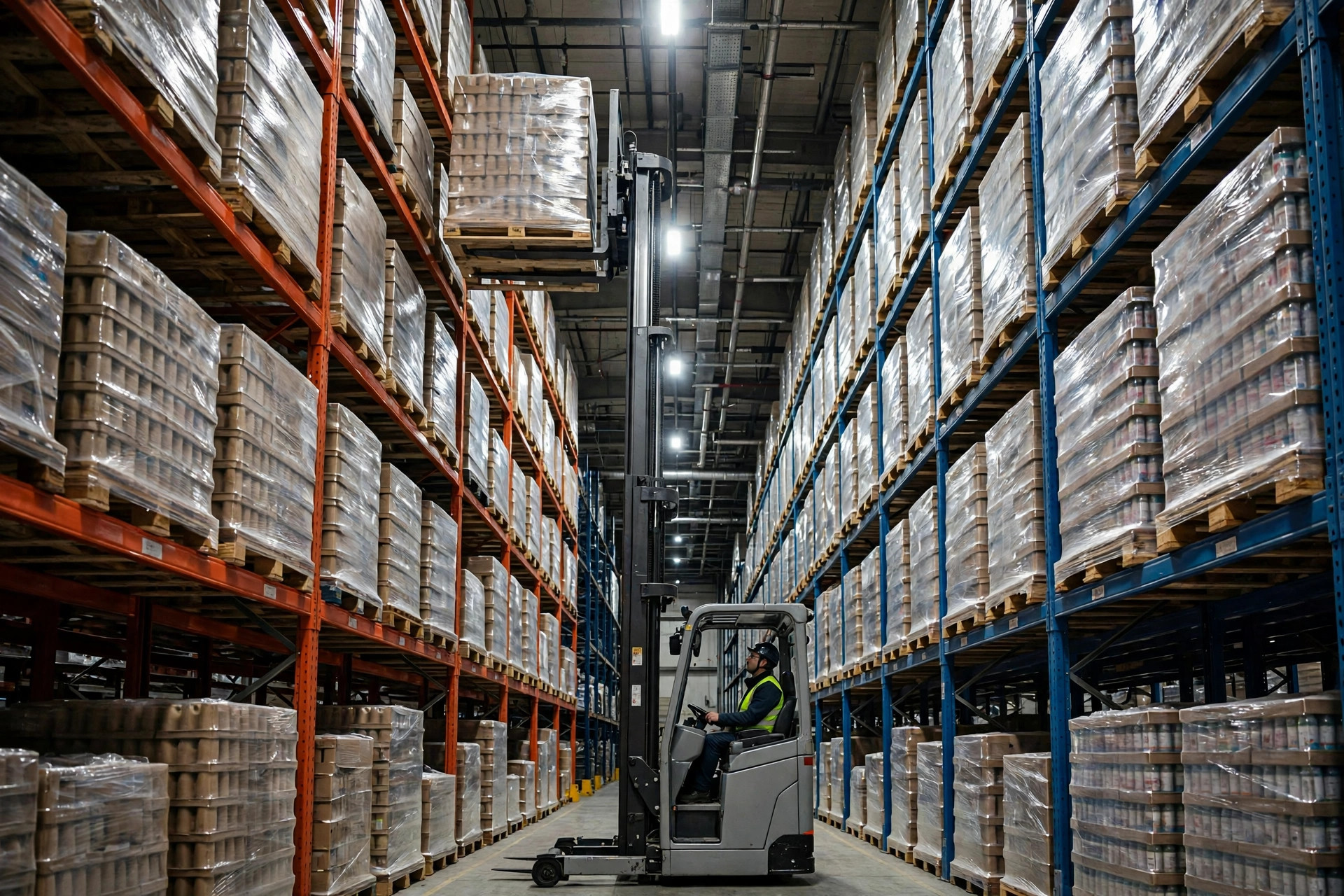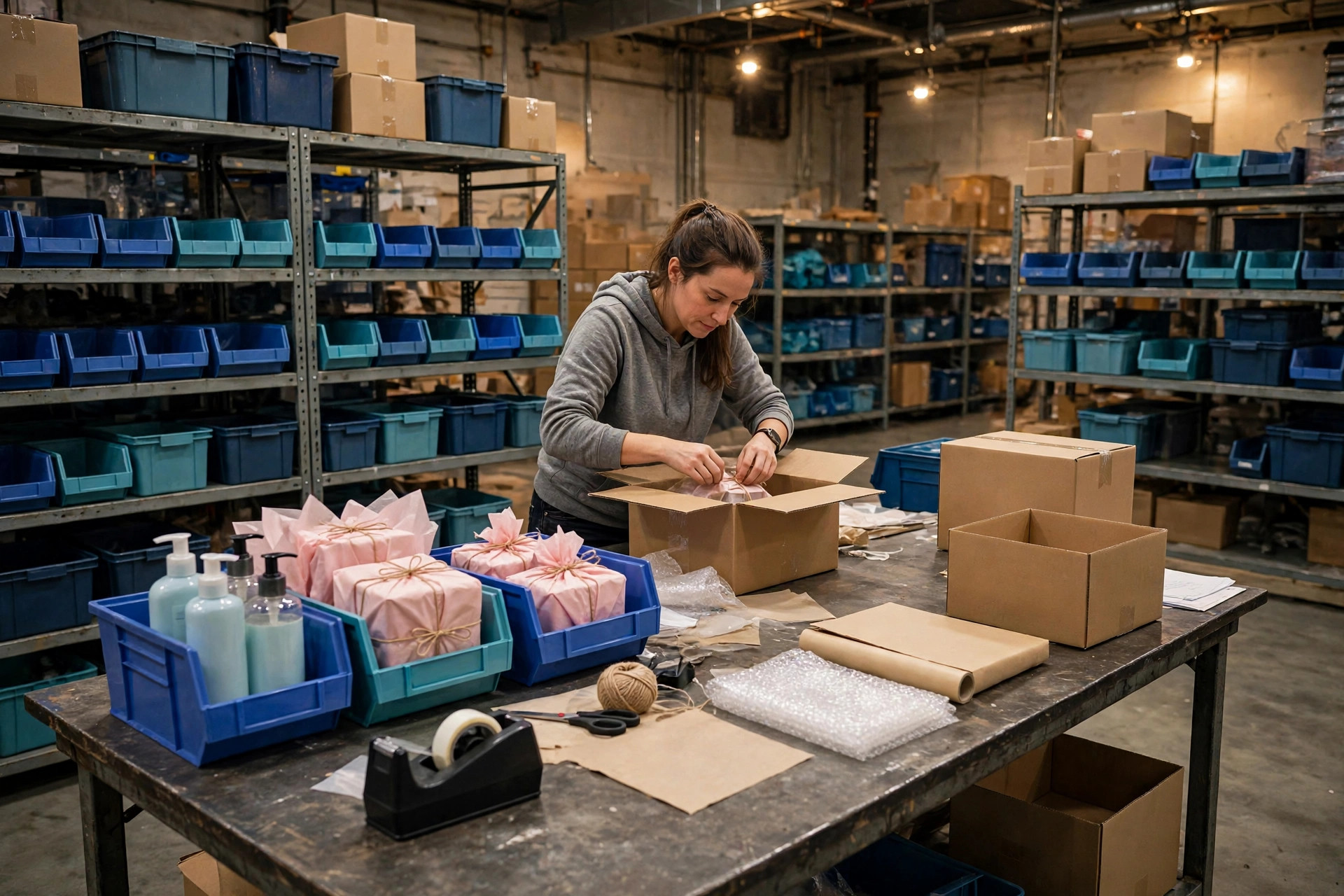
Real talk: if you run bundle kits out of a small ecommerce kitting warehouse, assembly isn't the bottleneck. Picking is.
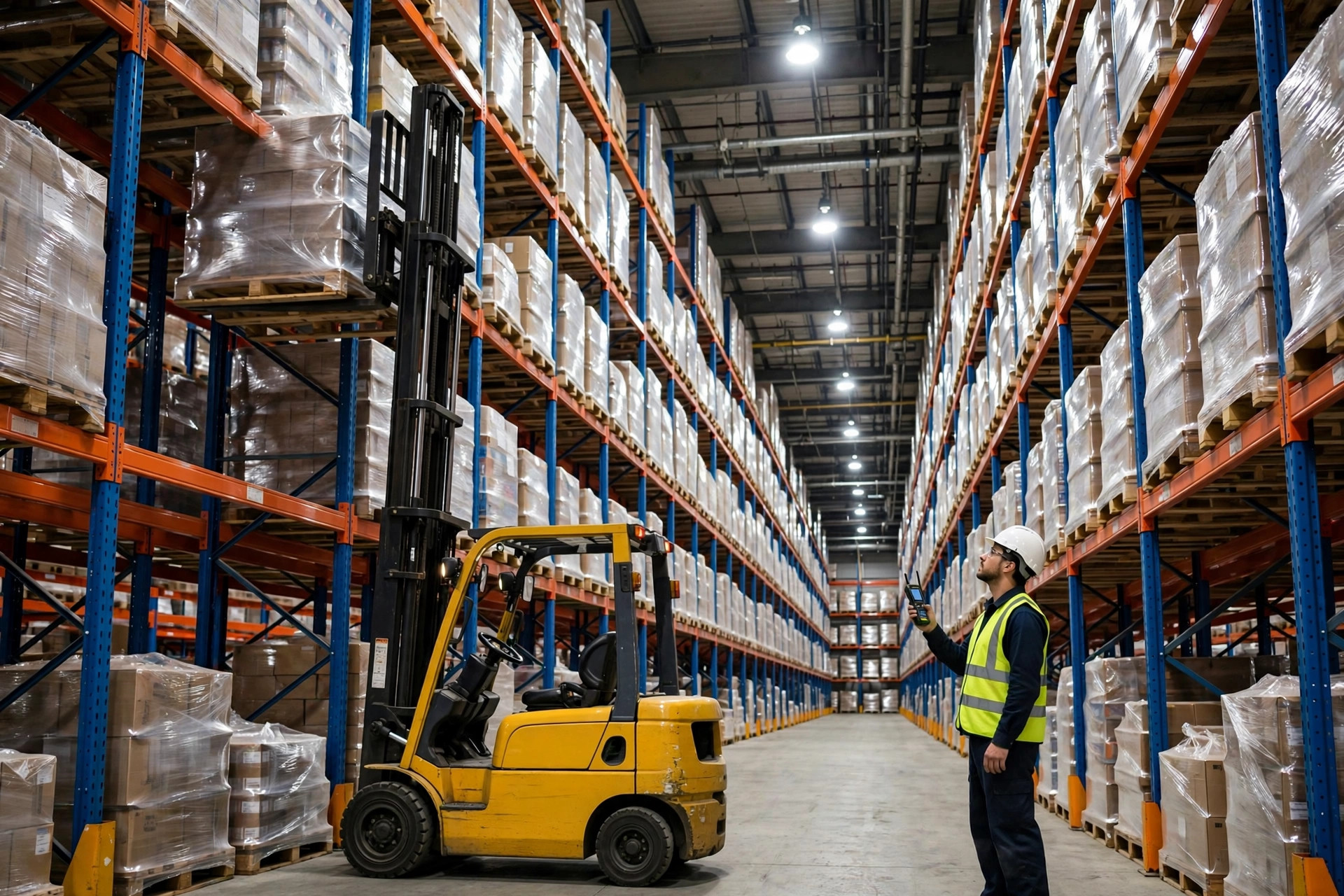
Last Q4 I launched a 3-piece hair care bundle in my warehouse. Listings took off, 200+ kit orders a day. By day three my picker told me, "K, my legs are done." I shadowed one order: shampoo in aisle A, conditioner in aisle C, the free sample behind the pack tables — three components in three zones, nearly 200 meters of walking for a single order. Two hundred meters. For one kit.
Then I re-slotted the whole component layout. Same order went from 8 minutes to about 3 minutes. Every bit of labor I "saved" during peak season came from slotting, not from working harder.
No theory here. Just how I slot components for ecommerce kitting, tested both ways, with the numbers on the table.
Two Layouts for an Ecommerce Kitting Warehouse: Clustered vs. Scattered
Kitting boils down to one thing: a handful of component SKUs that always ship together.
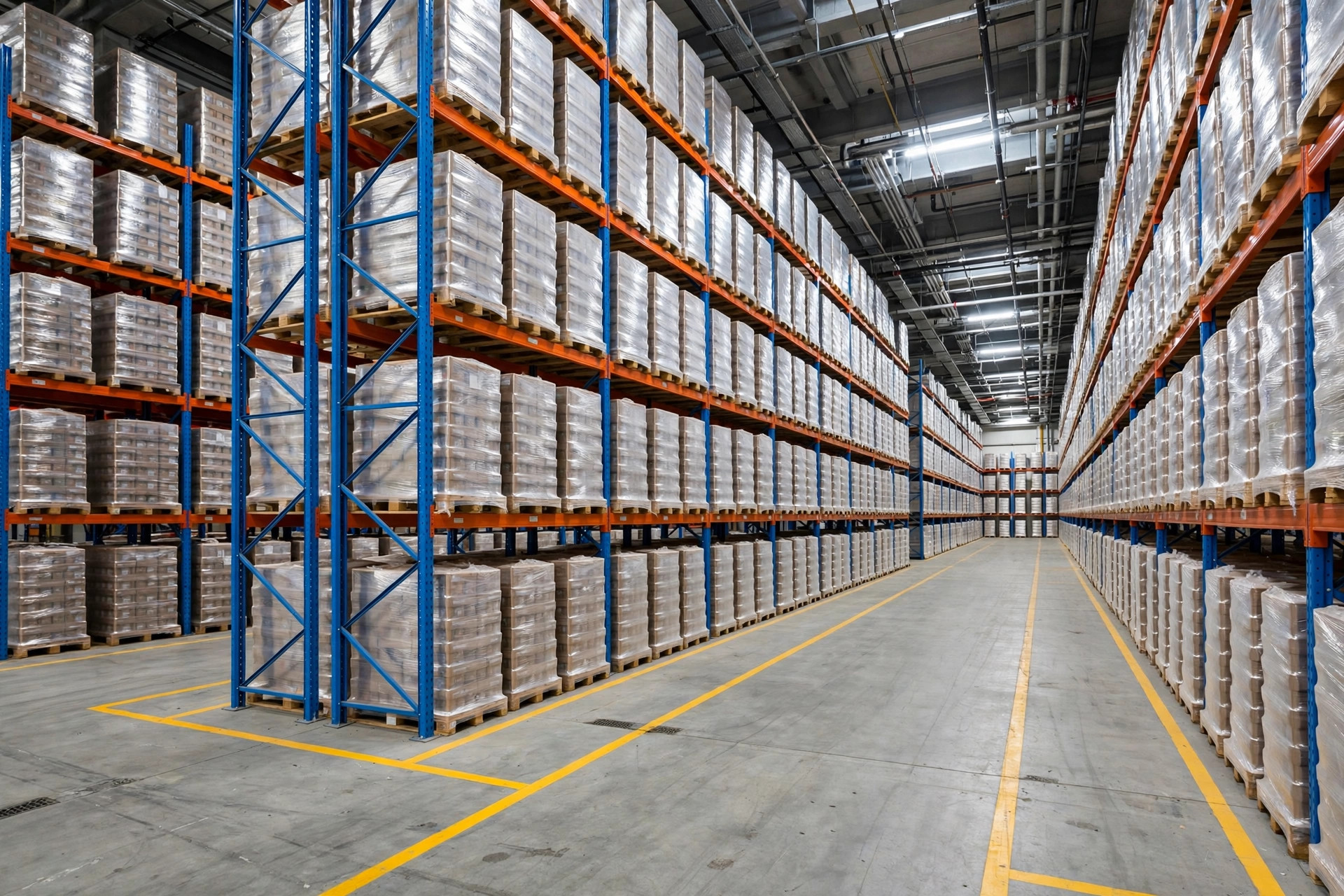
Layout one, clustered: pull every bundle's components next to the pack tables into a dedicated kitting zone, grouped by bundle. Shampoo, conditioner, sample — three bins side by side, all within arm's reach.
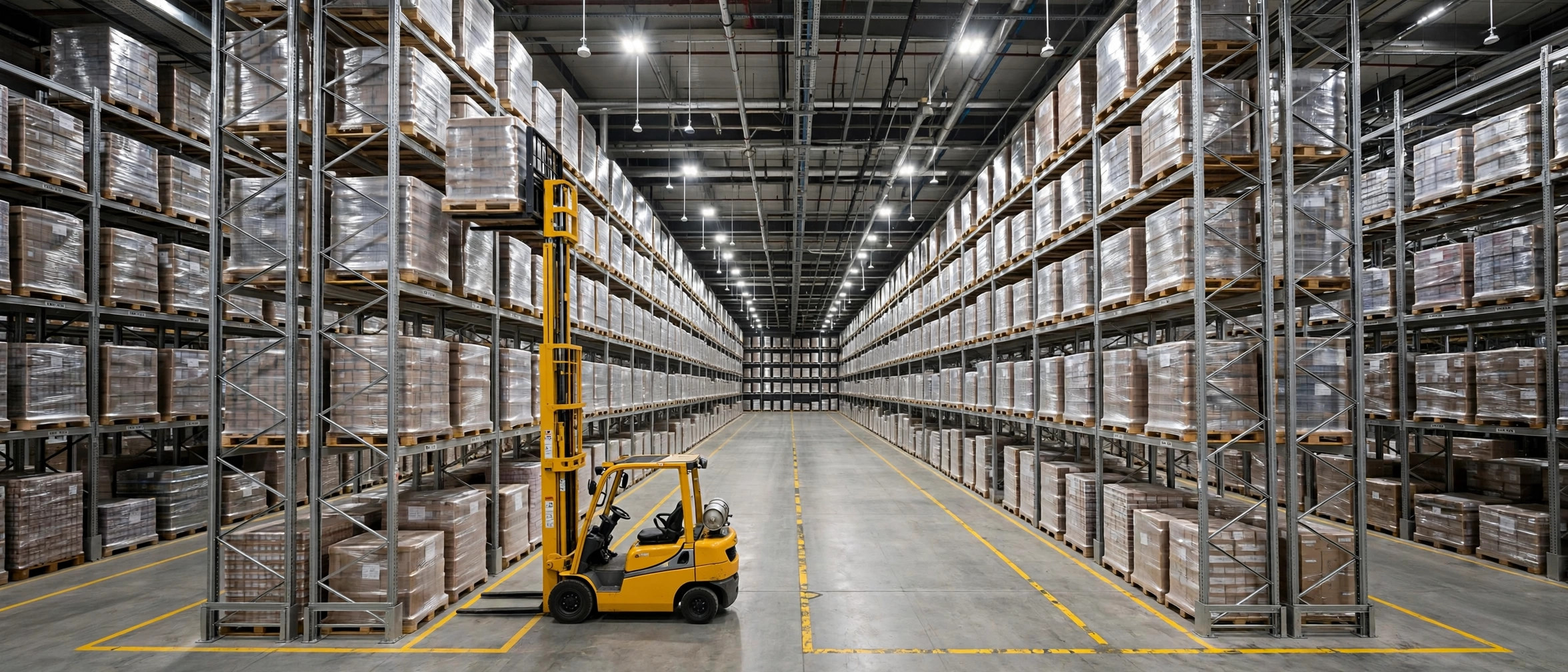
Layout two, scattered: components live with their product categories. Shampoo with all hair care in aisle A, samples with all freebies behind the pack tables. Pickers run the whole building per order.
I ran both. Here are the numbers.
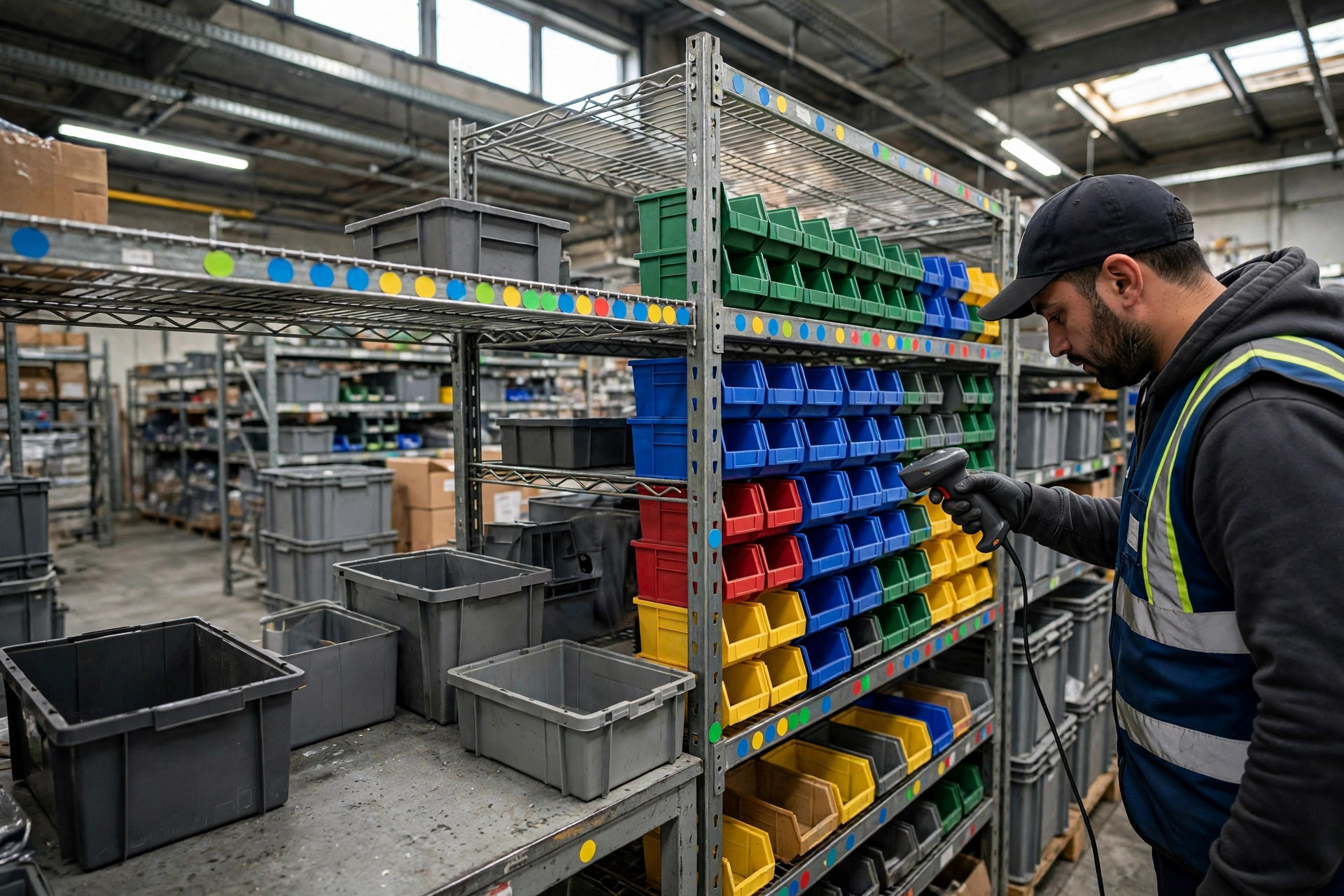
Kitting Warehouse Test Data: Pick Time More Than Halved
My setup: an 8,000-square-foot warehouse east of LA, four pickers, 200–300 kit orders a day.
With the scattered layout, I stopwatch-timed 20 orders: 8 minutes per order on average, 6 of those minutes just walking and hunting. Actual assembly and packing took under 2 minutes. In other words, 75% of the time was spent on a hike, not on work.
After switching to clustered: six bundles (18 component SKUs) arranged in a U-shape around the pack tables. The picker turns in place and has everything. Same 20-order sample: 3 minutes average. Assembly time didn't change by a second — all the savings came from killing the walking.
Quick math: 250 orders a day, 5 minutes saved per order, that's 20+ labor-hours a day. A temp worker during peak runs about $150 a day where I am. That savings alone funded two extra weeks of inventory for me.
Second example: a friend selling a pet bundle on Amazon — cat litter, deodorizer, scoop. Components were scattered; during peak, 400 orders a day had his two pickers working until 10 PM. After clustering, same headcount, done by 7 PM. His words: "If I'd slotted like this from the start, I'd have hired two fewer people for Q4."
Side by side:
| Dimension | Clustered | Scattered |
|---|---|---|
| Pick time per order (my measured) | about 3 min | about 8 min |
| Walking distance | Near zero | about 200 m per order |
| Best for | Kit orders ≥30% of volume, stable BOM | Many low-volume bundles, fast component churn |
| Cost | Eats prime pack-table real estate, frequent replenishment | Pickers walk, peak-season labor pain |
The Counterintuitive Part: Cluster Components That Sell Together, Not by Category
Classic ABC slotting says: put fast movers close to the pack tables.
That's right for single-item picking. It's wrong for kitting.
Kitting components don't ship alone — they ship bundled. You can put the shampoo in a "fast" zone and the conditioner in another "fast" zone, but if those two zones are far apart, every order still needs two trips.
Here's the counterintuitive call: slot kitting components by co-pick frequency, not by product category. Components that ship together constantly should sit together, even if they're unrelated categories.
My low-tech method, once a month: pull order data, find SKUs that appear on the same order. Anything co-occurring over 30% of the time gets moved to adjacent bins. Excel does the job, no system needed. This is how I discovered my shampoo was actually tighter with the free sample than with the conditioner — the sample ships in literally every order.
How I Built the Zone: 5 Steps That Actually Landed
Knowing "cluster it" isn't enough for an ecommerce kitting warehouse. A badly built zone is just a different kind of mess. My rollout:
Step one, pick the bundles from data. Using the 30% rule above, I landed on 6 bundles, 18 component SKUs. Cut everything low-frequency — it doesn't earn a spot in the zone.
Step two, claim the spot. U-shape around the pack tables, shelves within 3 meters. The zone is for high-frequency bundles only, not every SKU in the building, so guard that space jealously.
Step three, bin by component. Each bundle's component bins sit touching each other. Every bin gets two things: the component SKU label and that bundle's BOM card (contents + version number). A picker should know at a glance which bundle a bin belongs to and how many units to grab.
Step four, set replenishment triggers. Every bin gets a card: "reorder below X units." X = your replenishment lead time × daily sell-through × 1.5 safety factor. Don't guess — guessing guarantees a stockout.
Step five, run it for a week and re-time with the stopwatch. My first week came in at 3 minutes 20 seconds; one more bin shuffle (highest-grab-frequency component in the most natural reach spot) got it to 3.
The Trade-off: Bigger Isn't Better
Clustered slotting has real costs. Saying this so you don't copy me blindly.
Cost one: the area around pack tables is prime real estate. Give it to the kitting zone and single-item picking routes get squeezed. My split is about 60% single items to 40% kits — if kits were much less than that, I wouldn't do this.
Cost two: clustered components burn fast, so replenishment frequency goes up. When components were scattered, restocking could happen opportunistically. Now someone has to watch the zone, or pickers stand around staring at empty bins — which happened to me in week one of Q4, when the samples ran out and the whole zone stalled for half an hour.
So my decision framework is three conditions, all must hold:
- Kit orders are at least 30% of total order volume;
- No more than 5 components per bundle (bigger than that won't fit the zone);
- The BOM doesn't change for at least three months (don't bother if you swap components constantly).
Miss any one of these and scattered slotting with optimized pick paths is the better deal.
Three Pitfalls, Called Out in Advance
Pitfall one: never mix components and finished kits in the same bin. Some sellers do this to save space, then cycle counts never reconcile. I learned this the hard way: the system said 500 components on hand, but half the bin was finished kits. Finished kits get their own area, physically separated, no exceptions.
Pitfall two: BOMs need version numbers. The killer in kitting is the silent component swap — a supplier changes the sample flavor, you don't update the list, pickers grab the old one, and "wrong item" reviews tank your listing. My rule: the BOM sheet is printed and taped in the zone; every component change bumps the version by one, and the old sheet gets torn up on the spot.
Pitfall three: the zone needs its replenishment triggers from day one (see step four above). A stockout in the kitting zone is worse than a normal stockout: one missing SKU in a regular slot kills one order; one missing component in the zone kills the entire bundle.
Bottom Line
In a small warehouse, kitting isn't a race of assembly speed — it's a slotting game. Your pickers' legs are your labor cost.
Clustered or scattered, there's no universal answer; it depends on your kit volume share and component count. But one rule is absolute: things that ship together should sit together. Don't make your pickers pay for bad slotting with their steps.
This one I actually tested myself — my six bundles now live in the zone, and nobody has complained about their legs since.
By Ah K, E-commerce Seller (5 yrs)