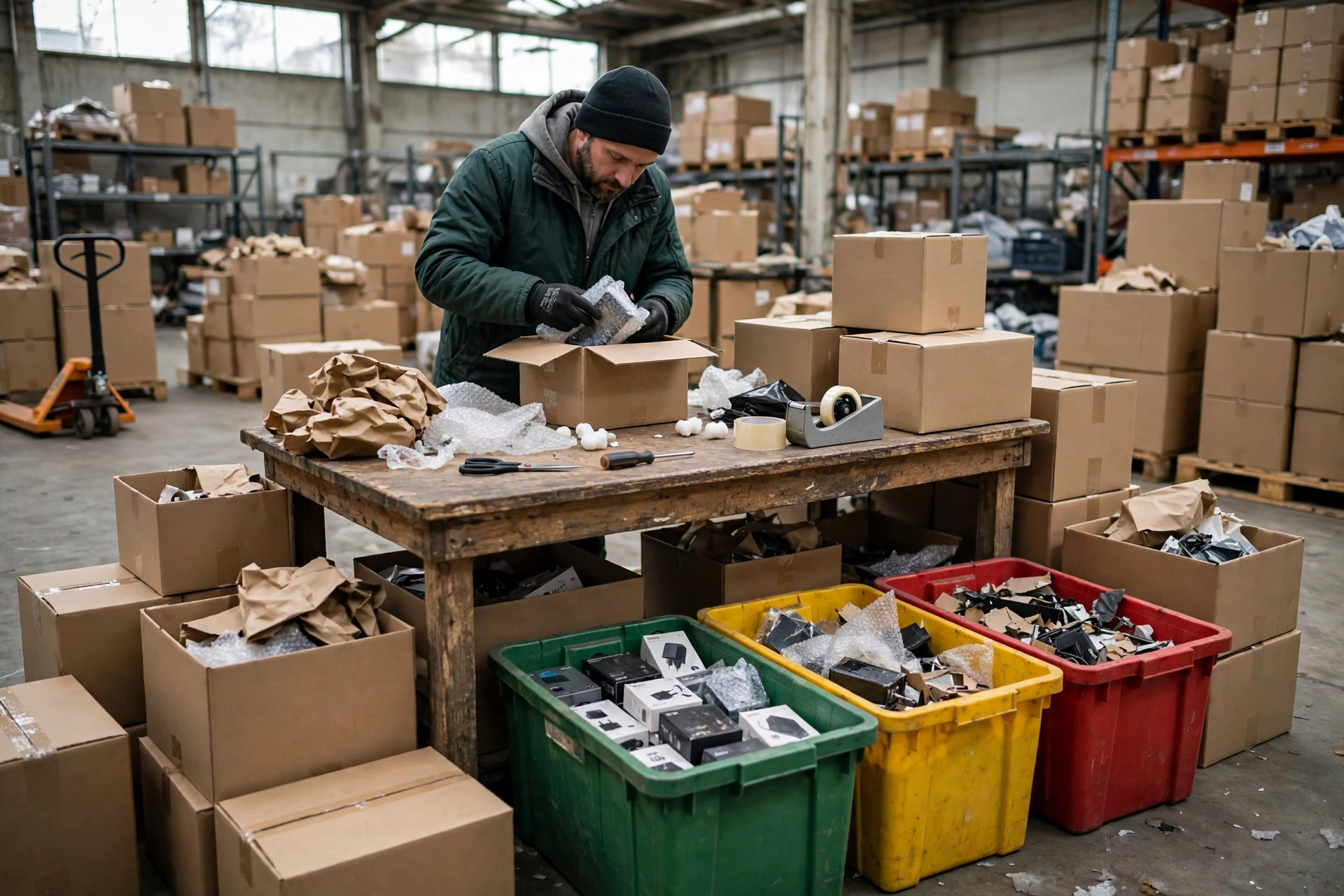
Amazon changed the rules again. I have said that five times this year already. But this time the mess had nothing to do with a rule change. I had a textbook case of amazon fba shipment receiving problems: my shipment had arrived at the warehouse, yet the system showed no receiving progress at all, and my listing was about to run out of stock. I refreshed the dashboard three times a day for a week, and the angrier I got, the less sense it made. When I finally broke the whole thing down, the problem came from three places: appointments, labels, and shipment discrepancies. Each one is small on its own. Together, they can park a whole shipment at the warehouse door. Here is the self-check routine I built after getting burned.
Let me start with my own story. In mid-September, I shipped 300 cartons of small home appliances from Shenzhen to a US West Coast warehouse. The carrier's proof of delivery said September 18. The shipment status sat on "shipped" for four straight days, totally still. I assumed the warehouse was backed up and waited. On day five I finally dug in and found the appointment had the wrong date on it. The goods were there, but the warehouse had no receiving plan for them. Rebooking and re-queuing cost me 9 extra days. My listing went out of stock for 6 days, I had to pause my ad groups, and organic traffic fell by roughly 30%. The lesson landed hard: delivered does not mean received. There is a whole chain of checks in between.
A friend of mine in Yiwu hit the same wall in early October, just in a different spot. He sells home goods, and his 200-carton shipment went out with labels printed by a new supplier. The barcodes came out two shades too light, the warehouse scanners could not read them, and the whole shipment got held for manual processing. Customer support gave him one line: check the official policy for the latest label requirements. He ended up pulling the goods back to his third-party warehouse and relabeling everything. Round-trip freight plus labor came to nearly 10,000 RMB, and he lost two weeks. Two shipments, two different failure points, one shared lesson: a stuck shipment is rarely the warehouse's fault. It is usually a check you skipped before shipping.
Amazon FBA Shipment Receiving Problems, Check One: Appointments
Appointments are the easiest check to shrug off, and the easiest way to waste a week. Your truck shows up, but the warehouse has no receiving plan for your shipment, so the truck waits and the cartons sit. My method is boring and it works: screenshot the appointment confirmation before shipping, verify the warehouse code, the date, and the time window, and verify them again on delivery day. Match the carrier's bill number too. One wrong digit and the system cannot tie the delivery to your shipment.
One more detail: the warehouse you booked and the warehouse the driver actually delivers to must be the same. I have seen a driver drop goods at a different warehouse because it was on the way, and the shipment was signed for but could never enter the receiving flow. Confirm the address with the driver before the truck rolls. Half a minute of nagging can save a week. Appointment rules can differ by site, so check the official policy for the latest version rather than trusting what worked last year.
Here is a habit worth building: build buffer into your schedule. Before a big sales event, I move my appointment window several days earlier instead of shipping right up against my stock-out date. Goods arriving a few days early cost a few days of storage. Goods arriving a few days late cost sales, day after day. That math is not close. Buffer always beats cutting it fine.
Amazon FBA Shipment Receiving Problems, Check Two: Labels
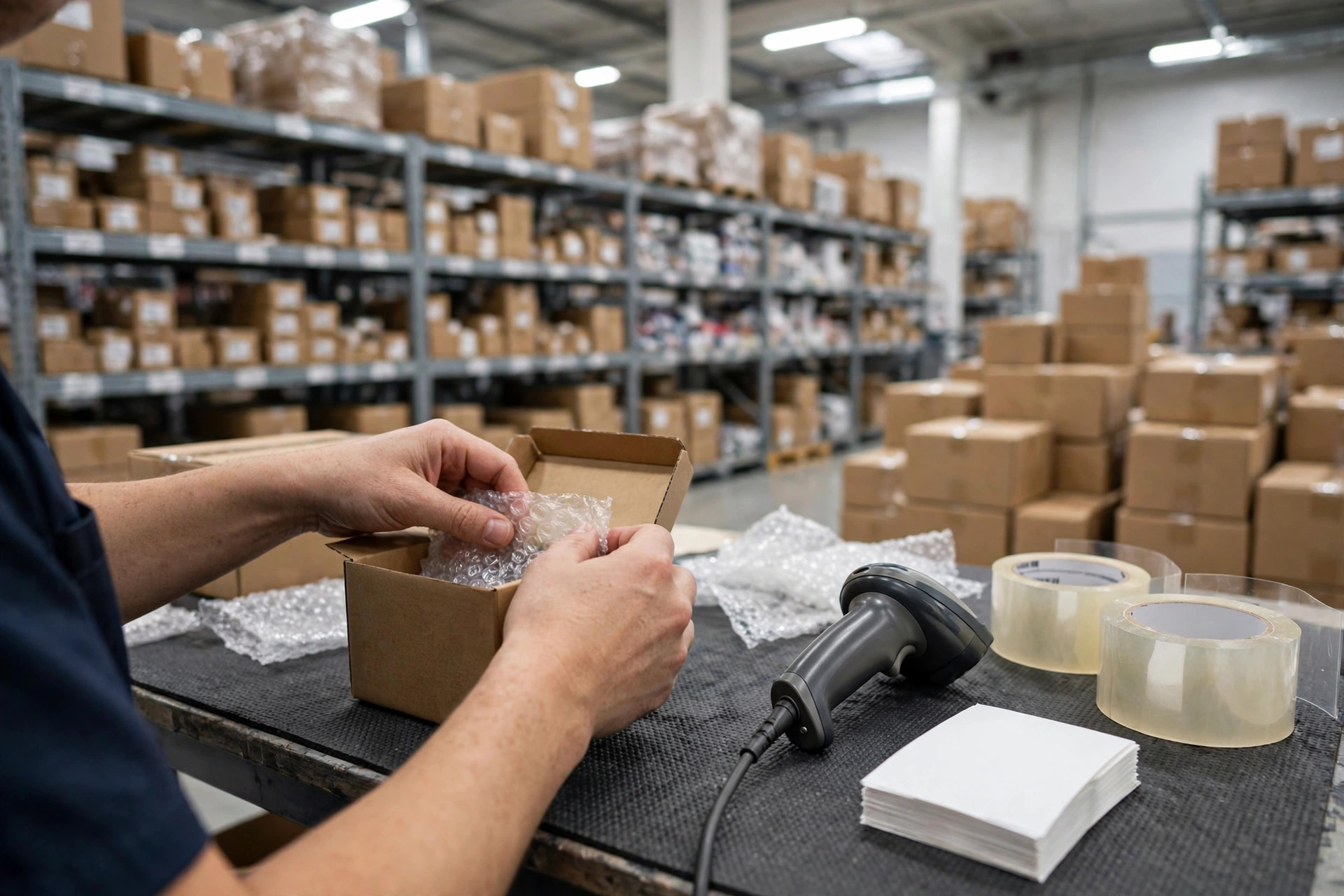
If the labels are wrong, your shipment cannot even get past the scan. Outer carton labels, product barcodes, mixed-carton markings: any mismatch gets the shipment held. Every shipment I send now gets a five-carton spot check with a real scanner. If it scans, and the scanned product name and quantity match the packing list, it passes. Looking at the print quality without scanning proves nothing. Faded print, duplicate codes, and labels stuck on the wrong product are invisible to the naked eye.
Mixed cartons cause the most trouble. Two products in one carton, a label that names only one of them, and the warehouse finds a mismatch the moment the carton is opened. My rule is simple: do not mix if you can avoid it. If a carton must be mixed, tape a handwritten packing note on the outside and put a copy inside the carton. Label specs and placement rules follow the official policy, so check the latest version there. New supplier, new printer, new label roll: re-run the spot check every time. Never assume the last setup still holds.
Calibrate the barcode printer on a schedule, too. When I switched to a new roll of label stock once, the printer's darkness setting had reset, and the whole roll printed too light. Hundreds of cartons reached the warehouse before anyone noticed they would not scan.
Check Three: Shipment Discrepancies
The system compares what you declared against what actually arrived. Short, over, or a missing carton, and the shipment goes into discrepancy handling while the status freezes. Before shipping I do three things: film the packing as it happens, so I have evidence; write the packing list by carton number with each product's quantity; and compare the declared quantity against the packing list once more after the goods leave. On my 300-carton shipment, it caught two cartons whose quantities had been swapped in the paperwork, and I fixed them before the truck left.
If a discrepancy has already appeared, do not panic. Work out what happened first: short-ship, mistyped declaration, or goods lost in transit? A claim backed by video and a carton-level packing list goes much further than insisting the count was right. Do not fight over a tiny gap for two weeks; the dispute often costs more than the cartons. Decide first whether to resupply, write it off, or keep arguing.
One more warning: declare the actual packed quantity, not the purchase quantity. You bought 1,000 units, you packed 998, you declare 1,000, and the system flags a discrepancy. I learned that one the hard way. Now the packing list and the declaration are two separate documents. The packing list carries real numbers, the declaration copies the packing list, and if the two do not match, I do not hit submit.
Do the Math: What a Stuck Week Actually Costs
Using my September shipment, 9 days stuck and 6 days out of stock, the damage looked like this:
| Cost item | What a stuck week does to you | | Lost sales while out of stock | Around 6 days of normal sales, gone | | Paused and restarted ads | No exposure while paused, weak conversion for days after restart | | Rebooking and re-queuing | 9 extra days while storage costs at the third-party warehouse keep running | | Your own time | Checking the dashboard, chasing support, pushing the carrier, at least half a day burned |
No platform penalty row in that table: fees and handling rules change, so check the official policy for the latest numbers. Lost sales and the ad restart alone are painful enough. Here is the counterintuitive part: most sellers think the risk ends once goods reach the warehouse. In practice, the real choke point is the half hour of checks before you ship. Spend half an hour early, or lose a week later. Slow is fast, at least for inbound shipments.
My stock cover changed too. I used to plan 30 days of cover, and one stuck shipment meant a stock-out. Now hot products get 45 days, slow ones get 30. Extra stock ties up cash; a stock-out costs ranking and momentum. I would rather hold two extra weeks of stock.
My cheat sheet is taped to my desk now, four lines: screenshot the appointment confirmation before shipping; spot-scan five cartons from every shipment; keep packing video and a carton-level packing list on file; check the shipment status on delivery day, and if nothing moves for three days, work the three checks instead of waiting. The next time you run into amazon fba shipment receiving problems, do not start with support. Run the three checks in order. Most of the time, the first pass finds it.
That half-hour check before shipping? This one actually worked for me.
By Ah K, E-commerce Seller (5 yrs)