The Monday after Thanksgiving in 2023, a friend who runs e-commerce fulfillment out in the Inland Empire sent me a screenshot of his payroll: for a 120,000-square-foot building, temp overtime alone had cost nearly $50,000 during Black Friday week. The week after was worse in its own way — volume fell off a cliff, and thirty-odd temps stood around the pick modules waiting for work, on the clock, burning five figures a day. Hire too many and you bleed cash; hire too few and you miss carrier cutoffs. Every peak season replays the same dilemma.
Of all the AI use cases I've watched roll through warehouses in recent years, labor demand forecasting is one of the least glamorous and one of the fastest to pay back. Feed it historical order volume and the promo calendar, and it tells you how many people you need, and when. But most teams underestimate the hard part. Buying a forecast is easy. Rebuilding your schedule around it is the actual job.
What the Model Is Really Predicting
The useful output was never "tomorrow's order count." It's "how many people each zone needs, hour by hour." A building doing 20,000 orders a day might peak between 6 and 10 a.m. and run at a third of that overnight. A single daily number leaves the shift supervisor guessing when to staff up and when to send people home.
The inputs that matter, in the order I'd rank them: two to three years of hourly order and unit volume — hourly, not daily. The promo calendar — Black Friday, Cyber Monday, Prime Day each produce a volume curve that's a different animal from a normal Tuesday, so model them separately. And the outside variables everyone forgets: carrier cutoff changes, and the returns wave. The first week of January routinely runs two to three times normal return volume, and the reverse area needs staffing booked ahead of time.
Granularity is where I've seen projects die quietly. One site started with daily forecasts and the schedule stayed gut-feel. Once we broke it down to hour-by-zone — pick, audit, pack, and outbound staged separately — the forecast finally became schedulable. My rule of thumb: the more fragmented your SKUs and waves, the finer the granularity needs to be. A single-SKU bulk shipper can live with per-shift forecasts. Don't over-engineer it.
Data hygiene matters more than model choice. The day the system went down, the week a carrier strike scrambled everything — feed those anomalies in and the model learns the wrong lessons. I strip them out and note why. Promos also have lead and lag effects: the week before a big sale, volume gets suppressed while customers wait for the discount; the week after brings a small trough. Model those shoulders separately and accuracy jumps a notch.
The Schedule Has to Change, or the Forecast Is Decoration
A forecast is a curve in a spreadsheet. The fight happens on the schedule. Temps don't materialize on demand — staffing agencies usually need two to three days' notice, longer in peak. So the forecast has to land at least a week out, with daily headcount needs, to leave room for recruiting and onboarding.
Three scheduling moves do most of the work. Staggered shifts: break the day along the forecast curve instead of running a flat rotation — double up the peak window, run skeleton crews in the valleys. Cross-training: get pickers certified on pack stations before peak, because shifting your own people beats hiring strangers. Temps typically run at 60 to 70 percent of a veteran's rate in their first few days, a cost most spreadsheets conveniently ignore. Then there's the overtime-versus-temp tradeoff: federal law puts overtime at 1.5x, which stings, but temps carry recruiting fees, training time, and that efficiency gap. For a small shortfall, paying your veterans overtime is often the cheaper play.
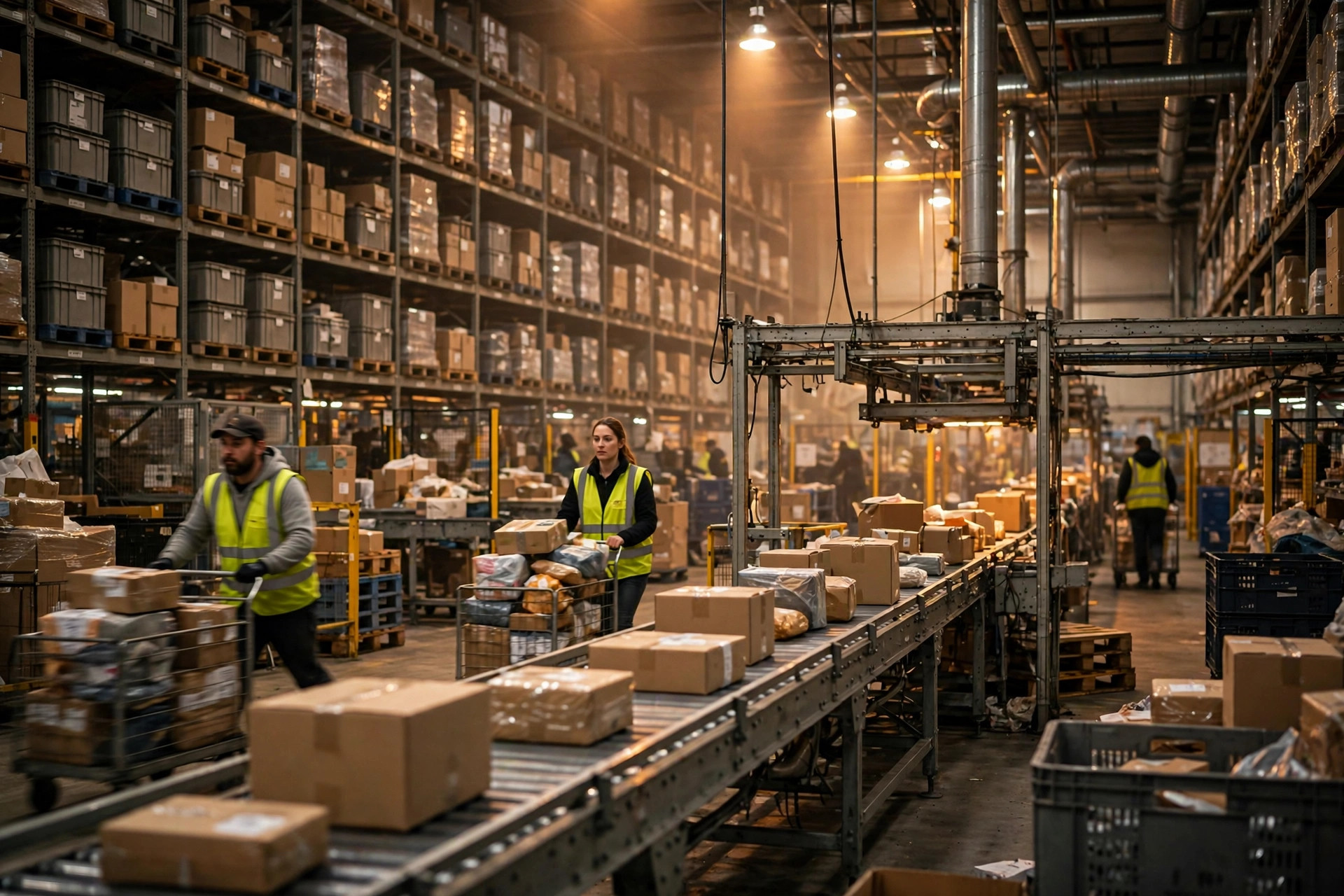
The integration pitfall is organizational, not technical. The forecast lives in the data team's notebook; the schedule lives in the WMS or the timekeeping system; a human retypes numbers between them, introducing errors and delay. You don't need full automation on day one. Just get the forecast auto-delivered to the scheduling manager's phone every morning and kill the manual transcription. That alone fixes most of it.
There's also a hidden cost people leave out of the ROI: temp onboarding. Half a day to a full day of training, paid, with zero output. Hire a hundred temps for peak and you've burned dozens of workdays before anyone touches a carton. The more accurate the forecast, the fewer temps you hire, and the more of that upfront cost you avoid.
The Savings Are Real. So Are the Failure Modes
The math is what sells it. At a 100,000-square-foot e-commerce site I worked with, eight weeks of peak with forecast-driven scheduling cut total temp hours by roughly 40 percent — not because they hired fewer people, but because people showed up at the right times. Idle hours and overtime both dropped, and one quarter's savings in overtime (at 1.5x) and idle wages covered the entire project cost. For buildings pushing 5,000-plus orders a day with real seasonality, the payback is usually a single peak season.
The failure modes deserve equal airtime. Under-forecast and you miss the carrier cutoff, which means expedited parcels — and the upcharge on one expedited shipment can wipe out days of labor savings. Over-forecast and people stand idle, which kills morale faster than it kills margin. My non-negotiable: the forecast always gets a human sign-off. Three days before a big promo, the scheduling manager approves the plan in writing. The model advises; it doesn't command.
So here's my verdict, plainly: if you're over 5,000 orders a day with real peaks and valleys, do it. If you're small and steady, a carefully hand-built schedule beats an AI project you can't feed. And it cuts both ways — under 2,000 orders a day with flat volume, AI scheduling is a cannon aimed at a mosquito, and you don't have enough data for the model to learn anything real. Start small either way: export two years of hourly volume, layer on the promo calendar, run one peak season on the simplest model that works, and only then talk about system integration. Whether AI is worth it here has almost nothing to do with how advanced the model is — it comes down to whether you'll actually let it change the schedule.
One thing you can do tomorrow: pull hourly volume for Black Friday week from the last two years and tape the curve to the scheduling office wall. Half the operations I've shown that to realized their "experienced" schedule was off by an entire shift.