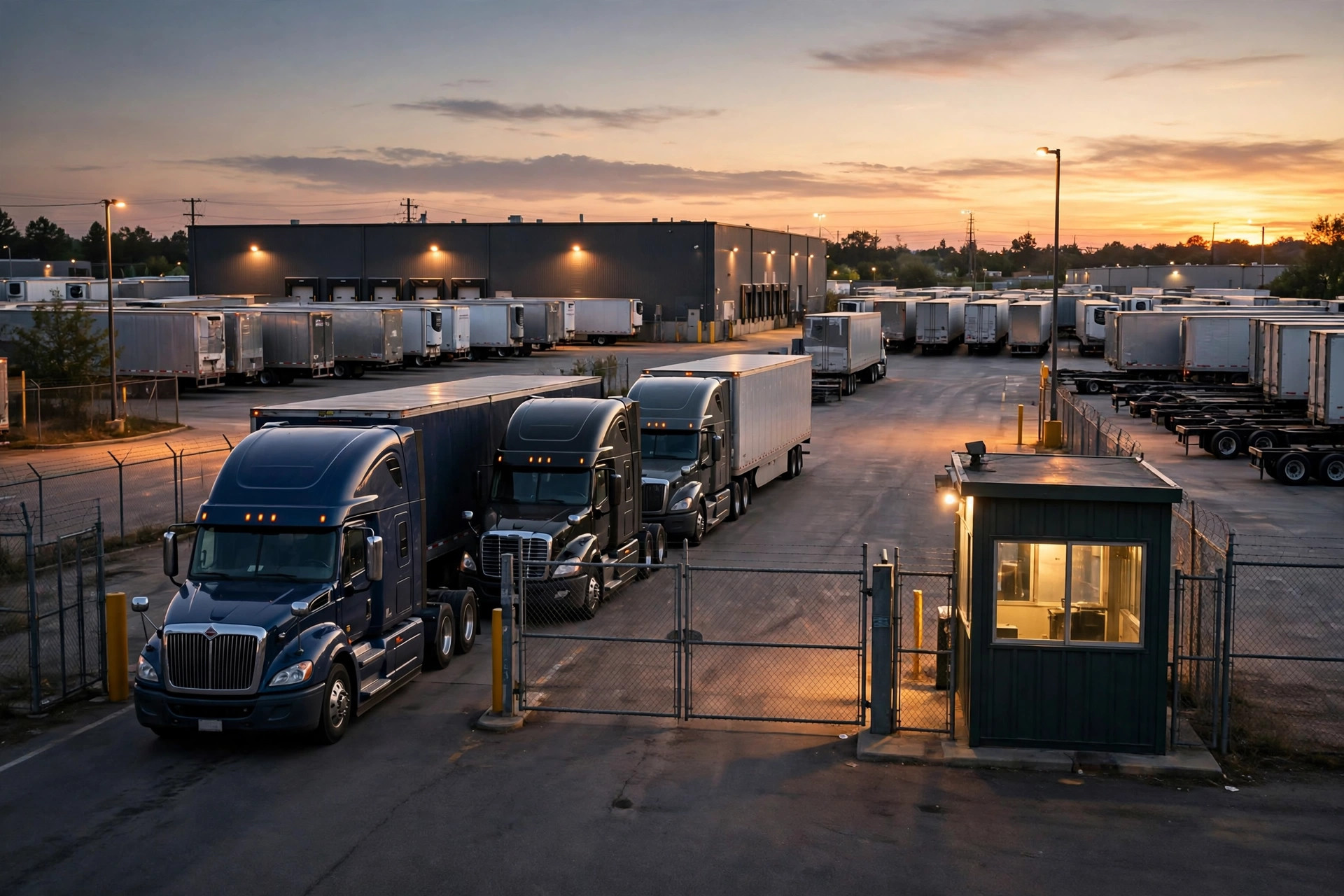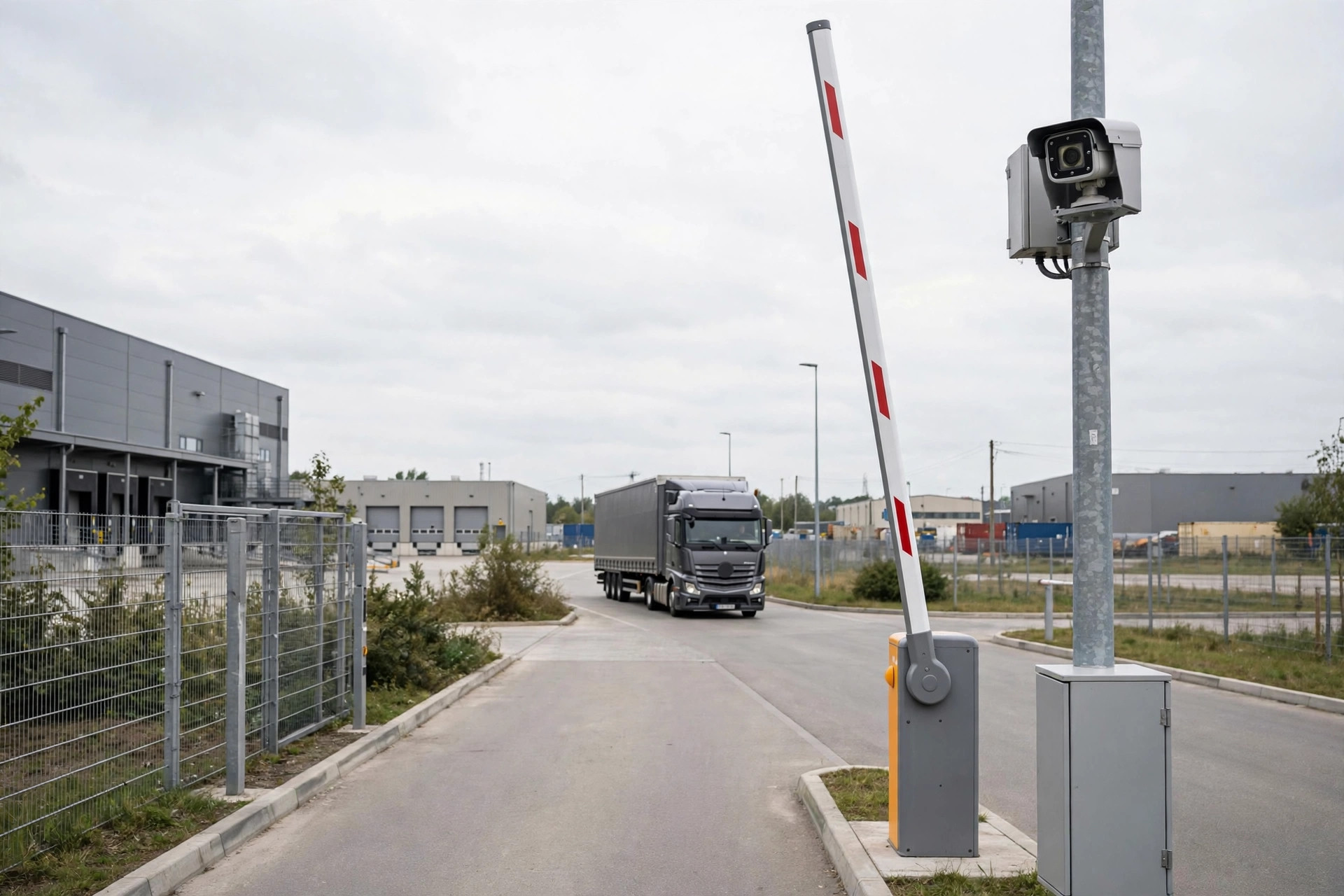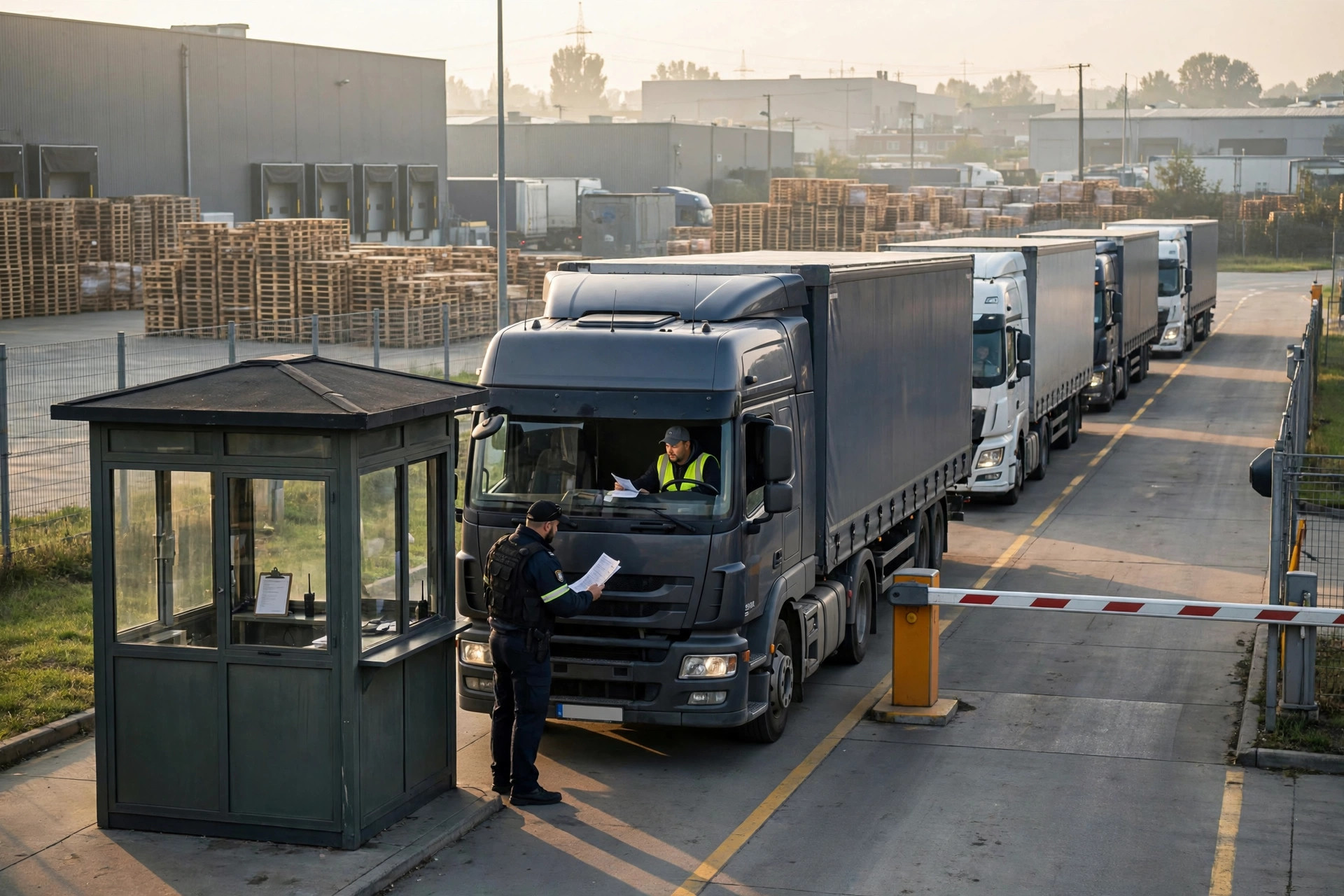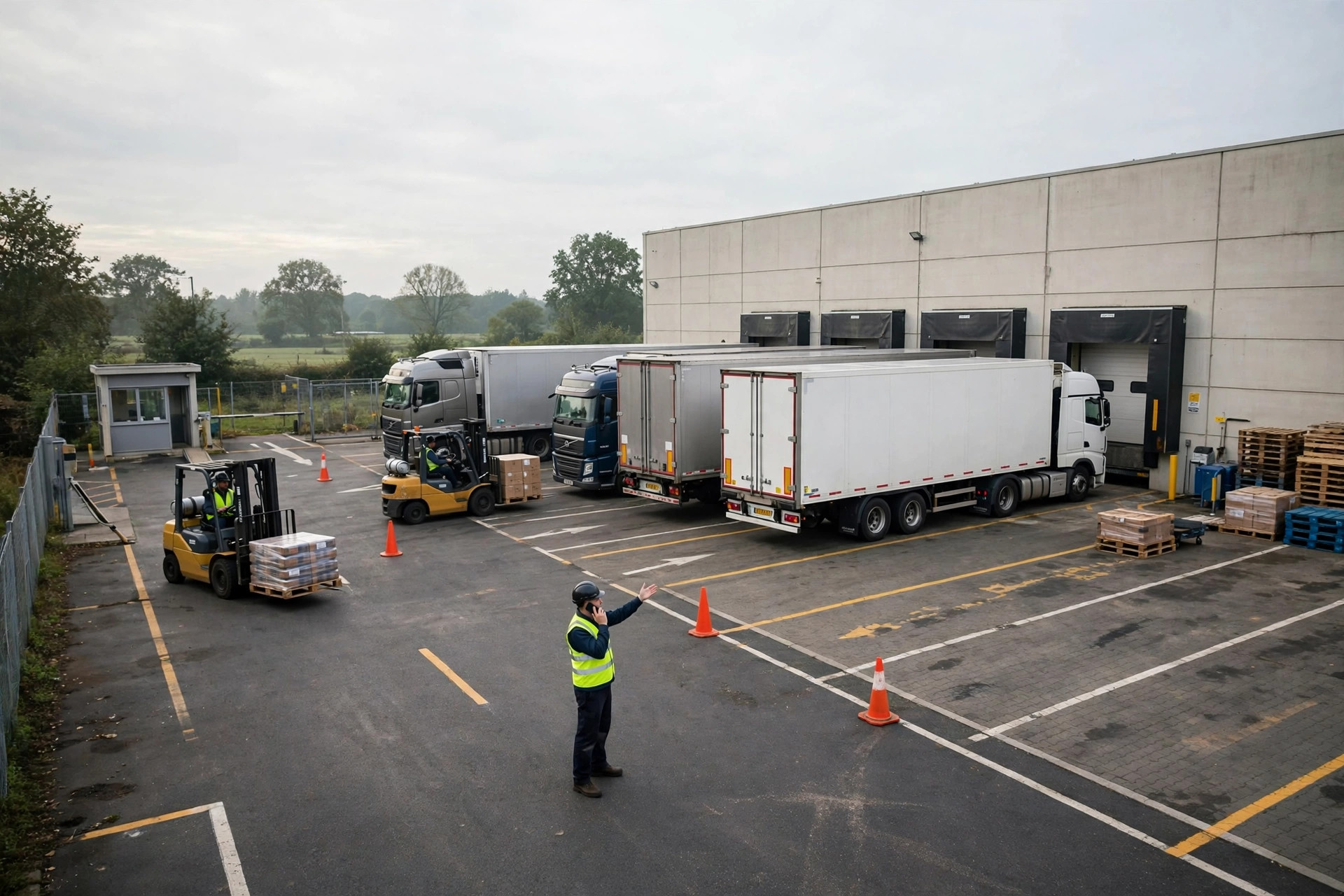
A 3,000-square-meter warehouse like mine talking about YMS — Yard Management System — gets laughed at. "You've got, what, a handful of trucks? You need a system for that?" Laugh all you want; I used to think the same. Until one Tuesday morning, four trucks jammed the gate at once, drivers arguing in the group chat, forklifts idling at the dock, and me holding an Excel appointment sheet, unable to figure out where the truck assigned to Door 3 had actually gone. That day I learned: it doesn't matter how many trucks you have. Chaos hurts the same.
Our Excel Era: Crude, But It Worked — Until It Didn't
Our yard's "system" used to be one spreadsheet plus one group chat. Drivers posted "arriving 8 AM tomorrow" the night before; I typed it into Excel. Sounds lovely. Then reality showed up: the driver who said 8 AM arrived at 9:30; arrivals skipped the phone call and parked straight in the lane; after Door 3 finished unloading, nobody knew which door was next. In peak season, a dozen-plus trucks a day, and half my morning burned on calls and chat replies — "Driver, where are you?" "Is Door 3 done yet?" "Don't come in yet, wait for my call!"
So I did three crude things, and they worked shockingly well:
- Spreadsheet upgrade: added four columns — plate number, ETA, door, status — printed it, taped it to the guard booth. Drivers registered on entry; the guard checked boxes.
- Doors by time slot: inbound through Doors 1–2 in the morning, outbound through Doors 3–4 in the afternoon. Half the conflicts gone.
- Group chat rules: only three things allowed — plate, ETA, load or unload. Small talk got one warning, then removal. (I'm kidding. Mostly. I did remove someone once.)
Call volume dropped by half, and for a while I thought I'd never need a system. Then I hit the ceiling: the spreadsheet was still mine alone — the day I took off, everything fell apart; drivers changed ETAs and the update drowned in chat history; at month end I wanted one number — average wait per truck — and went blind scrolling chat logs. That's when I knew the crude era was over.
When a Small Yard Deserves YMS: Three Lines in the Sand
Cold water first: not every small warehouse needs YMS. My three lines — cross two before you talk systems:
- Daily truck traffic steadily above 10, and Excel is starting to choke.
- Someone — even part-time — will actually update the data every day. A system nobody feeds is furniture. This one matters most.
- Queuing, truck-finding, and coordination calls already eat an hour-plus of your day.
Cross none? Keep polishing the spreadsheet and spend the money on a forklift. No shame in it. A system can't fix a chaotic yard; it can only amplify an orderly one. Tuition paid to learn that. Most small-yard owners start by asking "which YMS is best" — almost nobody asks "is my operation ready for one?" Wrong order.
YMS Implementation in Three Steps: Our Actual Path
Step one: get the process straight first (two weeks). Turn the crude methods into a written SOP: appointment rules, door assignment, exception handling (late over an hour — how does the queue shift?). Taped to the guard booth wall. Drivers can read it, the guard can enforce it. That's the foundation of digitalization. Rolling out a system on top of a messy process just gives the chaos an accelerator.
Step two: go live light (one month). Start with exactly two functions: truck appointments and door scheduling. Don't roll out every module on day one — if drivers and guards can't learn it, it's wasted. Our approach: the driver scans a code at the gate to register, the guard taps confirm on a phone. Two steps, one day to teach. Get everyone used to one habit — "register on entry" — first; other features can wait.
Step three: review the data (ongoing). Three numbers every month: average wait time, door utilization, on-time rate. If the numbers look bad, fix the rules — not the system. The system is a mirror; people fix what it shows. Our first month's data was ugly: average wait over 40 minutes, almost all of it door-assignment conflicts. We adjusted the time-slot rules, and month two cut it nearly in half.
The Math: What Does the System Actually Cost
The crude method costs = your time (one to two hours a day on coordination calls) + errors (wrong door, conflicts, furious drivers waiting). The system costs = software fees (annual or per-slot — get current quotes from vendors) + implementation and training labor + yearly maintenance. Our math: 1.5 hours saved daily, valued at my own working hours — payback in about six months. But one giant precondition: somebody actually uses it. Buy it and let it sit unfilled, and you'd have been better off without it. That's the number-one way small yards blow a YMS rollout — bigger than picking the wrong vendor.
The Counterintuitive Part: YMS's Biggest Value Is "Stop Calling Me"
Here's the counterintuitive bit: the biggest value of YMS isn't "scheduling optimization" from a sales deck — it's drivers no longer calling to ask "which door do I go to?" For a small yard, digitalization solves the "leave me alone" problem. And one more: the first week after go-live will be messier, because everyone's still learning. That's normal. Don't curse the vendor in week one, and don't rush to return it.
Three more failure points, all true stories from small yards nearby: the boss bought the system but nobody on site owned it — you need one "yard owner" role accountable for the data; trying to go full-feature on day one — a small yard needs 20% of the features, the rest is dead weight; making appointments harder than no appointments (like forcing bookings two days ahead) — drivers vote with their wheels and show up at the gate anyway.
Three tips for fellow small-yard owners: get Excel running smoothly before talking systems; start with appointments and door scheduling before anything else; judge a system on three things — is the mobile app usable, can the guard learn it in a day, and who fixes it when it breaks. Small yards have their own way of thriving. No shame in that. Honestly, it's pretty sweet.
By Xiao Ma, Small Warehouse Owner