Last Tuesday at 3 PM, I was staring at our WES screen with a glass of water in my hand, and I nearly spat it all over the monitor — the wave we'd released at 2 PM had three SKUs short, 200+ orders stuck mid-pick, and the carrier cutoff was four hours away. That's a WES wave hitting a shortage: a tuition fee every small warehouse owner pays sooner or later.
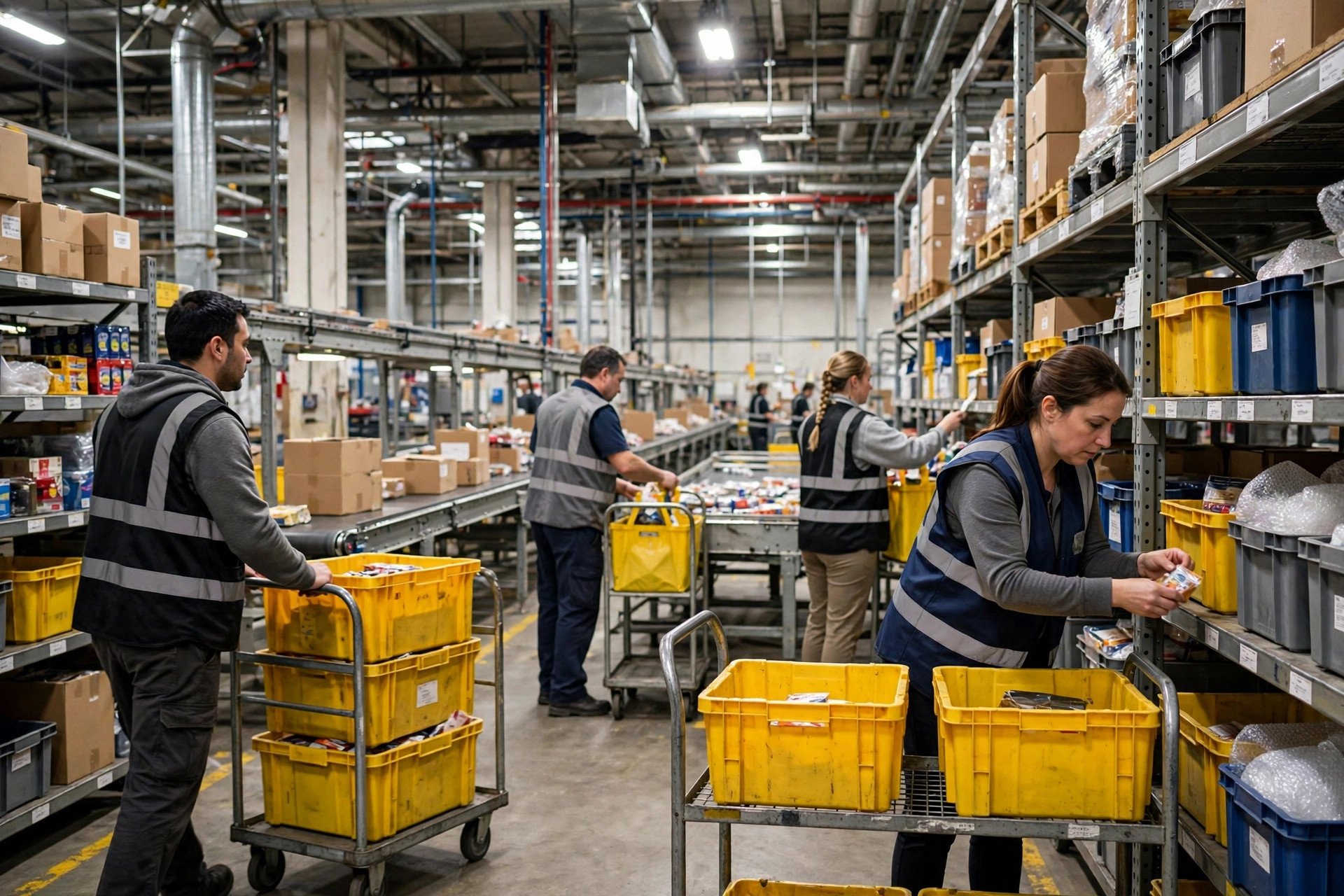
Our warehouse is 3,000 square meters with six pickers total. The big guys talk about waves like it's poetry; down here, one shortage can melt the brains of the entire building. Today I'll tell you how we survived on DIY methods, and whether the "proper" approach — auto-split and re-sequence — is worth it for a small warehouse.
The Wave Is Out, and the Shortage Lines Are Stuck
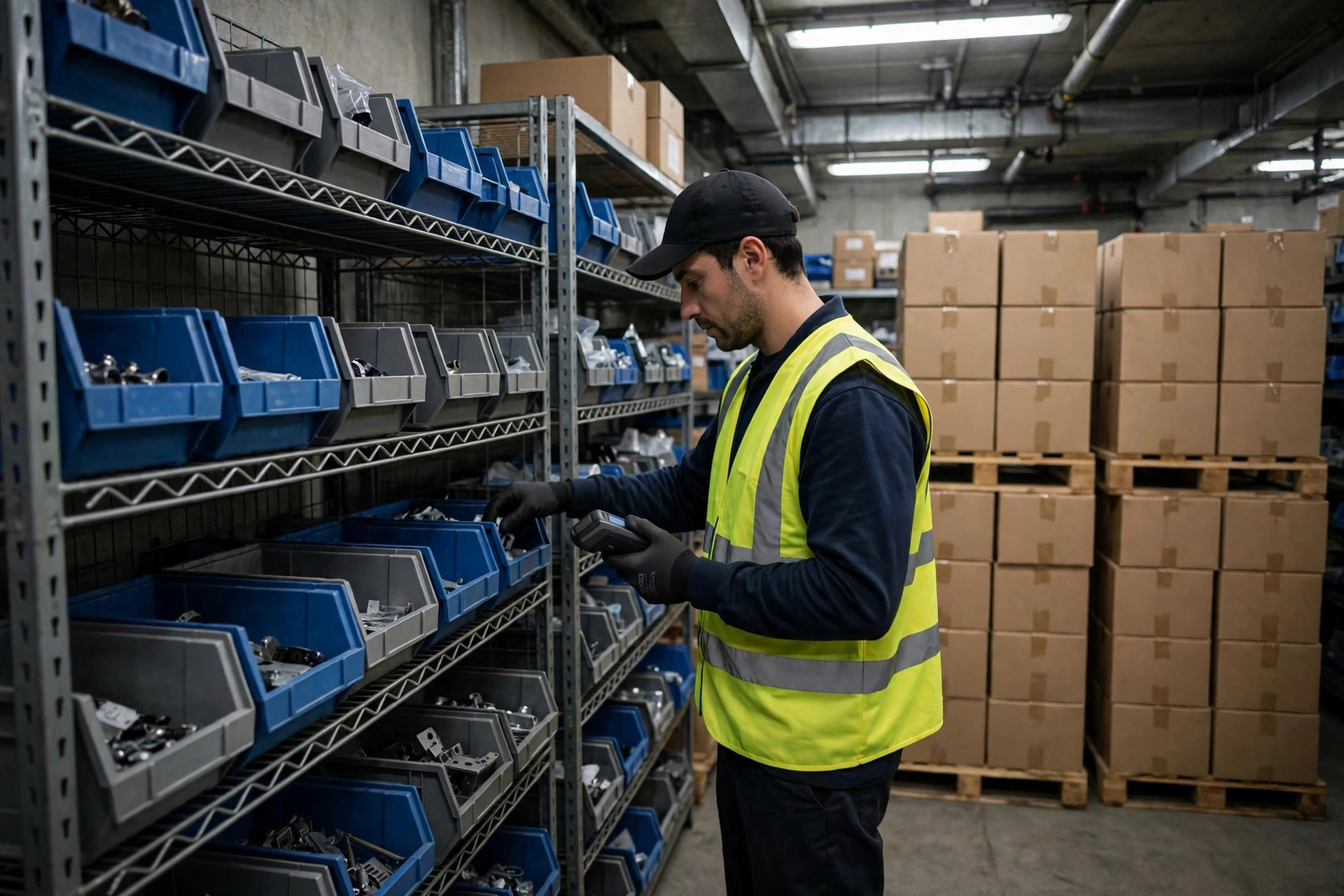
Here's our mess from that day. We released a 230-order wave at 2 PM. Halfway through picking, the system started screaming — the bestselling socks on rack A were gone, two phone case SKUs in zone B were down to single digits, and the charging cables in zone C simply didn't exist. Three SKUs, 140+ orders frozen.
WES logic is admirably stubborn: a wave is one unit, and if the shortage lines don't resolve, the whole order doesn't ship. Think of it as a homeroom teacher with a grudge — one kid doesn't turn in homework, nobody leaves school.
Three options on the table. One: hold the entire wave and wait for replenishment — which was two days out, meaning 230 delayed orders and a customer service meltdown. Two: manually pull the shortage lines and ship what's available. Three: let the system auto-split and re-sequence. The enterprise sales rep will always pitch you option three. We can't afford option three — so let me tell you how we made option two work.
Our DIY Fix: Excel Pre-Check Plus Manual Wave Splitting
After learning this the hard way, we built a process so low-tech it's almost embarrassing — and it works beautifully: before releasing any wave, we run a "shortage pre-check."
Here's the actual routine. Every day at 1:30 PM, before wave release, our ops girl exports the SKU summary of pending wave orders from the WES, pastes it into Excel, and VLOOKUPs it against a live inventory snapshot (our WES exports that in about thirty seconds). Any row where inventory falls short of order demand gets flagged red — those are the troublemakers.
Then we split the wave by hand: shippable orders go into the normal wave, shortage orders go into a separate "waiting-for-stock" wave on hold. For the held orders, we take one more look: is this a first-time buyer or a regular? First-timers get priority treatment — transfers, substitutes, even a phone call asking if another color works. Regulars get a message: "Hey, the charging cable arrives in two days — okay if we ship the rest now?" Nine out of ten say yes.
What does our pre-check sheet look like? Five columns: SKU, total order demand, current inventory, gap, inbound (purchase orders on the way). Red means inventory < demand; yellow means inbound > 0 (stock lands in a couple of days). The sheet pulls WES data automatically at noon; all our ops girl does is eyeball the reds and yellows and pull orders into the waiting wave. Last month, the sheet caught a Bluetooth earbud SKU with 7 units on hand against 40 needed in the wave — we pulled the 33 affected orders into the waiting wave and shipped the other 190+ on time. Those 33 customers got a "split shipment notification," not a "your order is delayed." One phrase of difference, a world of difference in complaints.
The results from that Tuesday: of 230 orders, 180+ with full stock shipped before 5 PM. Of the 40+ shortage orders, half went out the same day via substitutes — only 20 truly waited for stock. Customer service got 3 complaint calls. The last time we held a whole wave, it was 40+.
The cost of the DIY method: one Excel sheet plus 20 minutes of labor a day. Compare that to the auto-split module quote the vendor gave us — implementation plus training in the tens of thousands of dollars. We'll admire that from a distance, thanks. From a great distance.
Auto-Split and Re-Sequence: Calling In the Professionals
DIY keeps you alive, but it has a ceiling: push the order volume higher or the SKU count wider, and manual pre-check can't keep up. So what is auto-split and re-sequence, actually?
The principle is simple: when the WES detects shortage lines in a wave, it automatically splits orders into a "shippable portion" and a "shortage portion." The shippable portion regroups into new waves and keeps moving; the shortage portion gets re-sequenced by priority rules — wait for replenishment, convert to backorder, or trigger substitution logic. No one pulls orders by hand; the system runs its preset rules on its own.
Let's put the three approaches side by side:
| Approach | Speed | Labor | Error risk | Fits whom |
|---|---|---|---|---|
| Hold the whole wave | Worst — everything delayed | Lowest | Low | When replenishment lands within a day or two |
| Manual split (Excel pre-check) | Decent — shippable goes first | 20–30 min/day | Medium — depends on who's operating | Small warehouses under ~500 orders/day |
| Auto-split and re-sequence | Best — system splits in real time | Upfront config, near-zero daily | Low — but misconfigured rules fail systematically | High-volume, high-SKU operations |
Read the last row's fine print: misconfigured rules fail systematically. My friend Ah Jie's warehouse turned on auto-split last year without setting the "minimum shippable ratio" — the system shredded a 300-order wave into 40+ micro-waves. His pickers walked double the distance that day and the pack stations turned into a mountain range. Automation configured right is a professional army; configured wrong, it's professionally organized chaos.
So here's my call: small warehouses under ~500 orders a day with a manageable SKU structure — the DIY method is plenty. Make the Excel pre-check solid and spend money where it matters. Past ~1,000 orders a day with shortages as a lifestyle — then consider auto-split. But walk through every rule with the implementation consultant line by line; don't be an absentee landlord. At minimum, pin down three rules before go-live: the minimum shippable ratio (below what threshold does an order wait whole instead of splitting, so you don't get dozens of fragments); whether shortage lines auto-convert to backorder or wait for human review; and whether substitution logic exists and whether it needs customer confirmation. Go live without settling those three, and you've handed the system a loaded gun with the safety off.
Three Pieces of Advice for Fellow Small Warehouses
First, move shortage detection before wave release — don't wait to do firefighting after the wave is out. Twenty minutes of inventory review before the daily wave prevents eighty percent of wave shortages. Those 20 minutes are the highest-ROI labor in our warehouse — the customer calls and refunds they prevent are worth ten times that.
Second, ship what's available and backorder the rest — don't hold whole orders. Here's a counterintuitive one: customers tolerate split shipments far better than whole-order delays. We measured it: split shipments, complaint rate under 5%; whole order delayed three days, complaint rate pushing 30%, plus a pile of refunds. When stock is short, the best answer usually isn't "wait until it's complete" — it's "ship what's here, we'll sort the rest." Face (the complete order) versus substance (speed): substance wins.
Third, the system doesn't know what people know. WES auto-rules see numbers, but "this customer is ordering for the first time" or "that customer complained last month" — the system doesn't know that. The biggest advantage of the DIY method is precisely the human: the pick supervisor glances at the waiting list and knows which orders need special handling. The more automated you get, the more you need to leave a "manual override" door open. Don't lock yourself inside the rules.
One last honest word: the enterprise full-auto wave management suite looks gorgeous in slide decks. For a small warehouse, first ask yourself: how many orders a day, how many people, how often do shortages actually hit? We're at 400+ orders a day, Excel plus human judgment, doing just fine — our on-time ship rate doesn't look bad next to the big warehouse down the road running the full suite. When volume triples, I'll go hire that professional army.
Small warehouses have their own way of surviving. Nothing embarrassing about that.
By Xiao Ma, Small Warehouse Owner