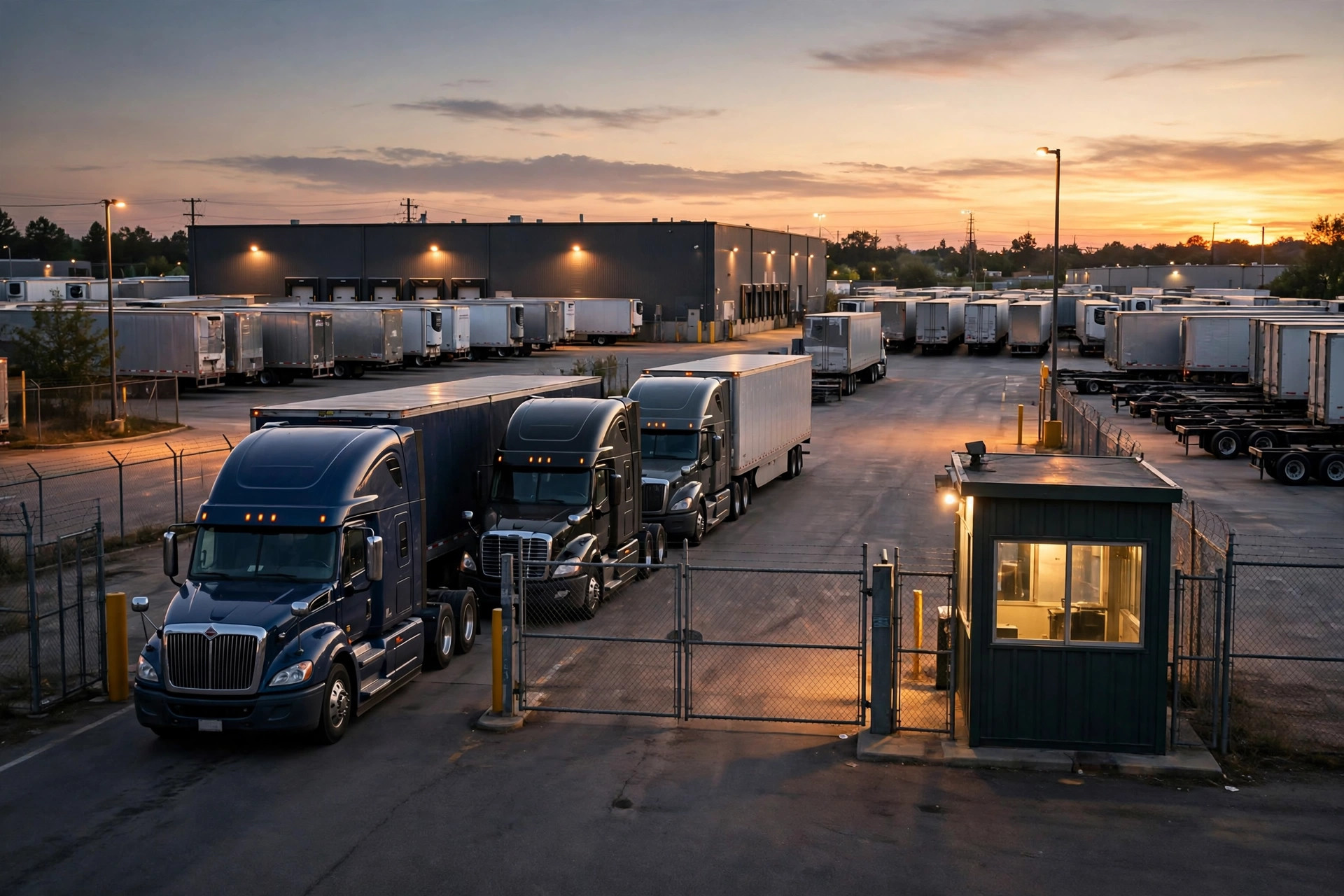
Let me tell you something. Fifteen years behind the wheel, and the thing I dread most isn't traffic on the interstate. It's the gate at the distribution center. September 2022, I'm delivering to a food DC east of Los Angeles. I roll in at 7 a.m. The guard flips through a paper logbook, can't find my BOL number, and tells me to "park over there and wait for dispatch." I waited until 3 p.m. Eight hours. Reefer burning diesel the whole time, and good luck getting anyone to pay detention. I called dispatch six times. Nobody picked up.
That happens to me a dozen times a year. Later I learned there's a whole discipline called yard management, and software for it — a yard management system, YMS for short. Last year one of my regular customers, a 3PL outside Dallas, put one in. The change was real. But I also watched them stumble during rollout — good system, and every stumble was about people, not technology.
So today I'm not talking tech. I'm talking about how to implement a yard management system without stepping on the usual landmines, written for the shipper or warehouse manager who's about to sign the contract. Everything here comes from conversations with dispatchers, gate guards, and warehouse managers — plus what I saw with my own eyes.
How to Implement a Yard Management System in Phases: Don't Get Greedy
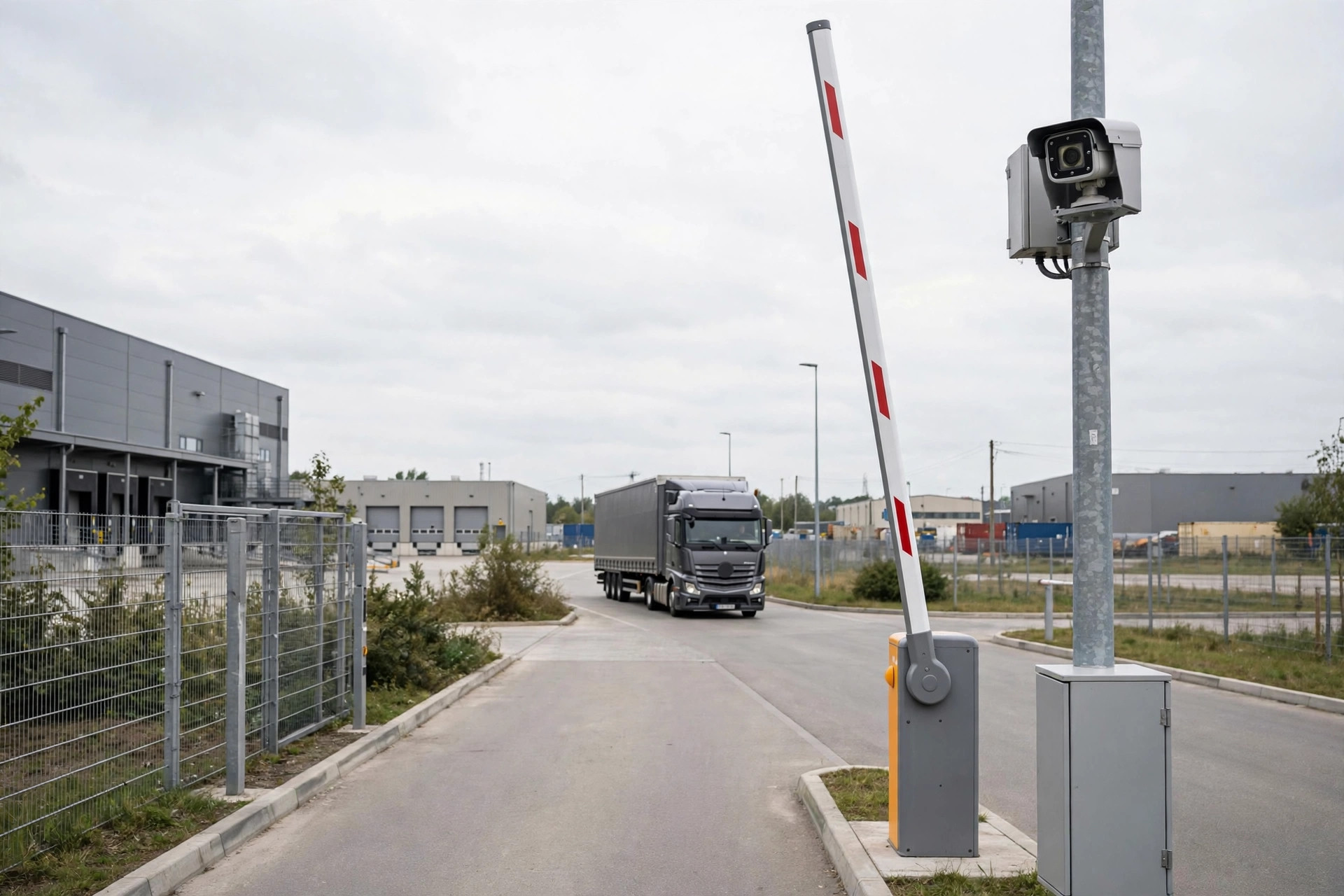
The cleanest rollout I ever saw was that Dallas 3PL. They kicked off in April 2023, single site, nine weeks start to finish. The vendor told them a single site typically takes 6 to 12 weeks (vendor's figure — your project will vary), and they landed right in the middle. What I admired was their discipline: phase one did exactly two things — online appointment booking for carriers, and self check-in for drivers at the gate. Nothing else. No bells and whistles.
Why? Their dispatcher, Lao Li, put it plainly: "I used to take 80 appointment calls a day, all handwritten in a notebook. One mistake and the whole day fell apart." With appointments, drivers book their own slots on their phones and scan in at the gate. The guard's paper logbook retired overnight. In the first month, average gate wait dropped from over three hours to under 40 minutes.
Here's the contrarian take nobody tells you: people assume the hardest part of a YMS rollout is integrating with the WMS, TMS, and ERP. Wrong. The hardest part is getting the gate guard and the dispatcher to actually use it. At Dallas, Lao Li fought it hard at first — figured the computer was coming for his job. For two weeks he played along on the surface while still confirming every appointment by phone. The project manager didn't argue with him. He just pulled Lao Li's phone stats and showed him: four hours a day on the phone before, 40 minutes after. Lao Li looked at that and said, well, this isn't stealing my job, it's giving me my afternoons back. After that he pushed harder than anyone. He told me later he now finishes tomorrow's schedule by 4 p.m. — back in the day he'd still be on the phone at that hour.
So here's the lesson on change management: skip the town-hall slogans. Show each frontline person their own personal math — how much hassle this saves them per day. Time saved is theirs. They'll want the system live more than you do.
Clean the Data That Matters, Archive the Rest
Phase two is where they tripped: historical data. And I feel this one in my bones. The guard's logbook had three years of entries, half of it in smudged ballpoint. The project team wanted to import all of it. Data cleanup alone took two weeks, and in the end 30% of it didn't reconcile — wrong plate numbers, missing timestamps, multi-order loads never split out.
The lesson: don't be greedy with history. My advice — import only the last six months, and only what ties to money (detention records, on-time stats). Archive the rest. Bad data in the system is worse than no data.
How to Implement a Yard Management System Without Losing Your Carriers
Phase three was the grind: carrier onboarding. Dallas worked with 40-plus carriers. The big ones had their own systems. The mom-and-pop shops didn't check email. The project team sent out a user manual. Open rate: under 20%.
The fix was old-fashioned: dispatchers calling carriers one by one. Big carriers got a half-day onsite training. Small ones got a 10-minute phone walkthrough — book an appointment, check in at the gate, done. Even so, it took three full weeks. The project lead told me carrier onboarding ate nearly a third of the whole project timeline, way more than anyone estimated.
The one that stuck with me was a husband-and-wife drayage outfit. The wife, in her fifties, used her smartphone for calls and nothing else. The dispatcher called her four times, ten minutes each, starting from "tap the link in the text message." On the fourth call she booked her own slot for the next day and laughed down the phone: "This beats calling you!" See — even the smallest carrier, once you teach them, prefers it. Nobody likes sitting on hold.
So budget carrier training time by the dumbest method that works, not by "send a manual and done." Small carriers are the majority. If they don't play along, your appointment compliance never gets off the ground.
The No-BS Implementation Checklist
| Phase | What to do | Where it usually blows up | My advice |
|---|---|---|---|
| Selection | Define scope, keep it small | Asking for every feature on day one, budget doubles | Start with appointments + check-in + gate control; add more once it's stable |
| Data prep | Clean historical data | Trying to import everything, 30% won't reconcile | Import 6 months of settlement-linked data only; archive the rest |
| Rollout | Phase it, pilot first | Big-bang cutover across the whole yard | Run one site 2–4 weeks, expand when stable |
| People | Train guards + dispatchers | Training only managers, frontline can't use it | Show frontline their own "time saved" math, skip the slogans |
| Carriers | Onboarding | "Send a manual," 20% open rate | Phone calls + in-person hand-holding, block out 3 weeks |
| Integration | Connect WMS / TMS / ERP | Underestimating interface work | Vendor figure is 3–6 months once integrations are in scope; budget at the high end |
On timelines, one more word: vendors generally quote 6–12 weeks for a single site (their figure — actual projects vary). Full integration with WMS, TMS, and ERP runs 3–6 months. Multi-site rollout, plan on 6–12 months minimum. Don't buy the "live in two weeks" sales pitch. Ask the rep "does that include carrier training?" and watch him go quiet.
Does it pay off? Per a vendor case study, an SAP customer cut detention costs 95% and improved trailer turns 70% after going live on YMS (vendor's case study — measure your own). The numbers sound dramatic, but I buy the direction. No line at the gate, faster turns, detention falls off a cliff. I saw it myself in Dallas: the gate used to back up a dozen trucks deep. Now even at peak it's three or four.
Three Pieces of Advice for Shippers and Warehouse Managers
First, before you sign anything, go stand at your own gate for half a day. Watch when drivers arrive, when they get in, how the guard logs them. Software can't fix problems you haven't seen.
Second, put money in the budget for people. Training, onsite support, carrier outreach — don't cut that line item. The license fee is the cheap part. A system nobody uses is just an expensive PDF. I saw one outfit negotiate $20k off the license, then cut $15k from carrier training. Appointment compliance never broke 40%. That math doesn't work.
Third, don't make life hard for drivers. After go-live, spell out the rules up front — no-show and late-arrival policies — and put them in the carrier contract. If the rules are fuzzy, the driver won't blame the software. He'll blame you.
There's an old saying where I come from: sharpening the axe doesn't delay the woodcutting. A YMS is only as good as the sharpening. The guard's logbook retires, the dispatcher gets home on time, and drivers stop burning eight hours at your gate — get those three things right, and your implementation worked.
By Shifu Zhao, Trucking Veteran (15 yrs)