We had a client come to us in the spring of 2025. He runs a 4,000-square-foot warehouse near Los Angeles and had been managing everything in Excel for three years — inbound and outbound all tracked by hand. Business picked up, mispicks and missed shipments piled up, and he decided it was time for a real system. His exact words: "It's just some software and a few scanners, right? Three grand should cover it?"
Half a year later, his bill was pushing six thousand — not counting the two months of his own time he'd burned. Double the budget. I've seen this movie at least ten times. Here's the thing, folks: when a small warehouse buys a system, the wasted money almost always goes to "I assumed." So let me break down the true cost of this combo, line by line. If you're searching for "small warehouse quickbooks barcode inventory integration cost," you're probably building a budget right now. This one's for you.
Small Warehouse QuickBooks Barcode Inventory Integration: The Real Cost
The full ledger first. Fair warning — software prices change every year, so treat these as order-of-magnitude references and check the official site for current pricing:
| Cost item | Magnitude | Notes |
|---|---|---|
| Software subscription (QuickBooks) | Tens of dollars/month and up | The version is the whole game: full inventory management lives in Plus and above. Lower tiers don't have real inventory features — buy the wrong one and you've bought nothing |
| Barcode scanners | Roughly $100–$300 each | Corded is cheap, Bluetooth costs more; don't buy 2D scanners for a 1D-barcode operation |
| Label printer | A few hundred dollars | Thermal printer, one-time purchase |
| Barcode labels and consumables | A few hundred dollars/year | At volume this adds up — don't ignore it |
| Implementation and training | A few thousand dollars | DIY costs you time; hiring help costs you cash |
| Annual renewals and maintenance | Subscription plus consumables | Budget annually, not just year one |
See it? The software subscription is the tip of the iceberg. Hardware, consumables, implementation, and renewals routinely run two to three times the software cost. Most clients budget for the software line and treat everything else as a "surprise." Vendors love that kind of client. I'd rather you not be one.
Is QuickBooks' Native Inventory Enough? When Do You Need an Add-On?
To be fair: QuickBooks is accounting software first, and its inventory module is "good enough" grade. Basic buy-sell-stock bookkeeping, inventory quantities, simple in-and-out — it runs. But it has three walls you can't wish away. First, multi-bin management is weak — which zone your goods sit in, it tracks sloppily. Second, lot and expiry tracking: for food, cosmetics, anything where dates matter, the native features don't cut it. Third, there are no real warehouse workflows — receiving, putaway, picking, cycle counting. Most of the time the scanner is just an expensive keyboard; a scan equals pressing Enter.
When do you need an add-on? My rule of thumb: over a thousand SKUs, over two hundred outbound orders a day, or any lot/expiry requirement — that's when you look at purpose-built inventory add-ons like SOS Inventory or Fishbowl. Two sides to this: an add-on makes the system genuinely usable, bridging QuickBooks' financial strength with real warehouse process. But the add-on is another subscription, and implementation starts over. Put your SKU count and order volume on the table before you sign anything — that's the part vendors won't volunteer.
Scanners and Printers: Don't Overbuy, Don't Misbuy
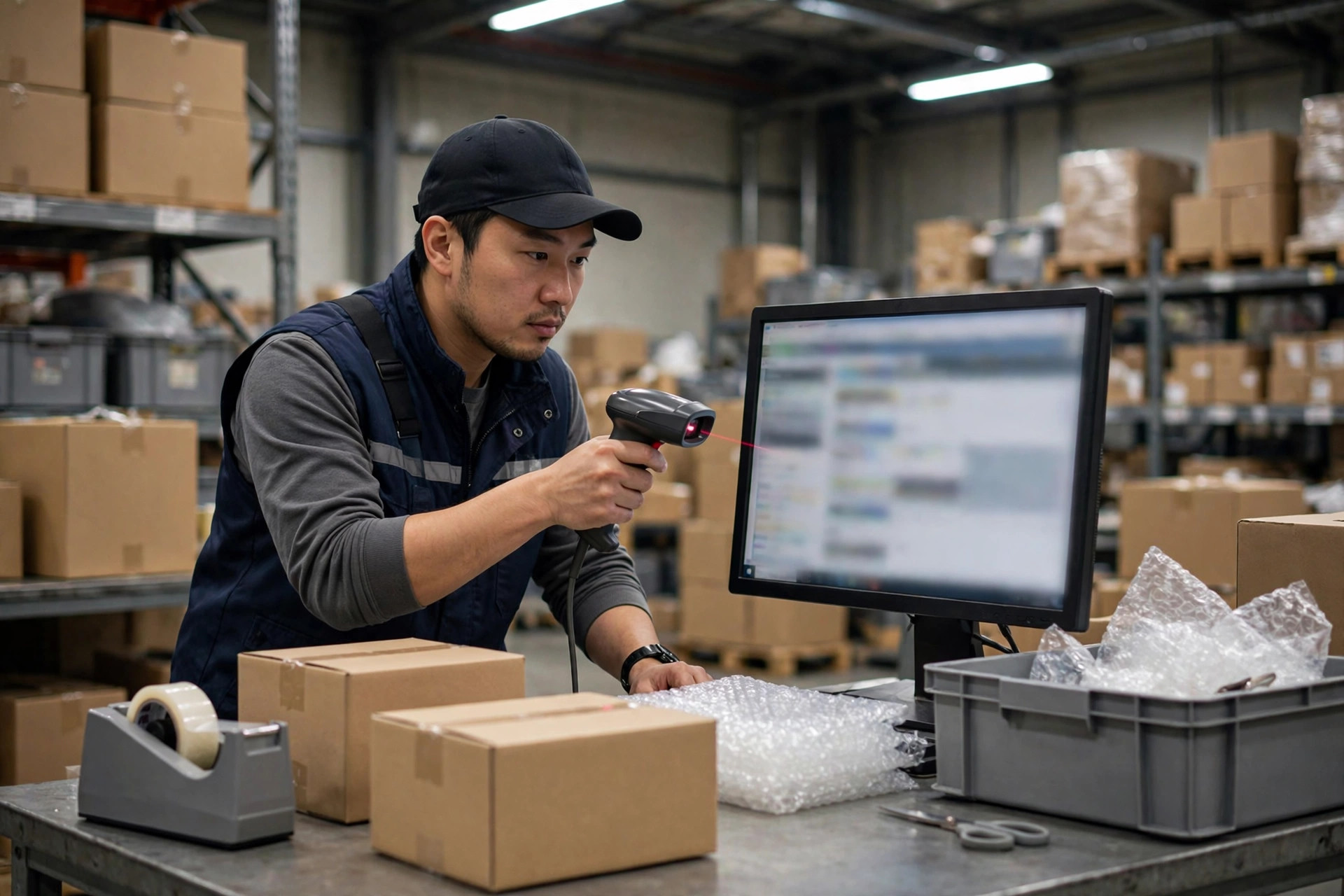
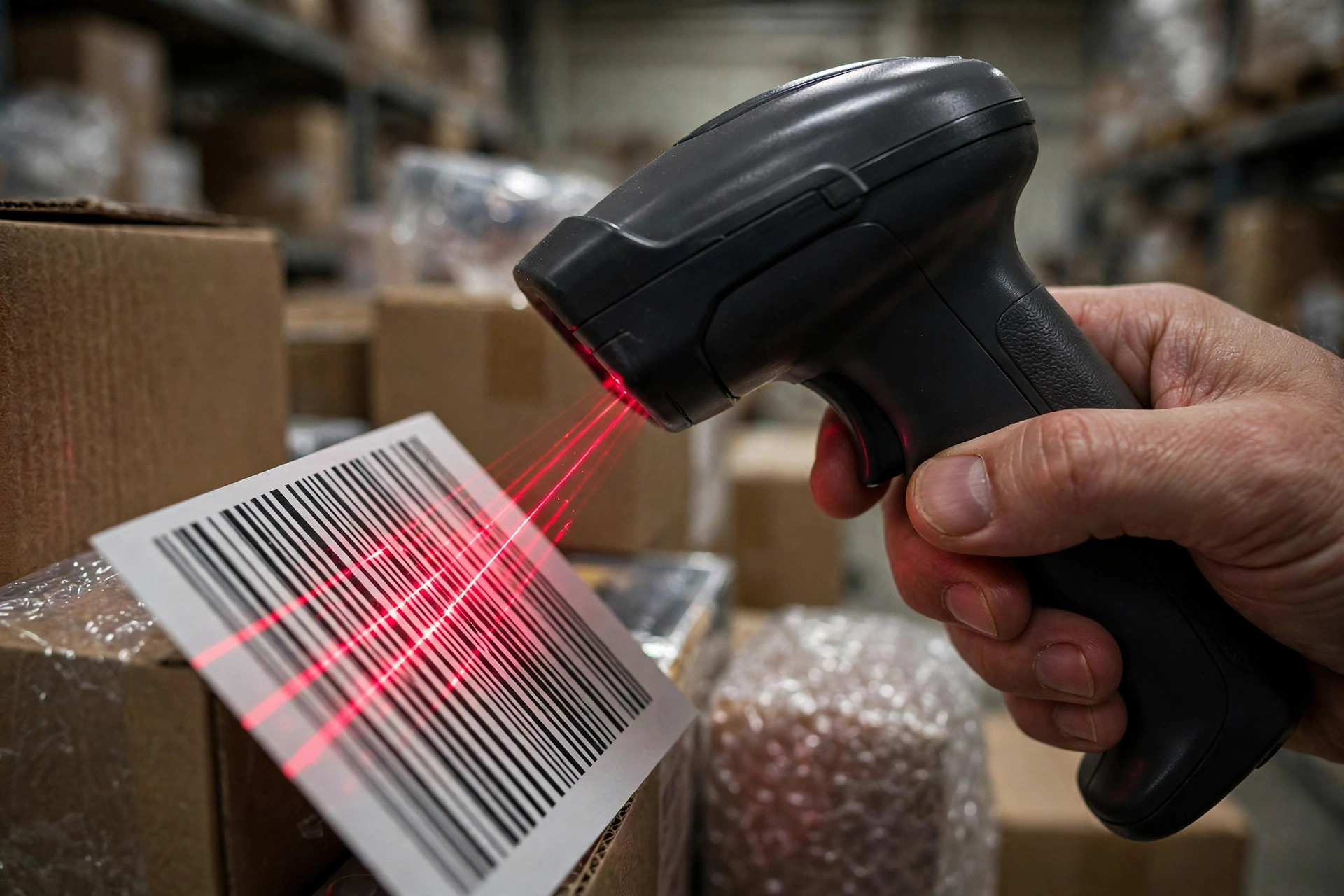
Scanner selection comes down to four words: buy what you need. A corded scanner runs a little over a hundred dollars; Bluetooth runs two to three hundred. The difference is mostly range of motion. In a small warehouse, pickers work right next to the pack station — corded is plenty. The Bluetooth premium buys convenience, not efficiency. 1D or 2D? Look at the barcodes you actually handle. If your suppliers all ship 1D barcodes, paying double for 2D scanners is pure waste. But if you're scanning QR codes on shipping labels or planning QR-coded bin labels down the road, buying 2D once can make sense. The order matters: look at your barcodes first, then decide what to buy — not the other way around.
Same logic for label printers: a thermal printer costs a few hundred dollars, and consumables are the ongoing bleed. Watch out for the classic trap — cheap printer, brutally expensive consumables. Price the total, not the first invoice.
Two Clients, Two Endings
Client A: a 3,000-square-foot warehouse doing auto parts, eight hundred-plus SKUs. The owner took my advice and spent two weeks straightening out bin coding, the receiving process, and the cycle-count sheet before buying anything. Then he bought QuickBooks Plus, three corded scanners, and one thermal printer. Hardware plus software, year one, under five thousand dollars total. Two people trained in half a day. He tells me now his mispick rate went from a dozen-plus a month to nearly zero.
Client B: same industry, slightly bigger warehouse. The owner wanted to "do it right the first time" — top-tier software, eight Bluetooth 2D scanners, a paid implementation consultant. Over twenty thousand dollars. The problem: his bin locations are still "Lao Wang remembers where things are," and the system data doesn't match the shelves. Six months later the scanners are gathering dust in a corner and the team is back on Excel plus manual work. The money was spent. The process never changed.
Here's the counterintuitive truth, and I'll stake a hundred signed contracts on it: more expensive software is not better software. For a small warehouse, the core of a system rollout is getting the process straight first — how receiving gets checked, how bins get coded, what order picking runs in, how often you count. With the process straight, a few-thousand-dollar QuickBooks-plus-scanners combo punches far above its weight. With a messy process, the most expensive system on the market will only fossilize the mess into "systematized mess." A system's job is to lock in a good process, not to invent one for you.
Next time you negotiate an integration, ask these three questions. One: for my SKU count and order volume, is this version enough — and when would I be forced to upgrade? Two: does the quote include training and the year-two renewal — not just the first-year price? Three: if it doesn't work out in six months, can I export my data and switch systems? Ask those three, and they'll know you're not an easy mark.
By Susan, 3PL Sales Director