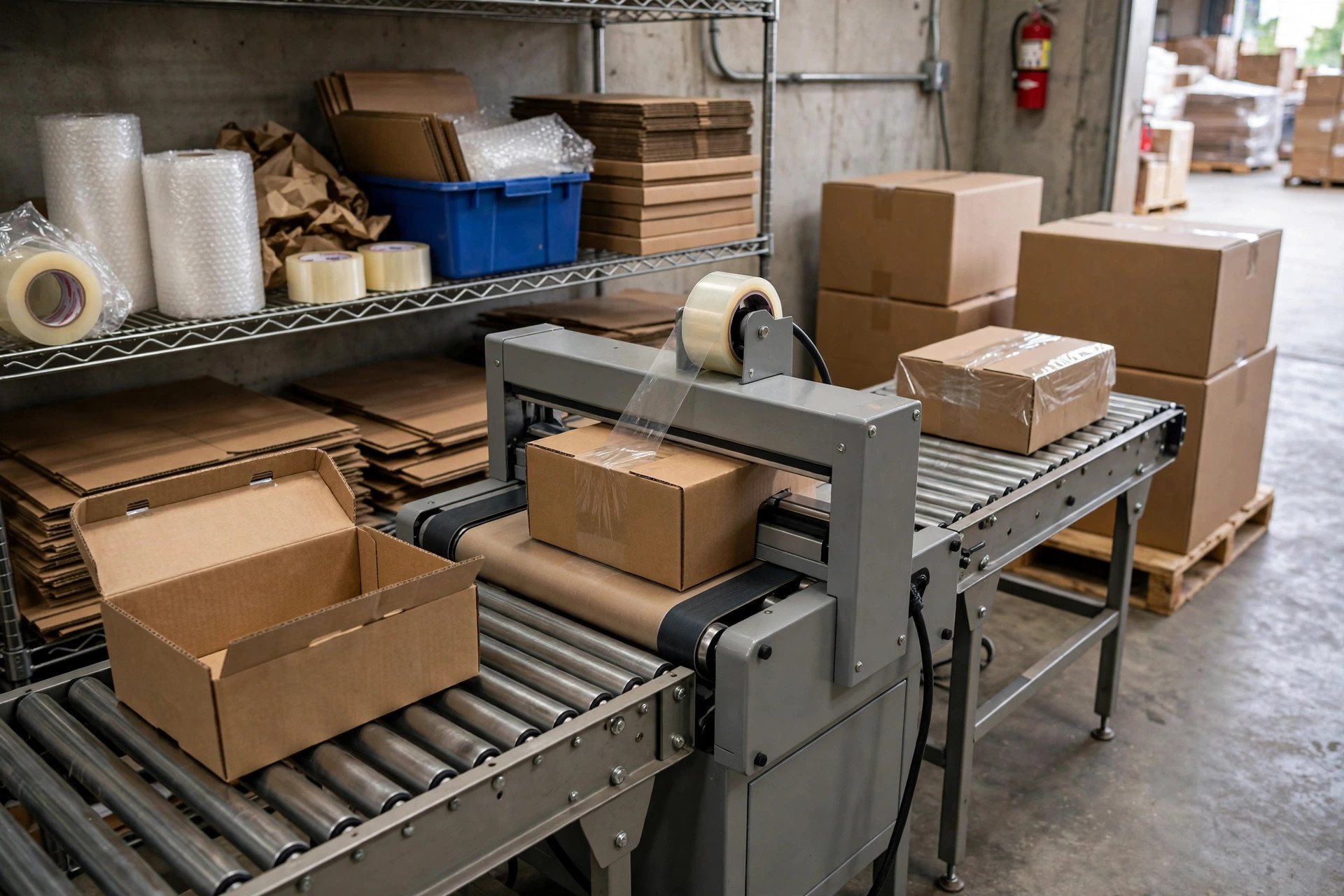
The phone rang at 2:12 AM. Our night shift supervisor was shouting: "The case sealer jammed again — third time tonight, the whole line is down."
Driving to the warehouse, I was already doing the math in my head: a packing line standing still, dozens of people with nothing to do, and a supervisor whose mood was worse than the tangled tape. Same machine, three jams in one night — that's not bad luck. That's neglected maintenance.
This was last fall, at a 3PL warehouse in Fontana handling small home appliances. Their case sealer was five or six years old. During the day it jammed once in a while, and operators just poked at it until it behaved. Nobody took it seriously. Then peak season hit, the night shift ran around the clock, and the machine started jamming three times a night. I got there that night and spent the better part of an hour working through three problems one by one. It never called me at 2 AM again.
A case sealer looks like a dumb chunk of steel, but it's fussier than it looks. After all these years, I've found that field jams come down to the same three failures, over and over: tape wandering off track, a cutter that won't cut, and cases getting stuck at the infeed. Here's how to chase each one down in five minutes.
Tape Wandering Off Center: Check the Rollers First, Then the Roll
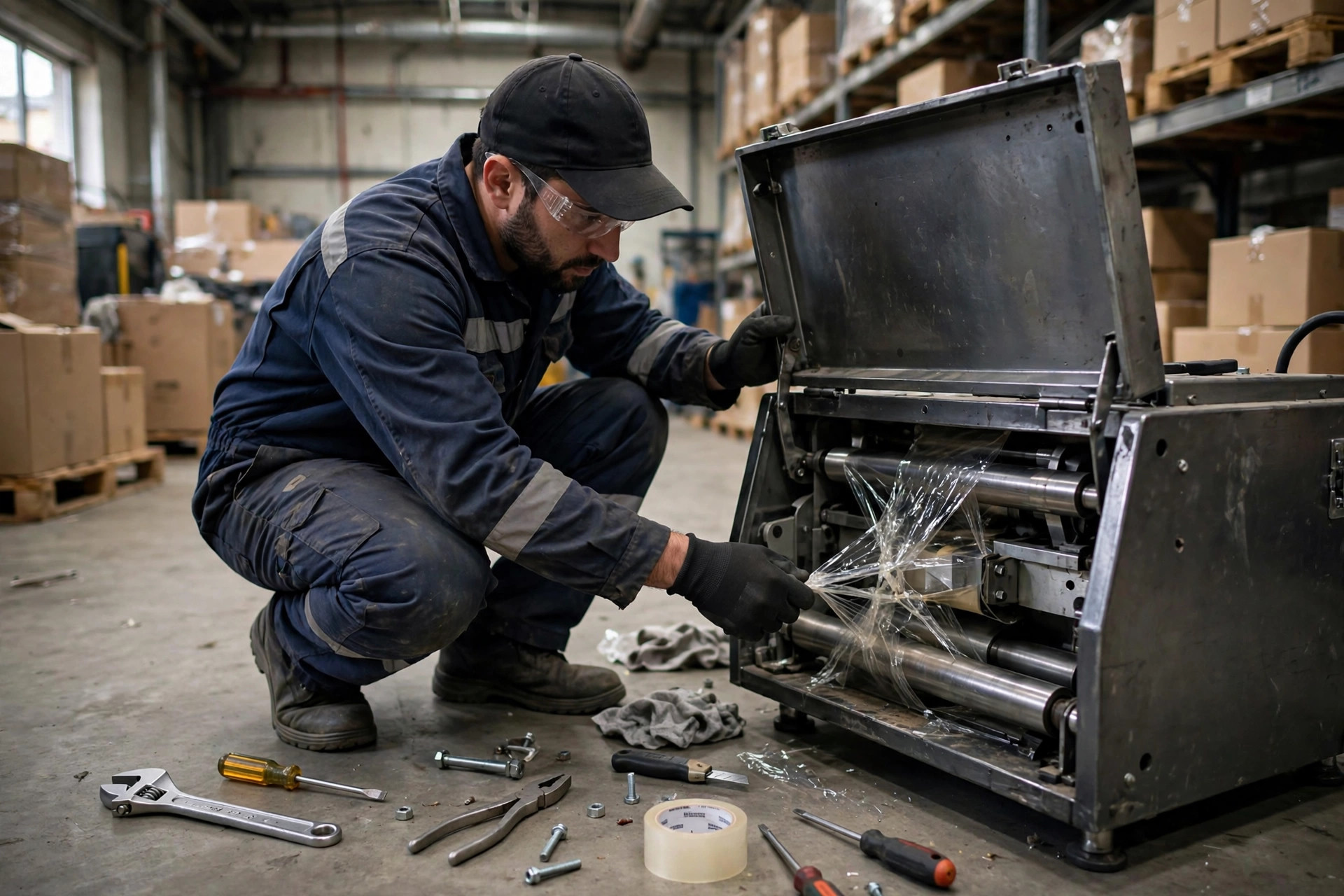
This is the most common one. The symptom is easy to spot: tape lands off-center on the top of the case, and when it gets bad, it folds over and sticks to the conveyor belt, wrapping tighter and tighter until the whole roll turns into a knot.
Three usual root causes. First, the guide rollers and tension rollers. Tape residue builds up on them, or the bearings wear out, so they turn rough — and the tape drifts. Second, the tape roll itself is loaded wrong: crooked, or backwards with the adhesive side facing the wrong way. If the tape starts crooked at the source, no amount of roller adjustment will fix it. Third, the taping head isn't level — high on one side, low on the other, and the tape slides downhill.
The five-minute field check: stop the machine first — never reach in while it's running. Step one, look at where the tape rides on the guide rollers. It should run dead center; if it doesn't, something's off. Step two, spin the tension roller by hand. If it feels gritty or hops, it's either gummed up or the bearing is shot — clean it and try again, replace it if that doesn't work. Step three, take the tape roll off and reload it, confirming the adhesive side faces the right way per the manual, seated straight and snug. Step four, put a level across the taping head and check both sides.
The worst case I ever saw: a tape roll loaded backwards, and the operator spent two days adjusting rollers, making it worse every time. Reloading the roll took thirty seconds. So remember the order: roll first, rollers second, level last.
The Cutter Won't Cut: The Blade Isn't Always the Problem
Second most common failure: the case comes out with a long tail of tape dragging behind it, and the operator has to trim every box with scissors. At a few thousand cases a day, that's a full-time scissor job.
Most people's first instinct is to replace the blade. Hold on. A cutter that won't cut has three possible causes: a genuinely dull blade, a weak return spring on the blade holder, or adhesive buildup caked on the blade. The third one is the most common and the most overlooked — residue builds up so thick it's like the blade is wearing a sweater. No edge cuts through that.
Before you touch anything: lock out the power. I'll say it three times — power off, power off, power off. A cutter blade doesn't look dangerous until it opens up your finger. With power off, drag a fingernail lightly across the edge. If you feel it rolled or burred, the blade is truly dull — replace it. Then wipe the blade down with an alcohol cloth and get all the residue off. Plenty of "dull blades" cut like new after a cleaning. Finally, press the blade holder and watch the spring snap back. If it's sluggish, tighten it; if the spring is fatigued, replace it — it's a part that costs next to nothing.
Blades are consumables. Don't baby them. A small operation might go months on a blade; a high-volume line might need a check every few weeks. My habit: inspect the edge weekly, and replace at the first sign of rolling or residue that won't wipe off. A blade costs pocket change; the labor wasted on trimming tape tails every day does not.
Cases Stuck at the Infeed: Measure the Box Before Blaming the Machine
The third failure is the most infuriating: a case reaches the sealer infeed and wedges between the side guides. The drive belts slip and spin, the case won't go in and won't come out, and the whole line backs up.
Eight or nine times out of ten, this isn't the machine's fault — it's the box's fault. The corrugated supplier changed lots, and dimensions drifted: a few millimeters taller, a few millimeters wider, while the machine is still set for the old size. Or the operator switched to a different case size and forgot to reset the side guides and hold-down pressure — the new case is wider than the old one and jams solid.
The fix is low-tech but it works: grab a tape measure, measure the actual length, width, and height of the current lot, and compare against the machine's settings. If they don't match, adjust the machine — don't argue with it. Then check the gap between the case wall and the guides. A few millimeters of play on each side is the sweet spot: zero clearance guarantees a jam, too much lets the case wander and the seal goes crooked.
One trap worth flagging: corrugated swells with moisture. In rainy season, or in a humid warehouse, boxes sitting for a few days can pick up a few millimeters in width, and guides that were set perfectly start grabbing. So don't set guide clearance at the absolute minimum — leave some margin, especially when the seasons change.
Repair or Replace: My Three Rules
That's the three failures. Now the part people skip: prevention. A case sealer is seven parts maintenance, three parts repair. My preventive list is short. End of every shift: wipe tape residue off the guide and tension rollers — two minutes. Weekly: inspect the cutter edge. Monthly: check belt tension and wear, verify the taping head is level, retighten fasteners. Lubrication and air-line draining, for pneumatic models, on the manual's schedule — don't invent your own.
Replace wear parts before they die. Blades, tension rollers, belts — they're consumables. Running them until they fail means the downtime costs you many times what a spare would have. I keep a spare blade set and a spare belt on the shelf at every site. They take up no space and they've saved shifts.
So when do you stop repairing and buy a new machine? My three rules. One: the frame is bent or welds are cracked — you'll never get the precision back, and it'll jam forever. Replace. Two: the repair quote passes half the price of a new machine — the money isn't worth it. Replace. Three: the machine can't keep up with your volume anymore, or it's jamming three times a day even after proper repairs — its life is over. Replace.
Here's my verdict: when a case sealer jams, it's a maintenance problem eight or nine times out of ten, not a machine quality problem. The machine isn't conspiring against you at 2 AM. It's telling you, the only way it can, that somebody skipped wiping the rollers, skipped replacing the blade, or skipped measuring the boxes.
Next time the sealer jams, don't rush to call maintenance. Take five minutes: check the rollers, check the blade, measure the box. Those three steps clear the large majority of field jams. Call for help with whatever's left — but there usually isn't much left.